Travel Route Journey Video Map
ダウンロード: App Store

このページはアプリまたはその開発者の公式ページではなく、情報提供および論評を目的として作成された独立した編集出版物です。明示的に別段の記載がない限り、アプリおよびその開発者は、MWM、Apple、Google Play、アプリのパブリッシャー、またはアプリの開発者と提携、承認、後援、認可、またはその他の公式的な関係はなく、このページのいかなる内容も、アプリがMWMのサービスを使用して開発されたことを意味するものではありません。すべての商標、ロゴ、スクリーンショット、その他のコンテンツはそれぞれの所有者の財産です。


ロゴ: Travel Route Journey Video Map
ダウンロード: App Store

Travel Route Journey Video Map

旅行ルートをInstagramやTikTok向けの素晴らしいマップアニメーションに変換しましょう。週末のロードトリップからグローバルツアーまで、あらゆる道を数秒で共有する価値のあるストーリーに変えましょう。

主要数値

ダウンロード

600

ユーザー評価

1.0/5

評価数

0

開発元

Onevly

カテゴリ

Photo & Video

対応言語

13

最新バージョン

2.0.0

サイズ

17.9 MB

リリース日

2025年6月26日
機能

あなたの旅をバイラルストーリーに変える

プロレベルのマップアニメーションを作成して、編集スキルゼロであなたの旅を驚くほど詳細に表現しましょう。

あなたのシグネチャーライドを選択

ヴィンテージカーから洗練された飛行機まで、あなたのユニークな旅行スタイルと移動手段を表す完璧な3Dモデルを選びましょう。

すべてのマイルストーンをマッピング

旅程に複数の経由地を簡単に追加して、ロードトリップや国際線の全規模を捉えましょう。

以下のスクリーンショットと説明は、アプリの公式ストアリスティングから直接取得されたものであり、アプリ開発者の所有物です。

アプリストア

スクリーンショット
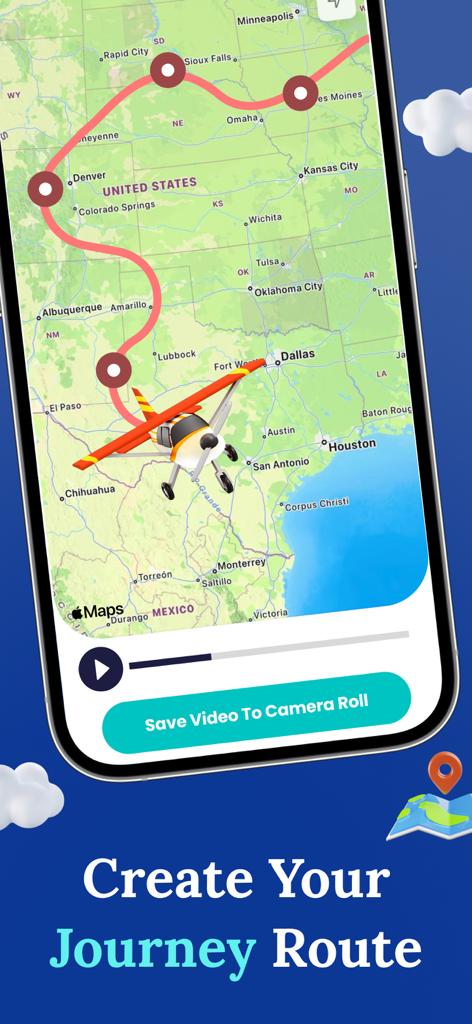
Travel Route Journey Video Map - アメリカ合衆国の地図上にアニメーション化された旅行ルートが表示されているモバイルアプリのインターフェース。おもちゃの飛行機のアイコン付き。
アメリカ合衆国の地図上にアニメーション化された旅行ルートが表示されているモバイルアプリのインターフェース。おもちゃの飛行機のアイコン付き。

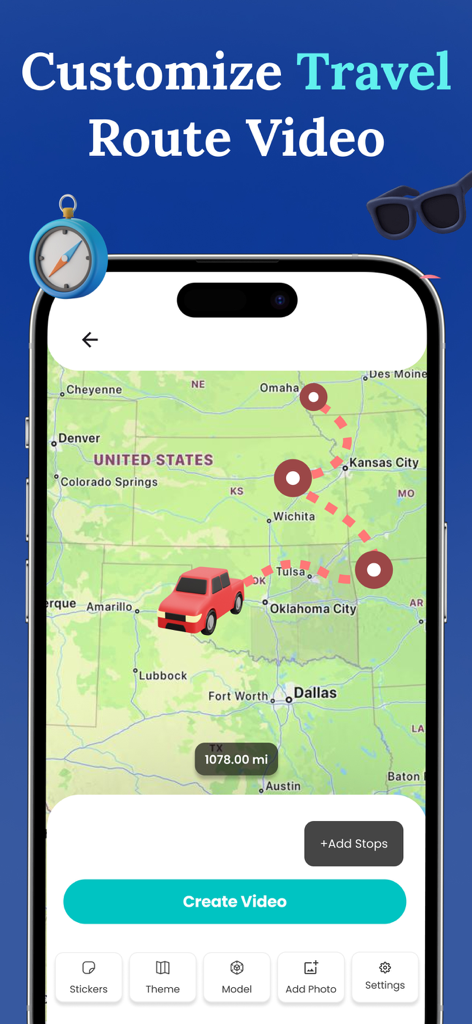
Travel Route Journey Video Map - 赤いトラックと点線で示された移動経路を持つ、アメリカ合衆国のカスタマイズ可能な旅行ルートマップが表示されたモバイルアプリのインターフェース。
赤いトラックと点線で示された移動経路を持つ、アメリカ合衆国のカスタマイズ可能な旅行ルートマップが表示されたモバイルアプリのインターフェース。

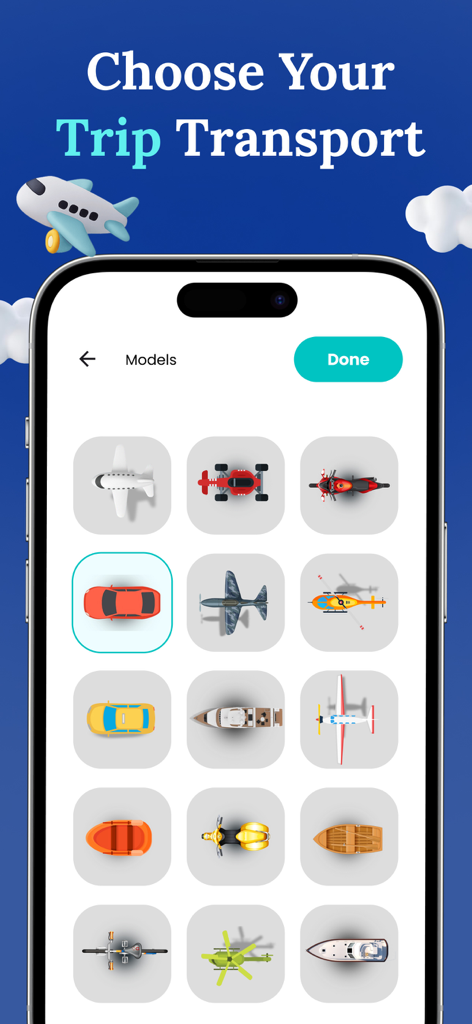
Travel Route Journey Video Map - 旅行ルートアニメーションビデオ用の飛行機、車、ボートなどの移動手段アイコンの選択肢が表示されているモバイル画面。
旅行ルートアニメーションビデオ用の飛行機、車、ボートなどの移動手段アイコンの選択肢が表示されているモバイル画面。

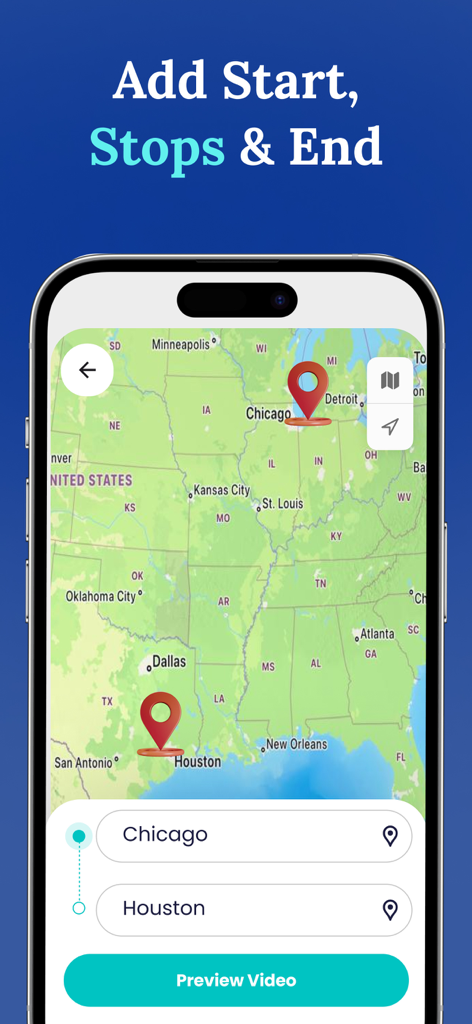
Travel Route Journey Video Map - シカゴからヒューストンまでの旅行ルートが地図上に表示され、ピンと目的地入力フィールドが表示されているモバイルアプリのインターフェース。
シカゴからヒューストンまでの旅行ルートが地図上に表示され、ピンと目的地入力フィールドが表示されているモバイルアプリのインターフェース。

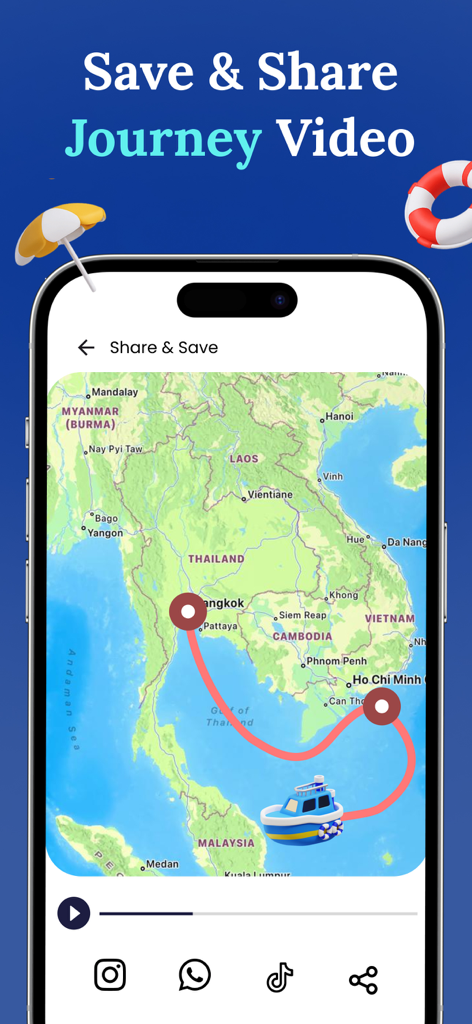
Travel Route Journey Video Map - 東南アジアのルート上の船旅を示すアニメーション化された旅行マップ。ソーシャルメディア共有アイコン付き。

東南アジアのルート上の船旅を示すアニメーション化された旅行マップ。ソーシャルメディア共有アイコン付き。

説明

Create your travel route video using travel route animator app. Turn routes in to stories with travel route map video maker. Travel route animator helps you create stunning travel route and maps videos. Make travel memory of your journey through my travel route animator app. Experience creating travel route map video with any of your start and destination points. Travel animator provides the ultimate customizations for creating the best travel route animation videos. Want to share your travel route video with world? Get the travel animator app to quickly create the route animation videos. Travel route animator helps you bring your journeys to life by transforming your travel routes in to map animation videos. Make journeys more memorable and interesting with Travel map animator. Experince the travel route app and start animating the adventures. Journey map animation provides you the best features to create the perfect journey route map video. How to use? 1. Get the Travel route animator app 2. Select the start point and end point destination 3. You can add multiple stops 4. Choose the model 5. Export, save and share the travel route animator video Show your journey to the world, get the travel animator app to instantly create the travel route map videos. Preserve your journeys as shareable video clips and turn all your journey routes in to animations. From weekend road trip to the world trips, bring your paths to life and share them on social media among friends. Key features - Quickly create the perfect travel route animation - Collection of models, stikcers and maps to choose from - Helps creating smooth and appealing travel map videos - Show distance travelled along with animation - Adjust video duration and resolution video - Select desired model size and route lines - Add your own photos to make it appealing - Save , share and reacces your travel route videos Additional purchase is required to access the premium features Premium Features Include: - Unlimited travel route video creations - Ads free experience Travel Route Journey Video Map app offers the following auto-renewing - weekly subscription with 3 days free trail at $2.99 USD - Monthly subscription at $5.99 USD For users outside the U.S subscription costs may vary based on your country and will be converted to your local currency. When you confirm your purchase, payment will be charged to your iTunes account. Your subscription will renew automatically each week unless you turn off auto-renewal at least 24 hours before the current subscription period ends. To manage or cancel your subscription, visit your device’s iTunes Account Settings after purchase. Renewal charges are applied within 24 hours before the subscription expires, and you’ll see the renewal cost at that time. Privacy Policy: https://www.onevly.com/ios/privacypolicy.html Terms of Use: https://www.onevly.com/ios/termsofuse.html

Download

ダウンロード: App Store

このページはアプリまたはその開発者の公式ページではなく、情報提供および論評を目的として作成された独立した編集出版物です。明示的に別段の記載がない限り、アプリおよびその開発者は、MWM、Apple、Google Play、アプリのパブリッシャー、またはアプリの開発者と提携、承認、後援、認可、またはその他の公式的な関係はなく、このページのいかなる内容も、アプリがMWMのサービスを使用して開発されたことを意味するものではありません。すべての商標、ロゴ、スクリーンショット、その他のコンテンツはそれぞれの所有者の財産です。








