Triangle Calculator Plus
ダウンロード: App Store

このページはアプリまたはその開発者の公式ページではなく、情報提供および論評を目的として作成された独立した編集出版物です。明示的に別段の記載がない限り、アプリおよびその開発者は、MWM、Apple、Google Play、アプリのパブリッシャー、またはアプリの開発者と提携、承認、後援、認可、またはその他の公式的な関係はなく、このページのいかなる内容も、アプリがMWMのサービスを使用して開発されたことを意味するものではありません。すべての商標、ロゴ、スクリーンショット、その他のコンテンツはそれぞれの所有者の財産です。


ロゴ: Triangle Calculator Plus
ダウンロード: App Store

Triangle Calculator Plus

面積、角度、高さを簡単に計算できる、学生やDIY愛好家向けの究極のツール。視覚的な結果とワンタップコピーで、数秒で完全な精度を得られます。

主要数値

ダウンロード

200

ユーザー評価

1.0/5

評価数

0

開発元

Heng Jia Liang

カテゴリ

Utilities

対応言語

1

最新バージョン

1.1

サイズ

8.8 MB

リリース日

2022年5月13日
機能

数秒でどんな三角形も解決

学生やDIYクリエイターが、瞬時の計算と視覚的な図で幾何学をマスターするための必須ツールキット。

瞬時の結果

3つの辺のパラメータを入力するだけで、面積、周囲長、すべての内角が自動的に計算されます。

ダイナミックな図

自動生成される三角形の図で結果を視覚化し、宿題の確認や製材の計画に最適です。

以下のスクリーンショットと説明は、アプリの公式ストアリスティングから直接取得されたものであり、アプリ開発者の所有物です。

アプリストア

スクリーンショット
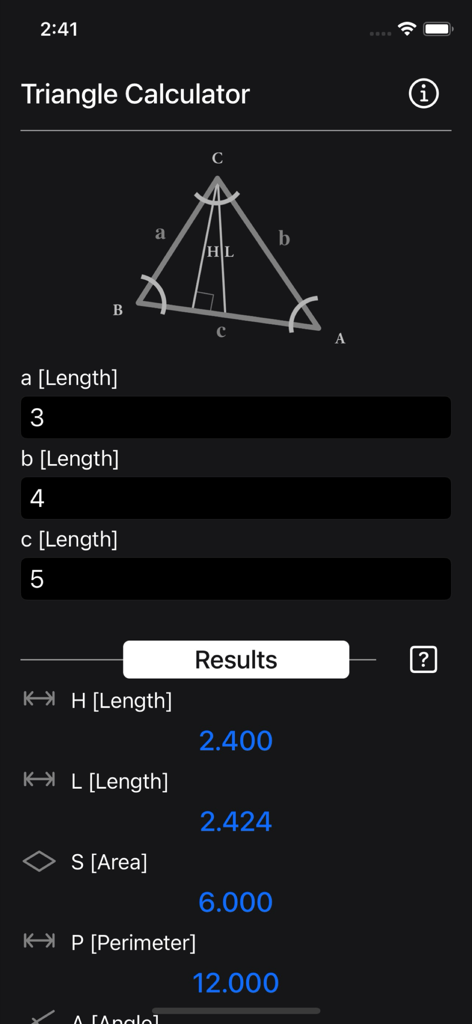
Triangle Calculator Plus - Triangle Calculator Plusアプリのインターフェイス。高さ、面積、周囲長について計算された結果が表示された幾何学図を示しています。
Triangle Calculator Plusアプリのインターフェイス。高さ、面積、周囲長について計算された結果が表示された幾何学図を示しています。

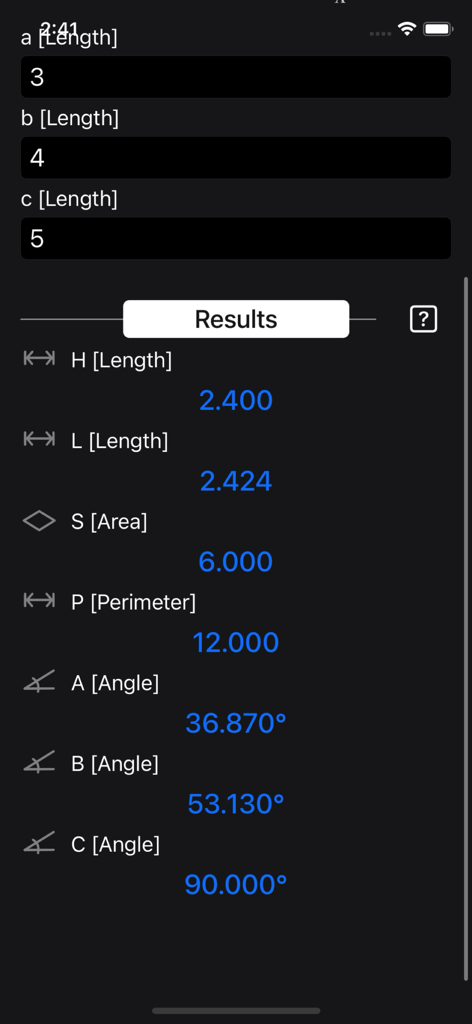
Triangle Calculator Plus - Triangle Calculator Plusインターフェイス。辺の長さが3、4、5の三角形の面積、周囲長、角度を含む計算値が表示されています。
Triangle Calculator Plusインターフェイス。辺の長さが3、4、5の三角形の面積、周囲長、角度を含む計算値が表示されています。

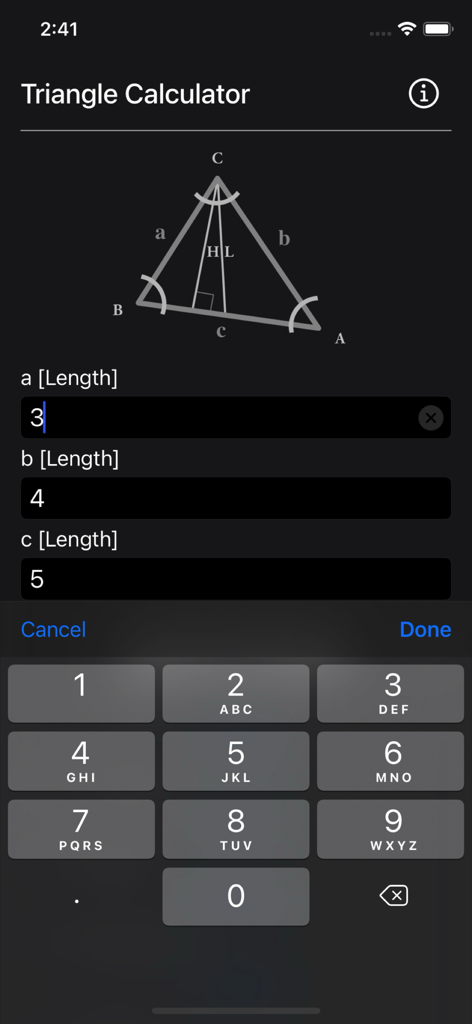
Triangle Calculator Plus - Triangle Calculatorアプリのインターフェイス。幾何学的な参照図とともに、三角形の辺の長さを入力するためのものです。
Triangle Calculatorアプリのインターフェイス。幾何学的な参照図とともに、三角形の辺の長さを入力するためのものです。

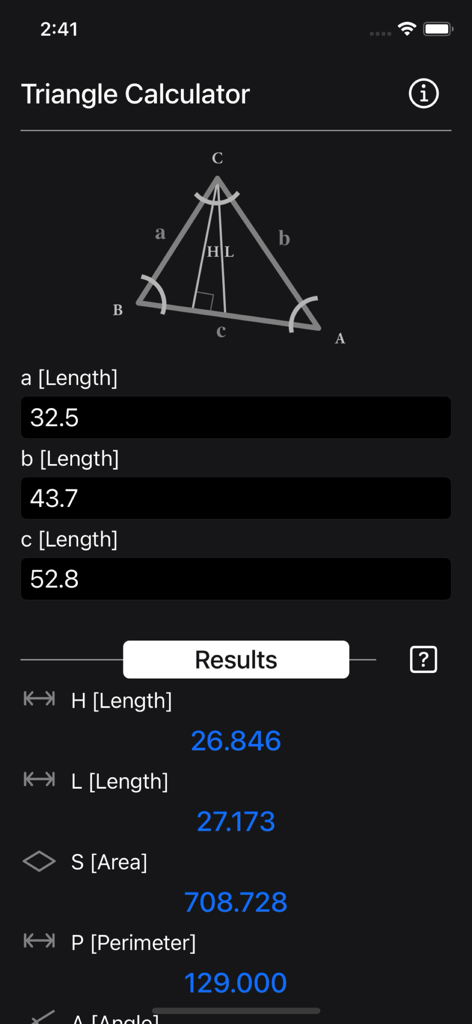
Triangle Calculator Plus - Triangle Calculator Plusの画面ショット。辺の入力に基づいて、高さ、長さ、面積、周囲長について計算された結果が表示された三角形の図を示しています。
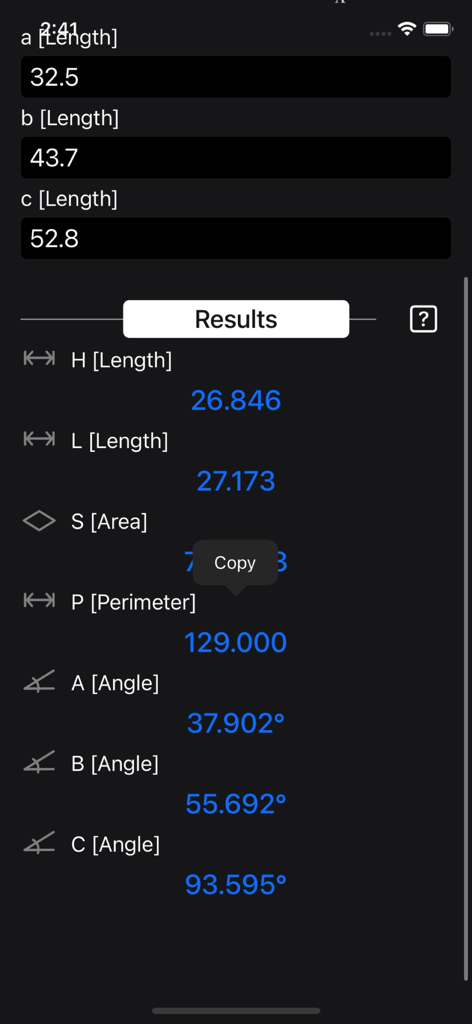
Triangle Calculator Plusの画面ショット。辺の入力に基づいて、高さ、長さ、面積、周囲長について計算された結果が表示された三角形の図を示しています。

Triangle Calculator Plus - Triangle Calculator Plusアプリのインターフェイス。角度と周囲長を含む幾何学計算の結果が表示されています。
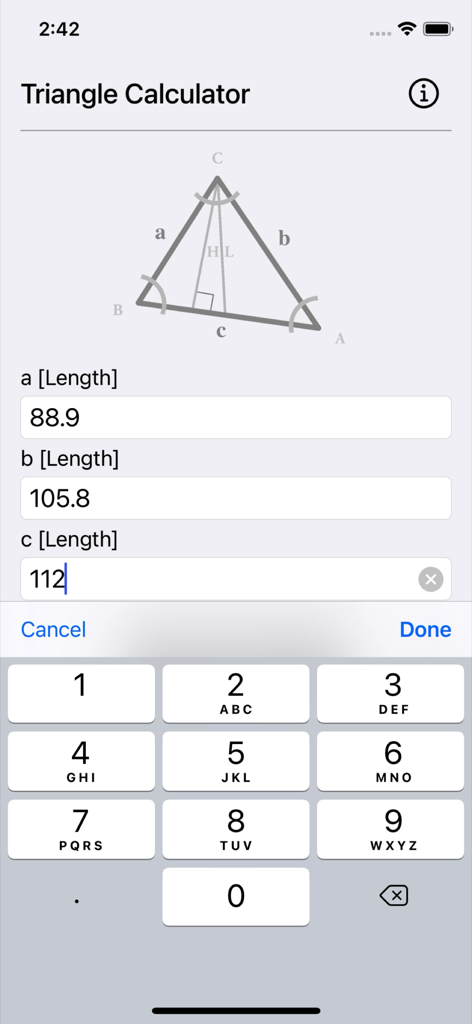
Triangle Calculator Plusアプリのインターフェイス。角度と周囲長を含む幾何学計算の結果が表示されています。

Triangle Calculator Plus - Triangle Calculator Plusアプリのインターフェイス。辺の長さの入力フィールドと幾何学的な三角形の図が表示されています。
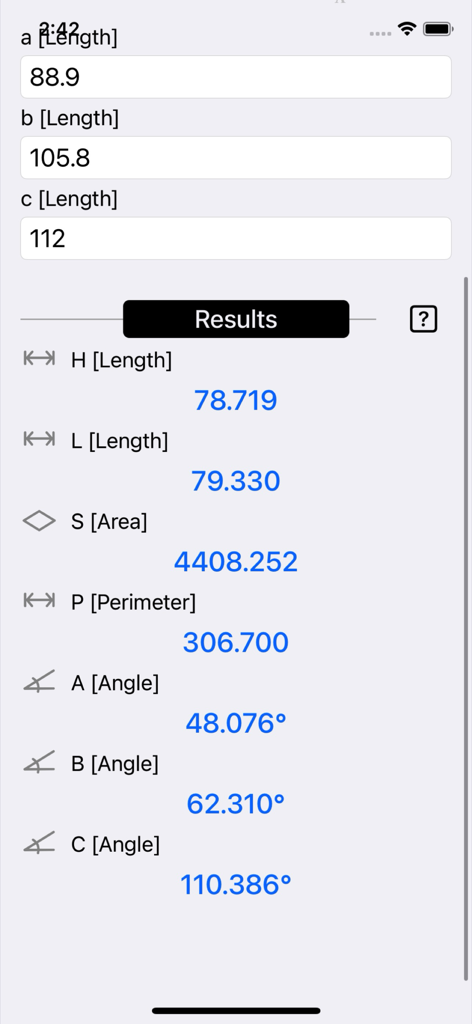
Triangle Calculator Plusアプリのインターフェイス。辺の長さの入力フィールドと幾何学的な三角形の図が表示されています。

Triangle Calculator Plus - Triangle Calculator Plusアプリのインターフェイス。辺の長さと角度の計算結果が表示されています。
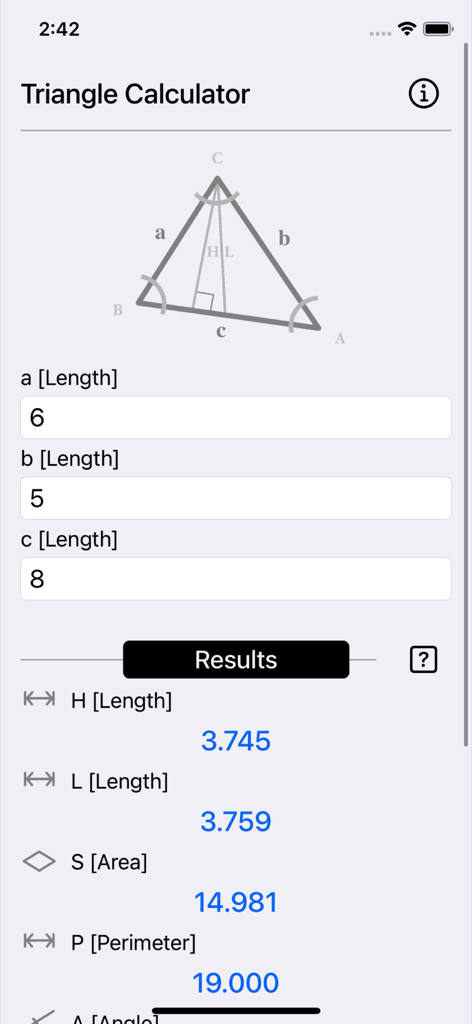
Triangle Calculator Plusアプリのインターフェイス。辺の長さと角度の計算結果が表示されています。

Triangle Calculator Plus - Triangle Calculator Plusアプリのインターフェイス。辺の入力と、面積や周囲長を含む計算された幾何学的な結果が表示されています。
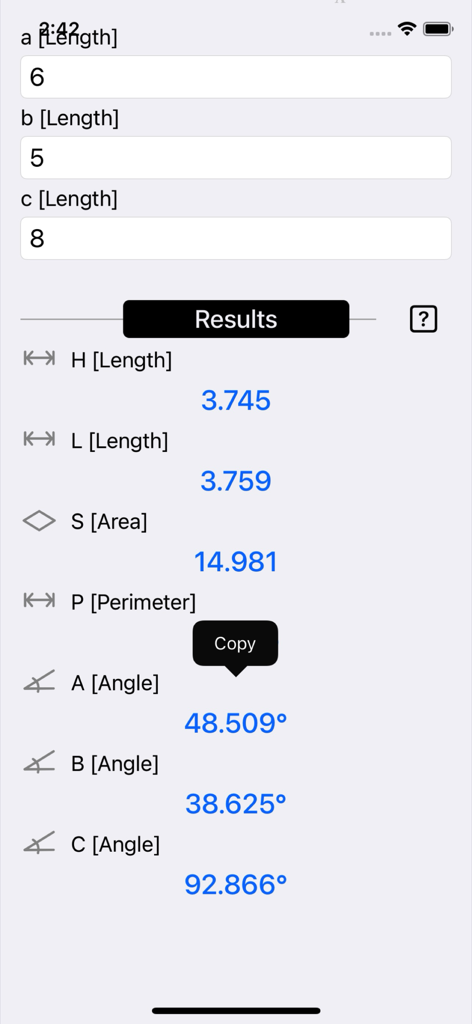
Triangle Calculator Plusアプリのインターフェイス。辺の入力と、面積や周囲長を含む計算された幾何学的な結果が表示されています。

Triangle Calculator Plus - Triangle Calculator Plusインターフェイス。3つの辺の長さに基づいて計算された面積、周囲長、角度の計算値が表示されています。
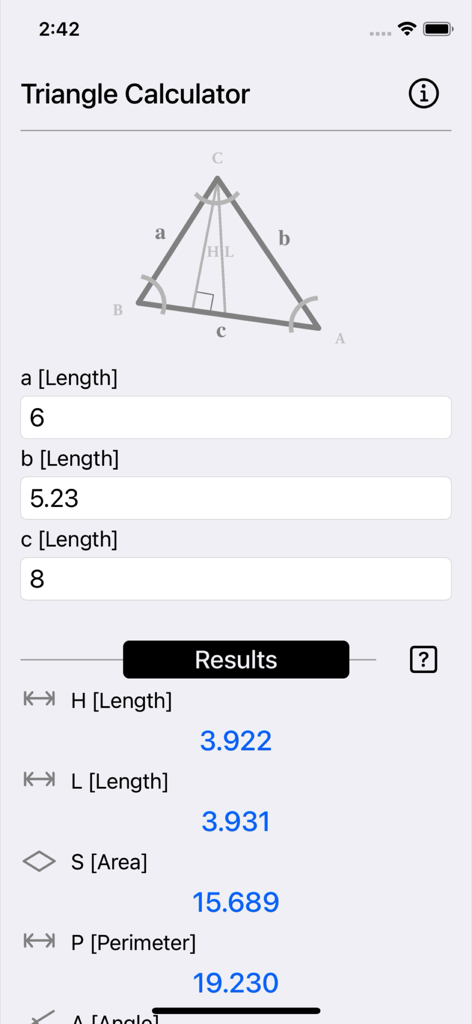
Triangle Calculator Plusインターフェイス。3つの辺の長さに基づいて計算された面積、周囲長、角度の計算値が表示されています。

Triangle Calculator Plus - Triangle Calculator Plusのモバイルアプリインターフェイス。辺の長さの入力と、計算された幾何学的な値が表示されています。

Triangle Calculator Plusのモバイルアプリインターフェイス。辺の長さの入力と、計算された幾何学的な値が表示されています。

説明

Triangle Calculator computes the area, angles, perimeter, angle bisectors, and altitudes of a triangle, as well as generates a diagram of the resulting triangle, given three side input parameters. Triangle vertices are typically labeled A, B, and C. Triangle edges are denoted as a, b, and c, where each letter represents the side opposite the corresponding vertex. That is: • The edge between points A and B is labeled c • The edge between A and C is b • The edge between B and C is a The calculator uses standard geometric formulas as references. For example, S represents the area of the triangle, which can be calculated from the three known sides using Heron’s formula. All results are displayed instantly and can be copied easily. A triangle is a polygon with three vertices. A vertex is a point where two or more lines, curves, or edges meet. In a triangle, the vertices are connected by three line segments called edges. A triangle is usually named by its vertices; for example, a triangle with vertices A, B, and C is denoted as ΔABC. Triangles are commonly categorized based on their side lengths and internal angles. For instance: • A triangle with all three sides of equal length is called an equilateral triangle • A triangle with two sides of equal length is called an isosceles triangle Thanks for your support and do visit nitrio.com for more apps for your iOS devices.

Download

ダウンロード: App Store

このページはアプリまたはその開発者の公式ページではなく、情報提供および論評を目的として作成された独立した編集出版物です。明示的に別段の記載がない限り、アプリおよびその開発者は、MWM、Apple、Google Play、アプリのパブリッシャー、またはアプリの開発者と提携、承認、後援、認可、またはその他の公式的な関係はなく、このページのいかなる内容も、アプリがMWMのサービスを使用して開発されたことを意味するものではありません。すべての商標、ロゴ、スクリーンショット、その他のコンテンツはそれぞれの所有者の財産です。








