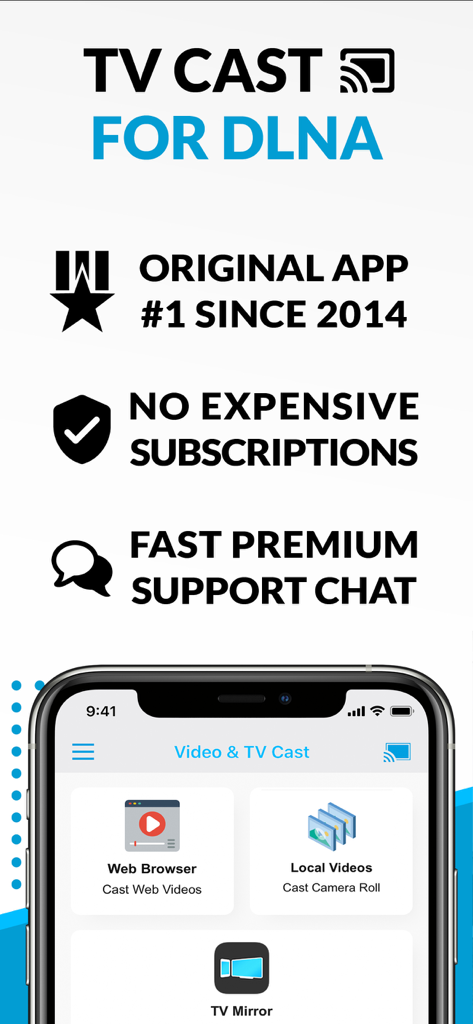
TV Cast for DLNA Smart TV

TV Cast for DLNA Smart TV

ダウンロード: App Storeダウンロード: Google Play
ロゴ: TV Cast for DLNA Smart TV

DLNAスマートTV向けTVキャスト:あらゆるウェブ動画をあなたの大きな画面にストリーミング

コードカット愛好家のための究極のソリューション。オンライン映画、ライブスポーツ、個人的なメディアをiPhoneやiPadからSamsung、LG、Sony TV、またはXboxに簡単にキャストできます—追加のハードウェアは必要ありません。

開発元

Kraus und Karnath GbR 2Kit Consulting

カテゴリ

Photo & Video

ダウンロード

557K+

ユーザー評価

3.5/5

評価数

1K+

対応言語

1

アクションの片鱗

このインターフェースを利用する 557K+ 人のユーザー.

DLNAアプリ向けTVキャストのスクリーンショット。ウェブ動画キャスト、ローカル動画ストリーミング、TVミラーリングオプションを備えています。
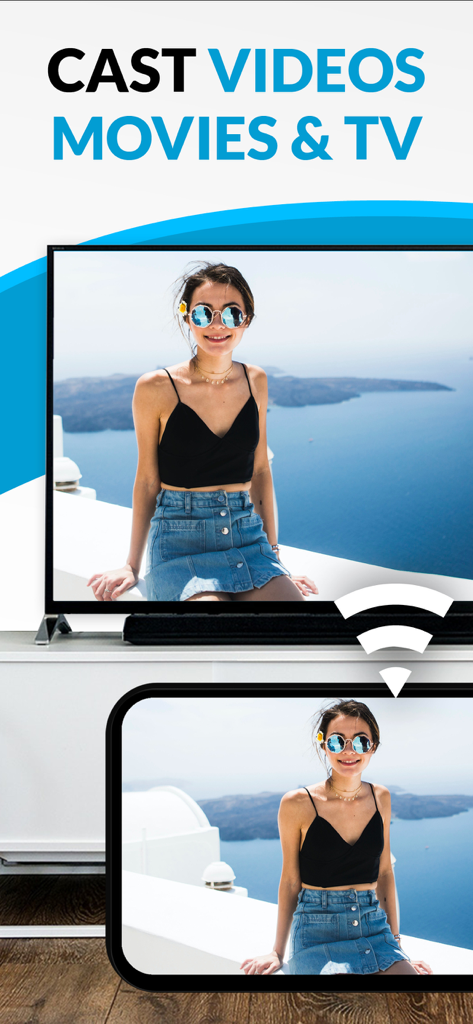
DLNAアプリ向けTVキャストのスクリーンショット。ウェブ動画キャスト、ローカル動画ストリーミング、TVミラーリングオプションを備えています。

TVキャストアプリを使用して、モバイルデバイスからスマートTVに写真をキャストしています。
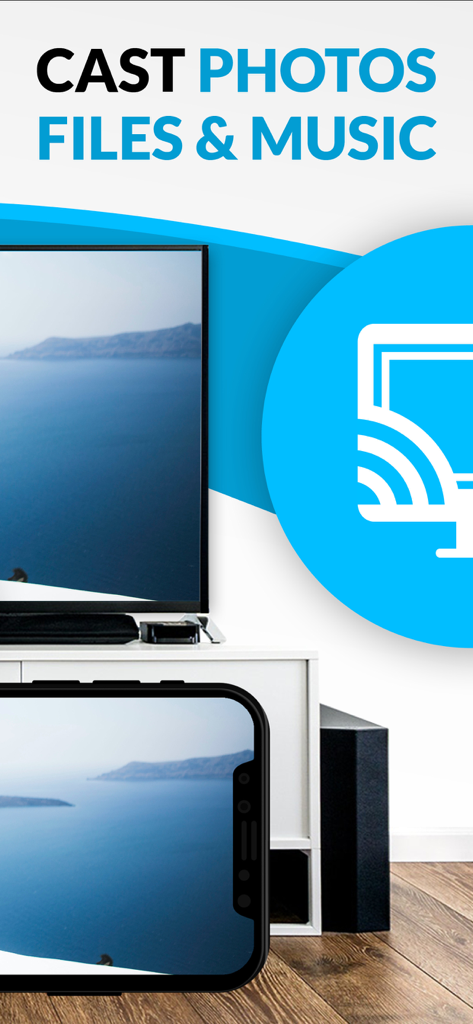
TVキャストアプリを使用して、モバイルデバイスからスマートTVに写真をキャストしています。

大型スマートTV画面にキャストされている海岸の風景を示すiPhone画面

大型スマートTV画面にキャストされている海岸の風景を示すiPhone画面

テレビの可能性を最大限に引き出す

このアプリを際立たせるツール、 557K+ 人のユーザーが選択.

🌐

ユニバーサルウェブストリーミング

あらゆるウェブサイトを閲覧し、テレビにネイティブアプリがないニッチなスポーツ、ライブニュース、またはウェブ限定映画をキャストします。

📶

ハードウェア不要の接続

130ドルのApple TVはスキップしましょう。既存のSamsung、Sony、またはLGスマートTVをシンプルなワンタップ接続でパワフルなデバイスに変えましょう。

🛡️

広告なしの視聴体験

邪魔なウェブポップアップをブロックし、プライベートなiCloudの思い出やDropboxの動画を、中断なしで完全なプライバシーでキャストします。

アプリについて

について知っておくべきこと TV Cast for DLNA Smart TV.

説明

Watch webvideos, online movies, live tv streams and your personal photos, videos & music on your DLNA powered TV, video game console or blu-ray player. Enjoy the show on your big screen. Browse the web and stream your favorite webvideo or online TV show on a DLNA player like Hisense TV, Grundig TV, Samsung TV, LG TV, Sony TV, Philips TV, Toshiba TV, Panasonic TV, Xbox 360, Xbox One, EZCast, WD TV, Kodi (XBMC), SONOS and many other devices that use DLNA / UPnP / AllShare. Please try the free app version to check if your specific DLNA player is supported. Mp4, m3u8, hls live streaming, video over https and of course Full HD are supported. And there is no time limit at all! Just open Video & TV Cast, navigate to a website, wait for video link detection and send the video with a single tap to your DLNA player. The discovered link is shown below the browser. A tap on the link will start the show. * The app only works with a DLNA player that is capable of "media rendering". * Sony Bravia TVs: Please enable the renderer function of your TV to enable casting. See http://bit.ly/1VKM60A * iTunes movies, Flash video and DRM protected videos like Amazon Prime, Netflix, Hulu, Vudu, DirecTV, Xfinity, HBO now are not supported! * Please test your favorite videos with the free edition before upgrading! * Please use the hardware remote of your DLNA player to forward, rewind and pause a running video. * The app streams only the video part of a website and not the whole website content (No screen or tab mirroring!). * Sometimes it is necessary to play the video on your iPad or iPhone first before it gets discovered by the app for streaming. It may also be neccessary to try it multiple times until it works on your specific DLNA player. * If a video does not cast, please check the FAQ on the app startpage. FAQ did not help? Please drop us a mail and give us the chance to help you before leaving a negative comment on the App Store. We will try to add support for that website as soon as possible. >>> UPGRADE FEATURES (available as in-app purchases) * Premium Edition: Unlocks all of the features listed here. Also future features are included, so you do not have to pay for them when they are released in an updated app version. * Personal Media: Cast unlimited personal photos, videos and music directly from your device or from cloud services like iCloud and Dropbox. * Ad-Blocker: Blocks ads & popups on most websites and removes the sponsoring ads from the app. You can update and enable/disable ad-blocking at any time in the settings. * Bookmarks: Save unlimited website bookmarks. Synchronize and transfer them between different TV Cast apps and iOS devices by using backup and restore via iCloud. * Desktop Mode: Change the browser user-agent and cloak your iPhone/iPad as a desktop PC to load the desktop website instead of a mobile website. Please note that this will NOT enable video casting on websites that serve Flash videos in desktop mode. * Change Homepage: Set your personal homepage in the settings. >>> A MESSAGE FROM THE DEVELOPERS Please note that this app may not work with all DLNA devices out there. But we are working hard to improve this app with every update. Your feedback will drive our work ahead and you’ll see improvements and new features in the next update. Please send your feedback to info@video-tv-cast.com Disclaimer: This app is not affiliated with the Digital Living Network Alliance or any other trademark mentioned here.

最新バージョン

3.6

サイズ

41.4 MB

リリース日

2015年4月9日

あなたの大きな画面で何でも視聴する準備はできましたか?

ホームシアターをアップグレードした55万人以上のコードカット愛好家に加わりましょう。ウェブ動画、個人的な写真、ライブストリームをスマートTVにワンタップで直接キャスト—追加のハードウェアは必要ありません。

ダウンロード: App Storeダウンロード: Google Play

App information, icons, screenshots, and descriptions displayed on this page are sourced from the Apple App Store and are the property of their respective developers. Download estimates and rankings are based on MWM's proprietary models and may not reflect actual figures. This page is provided for informational and analytical purposes only.

Believe this page infringes your intellectual property? File a dispute