Unzip: Zip File Opener, Unrar
ダウンロード: App Store

このページはアプリまたはその開発者の公式ページではなく、情報提供および論評を目的として作成された独立した編集出版物です。明示的に別段の記載がない限り、アプリおよびその開発者は、MWM、Apple、Google Play、アプリのパブリッシャー、またはアプリの開発者と提携、承認、後援、認可、またはその他の公式的な関係はなく、このページのいかなる内容も、アプリがMWMのサービスを使用して開発されたことを意味するものではありません。すべての商標、ロゴ、スクリーンショット、その他のコンテンツはそれぞれの所有者の財産です。


ロゴ: Unzip: Zip File Opener, Unrar
ダウンロード: App Store

Unzip: Zip File Opener, Unrar

アーカイブを簡単に抽出し、ドキュメントを編集し、iPhoneまたはiPadから直接ファイルを共有できます。コンピューターなしでプロフェッショナルな生産性を実現します。

主要数値

ダウンロード

26K+

ユーザー評価

4.8/5

評価数

0

開発元

Jason Peters

カテゴリ

Productivity

対応言語

1

最新バージョン

1.2

サイズ

21.7 MB

リリース日

2024年3月2日
機能

モバイルワークフローをマスターする

デスクトップファイル形式で作業を遅らせるのはやめましょう。Unzipは、iPhoneまたはiPadから直接ファイルを管理、抽出、編集するために必要なプロフェッショナルグレードのツールを提供します。

ユニバーサルアーカイブサポート

.RAR、.ZIPなどを簡単に抽出し、外出先でコンピューターを必要としなくなります。

統合ドキュメント編集

アプリケーションを切り替えることなく、アプリ内で直接ドキュメントをプレビューおよび編集することで、効率を最大化し、プロジェクトを順調に進めましょう。

以下のスクリーンショットと説明は、アプリの公式ストアリスティングから直接取得されたものであり、アプリ開発者の所有物です。

アプリストア

スクリーンショット
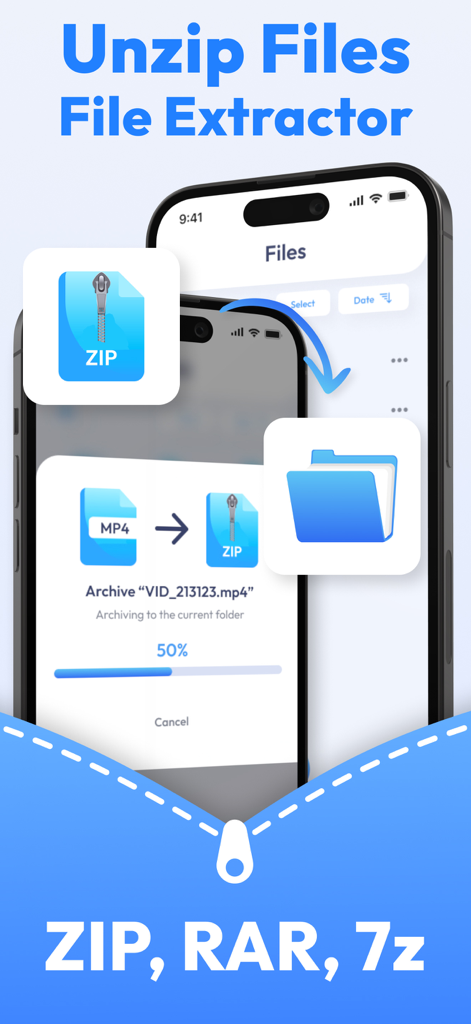
Unzip: Zip File Opener, Unrar - iPhoneでZIPおよびRARファイルを抽出およびアーカイブするためのUnzipアプリのインターフェース
iPhoneでZIPおよびRARファイルを抽出およびアーカイブするためのUnzipアプリのインターフェース

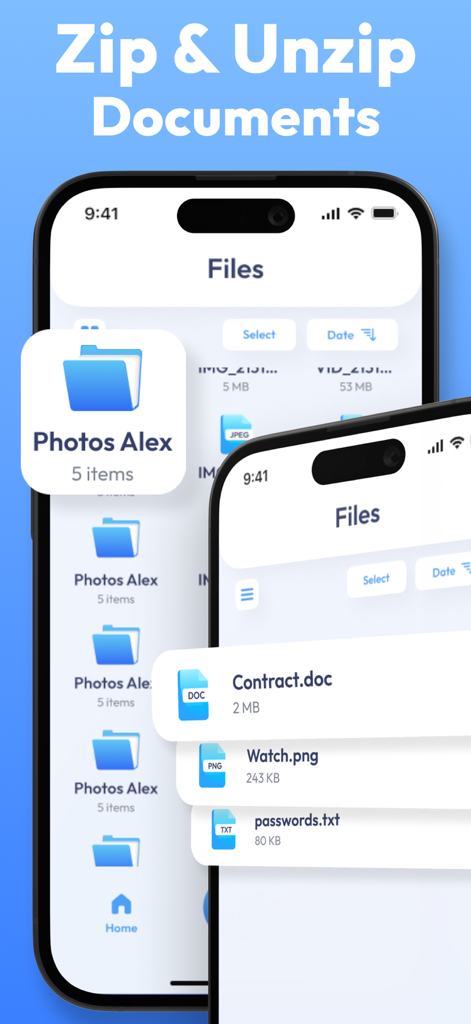
Unzip: Zip File Opener, Unrar - iPhoneでドキュメントファイルを管理および抽出するためのUnzipアプリのインターフェース
iPhoneでドキュメントファイルを管理および抽出するためのUnzipアプリのインターフェース

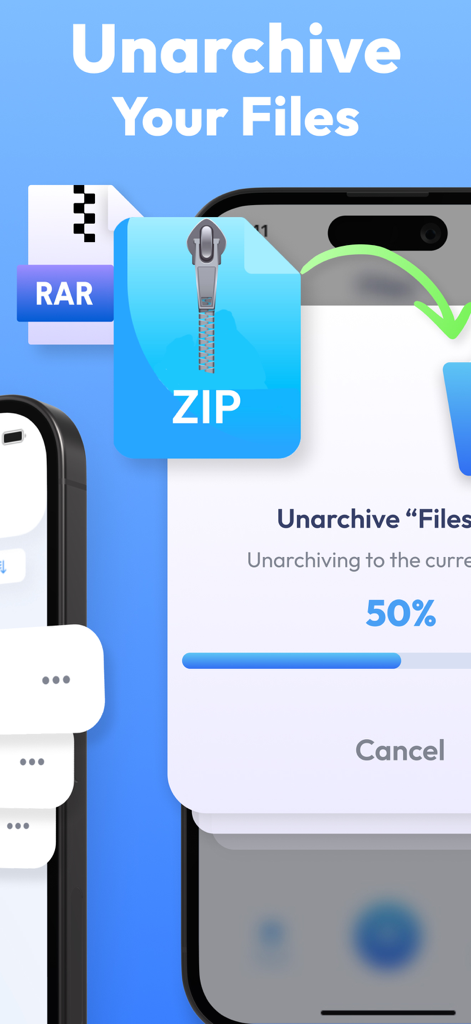
Unzip: Zip File Opener, Unrar - UnzipアプリでZIPファイルを解凍する進捗バーを表示するスマートフォンの画面
UnzipアプリでZIPファイルを解凍する進捗バーを表示するスマートフォンの画面

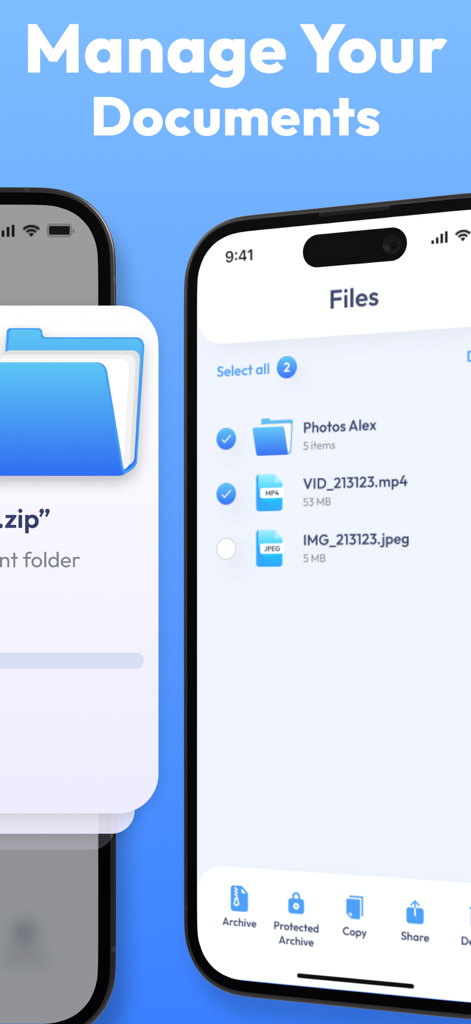
Unzip: Zip File Opener, Unrar - ドキュメントを整理およびアーカイブするためのファイルマネージャーインターフェースを表示するスマートフォンの画面

ドキュメントを整理およびアーカイブするためのファイルマネージャーインターフェースを表示するスマートフォンの画面

説明

Welcome to Unzip: Zip File Opener, the ultimate app that combines the power of a file opener, archiver, and manager in one seamless package. Say goodbye to the hassle of dealing with compressed files on your mobile device – Unzip is here to simplify your file management experience. This app allows you to effortlessly extract files from compressed formats with just a tap, providing quick access to your content without the need for a computer. Need to save space or create an archive for sharing? Unzip has you covered – compress your files into zip archives conveniently within the app. Sharing files is a breeze with Unzip. Send documents, images, or any other files directly from the app to friends, family, or colleagues. Preview and edit documents directly within the app, eliminating the need for additional applications for basic document editing tasks. Transform the way you handle files on your mobile device. Download Unzip now and experience the ultimate convenience of a versatile file manager and archive tool, all in one app! The App offers auto-renewing subscriptions to provide you with unlimited access to all features with no limits while you maintain an active subscription. Payment will be charged to the credit card connected to your iTunes Account when you confirm the initial subscription purchase. Subscriptions automatically renew unless auto-renew is turned off at least 24-hours before the end of the current subscription period. Your account will be charged for renewal within 24-hours prior to the end of the current period, and the cost of the renewal will be identified. You may manage your subscription and auto-renewal may be turned off by going to your Account Settings after the purchase. Any unused portion of a free trial period, if offered, will be forfeited when you purchase a subscription, where applicable. Privacy Policy: https://docs.google.com/document/d/1F5ZVxKDfjgU6W-mGC_AIWUVzMlPabCdb89ulVaI-dwY/edit?usp=sharing Terms of Use: https://docs.google.com/document/d/1rTyl3ycIYEjgCamHkQRRnw-1ejqOKZ_rzLid5IsZVgQ/edit?usp=sharing

Download

ダウンロード: App Store

このページはアプリまたはその開発者の公式ページではなく、情報提供および論評を目的として作成された独立した編集出版物です。明示的に別段の記載がない限り、アプリおよびその開発者は、MWM、Apple、Google Play、アプリのパブリッシャー、またはアプリの開発者と提携、承認、後援、認可、またはその他の公式的な関係はなく、このページのいかなる内容も、アプリがMWMのサービスを使用して開発されたことを意味するものではありません。すべての商標、ロゴ、スクリーンショット、その他のコンテンツはそれぞれの所有者の財産です。








