
このページはアプリまたはその開発者の公式ページではなく、情報提供および論評を目的として作成された独立した編集出版物です。明示的に別段の記載がない限り、アプリおよびその開発者は、MWM、Apple、Google Play、アプリのパブリッシャー、またはアプリの開発者と提携、承認、後援、認可、またはその他の公式的な関係はなく、このページのいかなる内容も、アプリがMWMのサービスを使用して開発されたことを意味するものではありません。すべての商標、ロゴ、スクリーンショット、その他のコンテンツはそれぞれの所有者の財産です。


Varlens - DSLR in Phone
iPhoneが写真の「脳」ではなく「目」になる。Varlensは、センサーが捉えるすべての光を、ユーザーの意図通りにねじ伏せる。
ダウンロード
5M+ユーザー評価
評価数
36.6K開発元
カテゴリ
Photo & Video対応言語
15最新バージョン
7.4.13サイズ
421.8 MBリリース日
2021年1月26日本レビューでは、高度なモバイルフォトグラファーおよびビデオグラファー向けのVarlensアプリの主要機能を詳細に評価します。
Varlens - DSLR in Phone: テックアナリストによる機能分析
RAW/ProRAWおよび高解像度撮影
本アプリは、HEIC、JPEG、Live Photo、TIFF、RAW、およびProRAW形式での撮影をサポートし、12MP、24MP、48MPのオプションを提供します。これにより、ユーザーは最高の画質と柔軟な後処理能力を確保できます。
DSLR級の包括的な手動制御
ユーザーは、ISO、シャッター速度、露出補正(EV)、ホワイトバランス、フォーカス、および複数の測光モードを細かく手動で調整できます。これにより、デジタル一眼レフカメラに匹敵する高度な撮影制御が実現します。
ProRes/ProRes RAWビデオ記録
このアプリは、HEVC、H.264に加え、高品質なProResおよびProRes RAWコーデックでのビデオ記録に対応しています。これにより、プロフェッショナルなビデオグラファーは、優れた映像品質とポストプロダクションでの高い柔軟性を得ることができます。
高度なポートレート撮影アルゴリズム
本ツールは、デジタル一眼レフカメラの望遠レンズ効果に匹敵する、超大口径の光学的なボケと被写界深度のぼかしをシミュレートする独自のポートレート撮影アルゴリズムを提供します。
撮影後フォーカス・絞り調整
ポートレートモードで撮影された写真について、ユーザーは撮影後にフォーカスポイントと絞り(アパーチャ)を再調整できます。これにより、写真の柔軟性とクリエイティブなコントロールが大幅に向上します。
シネマティックビデオ撮影機能
本アプリは、CMOSセンサーのフル解像度で記録するOpen Gate機能、3レベルのスタビライザー、リアルタイムカラーグレーディングフィルター、最大240fpsの高速度スローモーション撮影など、シネマティックな映像制作をサポートする機能を備えています。
HSL+ツールと非破壊編集
アプリには、特定の色をローカルで選択しブレンドできるHSL+ツールが搭載されており、LightroomやVSCOよりも優れているとされています。また、撮影から編集まで全工程で非破壊処理が施され、元の画質を維持します。
高度な撮影補助ツール
ユーザーは、構図をサポートするグリッドや水準器、露出を正確に把握するためのヒストグラムやゼブラストライプ、フォーカスを合わせやすくするフォーカスピーキングなど、プロフェッショナルな撮影補助ツールを活用できます。
AIを活用した写真編集とマスク機能
本アプリは、アパーチャ、美白、シミ除去、顔痩せなどのAI機能を提供し、元の画質を維持しながら手動調整も可能です。さらに、被写体、空、リニアグラデーション、ラジアルグラデーションなどのマスクツールにより、高度な部分編集が可能です。
クラシックフィルムフィルターとカスタムプリセット
本アプリは、KodakやFujiフィルム、Rico、Leicaなどのクラシックなスタイルを模倣した豊富なフィルターを提供し、.cubeまたは.3dl形式の3D LUTsを無制限にインポートできます。また、AIやマスク、各種編集パラメータを含む独自のプリセットを作成し、撮影と編集の両方に適用することが可能です。
よくある質問
について知っておくべきこと Varlens - DSLR in Phone
What is the Varlens app?
Varlens is a professional camera application that transforms your phone into a DSLR camera, offering over 100 functions for advanced photography and video capabilities.
What photography modes does Varlens offer?
The Varlens app provides seven distinct photography modes: Auto, Portrait, Time-lapse, Light Trail, Macro, Program, and Manual, offering diverse shooting options for users.
Does the Varlens app support RAW image formats?
Yes, Varlens supports RAW and ProRAW image formats. It also captures photos in HEIC, JPEG, Live Photo, and TIFF, with resolution options including 12MP, 24MP, and 48MP.
Can Varlens record cinematic video?
Yes, Varlens records cinematic video with features like Open Gate, 3-level stabilization, real-time color grading, and support for HDR, Dolby Vision, Apple Log, and ProRes RAW codecs.
What are the subscription prices for Varlens Pro?
Varlens Pro offers a monthly subscription at $5.99 and an annual subscription at $26.99 for 12 months, providing flexible access to premium features.
How do I cancel my Varlens Pro subscription?
To cancel your Varlens Pro subscription, access your device settings and navigate to "Settings" -> Apple ID -> Subscription. You can manage and cancel your membership there.
Can Varlens adjust focus after shooting in Portrait mode?
Yes, Varlens features "Shoot then focus," which enables users to readjust the focus and aperture of photos captured in Portrait mode even after the image has been taken.
Does Varlens offer professional photo editing tools?
Yes, Varlens provides professional photo editing tools, including AI features like Aperture and Face Slimming, various masks, an exclusive HSL+ tool, and extensive adjustments like curves and split tone.
What types of filters and presets are available in Varlens?
Varlens offers dozens of classic Kodak and Fuji film styles, Master filters, and analog presets like CCD and Polaroid. Users can also import unlimited .cube or .3dl 3D LUTs.
Can Varlens be used with anamorphic lenses?
Yes, Varlens is compatible with anamorphic lenses, specifically supporting 1.33x and 1.55x factors. This allows for cinematic widescreen effects directly within the app.
以下のスクリーンショットと説明は、アプリの公式ストアリスティングから直接取得されたものであり、アプリ開発者の所有物です。
アプリストア
スクリーンショット
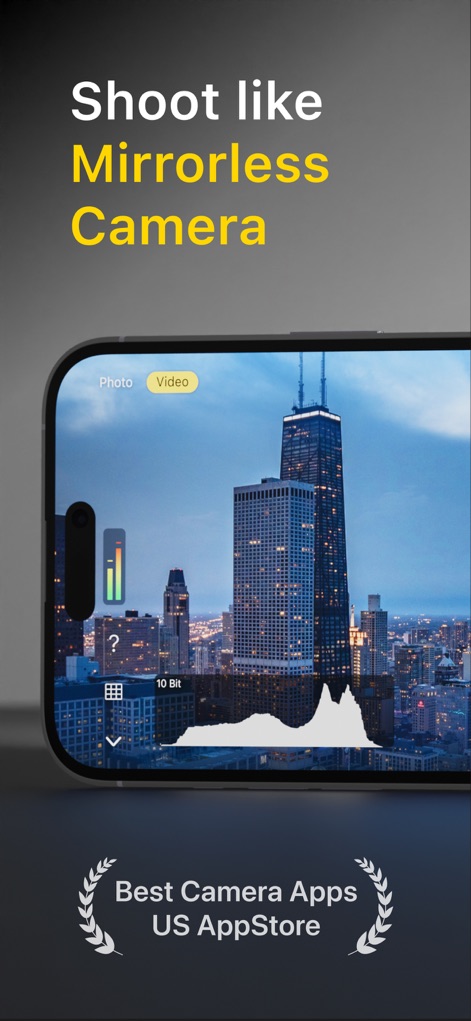
このアプリはリアルタイムのヒストグラム表示と正確な露出フィードバックを提供し、プロフェッショナルな撮影を実現します。
ミラーレス級撮影体験
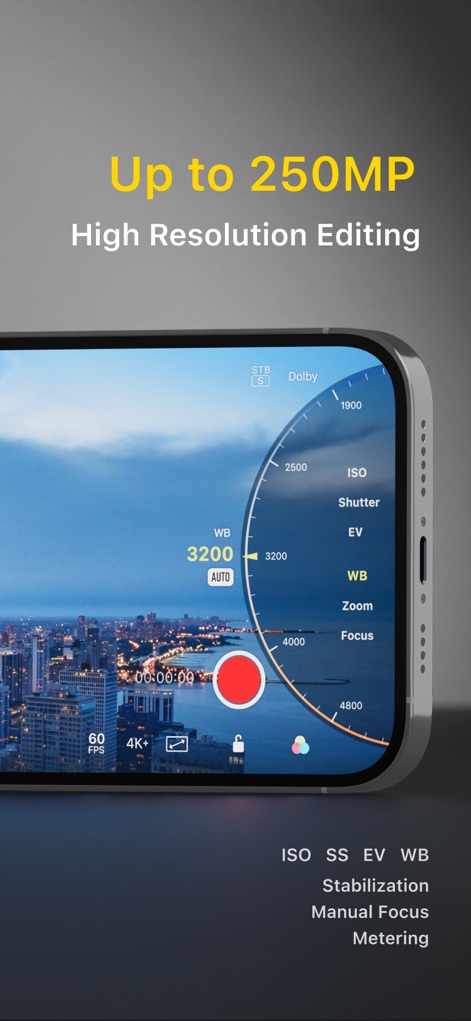
ユーザーはISOやシャッタースピードなどの詳細なマニュアル設定を駆使し、最大250MPの高解像度編集で作品を仕上げることが可能です。
究極の画質と制御

このアプリはポートレートやマニュアル撮影を含む7つのモードを提供し、1.33xおよび1.55xのアナモルフィックレンズにも対応し撮影の幅を広げます。
豊富なモードと拡張性
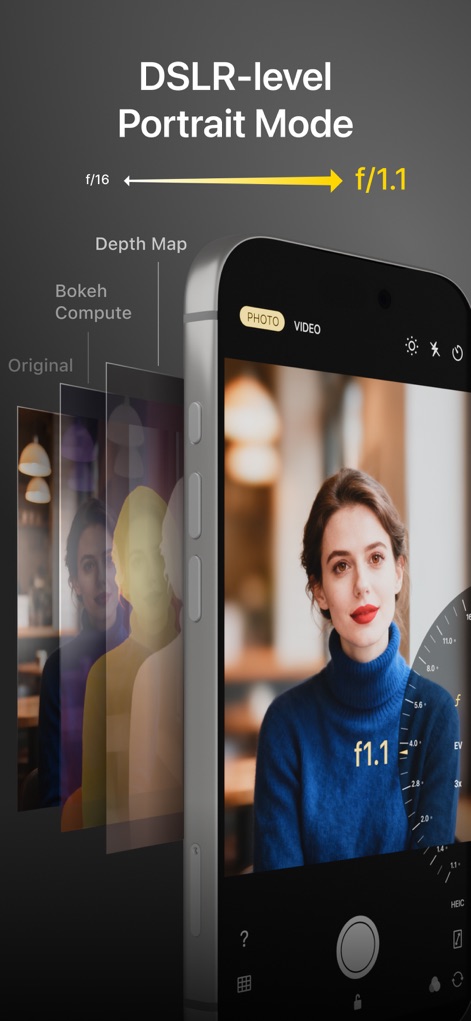
本アプリはDSLR級のポートレートモードを搭載し、f/1.1のデジタル絞り調整で美しい背景ボケを再現し、被写体を際立たせます。
極上のポートレート体験
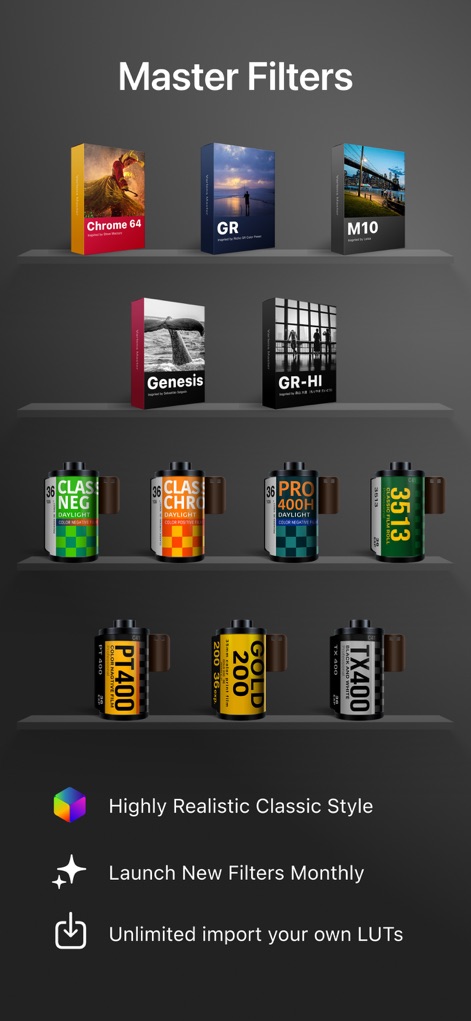
多彩なマスターフィルターが用意されており、ユーザーは独自のLUTsファイルを無制限にインポートすることで、無限の表現力を手に入れることができます。
創造性を解き放つフィルター

このアプリは、細部まで調整された高品質なプリセットコレクションを提供し、AIを活用した画像補正機能で、ユーザーは瞬時に理想のイメージを作り出せます。
高精度プリセットと編集
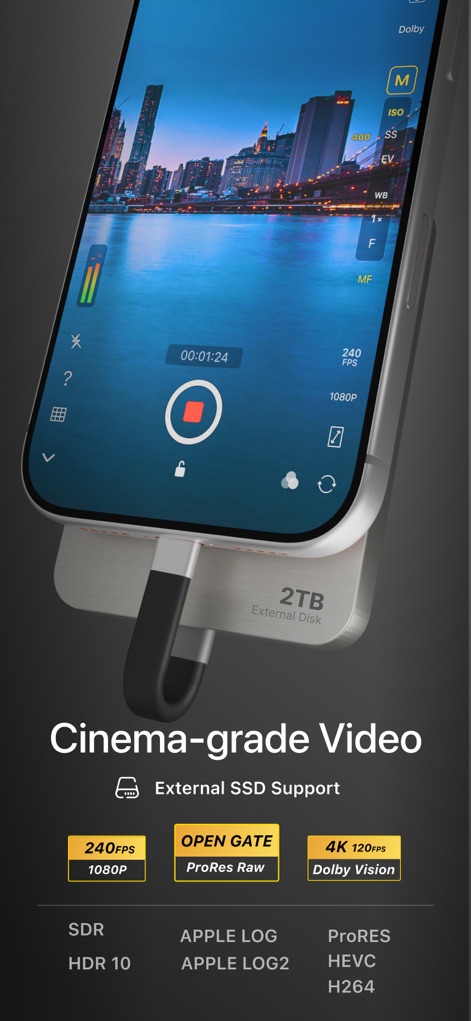
ユーザーはシネマグレードのビデオ撮影機能で、最大240fpsのハイスピード撮影やOpen Gate記録を可能にし、外部SSDへの直接録画もサポートします。
プロ仕様の映像制作

本ツールは、HSL+ツールによる高度な局所的な色調整や、最大250MPまでの高精細な画像編集に対応し、プロフェッショナルなレタッチを可能にします。
精密な画像レタッチ

ユーザーはオリジナルの署名を作成し、写真に直接追加することで、作品に独自の個性を表現することが可能です。
個性を彩る署名
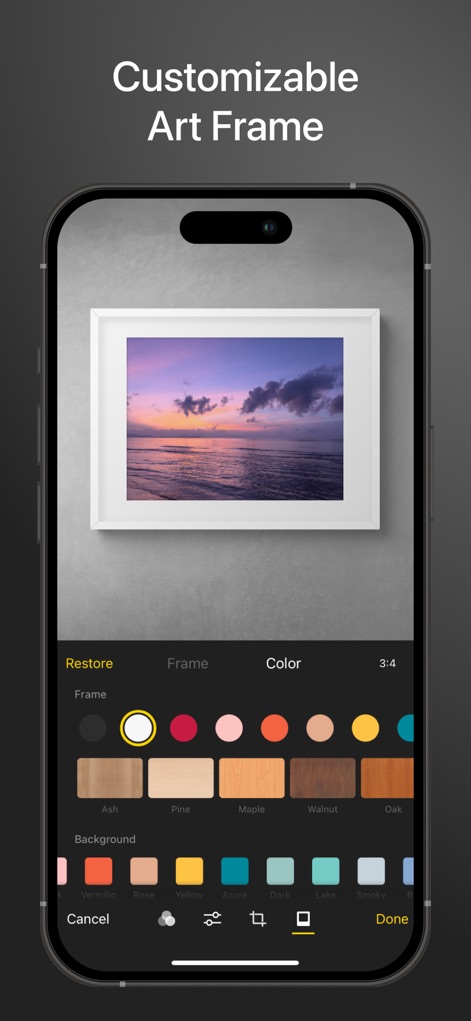
このアプリは、多様なカスタマイズ可能なアートフレームを提供し、撮影パラメータを表示するフレームで作品をさらに魅力的に演出します。
魅せるアートフレーム
説明
Download
類似アプリ
似た機能とユーザー体験を持つアプリ

Blackmagic Camera
Blackmagic Design Inc

飓风相机
Hangzhou Ostar Media Co.,Ltd.

ProMovie Recorder
Panda Apps Limited

ReLens Camera-DSLR Portrait
Pixl Concerto Technology Limited

Leica LUX - Pro Manual Camera
Leica Camera AG

FotorGear - Camera in Pocket
Shenzhen Fotorgear Technology Co., Ltd.

Unsharp
北北 宋

ProCam:Professional RAW Camera
BRAND CELLAR HOLDINGS PTE LTD

Vibe Cam - Moments Never Fade
森 林
このページはアプリまたはその開発者の公式ページではなく、情報提供および論評を目的として作成された独立した編集出版物です。明示的に別段の記載がない限り、アプリおよびその開発者は、MWM、Apple、Google Play、アプリのパブリッシャー、またはアプリの開発者と提携、承認、後援、認可、またはその他の公式的な関係はなく、このページのいかなる内容も、アプリがMWMのサービスを使用して開発されたことを意味するものではありません。すべての商標、ロゴ、スクリーンショット、その他のコンテンツはそれぞれの所有者の財産です。