VideoShow: All-In-One Video Editor and Movie Maker
Pay once, enjoy VideoShow Pro version forever!
Pro version has the following exclusive features:
- New generation processing engine, more stable and faster!
- Exclusive materials like effect, filter, meme, gif, transition, sticker, theme, graffiti, scroll text…
- No ads! Remove watermark with ease!
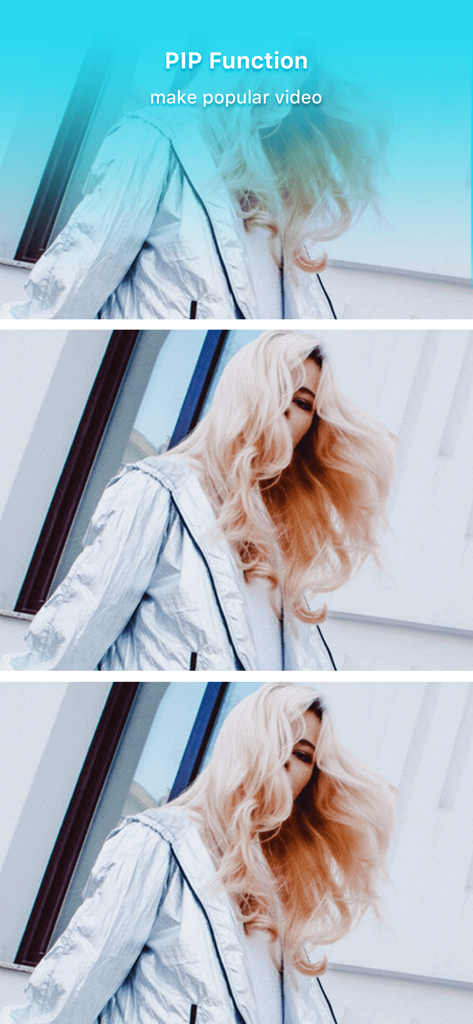
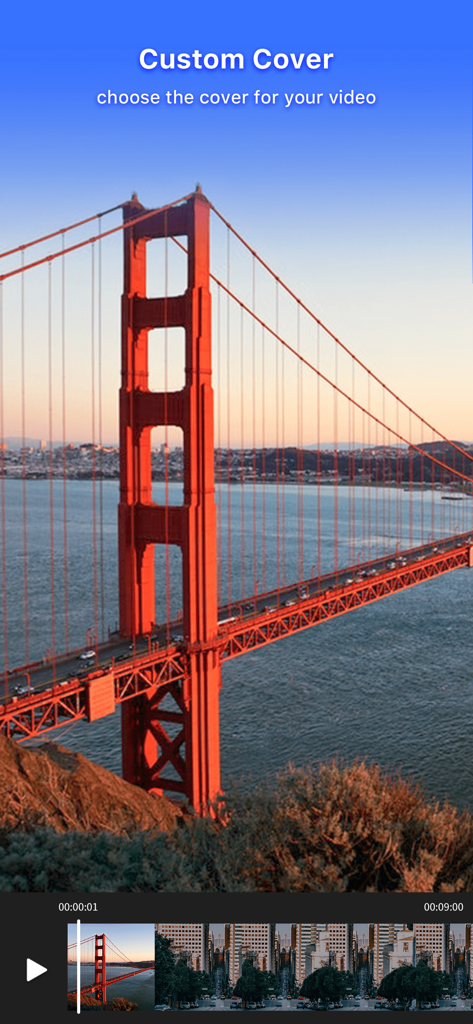
- Advanced features like video collage, video overlay, custom cover, pixel, PIP
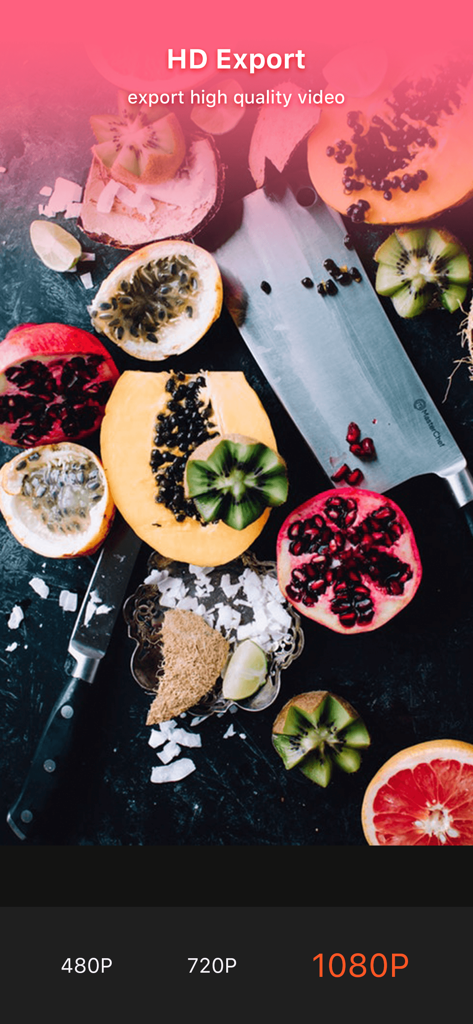
- Exporting 1080p videos
Treasuring Your Special Moments
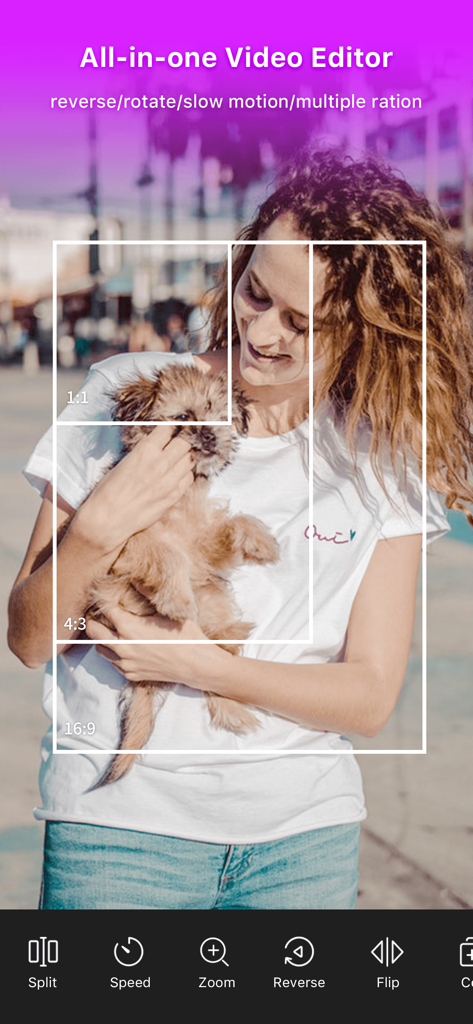
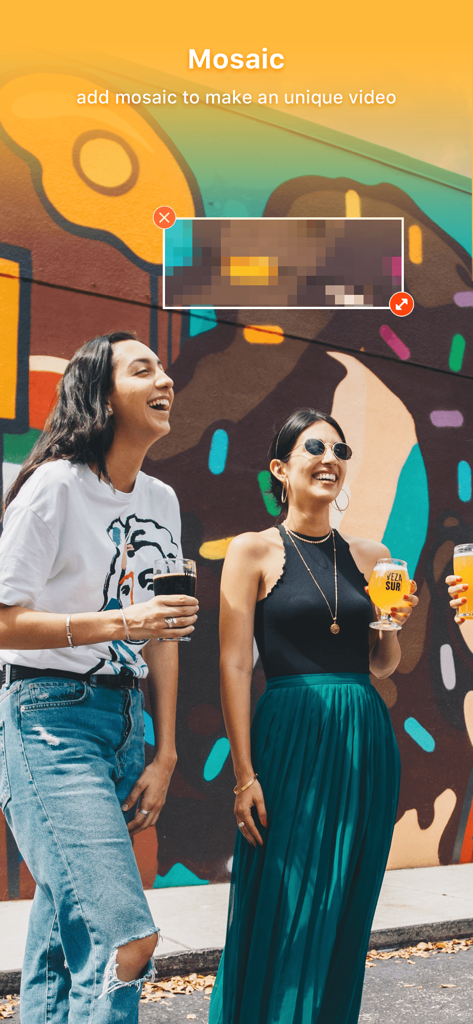
VideoShow offers powerful video editing tools like merge/cut//trim/split/reverse/duplicate/rotate/convert/flip/dub/compress video clip. In this intro maker music video maker, creating a video with pictures, background music and other elements is easy and fun. You can even beautify your videos with texts, FX effects, GIFs, stickers, multi-music, mosaic, transitions, sound effects, doodles or live dubbing in a creative and personalized way.
Why VideoShow: Video Editor?
* In just 3 minutes, your awesome video is ready
* HD export, no quality loss
* No Duration Limits
* Easy-to-use, with a wide variety of functions
* Hundreds of pieces of free music all fully licensed
For iOS users, Funny Cute Bear and Magic Girls from VideoShow have come to iMessage! Now add stickers to make your chats more interesting and hilarious!
Key Features of VideoShow:
* Over 50 elaborate themes available to create an awesome music video instantly.
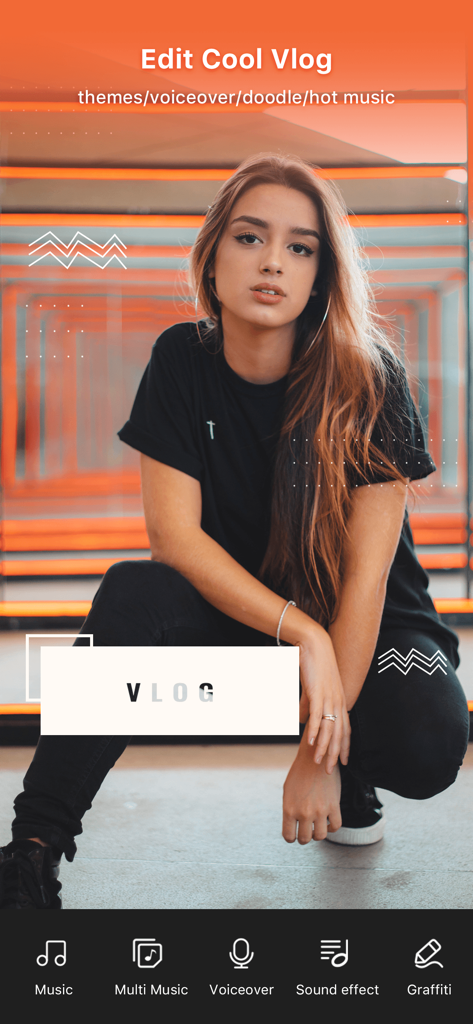
* Hundreds of pieces of background music available for you or add local songs from your device.
* Multiple tunes can be added after pre-defined intervals.
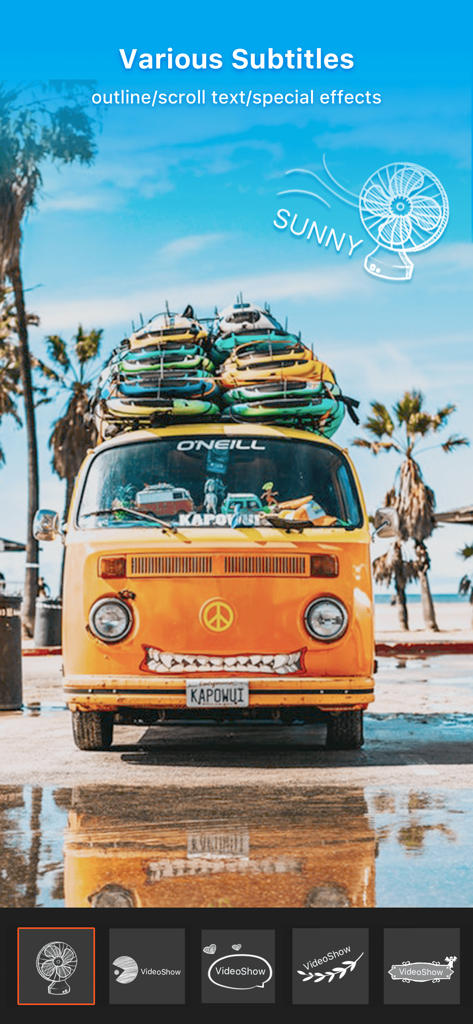
* Variety of text styles and fonts to create artistic subtitles are available in this movie maker app.
* Add stunning filters to make videos different. Now 30+ filters are supported!
* Zoom in and out. Let your audience focus on the region you want!
* Fast motion/slow motion to adjust and control the speed of every video clip.
* Video dubbing. Add your own voice-overs and change it to a robot, a man, a woman, minions or a child’s voice if you want!
* Doodle on video. Bored of the monotonous fonts? Just doodle it!
* Video reverse, video playback to make a funny and creative original video.
* Square themes and no crop mode are customized for Instagram users.
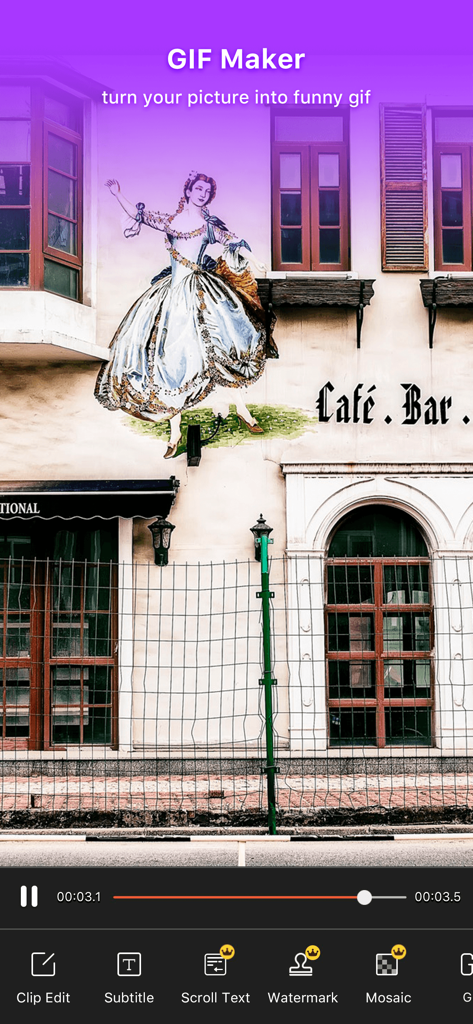
* GIF maker: make original GIF images with your own pictures.
* Compress Video: You can reduce the size of your video.
* Video to mp3: turn the soundtrack of your video into mp3 file.
* Fantastic Materials Center: Themes/FX effects/stickers/gif images/memes/emoji/fonts/sound effects and more. It keeps updating all the time!
* Easy sharing your videos on Facebook, YouTube, Instagram, WhatsApp, Vine, Facebook Messenger, Line, Vimeo, WeChat, etc.
* Support more than 30 languages.
If you would like to know what people are saying about VideoShow app, visit our official social media channels:
Like us on Facebook: http://www.facebook.com/videoshowapp
Follow us on Instagram: http://instagram.com/videoshowapp
Subscribe us on YouTube: https://www.youtube.com/channel/UCDn_IwV1FHYhfim4ZNTUneA
Follow us on Twitter: https://twitter.com/videoshowapp
For more details about our app and privacy policy, visit our website: www.videoshowapp.com
We welcome all types of suggestions and feedback about the app. We listen to everyone and try to make our app as unique as possible with features that eases video editing and movie making. If you have any questions or suggestions related to VideoShow: Video Editor and Movie Maker, feel free to contact us at support@enjoy-mobi.com
Let’s Create and Spread Some Awesomeness!