
This page is not an official page of the app or its developer, but an independent editorial publication created for informational and commentary purposes. Unless expressly stated otherwise, neither the app nor its developer is affiliated with, endorsed by, sponsored by, authorized by, or otherwise officially connected with MWM, Apple, Google Play, the app publisher, or the app's developer, and nothing on this page implies that the app was developed using MWM's services. Any trademarks, logos, screenshots, and other content remain the property of their respective owners.


Visage Ease
Empower your practice with server-based DICOM streaming. Access high-resolution images instantly for faster consultations and enhanced patient education, directly on your iPad or iPhone.
Downloads
3K+User Rating
Total Ratings
0Publisher
Category
MedicalLocales
1Latest Version
2.5.1Size
57.4 MBFirst Released
Jul 11, 2011Precision Imaging Anywhere
Empower your clinical workflow with instant, enterprise-grade access to complex radiological data from any iOS device.
Instant Thin-Client Streaming
View massive DICOM datasets and 3D volumes instantly without the friction of local downloads or device storage constraints.
Enhanced Patient Education
Transform bedside consultations by illustrating diagnostic findings with high-resolution reconstructions that build patient trust.
Frequently Asked Questions
Everything you need to know about Visage Ease
What is Visage Ease?
Visage Ease is an app designed for iPad, iPhone, and iPod Touch. It allows users to view radiologic images stored on a Visage 7 server. The app provides immediate server-based access to DICOM images.
What are the requirements to use Visage Ease?
To use Visage Ease, users must have access to a Visage 7 server. This server access is typically provided by a clinic, practice, or radiology provider. The app does not function without server access.
Can Visage Ease be used for medical diagnosis?
No, the Visage Ease App is not a medical device. It must not be used for diagnosis. Its purpose is for viewing images for patient education and illustrating diagnostic report findings.
What types of images can Visage Ease display?
Visage Ease displays DICOM images from various 3D modalities. This includes CT, MR, and PET-CT images. The app also supports thin slice volumetric data and 3D rotations.
How do users access images in Visage Ease?
Users access images through immediate server-based access via a Visage 7 server. Visage Ease eliminates cumbersome image transfer by streaming images directly from the server.
How does Visage Ease benefit referring physicians?
Visage Ease provides referring physicians with efficient access to key images and original images. This solution offers a richer and more efficient means of communication compared to traditional film or patient CDs.
Can I search for patient studies within the Visage Ease app?
Yes, Visage Ease includes a search function. Users can search for studies by patient name, birth date, patient ID, study date, modality, accession number, study description, or study labels.
How do I navigate between different image series in Visage Ease?
Users navigate between different image series by swiping left or right within the viewer. The app also allows tapping a study or series to expand or collapse it.
The following screenshots and description are sourced directly from the app's official store listing and are the property of the app developer.
App Store
Screenshots
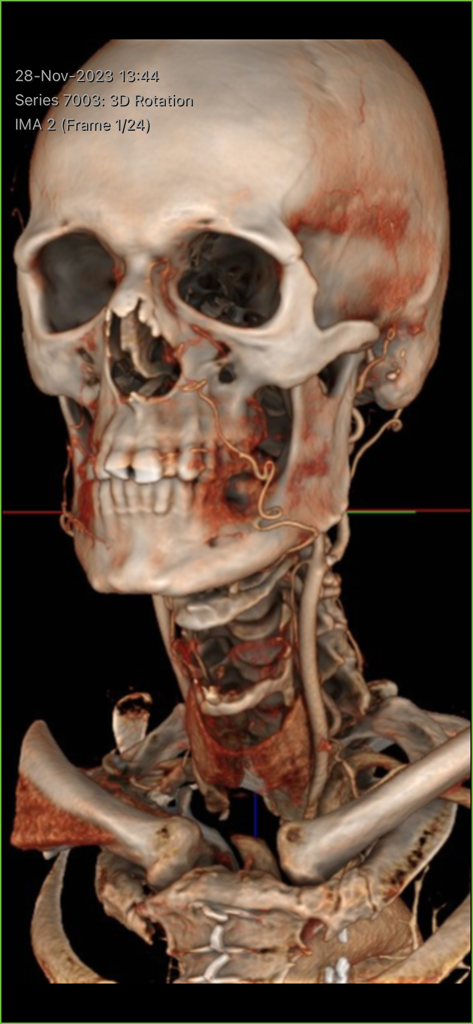
3D medical reconstruction of a human skull and neck vessels in the Visage Ease app
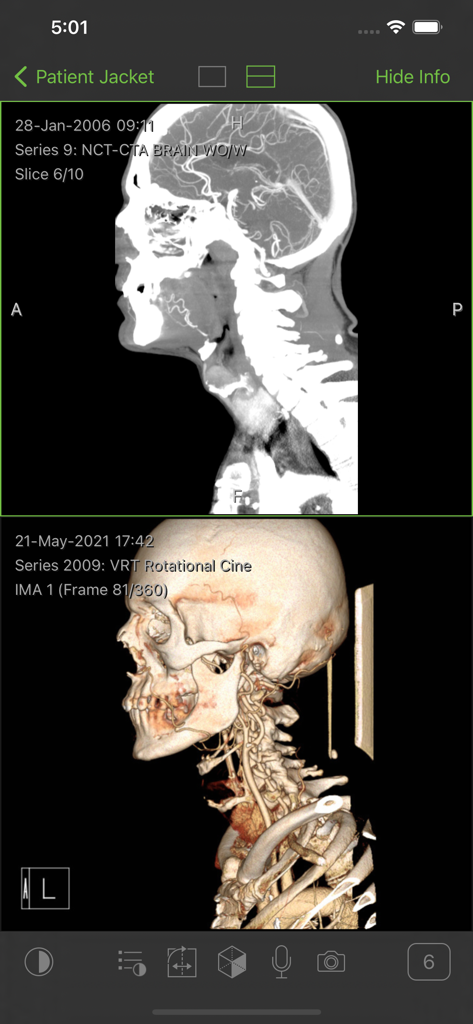
Split screen interface of the Visage Ease app showing a 2D brain CT scan and a 3D volume rendering of a skull and neck.
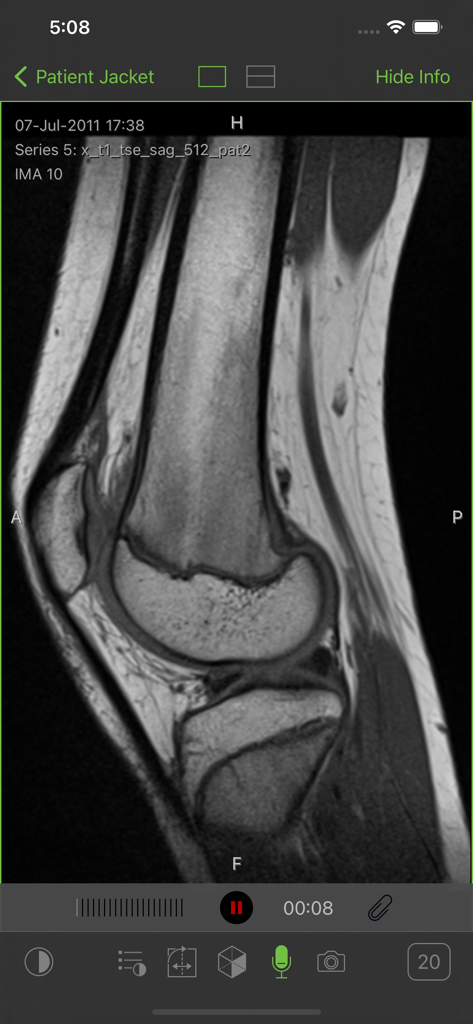
A sagittal MRI scan of a knee joint displayed within the Visage Ease mobile app interface.
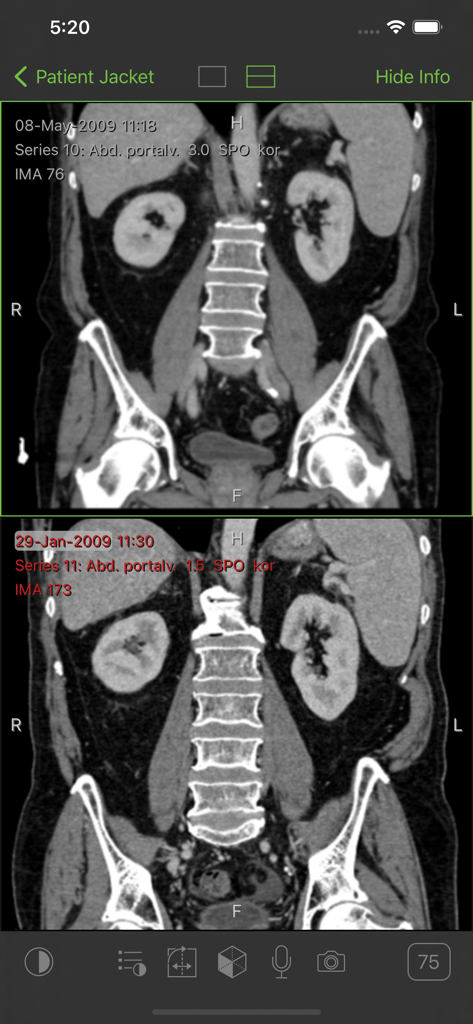
Split screen view of patient abdominal CT scans in Visage Ease
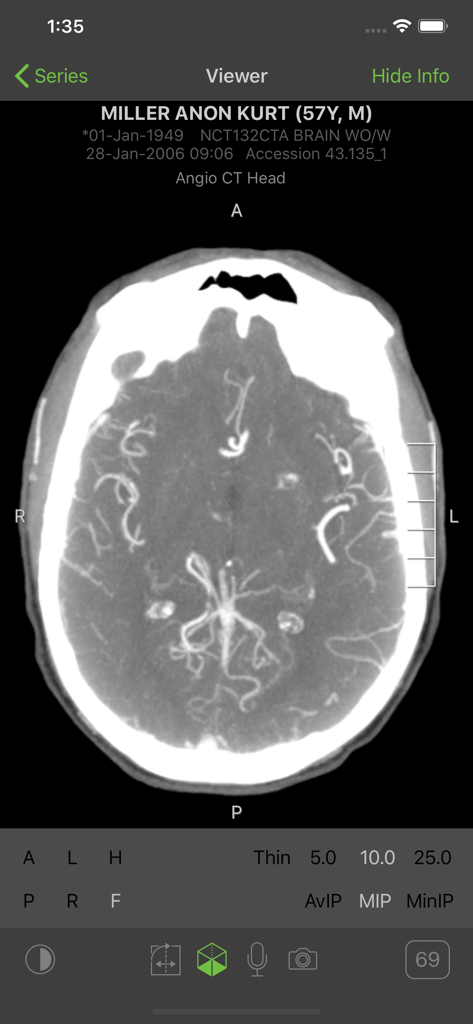
A medical professional viewing an Angio CT head scan on the Visage Ease mobile application interface.
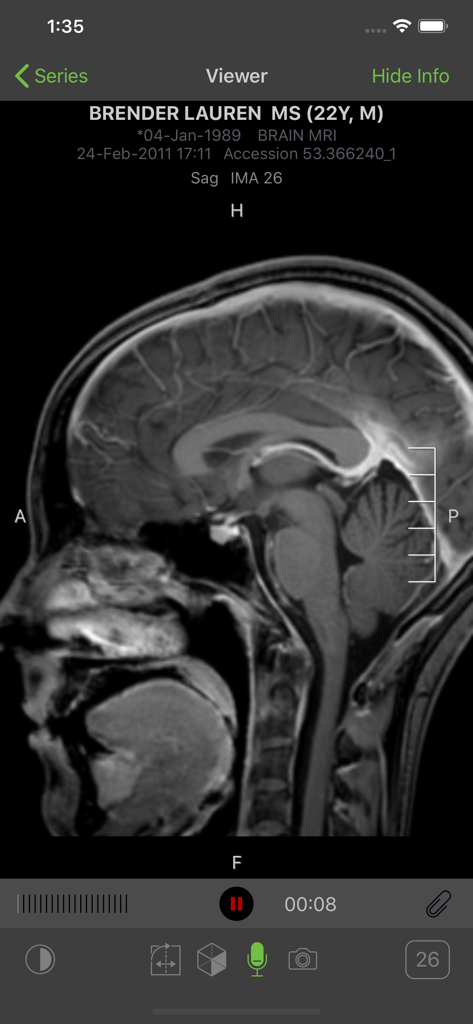
Sagittal brain MRI scan displayed on the Visage Ease mobile application interface.
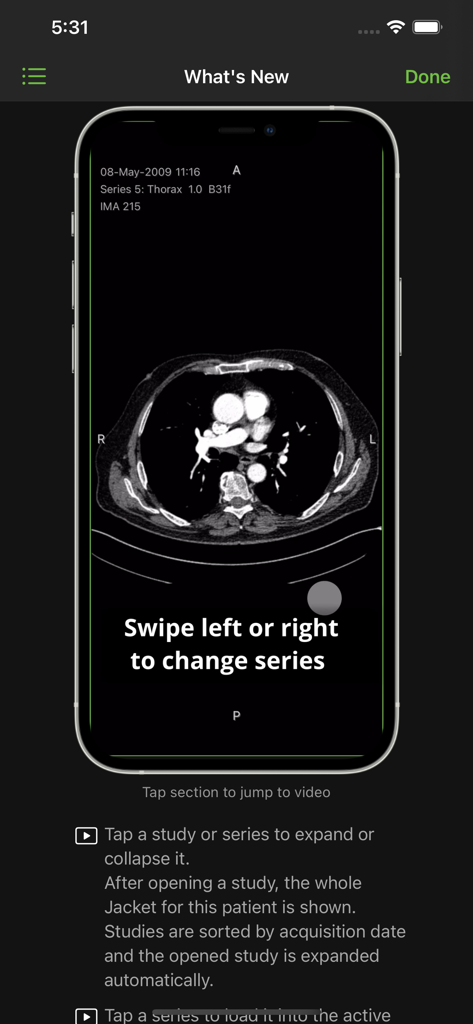
Visage Ease app interface showing a thorax CT scan and navigation instructions
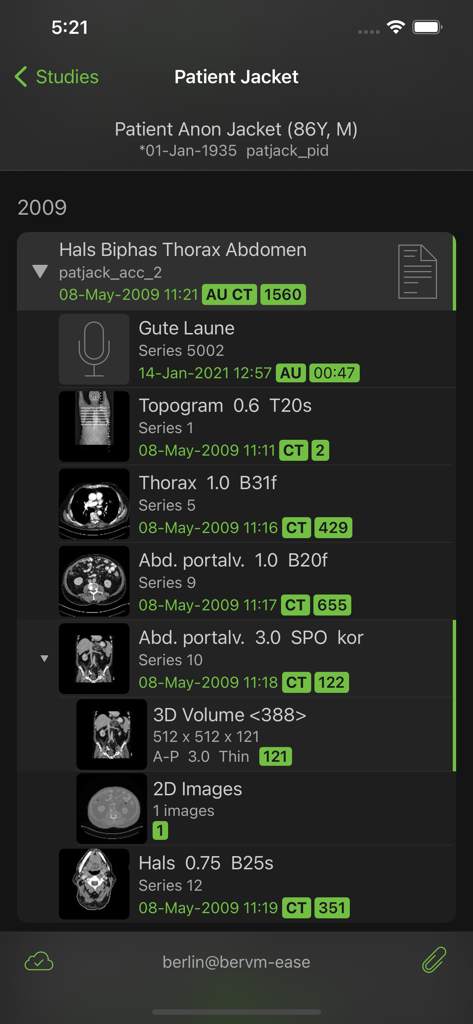
Mobile view of the Patient Jacket screen in Visage Ease displaying a list of CT scan imaging series and medical studies for a patient
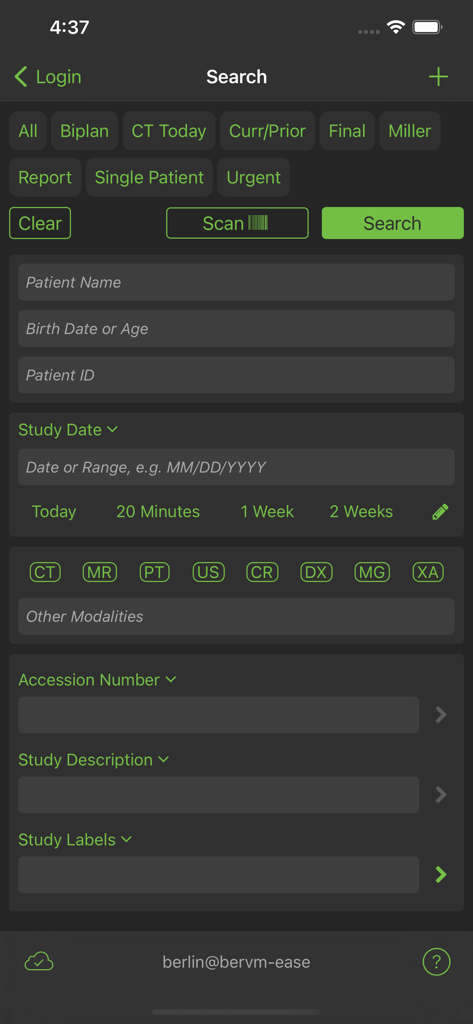
Visage Ease app search screen for filtering patient medical imaging studies by name date and modality
Description
Download
More Like This
Top-ranked apps in the same category

国家医保服务平台
National Healthcare Security Administration

MyChart
Epic Systems Corporation

Doctolib - Your health partner
Doctolib

Pregnancy + | Tracker App
Philips Digital UK Limited

CVS Health
CVS Pharmacy

江苏医保云
Jiangsu Healthcare Security Bureau

Meu SUS Digital
Servicos e Informacoes do Brasil

UnitedHealthcare
UNITED HEALTHCARE SERVICES, INC.

京东健康
BEIJING JINGDONG 360 DU E-COMMERCE LTD.
This page is not an official page of the app or its developer, but an independent editorial publication created for informational and commentary purposes. Unless expressly stated otherwise, neither the app nor its developer is affiliated with, endorsed by, sponsored by, authorized by, or otherwise officially connected with MWM, Apple, Google Play, the app publisher, or the app's developer, and nothing on this page implies that the app was developed using MWM's services. Any trademarks, logos, screenshots, and other content remain the property of their respective owners.