Voice Recorder, Voice Memos ™

Voice Recorder, Voice Memos ™

ダウンロード: App Store
ロゴ: Voice Recorder, Voice Memos ™

ボイスレコーダー、ボイスメモ ™: プロフェッショナル向けオールインワンオーディオスイート

録音のキャプチャ、文字起こし、編集を簡単に行えます。AI音声認識から安全なFaceID保護まで、iPhone、iPad、Apple Watchでのワークフローを効率化します。

ダウンロード: App Store

開発元

Milad Fakhr

カテゴリ

Productivity

ダウンロード

927K+

ユーザー評価

4.4/5

評価数

12K+

対応言語

33

あなたのモバイルスタジオ

このインターフェースを利用する 927K+ 人のユーザー.

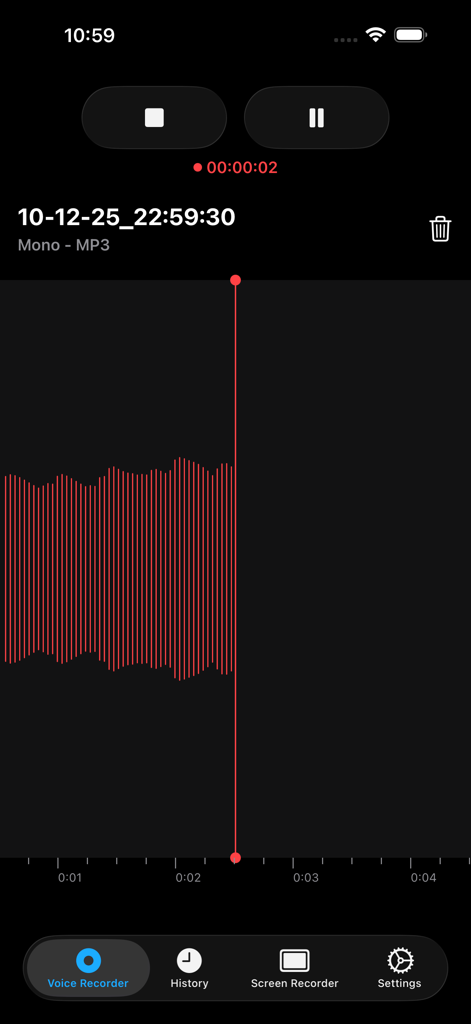
ボイスレコーダーアプリのインターフェイス、赤い波形と再生コントロールが表示されたアクティブなオーディオ録音を示しています
ボイスレコーダーアプリのインターフェイス、赤い波形と再生コントロールが表示されたアクティブなオーディオ録音を示しています

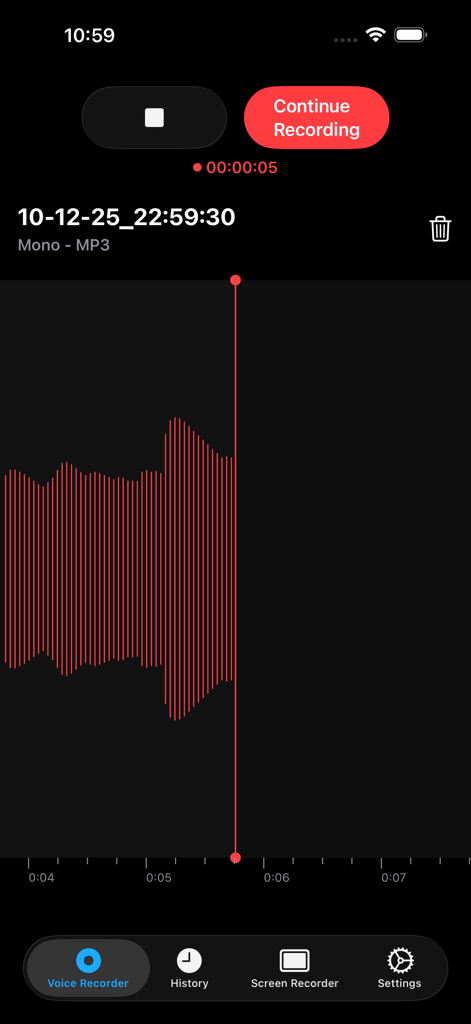
ボイスレコーダーアプリの画面、赤いオーディオ波形と録音コントロールが表示されています
ボイスレコーダーアプリの画面、赤いオーディオ波形と録音コントロールが表示されています

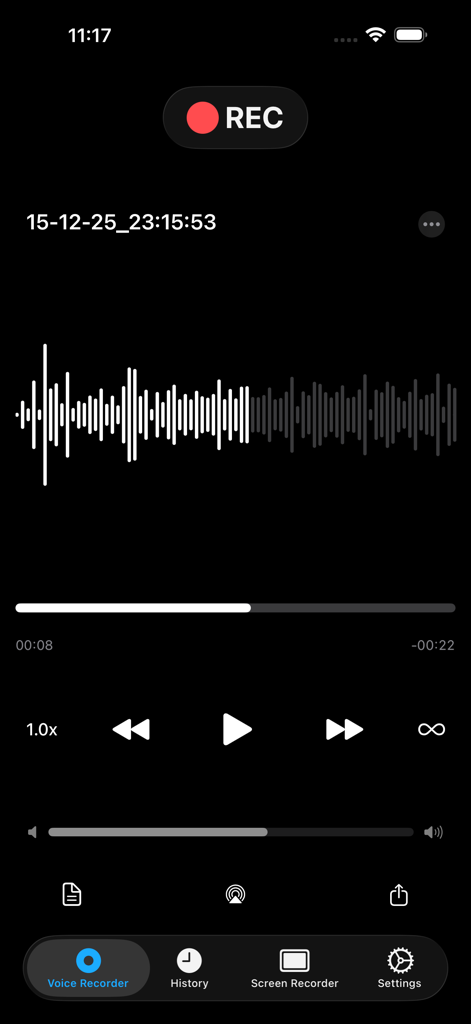
オーディオ波形と再生コントロールが表示されたボイスレコーディングインターフェイス
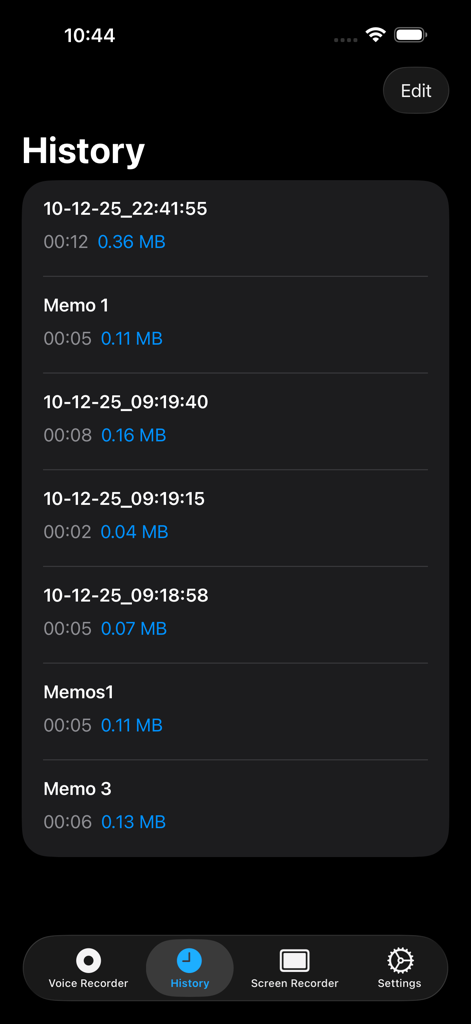
オーディオ波形と再生コントロールが表示されたボイスレコーディングインターフェイス

ボイスレコーダーアプリの履歴画面、ファイルの詳細が表示された録音済みボイスメモのリストを表示しています
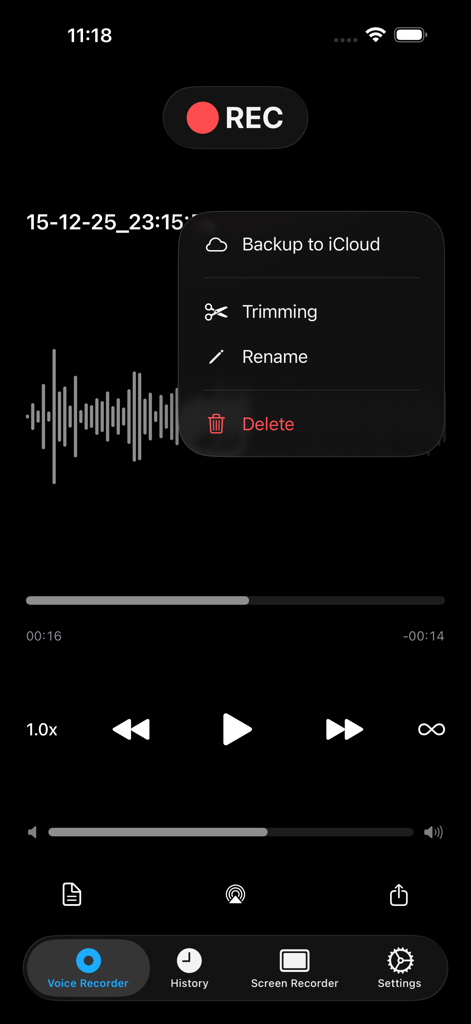
ボイスレコーダーアプリの履歴画面、ファイルの詳細が表示された録音済みボイスメモのリストを表示しています

iCloudバックアップ、トリミング、名前変更のオプションが表示されたオーディオ波形とメニューを示すボイスレコーダーアプリのインターフェイス
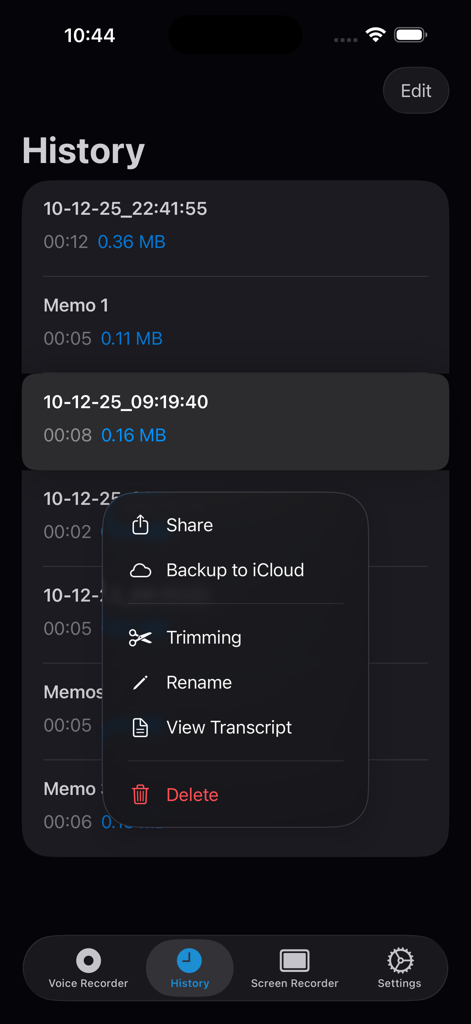
iCloudバックアップ、トリミング、名前変更のオプションが表示されたオーディオ波形とメニューを示すボイスレコーダーアプリのインターフェイス

文字起こし、トリミング、iCloudバックアップのためのツールが表示された録音オプションメニューを示すボイスレコーダーアプリの履歴画面
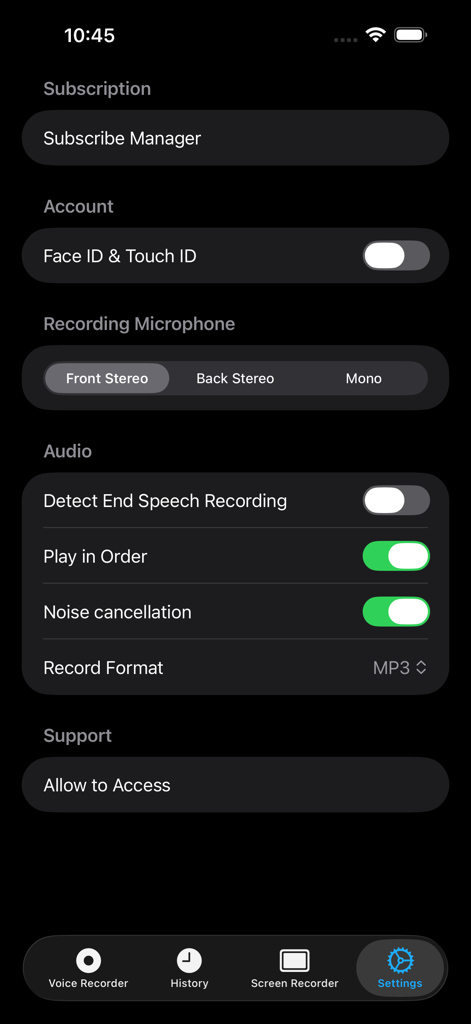
文字起こし、トリミング、iCloudバックアップのためのツールが表示された録音オプションメニューを示すボイスレコーダーアプリの履歴画面

セキュリティオプション、オーディオ録音設定、ノイズキャンセリングトグルが表示されたボイスレコーダーアプリの設定画面
セキュリティオプション、オーディオ録音設定、ノイズキャンセリングトグルが表示されたボイスレコーダーアプリの設定画面

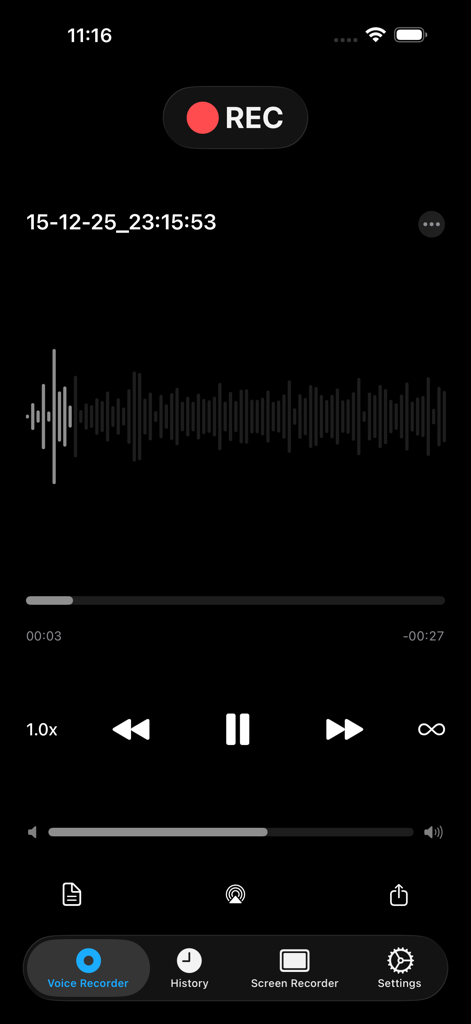
波形と再生コントロールが表示されたオーディオ録音を示すボイスレコーダーアプリの画面
波形と再生コントロールが表示されたオーディオ録音を示すボイスレコーダーアプリの画面

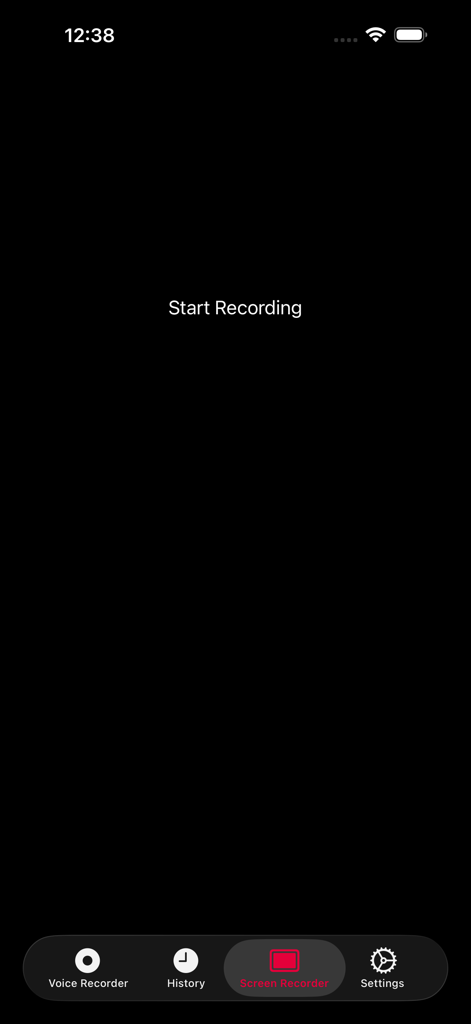
録画開始ボタンが表示されたボイスレコーダーアプリの画面録画インターフェイス
録画開始ボタンが表示されたボイスレコーダーアプリの画面録画インターフェイス

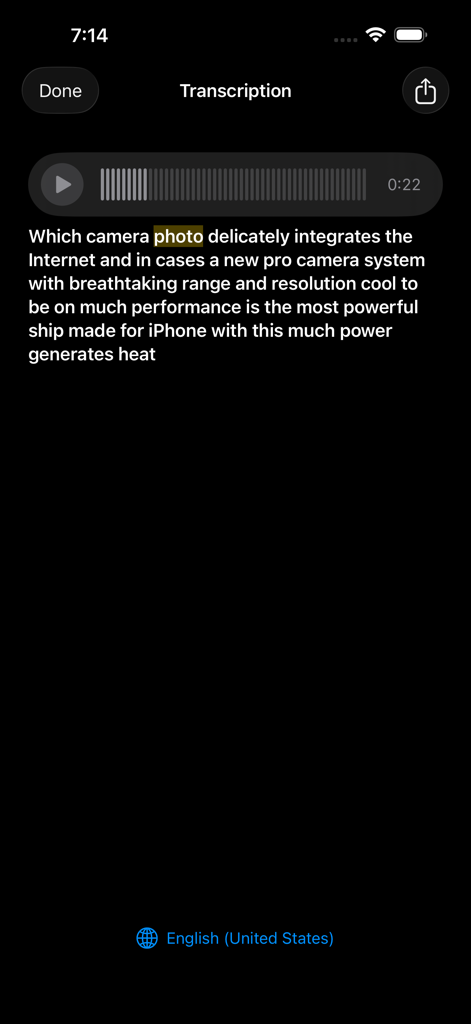
iPhone上でテキストに文字起こしされたボイスメモの文字起こしを示すインターフェイス

iPhone上でテキストに文字起こしされたボイスメモの文字起こしを示すインターフェイス

オーディオワークフローのためのプロフェッショナルなパワフルツール

このアプリを際立たせるツール、 927K+ 人のユーザーが選択.

📝

スマートAI文字起こし

講義、インタビュー、会議を検索可能なテキストに即座に変換します。高精度な音声認識エンジンで、手作業によるタイピングの時間を数時間節約できます。

シームレスなApple連携

真のモビリティを体験してください。Apple Watchから直接録音し、メモをiPhone、iPad、iCloudアカウント間で即座に同期します。

🔒

プロフェッショナルなプライバシーとセキュリティ

機密データを安全に保管します。FaceIDまたはTouchIDで機密性の高い録音をロックし、ワンタップのクラウド共有と生体認証保護でファイルを簡単に管理します。

アプリについて

について知っておくべきこと Voice Recorder, Voice Memos ™.

説明

.Voice Recorder, .Voice Memos, .Screen Recorder .One Touch Recording, .One Touch Stop & Save, .Storing recording both in raw and mp3 format , .Voice memos, .Voice email, .Easy to use, .Voice iCloud, .Voice Recorder , Voice Memos is Simple and user-friendly from your internal/external microphone .Recording Unlimited (not included in the price) .Voice Email Up to 5MB , .Share memos easily by one tap with ( DropBox , WhatsApp , Google Drive , .Facebook Messenger , Files and Other favorite Apps ), .Record Timer & Playback Counter , .Auto File Naming , .Rename Record Files, .Displays Audio File Sizes and Time Stamps, .Supported recording in background, .Memos you record can also be transferred to your Mac or PC Via USB (itunes file sharing) .Share mp3 files itunes or social media platforms (export & import) .Scan fingerprint & Fan ID for more security files (touch ID & Face ID), .Sticker Color For Searching easy your files. .3D Touch Support .You have access to all files with Apple Watch .Help Section in different languages .Add Title To Record .Move your voice memo .Trimming ( cut ) edit your Record (Audio) .Audio Editor .Screen recorder .Music Player (Audio Player) .Airplay Mode .Podcast Recorder .Voice Changer .Unlimited screen recorder (not included in the price) .Voice recorder for iPhone .Voice recorder for iPad .Voice recorder Free Apple Watch .Voice recorder Free iMessage .Transcribe (Voice To Text) .Convert voice recorder (Audio) to text .Speech to text Add Media player --------------- You Can reward & forward the audio memos even in lock screen Mode. A Professional slider comes to help for easy navigation in memo .Record with Apple Watch microphone .Free Recorder App for Apple Watch --------------- .Voice Recorder Free For AppleWatch and Playing History .Free iMessage Recorder App --------------- .Record audio Free then share it by iMessage App with your friends in iMessage Subscription pricing and terms: ALL ACCESS Monthly (Billed monthly) ---- ALL ACCESS Yearly (Billed yearly) Your subscription automatically renews unless auto-renew is turned off at least 24-hours before the end of the current period. Your credit card will be charged through your iTunes account. You can turn off auto-renew at any time from your iTunes Account Settings but refunds will not be provided for any unused portion of the term. Alternatively, there is a "Manage Subscription" menu option in the App Settings menu. Payment will be charged to iTunes Account at confirmation of purchase. Any unused portion of a free trial period will be forfeited when you purchase a subscription. - Terms of use : https://www.voicerecorderfree.com/terms - Privacy policy: https://www.voicerecorderfree.com/privacy

最新バージョン

5.7

サイズ

18.9 MB

リリース日

2013年3月7日

すべてのアイデアをキャプチャし、すべての単語を文字起こし

100万近いプロフェッショナルや学生が、すべてのAppleデバイスで安全にワンタップでオーディオをキャプチャし、即座に音声認識できるVoice Recorder ™を信頼しています。

ダウンロード: App Store

App information, icons, screenshots, and descriptions displayed on this page are sourced from the Apple App Store and are the property of their respective developers. Download estimates and rankings are based on MWM's proprietary models and may not reflect actual figures. This page is provided for informational and analytical purposes only.

Believe this page infringes your intellectual property? File a dispute