Zerocam | Anti-AI Camera
ダウンロード: App Store

このページはアプリまたはその開発者の公式ページではなく、情報提供および論評を目的として作成された独立した編集出版物です。明示的に別段の記載がない限り、アプリおよびその開発者は、MWM、Apple、Google Play、アプリのパブリッシャー、またはアプリの開発者と提携、承認、後援、認可、またはその他の公式的な関係はなく、このページのいかなる内容も、アプリがMWMのサービスを使用して開発されたことを意味するものではありません。すべての商標、ロゴ、スクリーンショット、その他のコンテンツはそれぞれの所有者の財産です。

ロゴ: Zerocam | Anti-AI Camera
ダウンロード: App Store

Zerocam | Anti-AI Camera

攻撃的な後処理からあなたの写真を解放しましょう。設定も邪魔もゼロで、純粋で自然な写真体験を。撮るだけで、編集なし。

主要数値

ダウンロード

14K+

ユーザー評価

3.8/5

評価数

400

開発元

Sergio Rodriguez Rama

カテゴリ

Photo & Video

対応言語

1

最新バージョン

4.7

サイズ

33.7 MB

リリース日

2024年6月1日
機能

写真、フィルターなし。

最新スマートフォンの過剰処理された外観から逃れましょう。ZerocamはAIやメニューの複雑さを排除し、ポイント&シュート写真の生の、ノスタルジックな喜びを取り戻します。

AIに頼らない自然な見た目

攻撃的なHDRや人工的なシャープネスとはお別れです。自然なノイズと柔らかい質感を保持し、デジタルレンダーではなく、本物の思い出のような写真にします。

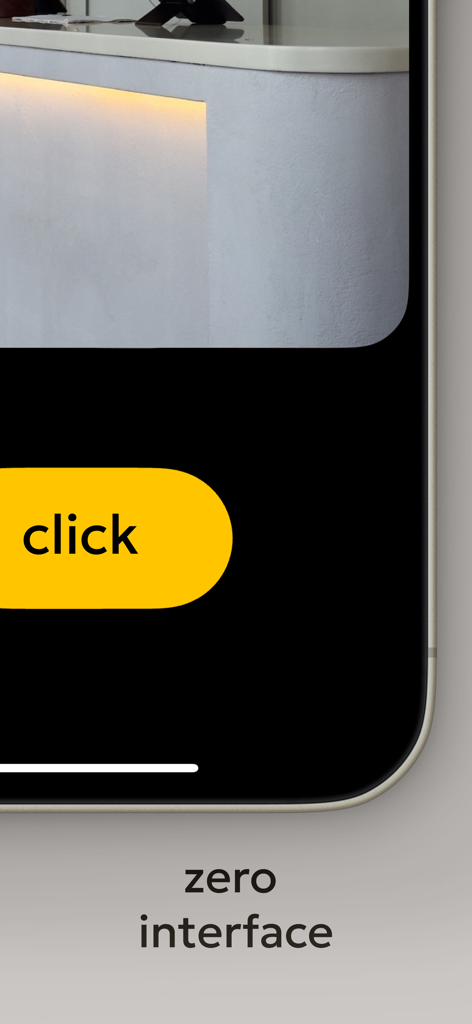
ゼロインターフェースデザイン

フォーカスをタップすることも、露出スライダーを調整することも、メニューを操作することもありません。巨大なシャッターボタン一つで、魔法が消える前に瞬間を捉えることができます。

以下のスクリーンショットと説明は、アプリの公式ストアリスティングから直接取得されたものであり、アプリ開発者の所有物です。

アプリストア

スクリーンショット
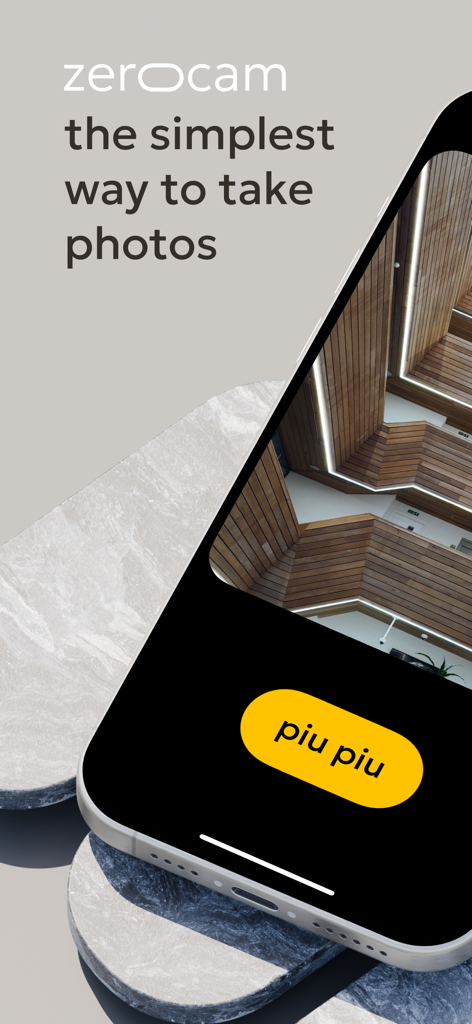
Zerocam | Anti-AI Camera - Zerocamのミニマリストカメラアプリのインターフェース。iPhoneに黄色いピピピシャッターボタンと建築写真が表示されています。
Zerocamのミニマリストカメラアプリのインターフェース。iPhoneに黄色いピピピシャッターボタンと建築写真が表示されています。

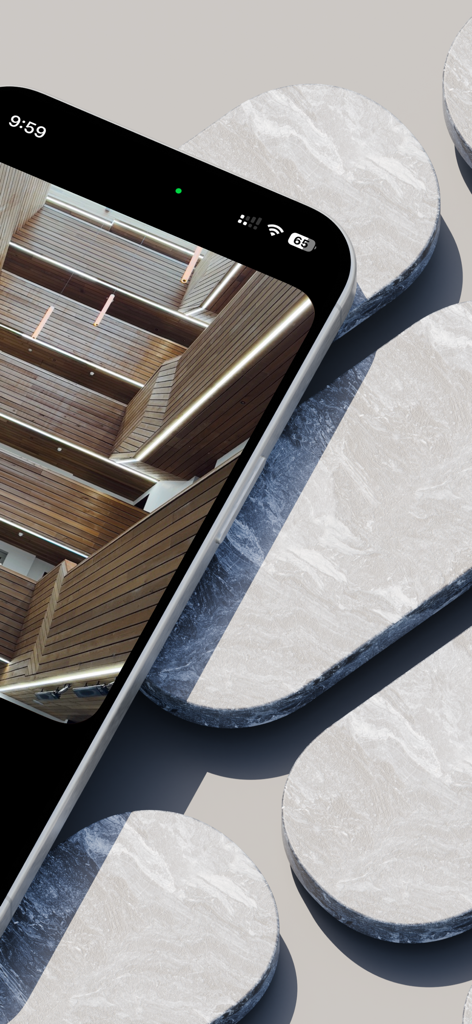
Zerocam | Anti-AI Camera - ミニマリストな大理石の背景に、Zerocamアプリを使用した自然な建築写真が表示されているiPhone。
ミニマリストな大理石の背景に、Zerocamアプリを使用した自然な建築写真が表示されているiPhone。

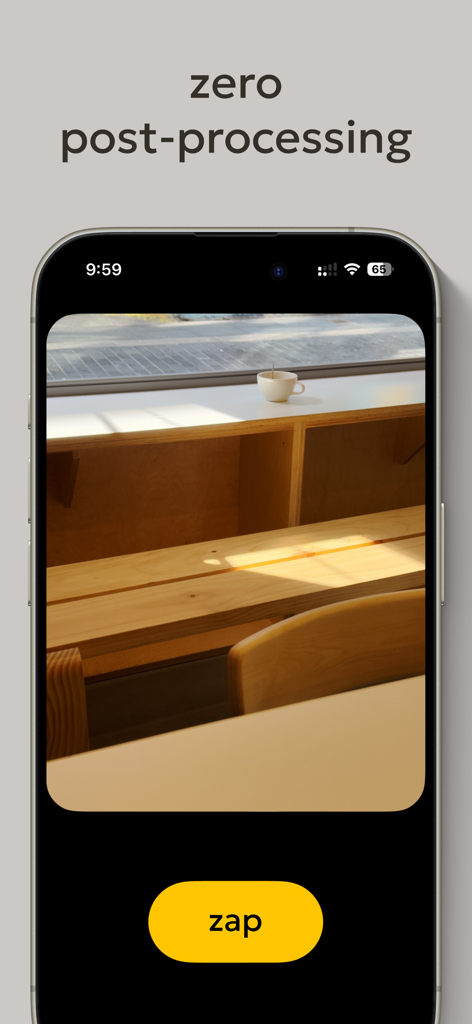
Zerocam | Anti-AI Camera - Zerocamアプリのインターフェースが表示されているiPhone画面。ゼロポストプロセッシングのテキストと大きな黄色いスパークシャッターボタンが表示されています。
Zerocamアプリのインターフェースが表示されているiPhone画面。ゼロポストプロセッシングのテキストと大きな黄色いスパークシャッターボタンが表示されています。

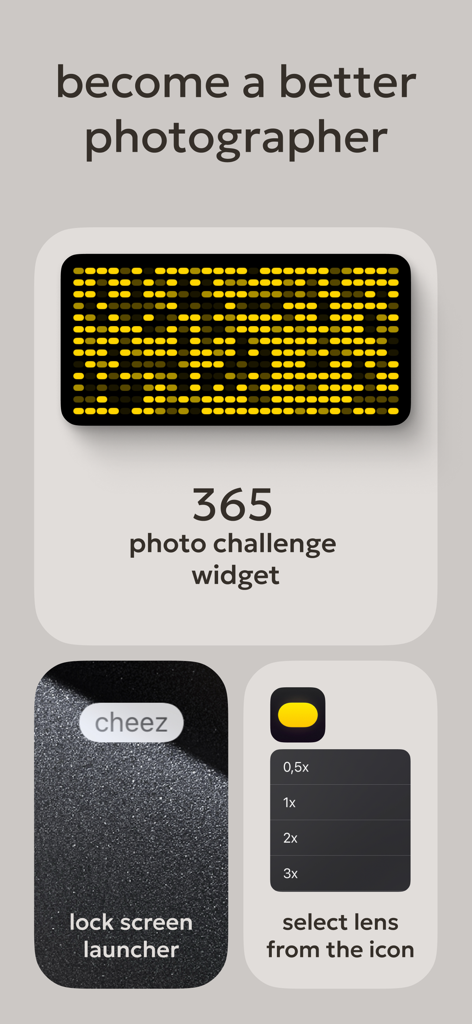
Zerocam | Anti-AI Camera - Zerocamアプリのインターフェース。フォトチャレンジウィジェット、ロック画面ランチャーボタン、レンズ選択メニューが表示されています。
Zerocamアプリのインターフェース。フォトチャレンジウィジェット、ロック画面ランチャーボタン、レンズ選択メニューが表示されています。

Zerocam | Anti-AI Camera - Zerocamカメラアプリのゼロインターフェース。クリックという言葉が表示された大きな黄色いシャッターボタンが表示されています。

Zerocamカメラアプリのゼロインターフェース。クリックという言葉が表示された大きな黄色いシャッターボタンが表示されています。

説明

Zerocam: the pure digital camera app. The app that brings pure point-and-shoot photography back! Your phone is a small pocket camera, and we believe this camera is made for fun. Let's be honest: It's not a professional camera with a huge lens, large sensor, complicated settings, and hardware controls. It's a small pocket camera with a tiny sensor and a plastic lens. It's not perfect, but it has a charm! Natural noise, a soft, pleasant look, and subtle in-camera app color grading are distinctive Zerocam looks. The stock camera app is trying to compensate for "imperfections" with very aggressive AI postprocessing, and the result usually looks unnatural, with an unmistakable HDR look and flatness. Our task is to get rid of it. Zero interface. Focus on photography, not the camera! Today, almost all photo apps for mobile devices are packed with features, settings, and complicated controls. In our experience, it's becoming less and less accessible because sometimes we want to take a photo, but we have to set up too much: change the exposure, tap to focus, swipe to the correct mode, change the camera… and we miss the shot! Bummer! Zerocam is the most accessible camera app ever! We created the giant shutter button and all settings. There is no focusing, exposure correction, or hassle. Just click, and we do the rest. It's the same as using a real disposable camera—pure fun! We think photography is about telling a story, and nothing should distract you — not artificial postprocessing, ruining your photo with added details that aren't there, or a bloated interface. FAQ: Does Zerocam shoot RAW? — Nope. However, we use RAW in the pipeline for accurate color grading. And saves JPG for you. Can I shoot in RAW with Zerocam? — Nope. Your mobile camera is excellent, and RAW is more about a professional approach. Where are all the settings and options? — Zero. Remember the app name? Yep! How to focus? — Focus is always on the middle of the frame, as in pocket cameras! Where is the selfie camera? — Flip your device and get a way better selfie! Yep! The primary camera is better. Why does it have no options and functions? — This is why this camera app exists. Accessible and simple. Everyone can understand and use it! What is the difference between RAW shooting and Zerocam results? — RAW is a professional format file; it's only data, not a final photo. Also, the file size is quite large. You must edit it properly, making the photography process longer and more complicated. We appreciate this approach, but sometimes, we want to take photos and be sure they look fantastic. What exactly is Zerocam doing when I press the button? — Zerocam works precisely like a conventional digital camera: It takes temporary RAW with our best setting depending on the light and scene, converts it to a flat image, applies our custom subtitle LUT, and saves it in compressed format. Terms of use: https://www.apple.com/legal/internet-services/itunes/dev/stdeula/

Download

ダウンロード: App Store

このページはアプリまたはその開発者の公式ページではなく、情報提供および論評を目的として作成された独立した編集出版物です。明示的に別段の記載がない限り、アプリおよびその開発者は、MWM、Apple、Google Play、アプリのパブリッシャー、またはアプリの開発者と提携、承認、後援、認可、またはその他の公式的な関係はなく、このページのいかなる内容も、アプリがMWMのサービスを使用して開発されたことを意味するものではありません。すべての商標、ロゴ、スクリーンショット、その他のコンテンツはそれぞれの所有者の財産です。








