Airmail for Gmail Outlook IMAP
다운로드: App Store

이 페이지는 앱이나 개발자의 공식 페이지가 아니며, 정보 제공 및 논평을 목적으로 작성된 독립 편집 간행물입니다. 명시적으로 달리 언급되지 않는 한, 해당 앱이나 개발자는 MWM, Apple, Google Play, 앱 퍼블리셔 또는 앱 개발자와 제휴, 보증, 후원, 승인 또는 공식적으로 연결되어 있지 않으며, 이 페이지의 어떤 내용도 해당 앱이 MWM의 서비스를 사용하여 개발되었음을 의미하지 않습니다. 모든 상표, 로고, 스크린샷 및 기타 콘텐츠는 해당 소유자의 자산입니다.


로고: Airmail for Gmail Outlook IMAP
다운로드: App Store

Airmail for Gmail Outlook IMAP

Apple 생태계 전반에 걸친 데스크톱급 도구, 심층 통합 및 원활한 iCloud 동기화로 워크플로우를 제어하세요.

주요 수치

다운로드

813K+

사용자 평점

3.3/5

총 평가 수

27K+

개발사

Bloop S.R.L

카테고리

Productivity

지원 언어

28

최신 버전

26.0.20

크기

180.2 MB

출시일

2016년 2월 1일
기능

이메일 성능을 향상시키세요

Apple 전문가를 위해 설계된 Airmail은 받은 편지함을 생산성 엔진으로 바꾸는 전문적인 워크플로우로 커뮤니케이션을 간소화합니다.

마찰 없는 앱 워크플로우

받은 편지함을 전체 생산성 스택에 연결하여 이메일을 Trello, Todoist, Omnifocus와 같은 앱의 작업으로 즉시 변환합니다.

워크플로우에 맞춤 설정

기록적인 시간 안에 '받은 편지함 제로'를 달성하도록 설계된 사용자 정의 가능한 스와이프 동작, 일괄 편집 및 스마트 필터로 완벽하게 제어하세요.

다음 스크린샷과 설명은 앱의 공식 스토어 목록에서 직접 가져온 것이며 앱 개발자의 자산입니다.

앱 스토어

스크린샷
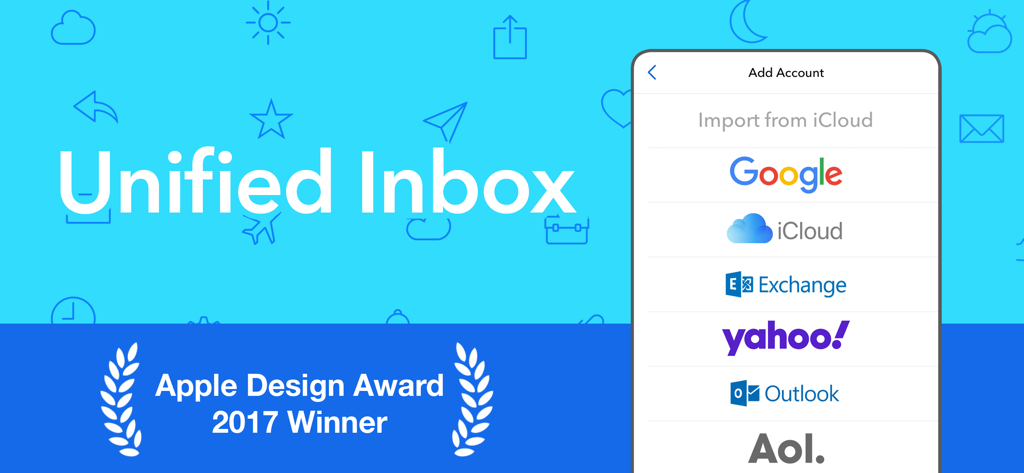
Airmail for Gmail Outlook IMAP - Google iCloud 및 Outlook에 대한 통합 받은 편지함 및 계정 설정 옵션을 보여주는 Airmail 앱 화면과 Apple Design Award 배지.
Google iCloud 및 Outlook에 대한 통합 받은 편지함 및 계정 설정 옵션을 보여주는 Airmail 앱 화면과 Apple Design Award 배지.

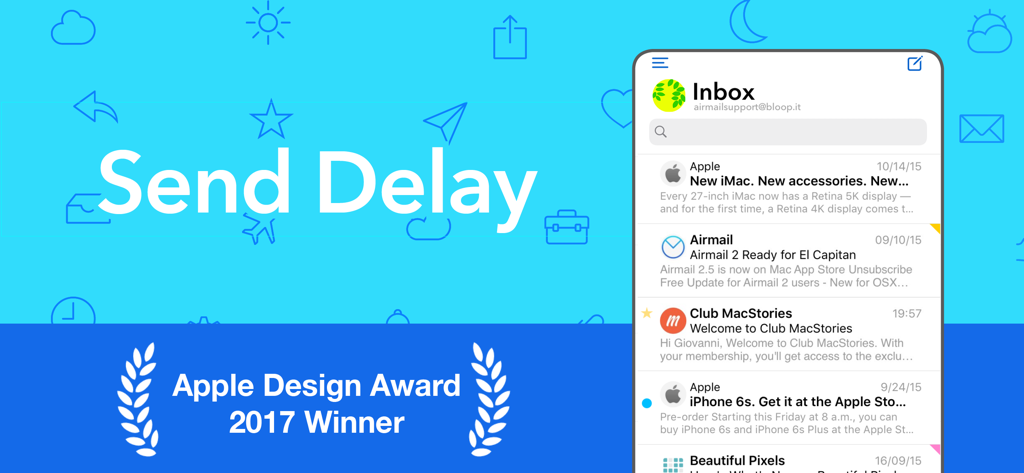
Airmail for Gmail Outlook IMAP - Airmail 이메일 앱 인터페이스에 Send Delay 도구와 Apple Design Award 2017 수상자 배지가 표시됨
Airmail 이메일 앱 인터페이스에 Send Delay 도구와 Apple Design Award 2017 수상자 배지가 표시됨

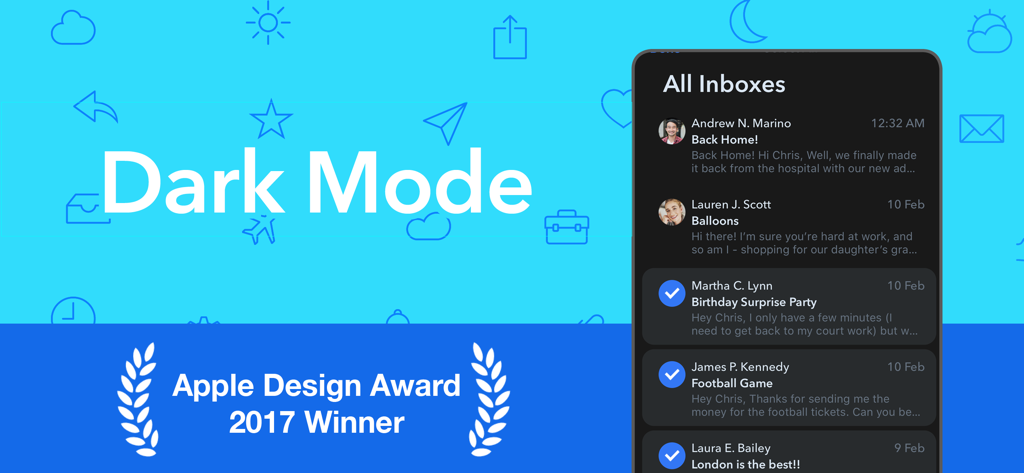
Airmail for Gmail Outlook IMAP - 다크 모드 인터페이스와 Apple Design Award 수상자 배지가 표시된 Airmail 이메일 앱
다크 모드 인터페이스와 Apple Design Award 수상자 배지가 표시된 Airmail 이메일 앱

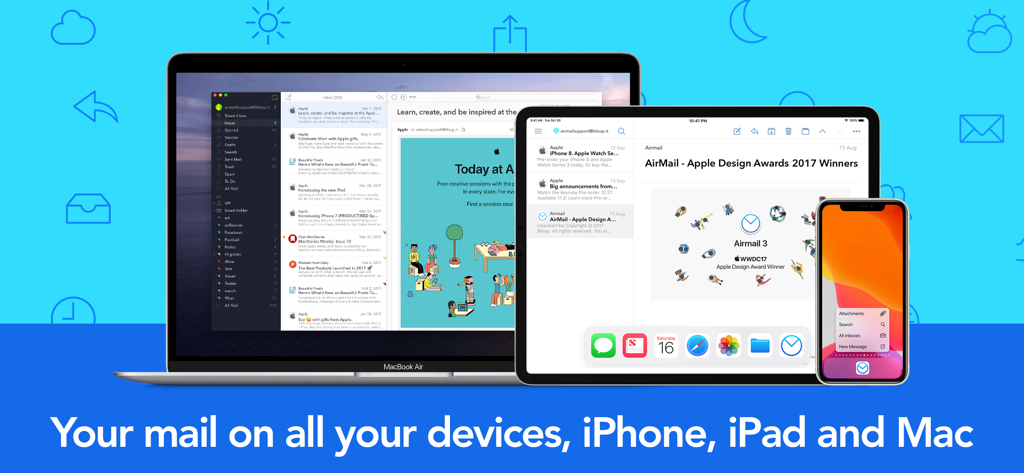
Airmail for Gmail Outlook IMAP - MacBook iPad 및 iPhone 전반에 걸쳐 표시되는 Airmail 이메일 클라이언트가 원활한 동기화를 보여줌

MacBook iPad 및 iPhone 전반에 걸쳐 표시되는 Airmail 이메일 클라이언트가 원활한 동기화를 보여줌

설명

** Apple Design Award Winner ** Airmail is a powerful mail client for Mac, now available for iPhone and iPad. Designed for the latest generation iOS, it supports 3D Touch, fast document previewing, high quality PDF creation, and native integration with other apps and services for a frictionless workflow. Workflow customization is at the core, with a rich feature set like snooze, interactive push notifications, and full inbox sync. iCloud sync provides a fully ubiquitous experience so that all your accounts and app preferences are synced. - Support for Gmail, Exchange EWS, Outlook 365, IMAP and POP3 - Apple Watch app with glance and interactive notifications - Customizable swipes - Threads and single messages - Snooze messages - Bulk editing - iCloud sync between Mac and iOS - Drafts - Aliases - Multiple signatures - Unified inbox - Push notifications - Multiple Accounts ADVANCED - 3D Touch quick access - 3D Touch Peek and Pop - Spotlight search for documents and messages - Share composer extension - iCloud sync for labels, preferences and accounts across Mac and iOS - Handoff between Mac and iOS - Notifcation Based on Locations **** "Continued use of GPS running in the background can dramatically decrease battery life." SEARCH AND FILTERS - Online search - Filter by Unread, Starred, Conversation, Today and Smart - Quick access to the messages of one sender - Quick per account single folder access LABELS AND FOLDERS - Full label access - Per single labels sync - Quick access to recent labels - Favorite labels - Full label creation and editing - Document view with rich preview - Unread, Today, Conversations and Contacts COMPOSER - HTML rich composer - Attachment resizing - Document import from Dropbox, Google Drive and much more - Signature swipes - Composer extension - Online drafts - Send and Archive OPERATIONS - Undo actions - Move messagees between accounts - Multiple signature - Operations view - Attachments view - Contacts view - Mark as unread on open CONTACTS - VIP - Google Directory Search - Exchange Global Address List - Contacts Group messages - Auto CC/BCC VISUAL - Profile icons - Highlight subject - Account colors - Preview message lines - Remote images ACTIONS - Archive - Trash - Snooze defer messages - Move and Labels - Mark as Unread, Starred, Spam - Send to Calendar - Send to iOS Extension - Create a searchable PDF - Print - Bounce - Redirect - Transfer to a different account - Universal link Mac/iOS - Add to sender to VIP - Empty Trash and Spam - Mark entire mailbox as read INTEGRATIONS Attachments: - Google Drive - Droplr - OneDrive - Dropbox Open Links in: - Safari - Chrome - Firefox - iCab - Mercury - Safari in-app Send to Apps and Service: - Calendars Invites - Apple Calendar - Apple Reminder - Omnifocus - Todoist - Fantastical 2 - 2DO - Trello - Clear - Evernote - Things - Task - Editorial - Draft 4 - iA Writer - Code Hub - Things - 1Writer - Delivery - Github - Swipes - Pocket - DevonThink Airmail does NOT store your messages on our servers. Server processing is very limited and performed only if users enable Realtime Mailbox Monitoring. https://airmailapp.com/dataremoval.html ------- Airmail Pro is an auto renewable subscription: - Unified Inbox - Multiple Accounts - Agenda Integration - Realtime Inbox Monitoring ------- Price may vary by location and active promotion. Subscriptions will be charged to your credit card through your iTunes account. Your subscription will automatically renew unless canceled at least 24 hours before the end of the current period. Manage your subscriptions in Account Settings after purchase. Any unused portion of a free trial peri​od, will be forfeited when the user purchases a subscription. ------- Privacy Policy: https://www.airmailapp.com/privacyios.html Terms of Service: https://airmailapp.com/eulaios

Download

다운로드: App Store

이 페이지는 앱이나 개발자의 공식 페이지가 아니며, 정보 제공 및 논평을 목적으로 작성된 독립 편집 간행물입니다. 명시적으로 달리 언급되지 않는 한, 해당 앱이나 개발자는 MWM, Apple, Google Play, 앱 퍼블리셔 또는 앱 개발자와 제휴, 보증, 후원, 승인 또는 공식적으로 연결되어 있지 않으며, 이 페이지의 어떤 내용도 해당 앱이 MWM의 서비스를 사용하여 개발되었음을 의미하지 않습니다. 모든 상표, 로고, 스크린샷 및 기타 콘텐츠는 해당 소유자의 자산입니다.








