
이 페이지는 앱이나 개발자의 공식 페이지가 아니며, 정보 제공 및 논평을 목적으로 작성된 독립 편집 간행물입니다. 명시적으로 달리 언급되지 않는 한, 해당 앱이나 개발자는 MWM, Apple, Google Play, 앱 퍼블리셔 또는 앱 개발자와 제휴, 보증, 후원, 승인 또는 공식적으로 연결되어 있지 않으며, 이 페이지의 어떤 내용도 해당 앱이 MWM의 서비스를 사용하여 개발되었음을 의미하지 않습니다. 모든 상표, 로고, 스크린샷 및 기타 콘텐츠는 해당 소유자의 자산입니다.


Authenticator ® App
이 앱은 사용자가 디지털 왕국의 절대적인 지배자가 되도록 만듭니다. 암호와 2FA 코드를 장악하고 온라인에서 겪는 혼란을 잠재웁니다.
다운로드
1M+사용자 평점
총 평가 수
8.9K개발사
카테고리
Productivity지원 언어
12최신 버전
3.0.1크기
130.6 MB출시일
2024년 3월 31일강력한 온라인 보안을 위한 핵심 기능 평가
Authenticator ® 앱 기능 분석
1,000개 이상의 앱 보호
이 앱은 Gmail, Facebook, Instagram, Twitter 등 1,000개 이상의 앱과 통합되어 다양한 플랫폼에서 계정을 손쉽게 보호할 수 있게 합니다.
통합 비밀번호 관리자
이 도구는 모든 비밀번호를 안전하게 저장하고 관리하여 사용자가 다양한 온라인 서비스에 대한 접근을 효율적으로 제어할 수 있도록 돕습니다.
클라우드 백업
이 앱은 안전한 클라우드 백업을 통해 사용자의 데이터가 안전하게 보호되고 필요할 때마다 접근할 수 있도록 보장하여 계정 접근 손실에 대한 걱정을 덜어줍니다.
비밀번호 유출 감지
이 기능은 사용자의 비밀번호가 온라인에서 유출되었는지 감지하여 데이터 침해로부터 계정을 안전하게 보호하기 위한 즉각적인 조치를 취할 수 있도록 알려줍니다.
VPN 보호
이 앱은 공용 Wi-Fi 연결 시 사용자의 트래픽을 암호화하고 IP 주소를 숨겨 온라인 활동의 프라이버시와 보안을 강화합니다.
비밀번호 및 계정 자동 완성
이 시스템은 저장된 사용자 이름과 비밀번호를 안전하게 자동 완성하여 사용자가 즐겨찾는 웹사이트와 앱에 손쉽게 로그인할 수 있도록 돕습니다.
생체 인식 보안 (Face ID / Touch ID)
이 앱은 Face ID, Touch ID 또는 강력한 비밀번호를 통해 추가적인 보호 계층을 제공하여 무단 사용자의 접근을 효과적으로 차단합니다.
QR 코드 스캔으로 쉬운 설정
이 도구는 QR 코드 스캔을 통해 2단계 인증을 손쉽게 활성화하고, 즉각적이고 시간 제한적인 보안 코드를 제공하여 계정 설정을 신속하게 완료할 수 있게 합니다.
Wi-Fi 보안 스캐너
이 기능은 안전하지 않은 네트워크를 감지하고 피할 수 있도록 지원하여 사용자의 데이터를 잠재적인 침해로부터 보호합니다.
개인 정보 보호 브라우징
이 앱은 사용자의 온라인 활동을 비공개로 유지하여 외부의 감시로부터 개인 정보를 보호합니다.
자주 묻는 질문
에 대해 알아야 할 모든 것 Authenticator ® App
What is Authenticator App - FastOTP?
Authenticator App - FastOTP is an all-in-one security solution that manages two-factor authentication (2FA) codes and passwords. It adds an extra layer of security to over 1,000 online accounts.
How does Authenticator App - FastOTP set up two-factor authentication?
Authenticator App - FastOTP offers easy 2FA setup by scanning a QR code. This method provides instant, time-sensitive security codes, streamlining the process of securing your accounts.
Does Authenticator App - FastOTP protect many applications?
Yes, Authenticator App - FastOTP integrates with over 1,000 apps. It protects popular services like Gmail, Facebook, Instagram, and Twitter, securing all your accounts effortlessly.
Does Authenticator App - FastOTP include password leak detection?
Yes, Authenticator App - FastOTP features password leak detection. It notifies users if any of their passwords have been compromised online by checking for data breaches.
Can Authenticator App - FastOTP secure my online browsing?
Yes, Authenticator App - FastOTP provides VPN protection. This feature ensures privacy and security by encrypting your traffic and hiding your IP address on any network, including public Wi-Fi.
Does Authenticator App - FastOTP offer password autofill functionality?
Yes, Authenticator App - FastOTP includes Password & Account AutoFill. This smart system securely fills in saved usernames and passwords, enabling one-tap logins to websites and apps.
Is my data backed up with Authenticator App - FastOTP?
Yes, Authenticator App - FastOTP provides secure cloud backups. This feature ensures your data is safe and accessible, preventing loss of access to your accounts.
How can I secure access to the Authenticator App - FastOTP itself?
Authenticator App - FastOTP offers advanced security options like Face ID, Touch ID, or a strong password. This adds an extra layer of protection, preventing unauthorized access to the app.
Does Authenticator App - FastOTP offer private browsing?
Yes, Authenticator App - FastOTP includes private browsing features. It keeps your online activity safe from prying eyes by offering a fast browser without trackers or history logs.
How does Authenticator App - FastOTP handle subscriptions?
Payment for Authenticator App - FastOTP is charged to your iTunes account upon confirmation. Manage subscriptions and auto-renewal in Account Settings; auto-renewal occurs 24 hours before the period ends unless canceled.
Can Authenticator App - FastOTP scan Wi-Fi networks for security?
Yes, Authenticator App - FastOTP includes a Wi-Fi Security Scanner. This tool detects and helps avoid unsafe networks, protecting your data from potential breaches.
다음 스크린샷과 설명은 앱의 공식 스토어 목록에서 직접 가져온 것이며 앱 개발자의 자산입니다.
앱 스토어
스크린샷
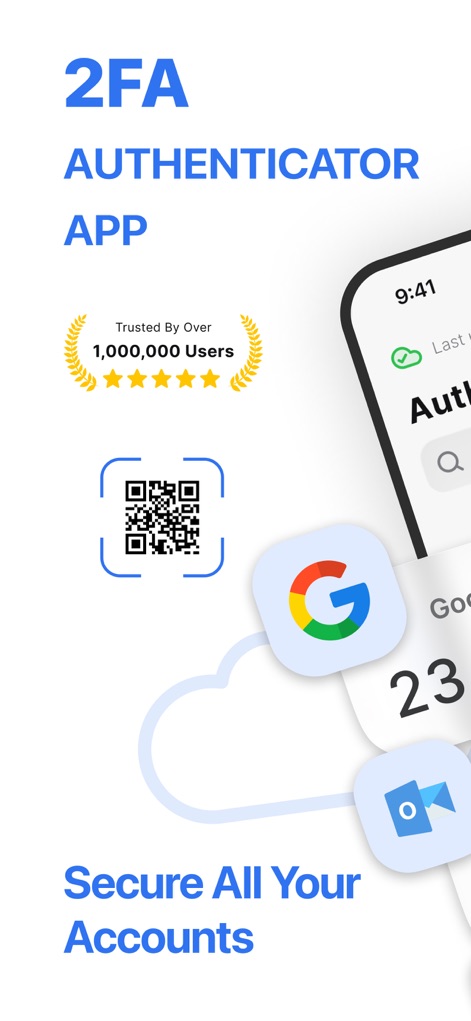
이 앱은 1백만 명 이상의 사용자가 신뢰하는 강력한 보안을 제공하며, QR 코드 스캔으로 계정을 손쉽게 연동할 수 있습니다.
강력한 이중 인증
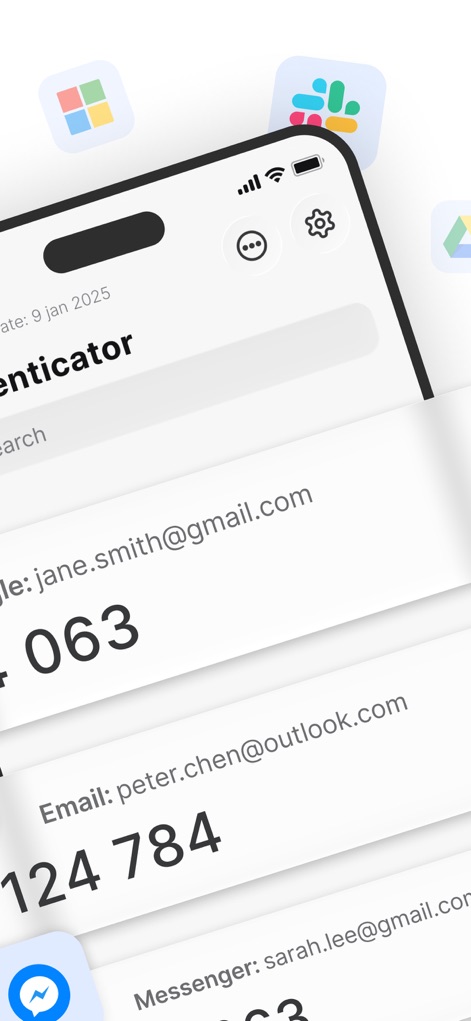
사용자는 다양한 계정의 인증 코드를 한눈에 확인할 수 있으며, 통합 검색 기능을 통해 특정 코드를 신속하게 찾을 수 있습니다.
간편한 코드 관리
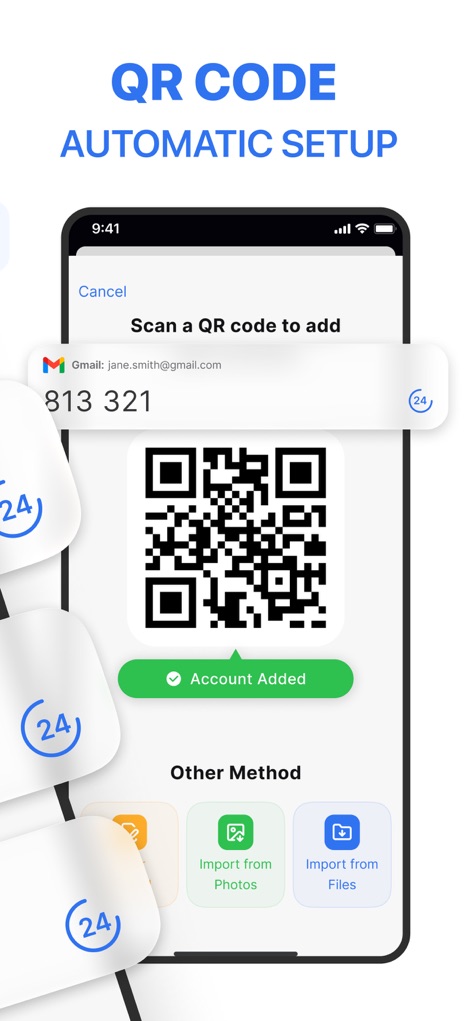
이 도구는 QR 코드 스캔을 통해 계정을 자동으로 설정하여 빠르고 편리한 등록 경험을 제공하며, '계정 추가됨' 메시지로 성공적인 연동을 확인시켜 줍니다.
신속한 계정 추가

이 앱은 비밀번호 관리 기능을 제공하여 사용자가 다양한 서비스의 비밀번호를 안전하게 보관하고, 잠재적인 보안 문제에 대한 경고 알림을 표시합니다.
강력한 비밀번호 보호

이 도구는 로그인 시 비밀번호 자동 완성 기능을 제공하여 사용자가 자주 방문하는 웹사이트와 앱에 간편하게 접근할 수 있도록 돕습니다.
편리한 자동 완성
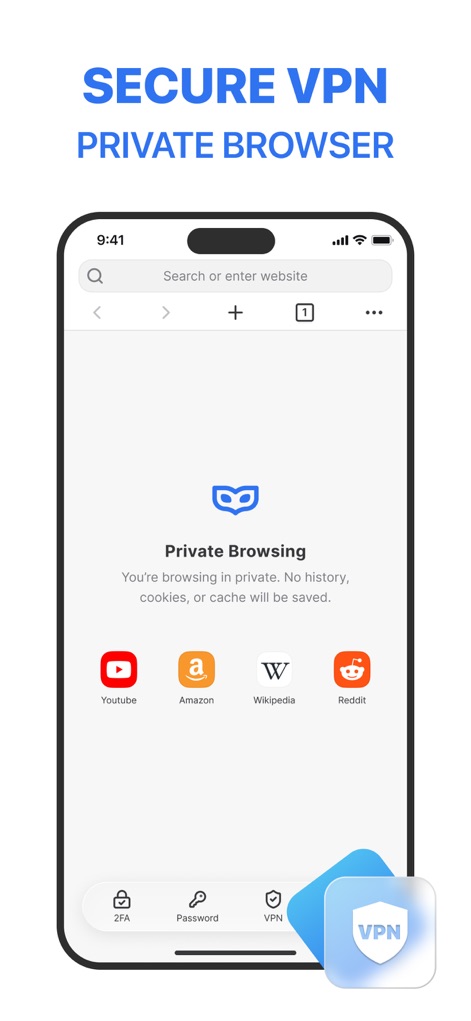
이 앱은 VPN 보호 기능을 내장하여 사용자가 개인 브라우징 모드로 온라인 활동을 안전하게 유지하며, IP 주소를 숨겨 익명성을 보장합니다.
안전한 개인 정보 보호
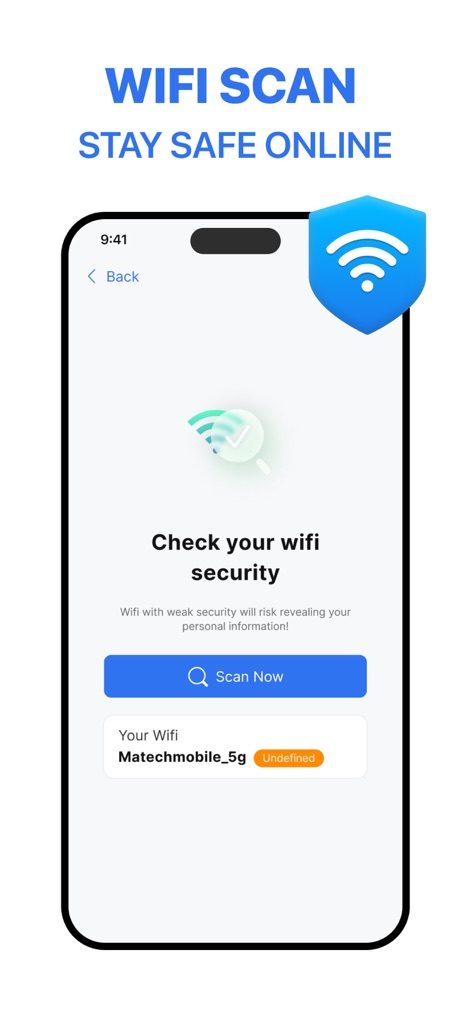
이 도구는 Wi-Fi 보안 스캔 기능을 통해 사용자의 네트워크 상태를 점검하여, 잠재적으로 안전하지 않은 연결로부터 개인 데이터를 보호합니다.
안전한 Wi-Fi 연결
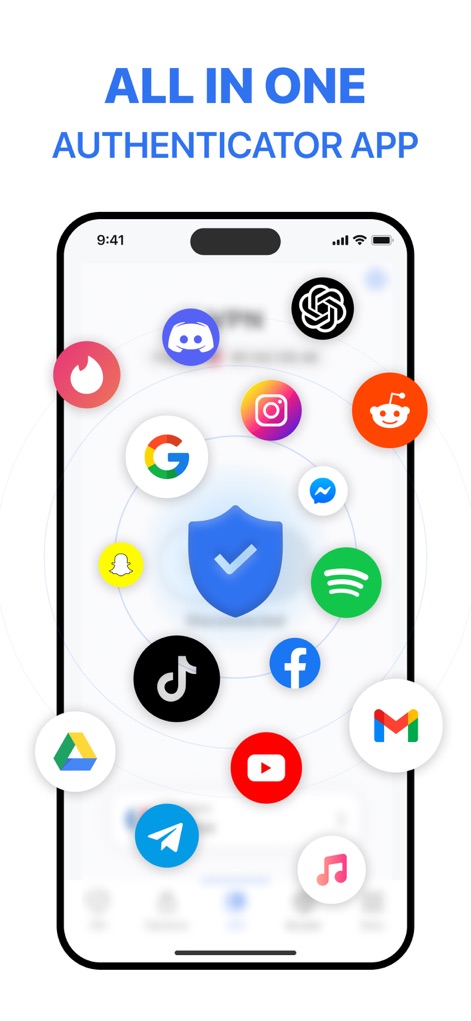
이 앱은 여러 인기 서비스의 아이콘을 중심으로 다양한 온라인 계정을 통합 관리하며, 하나의 보안 솔루션으로 모든 디지털 활동을 보호합니다.
통합 보안 플랫폼
설명
Download
비슷한 앱
유사한 기능과 사용자 경험을 가진 앱

Proton Pass - Password Manager
Proton AG

Dashlane Password Manager
Dashlane

Password Manager - mSecure
mSeven Software, LLC

Kepttor Password Manager
MACREL SRL SEMPLIFICATA

DataVault Manager - Encrypted
MIKHAIL SHERSHNEV

Authenticator ·
SMM service, s.r.o.

Bitwarden Password Manager
Bitwarden Inc

Authenticator App ⁸
AGILE CODE LIMITED

Authenticator App ℗
RHO DEVELOPERS LLC
이 페이지는 앱이나 개발자의 공식 페이지가 아니며, 정보 제공 및 논평을 목적으로 작성된 독립 편집 간행물입니다. 명시적으로 달리 언급되지 않는 한, 해당 앱이나 개발자는 MWM, Apple, Google Play, 앱 퍼블리셔 또는 앱 개발자와 제휴, 보증, 후원, 승인 또는 공식적으로 연결되어 있지 않으며, 이 페이지의 어떤 내용도 해당 앱이 MWM의 서비스를 사용하여 개발되었음을 의미하지 않습니다. 모든 상표, 로고, 스크린샷 및 기타 콘텐츠는 해당 소유자의 자산입니다.