
이 페이지는 앱이나 개발자의 공식 페이지가 아니며, 정보 제공 및 논평을 목적으로 작성된 독립 편집 간행물입니다. 명시적으로 달리 언급되지 않는 한, 해당 앱이나 개발자는 MWM, Apple, Google Play, 앱 퍼블리셔 또는 앱 개발자와 제휴, 보증, 후원, 승인 또는 공식적으로 연결되어 있지 않으며, 이 페이지의 어떤 내용도 해당 앱이 MWM의 서비스를 사용하여 개발되었음을 의미하지 않습니다. 모든 상표, 로고, 스크린샷 및 기타 콘텐츠는 해당 소유자의 자산입니다.


Azure Information Protection
당신은 공유된 기밀 정보를 해독하고 관리하는 디지털 마스터가 됩니다. 이 앱은 민감한 문서에 대한 통제력을 부여합니다.
다운로드
1M+사용자 평점
총 평가 수
236개발사
카테고리
Productivity지원 언어
30최신 버전
2.1.4크기
242.3 MB출시일
2013년 10월 10일데이터 보안 및 규정 준수를 위한 핵심 기능 평가
Azure Information Protection 앱 분석
안전한 콘텐츠 협업
이 앱은 사용자가 보호된 정보를 안전하게 공유하고 공동 작업할 수 있도록 지원하여 데이터 유출 위험을 줄입니다.
Intune을 통한 중앙 집중식 관리
이 도구는 IT 관리자가 Intune을 통해 앱을 배포하고 관리할 수 있도록 지원하여 조직 전체의 보안 정책 준수를 보장합니다.
권한 보호 이메일 메시지 열람
이 앱은 권한이 보호된 이메일 메시지를 안전하게 열람할 수 있는 기능을 제공하여 민감한 통신 내용을 보호합니다.
보호된 문서 및 PDF 파일 접근
이 도구는 사용자가 공유된 권한 보호 PDF 및 기타 문서 파일을 모바일 장치에서 안전하게 볼 수 있게 해줍니다.
자주 묻는 질문
에 대해 알아야 할 모든 것 Azure Information Protection
What is the primary function of the Azure Information Protection app?
The Azure Information Protection app allows users to view protected files, such as rights-protected email messages, PDF files, pictures, text files, and any other file format protected as a .pfile.
Do I need an Office 365 account to use Azure Information Protection?
Yes, to use the Azure Information Protection app, you must have an Office 365 account. It is not possible to sign in with a Microsoft Account (Live, Hotmail, or Outlook.com).
Can IT administrators manage the Azure Information Protection app for enterprise devices?
IT administrators can deploy and manage the Azure Information Protection app for devices that are enrolled by Intune, enabling centralized control and configuration.
Can the Azure Information Protection app open protected PDF files?
Yes, the Azure Information Protection app can open protected PDF files, including those shared via SharePoint and OneDrive for Business, as shown in the app's interface.
What file types does Azure Information Protection support for viewing?
The Azure Information Protection app supports viewing protected files with extensions like .pdf, .ppdf, .pjpg, .ppng, and .ptxt, among others, as illustrated by the app's interface.
How does Azure Information Protection handle protected emails?
The Azure Information Protection app works with your email application to help you open protected emails and their attachments securely, such as .rpmsg files.
다음 스크린샷과 설명은 앱의 공식 스토어 목록에서 직접 가져온 것이며 앱 개발자의 자산입니다.
앱 스토어
스크린샷
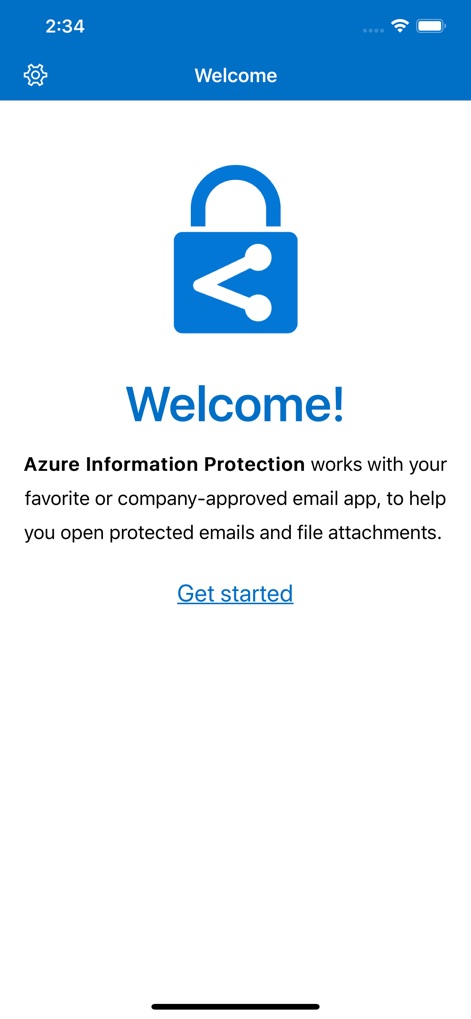
이 앱은 사용자에게 안전한 협업 경험을 제공하며, 화면 중앙의 자물쇠 아이콘과 환영 메시지를 통해 앱의 보안 지향적인 역할을 강조합니다.
안전한 협업 시작
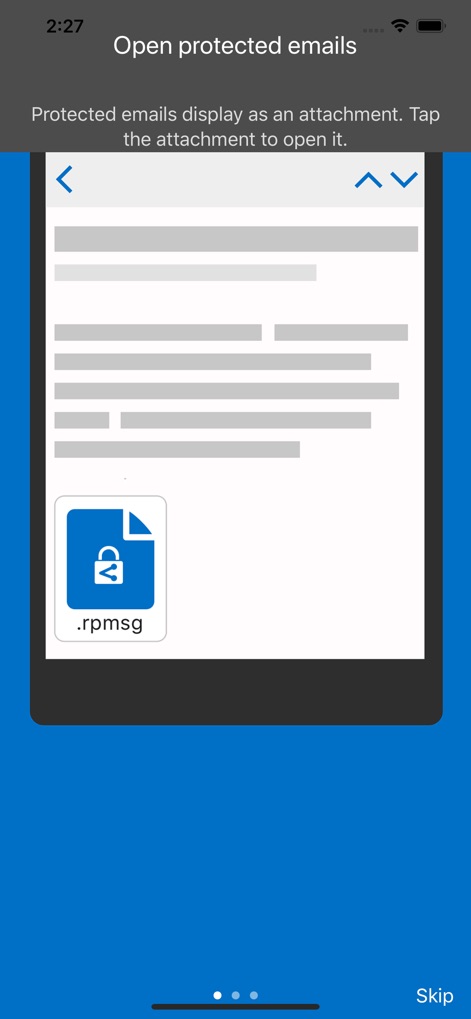
이 도구는 보호된 이메일을 안전하게 열람할 수 있도록 지원하며, 화면에 표시된 .rpmsg 파일 아이콘과 첨부 파일 열기 지침을 통해 사용 방법을 안내합니다.
이메일 보안 열람
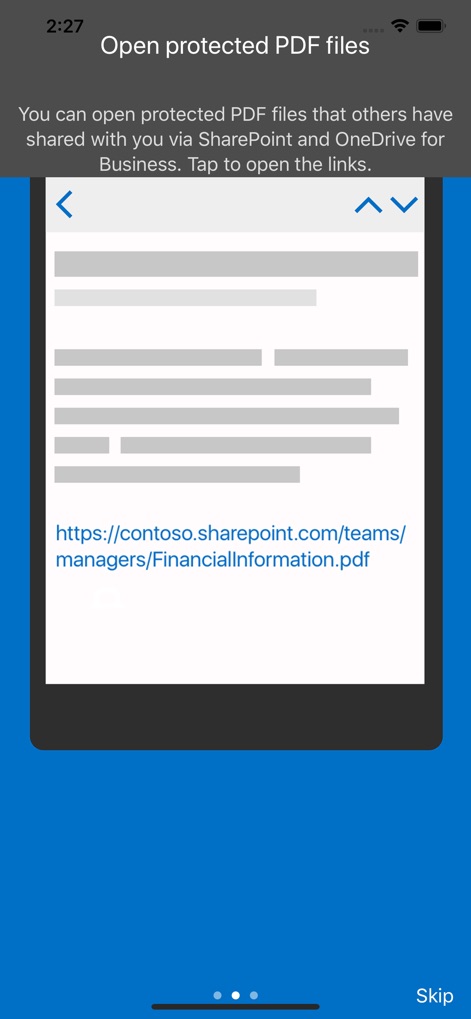
사용자는 SharePoint 및 OneDrive for Business를 통해 공유된 보호된 PDF 파일을 열 수 있으며, 화면에 나타난 SharePoint URL과 '보호된 PDF 파일 열기' 제목이 그 기능을 명확히 보여줍니다.
PDF 파일 보호
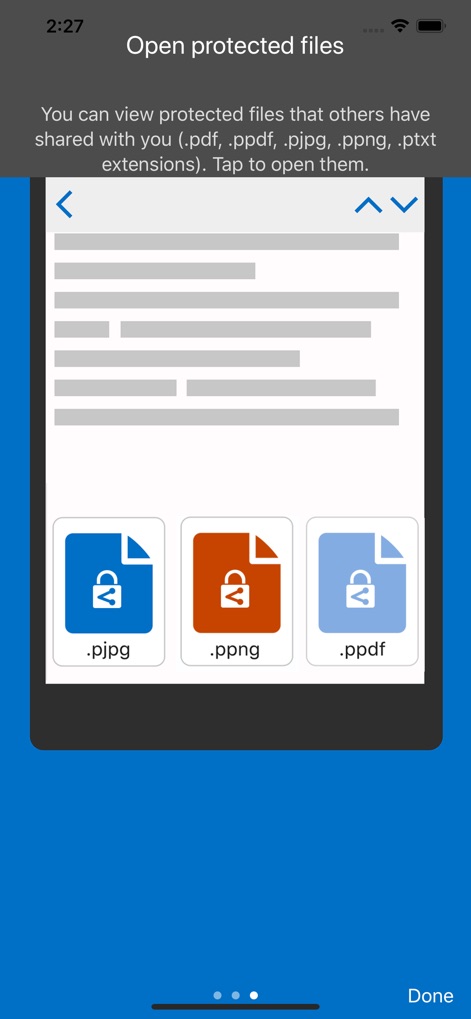
이 앱은 여러 유형의 보호된 파일을 지원하며, 화면 하단의 다양한 파일 형식 아이콘(.pjpg, .ppng, .ppdf)과 상단의 지원되는 확장자 목록이 그 포괄적인 기능을 보여줍니다.
다양한 파일 지원
설명
Download
비슷한 앱
유사한 기능과 사용자 경험을 가진 앱

Content - Workspace ONE
Wandering WiFi LLC

智建存档
QuShuo Network Technology Co.Ltd

SharePlus for Office 365
Infragistics Business Solutions, Inc.

ADDISON OneClick Lohnordner
Wolters Kluwer Tax & Accounting Deutschland GmbH

Secure Reader for BlackBerry
Good.iWare, Inc.

ONP Solicitors
Lavatech Limited

PaperCut Hive - Secure Print
PaperCut Software International Pty Ltd

Access Evo
Access UK Ltd
이 페이지는 앱이나 개발자의 공식 페이지가 아니며, 정보 제공 및 논평을 목적으로 작성된 독립 편집 간행물입니다. 명시적으로 달리 언급되지 않는 한, 해당 앱이나 개발자는 MWM, Apple, Google Play, 앱 퍼블리셔 또는 앱 개발자와 제휴, 보증, 후원, 승인 또는 공식적으로 연결되어 있지 않으며, 이 페이지의 어떤 내용도 해당 앱이 MWM의 서비스를 사용하여 개발되었음을 의미하지 않습니다. 모든 상표, 로고, 스크린샷 및 기타 콘텐츠는 해당 소유자의 자산입니다.