PaperCut Hive - Secure Print
다운로드: App Store

이 페이지는 앱이나 개발자의 공식 페이지가 아니며, 정보 제공 및 논평을 목적으로 작성된 독립 편집 간행물입니다. 명시적으로 달리 언급되지 않는 한, 해당 앱이나 개발자는 MWM, Apple, Google Play, 앱 퍼블리셔 또는 앱 개발자와 제휴, 보증, 후원, 승인 또는 공식적으로 연결되어 있지 않으며, 이 페이지의 어떤 내용도 해당 앱이 MWM의 서비스를 사용하여 개발되었음을 의미하지 않습니다. 모든 상표, 로고, 스크린샷 및 기타 콘텐츠는 해당 소유자의 자산입니다.


로고: PaperCut Hive - Secure Print
다운로드: App Store

PaperCut Hive - Secure Print

안전하고 비접촉식 문서 해제로 하이브리드 워크플로우를 강화하세요. 모든 기기에서 인쇄하고 준비가 되면 문서를 수령하여 데이터를 비공개로 유지하고 사무실을 친환경적으로 관리하세요.

주요 수치

다운로드

152K+

사용자 평점

2.3/5

총 평가 수

0

개발사

PaperCut Software International Pty Ltd

카테고리

Productivity

지원 언어

1

최신 버전

1.17.6

크기

14.5 MB

출시일

2020년 10월 29일
기능

사무실 인쇄 경험을 혁신하세요

PaperCut Hive는 보안, 지속 가능성, 모바일 편의성을 업무 공간에 제공하여 모든 기기에서 문서를 그 어느 때보다 쉽게 관리할 수 있도록 합니다.

안전한 인쇄 해제

기밀성을 보호하고 '프린터 달리기'를 끝내세요. 민감한 문서는 직접 프린터에 가서 수령할 때만 해제됩니다.

터치리스 수령

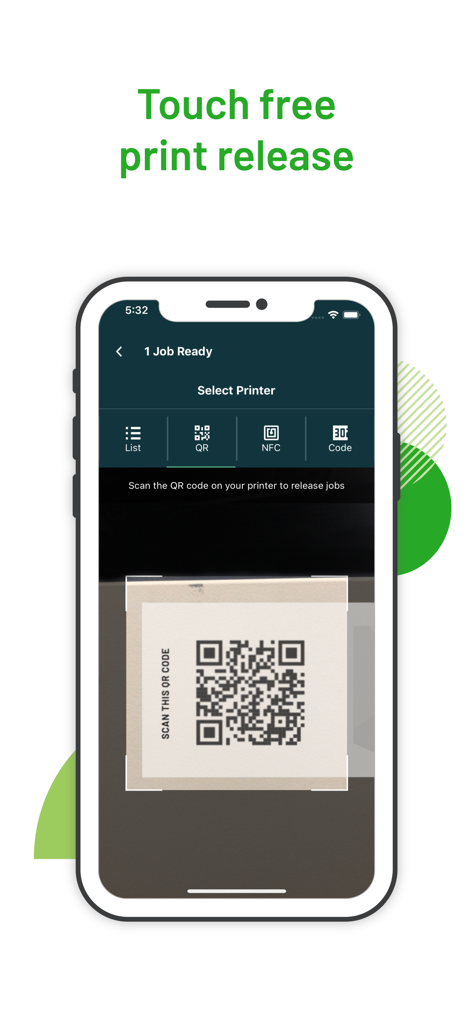
위생적이고 비접촉식 워크플로우를 즐기세요. iPhone으로 QR 코드를 스캔하거나 NFC 스티커를 탭하여 공동 화면을 만지지 않고 작업을 해제하세요.

다음 스크린샷과 설명은 앱의 공식 스토어 목록에서 직접 가져온 것이며 앱 개발자의 자산입니다.

앱 스토어

스크린샷
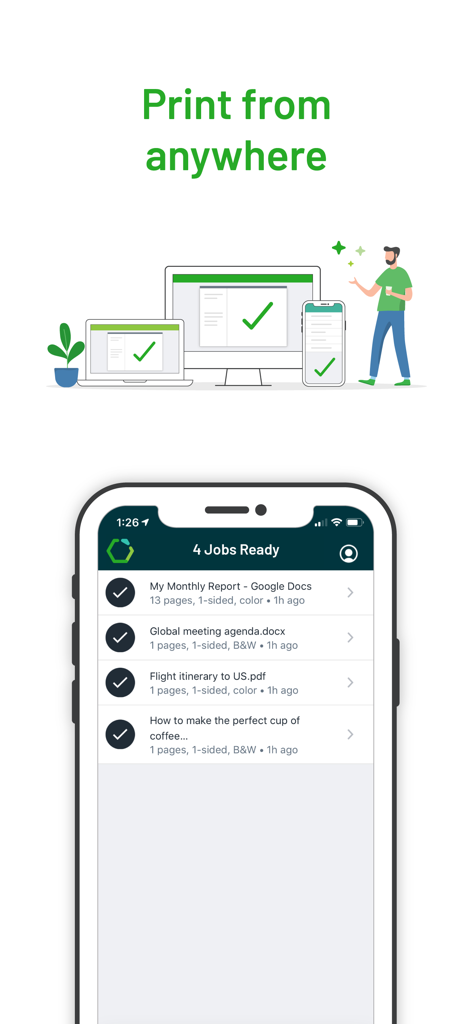
PaperCut Hive - Secure Print - 안전한 해제를 위해 준비된 인쇄 작업 목록이 있는 PaperCut Hive 앱의 모바일 화면
안전한 해제를 위해 준비된 인쇄 작업 목록이 있는 PaperCut Hive 앱의 모바일 화면

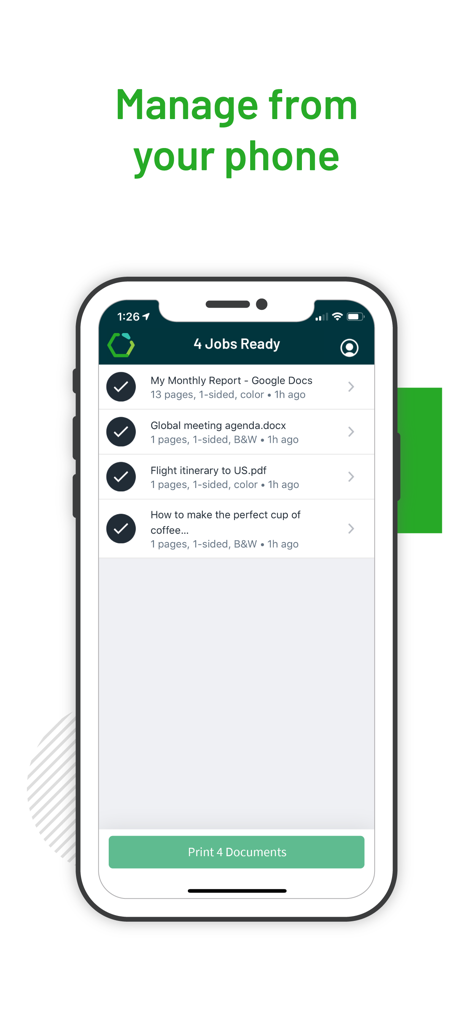
PaperCut Hive - Secure Print - 안전한 인쇄 해제를 위해 준비된 네 개의 문서를 보여주는 PaperCut Hive 앱을 표시하는 iPhone 화면
안전한 인쇄 해제를 위해 준비된 네 개의 문서를 보여주는 PaperCut Hive 앱을 표시하는 iPhone 화면

PaperCut Hive - Secure Print - 프린터의 QR 코드를 스캔하여 터치리스 인쇄 작업을 해제하는 것을 보여주는 PaperCut Hive 모바일 앱 인터페이스
프린터의 QR 코드를 스캔하여 터치리스 인쇄 작업을 해제하는 것을 보여주는 PaperCut Hive 모바일 앱 인터페이스

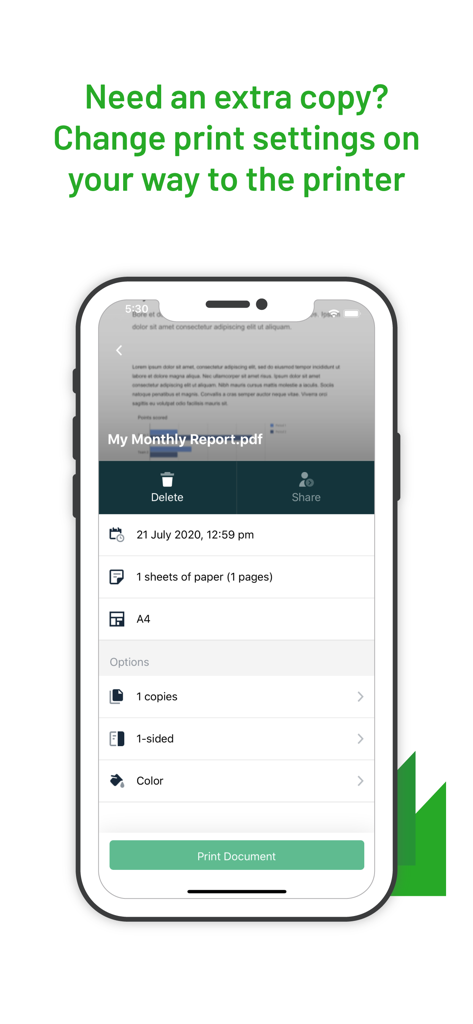
PaperCut Hive - Secure Print - 복사 및 색상 설정에 대한 모바일 인쇄 옵션을 보여주는 PaperCut Hive 앱 인터페이스

복사 및 색상 설정에 대한 모바일 인쇄 옵션을 보여주는 PaperCut Hive 앱 인터페이스

설명

PaperCut Hive makes printing convenient, responsible, and secure in your organization. We're all for flexibility. This app gives you the option to securely release your print jobs using your mobile phone. Of course, you can also release your job at the MFD/Printer touch screen as well. This mobile app just gives you one more option, and a touch-free one at that! To get the most out of this app, make sure you have an approved email invitation to use your organization's printers & MFPs. To release prints using your phone, simply tap your phone on an NFC sticker on the printer, scanning a QR code, or selecting the printer's name from a list. Did you forget to double-side the document? No problem, the PaperCut Hive app will remind you and allow you to make those changes on your way to the printer. PaperCut Hive makes it easy to print from all your devices including desktops, laptops, Chromebooks, and of course your iOS phone. See! You can use your phone for work too! Here’s how it works: - You’ll receive an invitation from your organization - It will guide you through the installation of this app as well as apps on your computers and other devices - You will then be able to select ‘PaperCut Printer’ when printing from any of your devices - This app also allows you to view your print jobs and securely collect your documents at any printer/MFD in your organization - Simply walk up to the printer and tap the NFC stickers, scan a QR code, or use the MFD touch screen. This app gives you a contactless/touch-free release method. Benefits: - Have you ever printed your payslip and had to run (sprint!) to the printer to collect it before anyone else does? Fixed! - Have you walked to the printer only to realise your document has gone somewhere else? Fixed! We call this find-me or pull-printing printing. - Do you forget to select duplex at the time of printing, but then feel guilty as you watch an endless stream of pages roll out? Fixed! - Confused by different print dialogues on different devices? BYOD? Fixed! - Need to set up printing on a new device and wish it could be as easy as installing a new app? Fixed! Have a question? Please email support@papercut.com or get in touch with the PaperCut Partner supporting you. Note: This app requires that your organization has an active and configured PaperCut Hive account and the PaperCut Hive embedded software installed on your MFDs. You should receive an invitation or instruction on how to set up this app from your organization. Your confidentiality is our priority. Your data is treated like we'd want our data to be treated. Check out our Privacy Policy for the full story. In fact your confidentiality is super important to us and that's exactly the reason we invented PaperCut Hive (and of course to reduce print waste and make printing easy).

Download

다운로드: App Store

이 페이지는 앱이나 개발자의 공식 페이지가 아니며, 정보 제공 및 논평을 목적으로 작성된 독립 편집 간행물입니다. 명시적으로 달리 언급되지 않는 한, 해당 앱이나 개발자는 MWM, Apple, Google Play, 앱 퍼블리셔 또는 앱 개발자와 제휴, 보증, 후원, 승인 또는 공식적으로 연결되어 있지 않으며, 이 페이지의 어떤 내용도 해당 앱이 MWM의 서비스를 사용하여 개발되었음을 의미하지 않습니다. 모든 상표, 로고, 스크린샷 및 기타 콘텐츠는 해당 소유자의 자산입니다.