Camera Scanner - PDF

Camera Scanner - PDF

다운로드: App Store
로고: Camera Scanner - PDF

카메라 스캐너 - PDF: 당신의 고성능 휴대용 사무실

완벽한 정확도로 문서를 즉시 스캔, 편집, 서명하세요. 강력한 OCR을 활용하여 종이를 편집 가능한 텍스트로 변환하고, 전문적인 삶을 정리되고 안전하며 완전히 종이 없는 상태로 유지하세요.

개발사

Position Mobile Ltd SEZC

카테고리

Business

다운로드

3M+

사용자 평점

4.4/5

총 평가 수

10K+

지원 언어

8

당신의 사무실, 재해석되다

이 인터페이스를 사용하는 3M+ 명의 사용자.

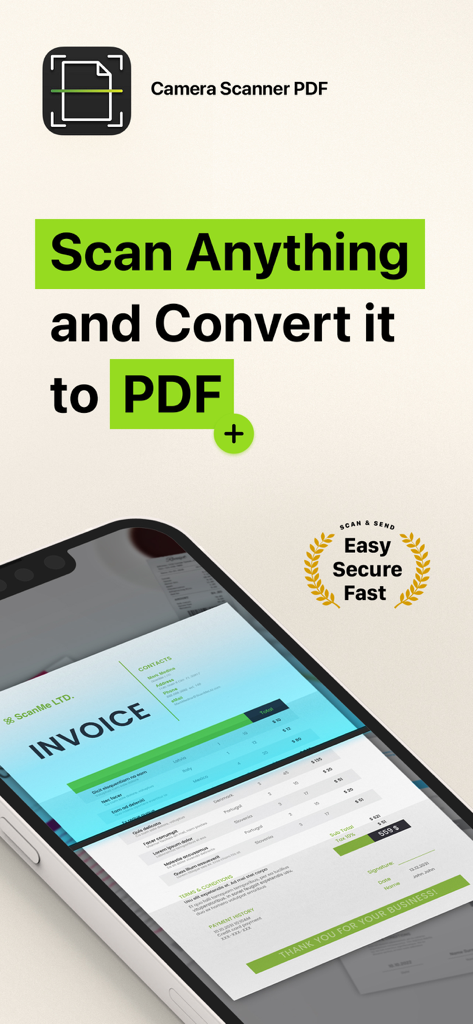
카메라 스캐너 PDF 앱 인터페이스가 스마트폰 화면에서 송장을 스캔하는 것을 보여줌

카메라 스캐너 PDF 앱 인터페이스가 스마트폰 화면에서 송장을 스캔하는 것을 보여줌

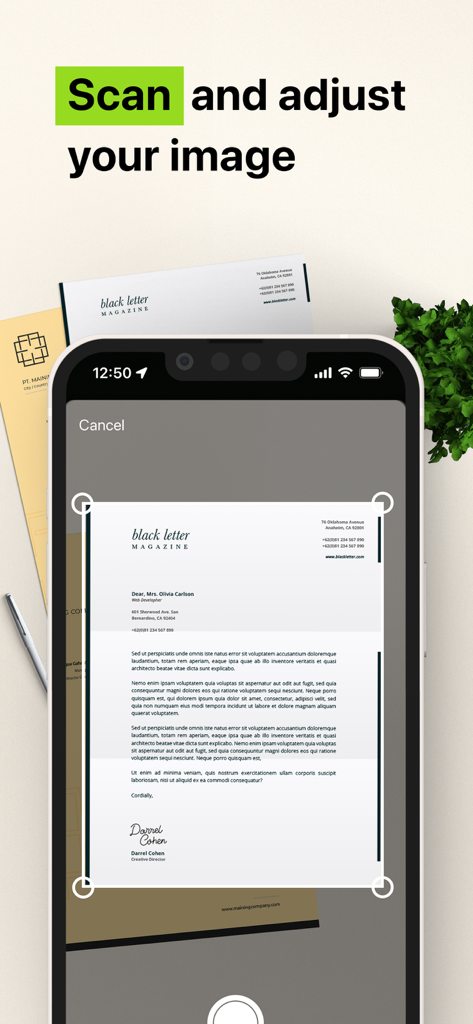
스마트폰이 종이 문서를 스캔하고 PDF로 조정하는 것을 보여주는 모바일 앱 인터페이스

스마트폰이 종이 문서를 스캔하고 PDF로 조정하는 것을 보여주는 모바일 앱 인터페이스

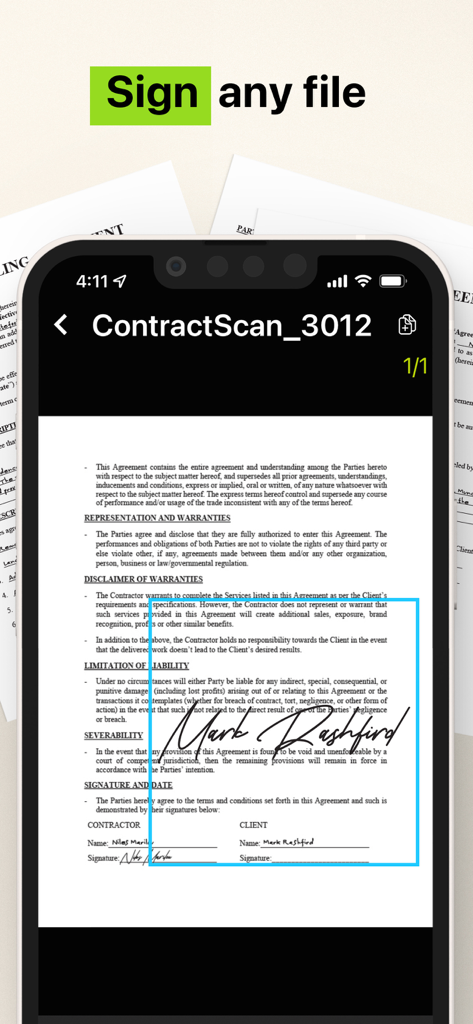
카메라 스캐너 PDF 앱을 사용하여 서명된 법률 계약서를 보여주는 스마트폰 인터페이스

카메라 스캐너 PDF 앱을 사용하여 서명된 법률 계약서를 보여주는 스마트폰 인터페이스

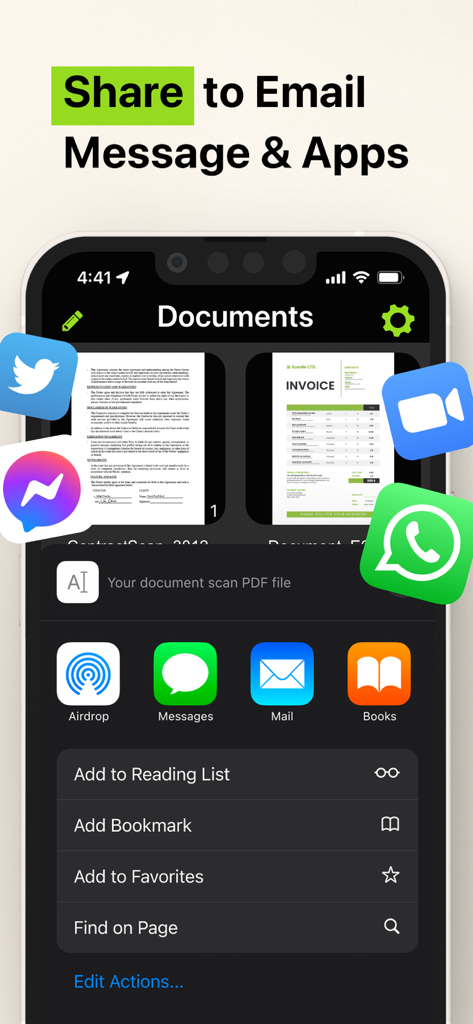
카메라 스캐너 PDF 앱의 공유 인터페이스가 이메일 및 메시징 앱에 대한 옵션을 보여줌

카메라 스캐너 PDF 앱의 공유 인터페이스가 이메일 및 메시징 앱에 대한 옵션을 보여줌

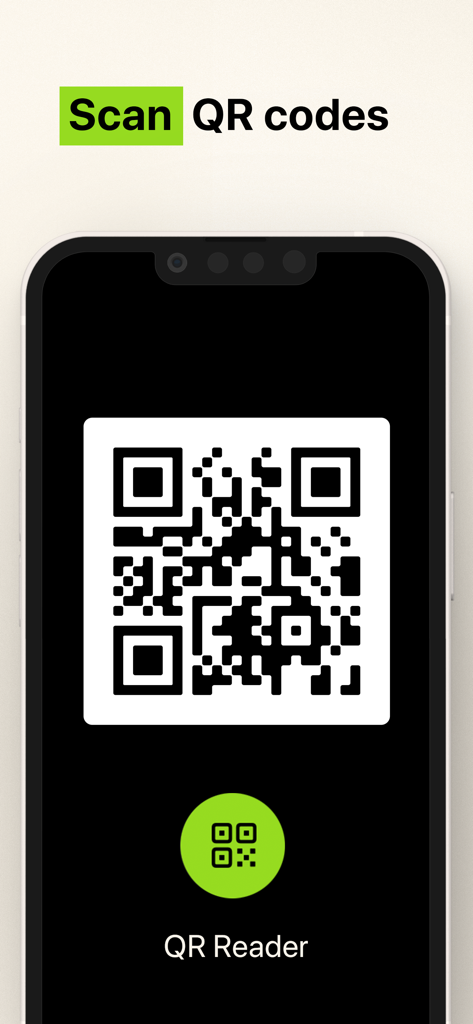
카메라 스캐너 앱으로 QR 코드를 스캔하기 위한 인터페이스

카메라 스캐너 앱으로 QR 코드를 스캔하기 위한 인터페이스

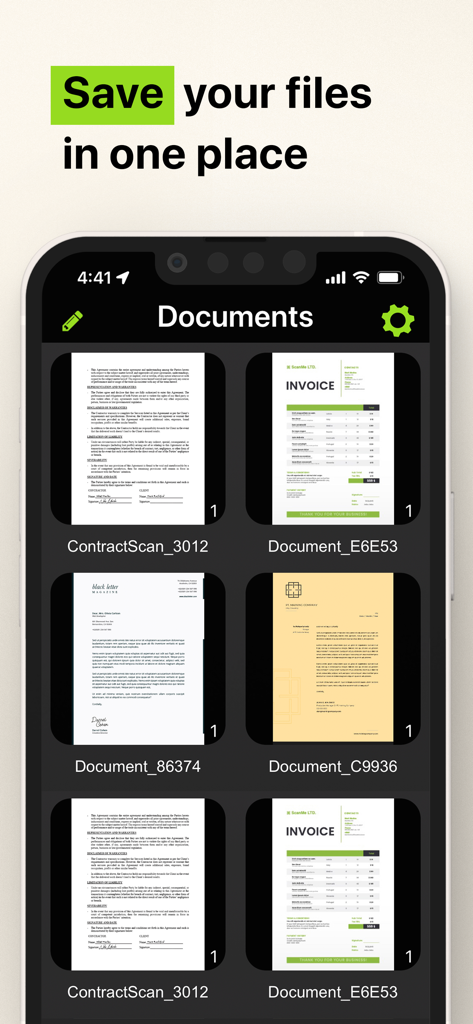
스캔된 송장과 계약서가 한곳에 저장된 것을 보여주는 모바일 앱 인터페이스

스캔된 송장과 계약서가 한곳에 저장된 것을 보여주는 모바일 앱 인터페이스

당신의 사무실 전체, 당신의 주머니 안에

이 앱을 돋보이게 하는 도구, 3M+ 명의 사용자가 선택.

📝

스마트 OCR 텍스트 추출

인쇄되거나 손으로 쓴 텍스트를 즉시 편집 가능한 디지털 파일로 변환하세요. 강력한 문자 인식 엔진으로 수동 타이핑 시간을 절약하세요.

✍️

이동 중 서명 및 보안

안전한 디지털 서명으로 몇 초 안에 계약을 완료하세요. 민감한 ID 및 세금 양식을 장치에 로컬로 저장하여 개인 정보를 최대한 보호하세요.

📂

완벽한 정리

당신의 삶을 깔끔하게 정리하세요. 무제한 스캔을 사용자 지정 폴더로 구성하고 Slack, 이메일 또는 문자를 통해 전문가 수준의 PDF를 즉시 공유하세요.

리뷰 분석

사용자 리뷰 인사이트.

감정 점수

7%
부정적

요약

Users express extreme dissatisfaction with this mobile app, primarily due to its aggressive and deceptive subscription model. Many reviews highlight unexpectedly high weekly charges, often incurred automatically after a short or misleading free trial, leading to significant financial frustration. A substantial number of users report considerable difficulty in cancelling subscriptions, with the app lacking clear in-app options, contributing to ongoing unwanted billing and a prevalent feeling of being scammed. Additionally, some users experienced functional shortcomings, such as the app not working as advertised or producing overly large files.

주요 테마

High Subscription Cost(25)
Automatic Charges(22)
Difficulty Cancelling(18)
App Functionality Issues(12)
Scam Allegations(9)
Misleading Free Trial(9)

앱 소개

에 대해 알아야 할 모든 것 Camera Scanner - PDF.

설명

The Camera Scanner - PDF app offers you the most accurate PDF scanning capabilities using our powerful text editing (OCR) engine. With enhanced Optical Character Recognition software, you can now edit and sign documents much easier. Your device will become your essential portable document scanner. Manage an endless number of files and folders with just a few taps and keep all your documents securely in one place. You can even share your favorite documents with others easily and immediately or sign them. Use your phone to scan any hand written, printed or graphic material such as: - Contracts - Business Cards - Expenses - School or university documents - Books - Notes - IDs (Driver's License, Passports, Personal Identification, etc) - Tax Forms & Tax Documents PDF Document Scanner with OCR app is easier than ever to use and with a pixel perfect design. Simply follow these easy steps: - SCAN documents from your camera, photos or even from your clipboard - EDIT your documents in order to fit your needs (crop, blur and use many other filters) - PRINT or SHARE your PDF files with anyone via email, message or any other platform that you use - COPY TEXT from your digital scans - STORE securely all your documents on your device with no additional cloud storage cost involved - SIGN your docs in a secure environment This app is your best ally for scanning purposes! -------------------------------------- PDF Document Scanner with OCR Premium Subscription -------------------------------------- Upgrade to the Premium version in order to: - Share your files with no limits - Use our powerful character recognition engine (OCR) to copy and edit text from your scanned files - Enjoy an ad-free experience Document Scanner – PDF, OCR app has different subscription plans. Subscription payments are charged to your iTunes account at confirmation of purchase. Subscription automatically renews unless auto-renew is turned off at least 24 hours before the end of the current subscription period or trial. Subscriptions starting with a trial automatically renew for the indicated price after the trial period ends. Any unused portion of a free trial period, if offered, will be forfeited when you purchase a premium subscription during the trial period. Subscriptions may be managed by you and auto-renewal may be turned off by going to your Account Settings after purchase ("Settings" -> "iTunes & App Store" -> "Apple ID" and select "Subscriptions") * Link to Terms of Use: http://iosdocumentscanner.com/pp.html#terms-of-service * Link to Privacy Policy: http://iosdocumentscanner.com/pp.html#privacy-policy

최신 버전

15.5

크기

81.6 MB

출시일

2020년 8월 12일

완벽하게 완성된 당신의 사무실을 주머니에

업무 방식을 혁신하는 3백만 명 이상의 전문가들과 함께하세요. 오늘날 가장 정확한 OCR 스캐너로 문서를 서명, 편집, 안전하게 보관하세요.

다운로드: App Store

App information, icons, screenshots, and descriptions displayed on this page are sourced from the Apple App Store and are the property of their respective developers. Download estimates and rankings are based on MWM's proprietary models and may not reflect actual figures. This page is provided for informational and analytical purposes only.

Believe this page infringes your intellectual property? File a dispute