PDF PRO Scan Image & Documents
다운로드: App Store

이 페이지는 앱이나 개발자의 공식 페이지가 아니며, 정보 제공 및 논평을 목적으로 작성된 독립 편집 간행물입니다. 명시적으로 달리 언급되지 않는 한, 해당 앱이나 개발자는 MWM, Apple, Google Play, 앱 퍼블리셔 또는 앱 개발자와 제휴, 보증, 후원, 승인 또는 공식적으로 연결되어 있지 않으며, 이 페이지의 어떤 내용도 해당 앱이 MWM의 서비스를 사용하여 개발되었음을 의미하지 않습니다. 모든 상표, 로고, 스크린샷 및 기타 콘텐츠는 해당 소유자의 자산입니다.

로고: PDF PRO Scan Image & Documents
다운로드: App Store

PDF PRO Scan Image & Documents

읽기를 멈추고 질문을 시작하세요. PDF와 대화하여 즉각적인 요약, 이동 중 문서 스캔, 100% 로컬 처리를 통한 안전한 편집으로 데이터를 비공개로 유지하세요.

주요 수치

다운로드

600

사용자 평점

5.0/5

총 평가 수

0

개발사

Balzo srl

카테고리

Productivity

지원 언어

1

최신 버전

1.26

크기

81.1 MB

출시일

2023년 4월 7일
기능

AI로 문서를 마스터하세요

iPhone 또는 iPad를 고속 생산성 허브로 전환하세요. 개인 정보 보호를 우선하는 지능으로 파일을 스캔, 편집하고 상호 작용하세요.

AI 기반 해석

훑어보기를 멈추고 알기를 시작하세요. PDF와 대화하여 즉각적인 요약, 핵심 내용, 복잡한 텍스트에 대한 설명을 몇 초 안에 얻으세요.

100% 개인 정보 보호 로컬 처리

민감한 데이터는 장치를 절대 떠나지 않습니다. 모든 스캔 및 AI 요청은 로컬에서 처리하여 기밀 파일의 보안을 최대화합니다.

다음 스크린샷과 설명은 앱의 공식 스토어 목록에서 직접 가져온 것이며 앱 개발자의 자산입니다.

앱 스토어

스크린샷
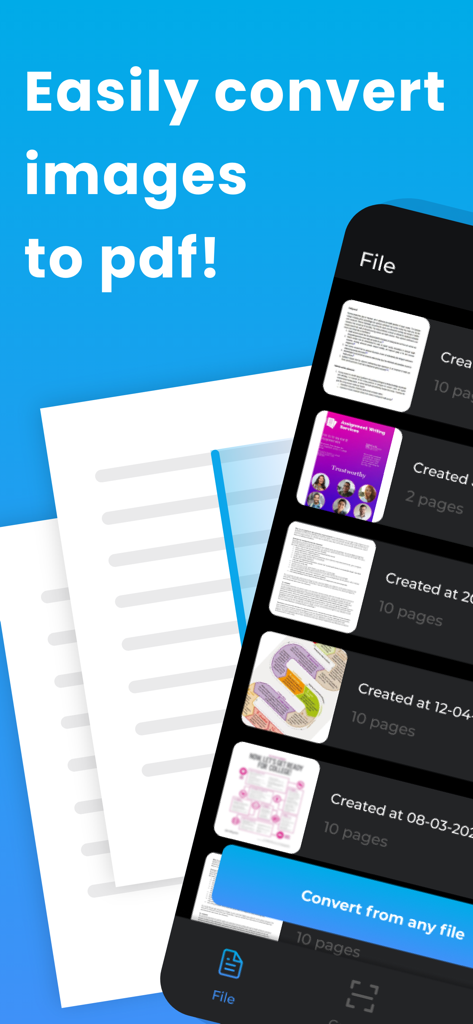
PDF PRO Scan Image & Documents - 이미지를 PDF로 변환하는 버튼과 문서 목록을 표시하는 모바일 앱 인터페이스
이미지를 PDF로 변환하는 버튼과 문서 목록을 표시하는 모바일 앱 인터페이스

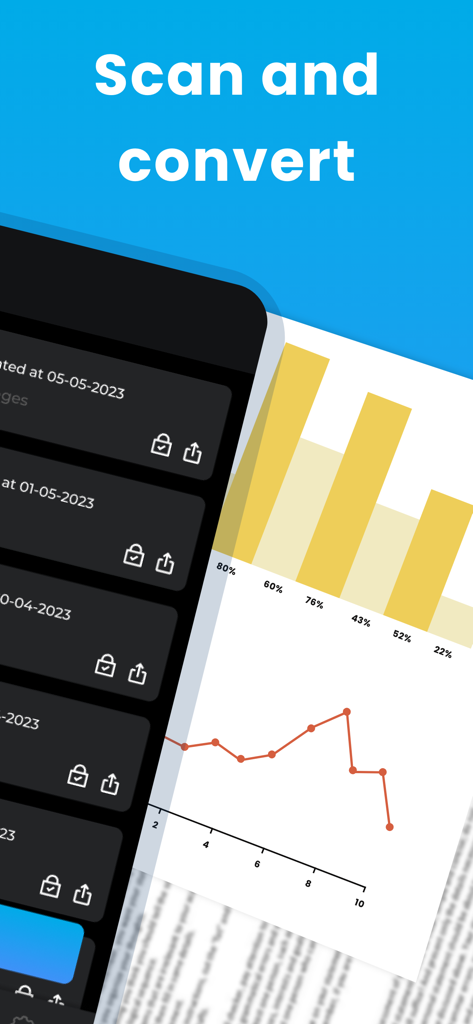
PDF PRO Scan Image & Documents - 저장된 파일 목록과 비즈니스 보고서 그래프가 있는 스캔 및 변환 기능이 표시된 PDF PRO 앱 인터페이스
저장된 파일 목록과 비즈니스 보고서 그래프가 있는 스캔 및 변환 기능이 표시된 PDF PRO 앱 인터페이스

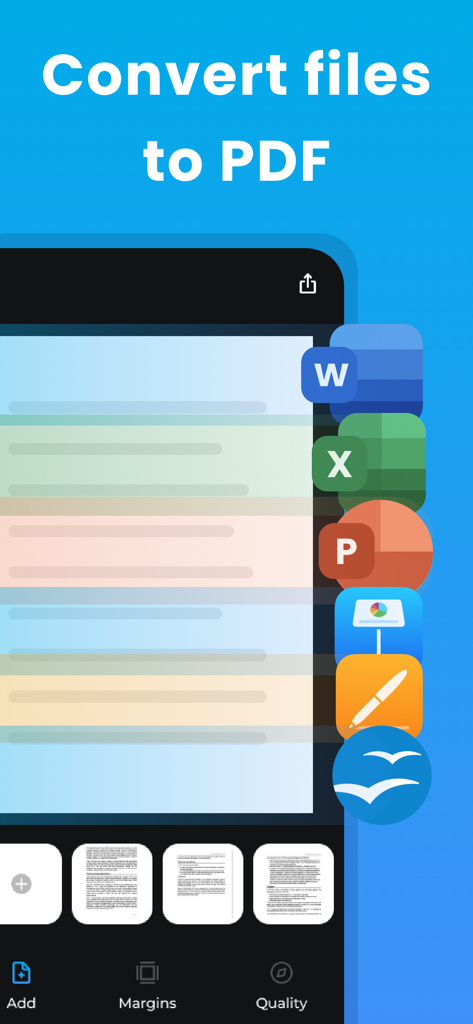
PDF PRO Scan Image & Documents - Word Excel 및 PowerPoint 문서를 PDF 형식으로 변환하는 것을 보여주는 모바일 앱 화면
Word Excel 및 PowerPoint 문서를 PDF 형식으로 변환하는 것을 보여주는 모바일 앱 화면

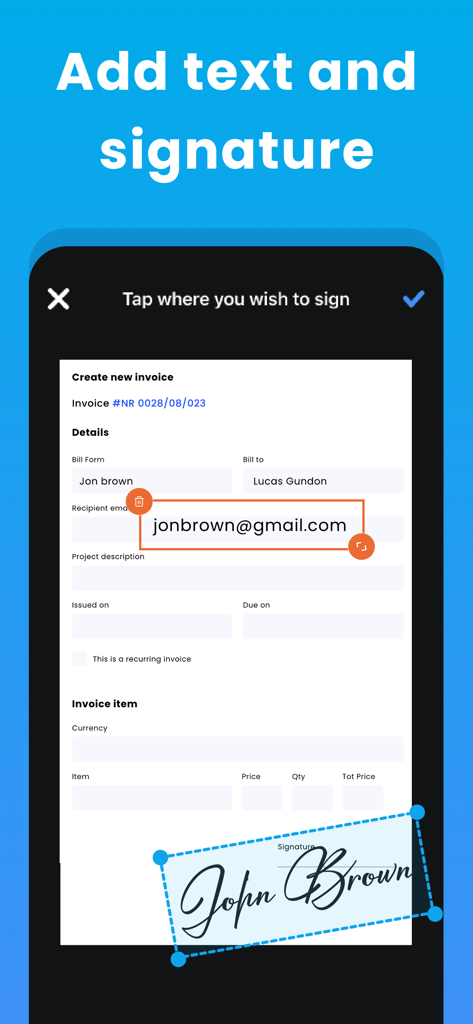
PDF PRO Scan Image & Documents - 디지털 송장에 텍스트와 손글씨 서명을 추가하기 위한 모바일 앱 인터페이스
디지털 송장에 텍스트와 손글씨 서명을 추가하기 위한 모바일 앱 인터페이스

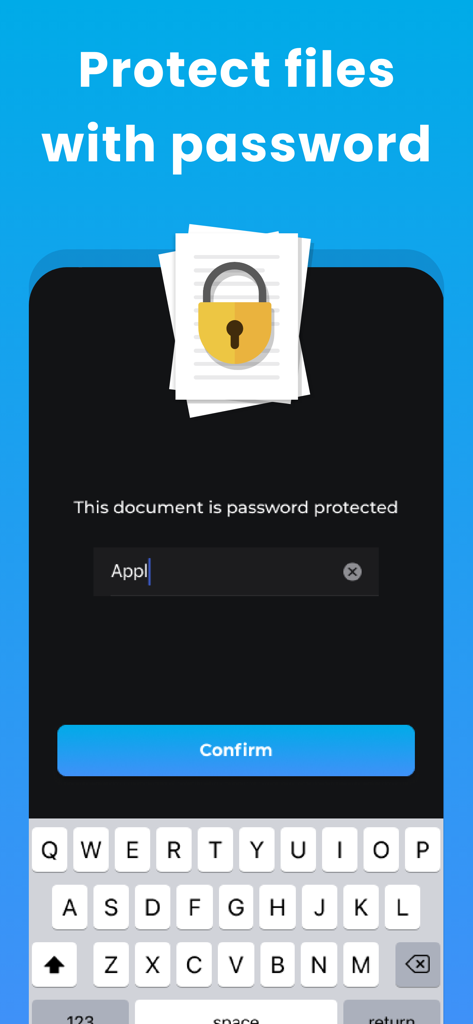
PDF PRO Scan Image & Documents - 암호로 PDF 파일을 보호하기 위한 모바일 앱 인터페이스

암호로 PDF 파일을 보호하기 위한 모바일 앱 인터페이스
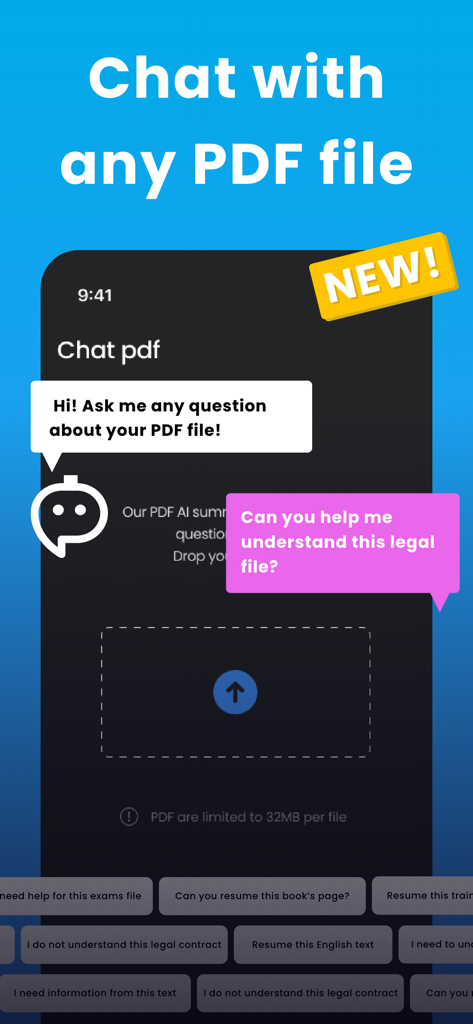
PDF PRO Scan Image & Documents - PDF 문서 요약 및 질문을 위한 AI 채팅 기능이 표시된 모바일 앱 화면

PDF 문서 요약 및 질문을 위한 AI 채팅 기능이 표시된 모바일 앱 화면

설명

PDF Pro Scan Image & Documents Experience the simplest way to convert and edit your PDF files with PDF Easy! With our latest update, we've introduced AI-powered PDF Interpretation and AI Chat features, revolutionizing the way you interact with PDF files. AI-Powered PDF Interpretation: Our advanced machine learning technology reads and comprehends your PDFs just like a human would. Extract key information, get instant summaries, or ask for explanations on complex passages without reading the entire document. AI Chat: Interact with your PDFs more intuitively using our in-app chat feature. Ask questions, get explanations, and more - right from the chat. Key features of PDF Easy include the ability to: Scan documents and convert photos or documents to PDF instantly. Edit PDF files: add or delete pages, fill in text fields, add signatures. Secure your files: protect your PDF with a password. Review your PDF before sharing or printing. Open a PDF from anywhere on your iPhone or iPad and edit directly within PDF Easy. Share your PDF via email, SMS, and more or print directly. PDF Easy supports all PNG, JPEG, HEIF, and HEIC image files and can convert Word, Pages, PowerPoint, Keynote, Excel, and Numbers files to PDF. Designed with Privacy in Mind: PDF Easy is 100% safe for your photos and files. All PDF creations are done locally on your device, keeping your data secure and private. We do not process your photos or files on a remote server, maintaining the utmost respect for your privacy. Upgrade to PDF Easy Pro to enjoy sharing your PDF files with all your friends and family. Experience the ultimate PDF editor and converter with AI-powered features. Download PDF Easy today! PRO VERSION Upgrade to the Pro version of PDF Easy to share your pdf with all your friends and family. Payment will be charged to your iTunes account at confirmation of purchase and will auto-renew at the same price every year, every month or every week, unless canceled in your iTunes account settings at least 24 hours before the end of the current period. Subscriptions may be managed and auto-renewal may be turned off at any time by going to your account settings after purchase. Terms of use: https://www.balzo.eu/terms-and-conditions/ Privacy policy: https://www.balzo.eu/privacy-policy/

Download

다운로드: App Store

이 페이지는 앱이나 개발자의 공식 페이지가 아니며, 정보 제공 및 논평을 목적으로 작성된 독립 편집 간행물입니다. 명시적으로 달리 언급되지 않는 한, 해당 앱이나 개발자는 MWM, Apple, Google Play, 앱 퍼블리셔 또는 앱 개발자와 제휴, 보증, 후원, 승인 또는 공식적으로 연결되어 있지 않으며, 이 페이지의 어떤 내용도 해당 앱이 MWM의 서비스를 사용하여 개발되었음을 의미하지 않습니다. 모든 상표, 로고, 스크린샷 및 기타 콘텐츠는 해당 소유자의 자산입니다.








