Create PDF - Camera Scanner

Create PDF - Camera Scanner

다운로드: App Store
로고: Create PDF - Camera Scanner

Create PDF - 카메라 스캐너: 이동 중에도 사용할 수 있는 전문가용 문서 허브

iPhone을 고성능 오프라인 스캐너로 바꿔보세요. 문서, 신분증, 영수증을 선명한 품질과 완벽한 개인 정보 보호 기능으로 손쉽게 디지털화하세요.

다운로드: App Store

개발사

Jogani Bhavesh Keshubhai

카테고리

Utilities

다운로드

2K+

사용자 평점

1.0/5

총 평가 수

0

지원 언어

1

효율성에 초점을 맞추다

이 인터페이스를 사용하는 2K+ 명의 사용자.

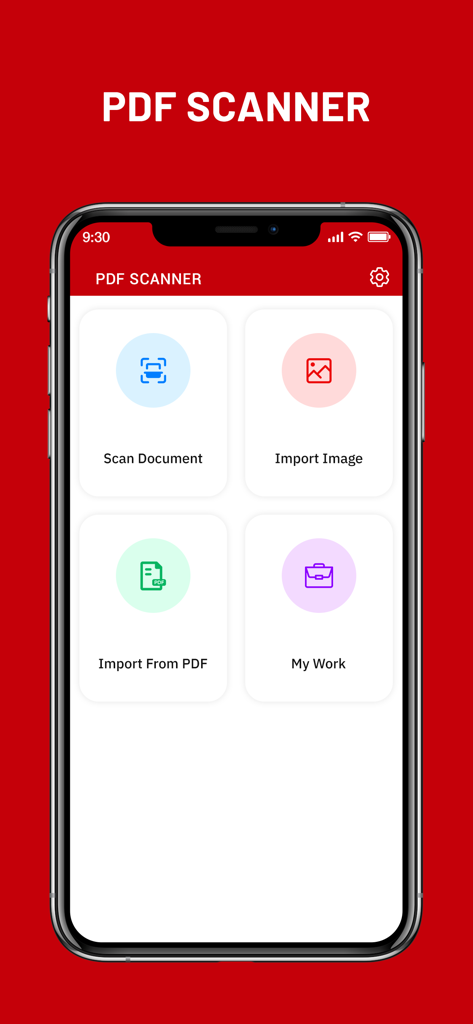
문서 스캔 및 이미지 가져오기 버튼이 있는 iPhone의 Create PDF 카메라 스캐너 앱 메인 대시보드

문서 스캔 및 이미지 가져오기 버튼이 있는 iPhone의 Create PDF 카메라 스캐너 앱 메인 대시보드

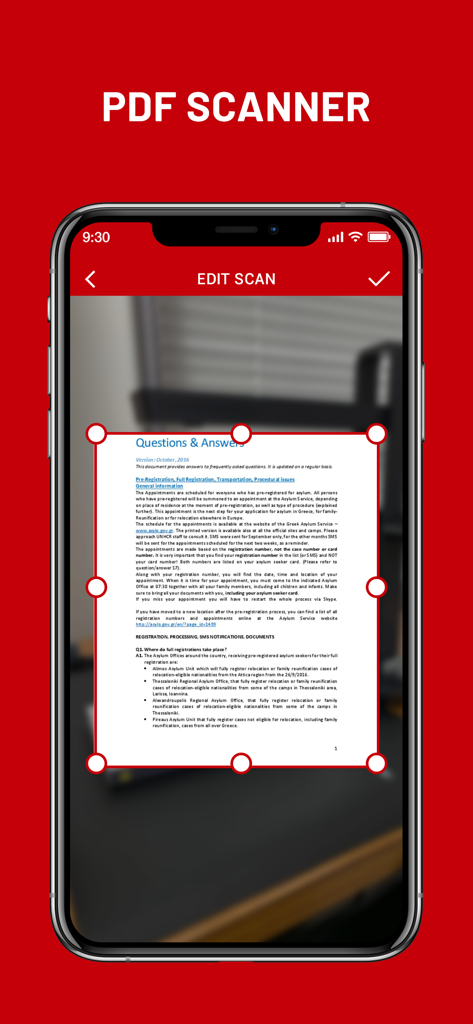
Create PDF 카메라 스캐너 앱의 문서 자르기 및 편집 기능을 보여주는 iPhone 화면

Create PDF 카메라 스캐너 앱의 문서 자르기 및 편집 기능을 보여주는 iPhone 화면

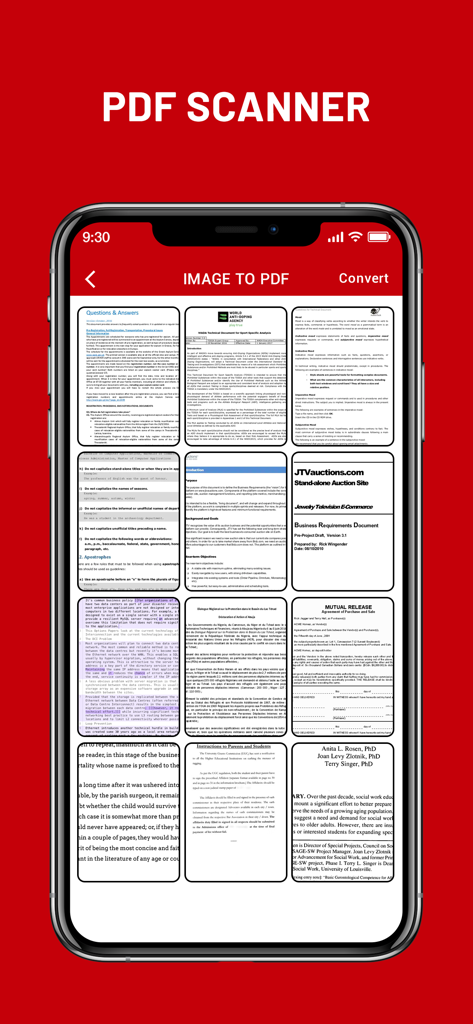
PDF 파일로 변환할 준비가 된 여러 스캔 문서 그리드를 보여주는 모바일 앱 인터페이스

PDF 파일로 변환할 준비가 된 여러 스캔 문서 그리드를 보여주는 모바일 앱 인터페이스

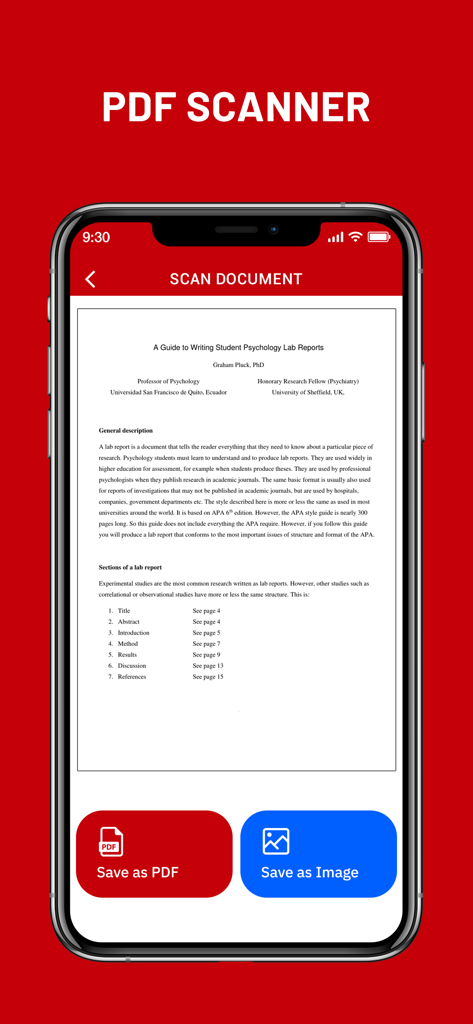
PDF로 저장 및 이미지로 저장 버튼이 있는 Create PDF 앱에서 스캔된 문서 미리보기를 보여주는 스마트폰 화면

PDF로 저장 및 이미지로 저장 버튼이 있는 Create PDF 앱에서 스캔된 문서 미리보기를 보여주는 스마트폰 화면

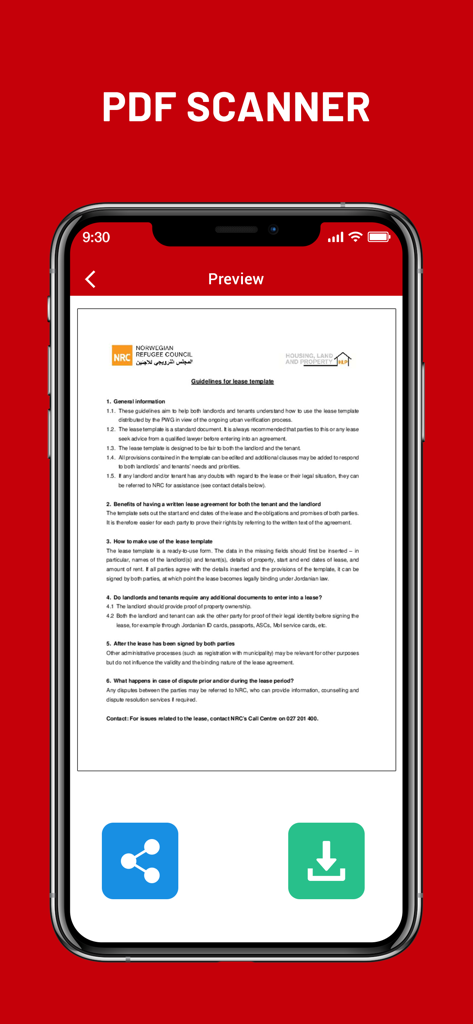
Create PDF 카메라 스캐너 앱에서 스캔된 임대차 계약서 미리보기

Create PDF 카메라 스캐너 앱에서 스캔된 임대차 계약서 미리보기

주머니 속 전문가용 오피스

이 앱을 돋보이게 하는 도구, 2K+ 명의 사용자가 선택.

📄

즉각적인 고품질 스캔

고급 이미지 처리 필터를 사용하여 계약서, 손글씨 메모, 신분증을 탭 한 번으로 전문적인 PDF로 변환하세요.

🔒

디자인상 비공개 및 오프라인

민감한 데이터를 안전하게 보호하세요. 모든 PDF 생성은 클라우드 업로드나 인터넷 연결 없이 기기에서 직접 이루어집니다.

📂

원활한 다중 페이지 파일링

여러 스캔을 하나의 정리된 문서로 병합하세요. 경비 영수증, 세금 양식 또는 다중 페이지 학습 가이드를 컴파일하는 데 완벽합니다.

앱 소개

에 대해 알아야 할 모든 것 Create PDF - Camera Scanner.

설명

Create PDF - Camera Scanner is a tool that lets you convert any printed document to a PDF file, all on your iPhone, iPad. Camera Scanner comes with a lightweight, clean, and easy-to-use interface that makes this app feel like a breeze. CamScanner - PDF Creator is the best scanner app that will turn your phone into a PDF scanner. Convert images to pdf in a simple tap. Download it for FREE! The only thing you have to do is take a photo of the document in question, using the Free iScanner that is part of CamScanner - PDF Creator! Of course, the photo needs to be somewhat cantered and well-lit. Cam Scan app will then process the photo in question, and in a matter of seconds it will have converted it to a PDF document. Once you have the PDF document saved to your iPhone, you can work with it just like you would with any other file of this type. In addition, before saving the document, you can apply different filters to it to see if it looks better; depending on the quality of light in the photo, you might be able to obtain better results with a filter. Camera Scanner - PDF Creator is an interesting tool for users who normally tend to work with printed documents, but who also want to be able to bring those documents anywhere. Camera Scanner allows users to 'scan' documents (by taking a photo with the device's camera) and share the photo as either a JPEG or PDF. • Scan Documents Camera Scanner - PDF allows user to scan documents by taking a picture with the phone camera. Feature recognises texts in images and extract them from images for later searching, editing or sharing. • PDF Conversion Camera Scanner support a variety of format conversion including converting PDF to JPG and vice versa. * Features * • Easy to scan ID-Card, Passport, any documents • Document Scanner - Scan documents, Scan PDF • iScanner - Document Scan & Edit with OCR • Mobile PDF Scanner -Create pdf from a website, convert document files (doc, docx, ppt, pptx) to PDF • Scaner - Scan documents and photos to PDF or PNG • Easily scan multiple pages into one document using Cam Scanner • Instantly print out any documents in CamScanner • Scan documents free • Share PDF/JPEG Files CamScanner HD for iPhone use your smartphone camera to scan multi-page of documents, card, whiteboards, receipts, notes and other text. using scanner for ipad free you can quickly scan your documents and share! Cam Scan - PDF Scanner App is easier, faster scanning with cs scan. CamScanner-PDF Scanner App lets you scan and create PDF files. PDF scanner is the best free camscanner app for iphone. Scanner App: PDF Document Scan. Photo scanner is completely offline and requires no internet connection. Along with scanning, features like cropping and filters improve the visibility of your documents using scan.app In CamScanner PDF generation is completely offline and requires no internet connection. It saves your PDF file in history and in the list of recently used documents. Cam Scan is not just easy to use but also completely secure scanner app. The camera scanner App is the best scan app, doc scanner & a must have application for those people who are always travelling for business purposes. ABOUT SUBSCRIPTIONS • Payment will be charged to iTunes Account at confirmation of purchase • Subscription automatically renews unless auto-renew is turned off at least 24-hours before the end of the current period • Account will be charged for renewal within 24-hours prior to the end of the current period, and identify the cost of the renewal • Subscriptions may be managed by the user and auto-renewal may be turned off by going to the user's Account Settings after purchase • Any unused portion of a free trial period, if offered, will be forfeited when the user purchases a subscription to that publication, where applicable Terms of Use : https://joganibhavesh.home.blog/terms-condition/ Privacy Policy : https://joganibhavesh.home.blog/

최신 버전

1.0

크기

12.1 MB

출시일

2021년 8월 23일

iPhone을 강력한 휴대용 스캐너로 바꿔보세요

수천 명의 학생과 전문가와 함께하세요. 100% 안전한 오프라인 PDF 생성 기능으로 몇 초 만에 문서, 신분증, 영수증 스캔을 시작하세요.

다운로드: App Store

App information, icons, screenshots, and descriptions displayed on this page are sourced from the Apple App Store and are the property of their respective developers. Download estimates and rankings are based on MWM's proprietary models and may not reflect actual figures. This page is provided for informational and analytical purposes only.

Believe this page infringes your intellectual property? File a dispute