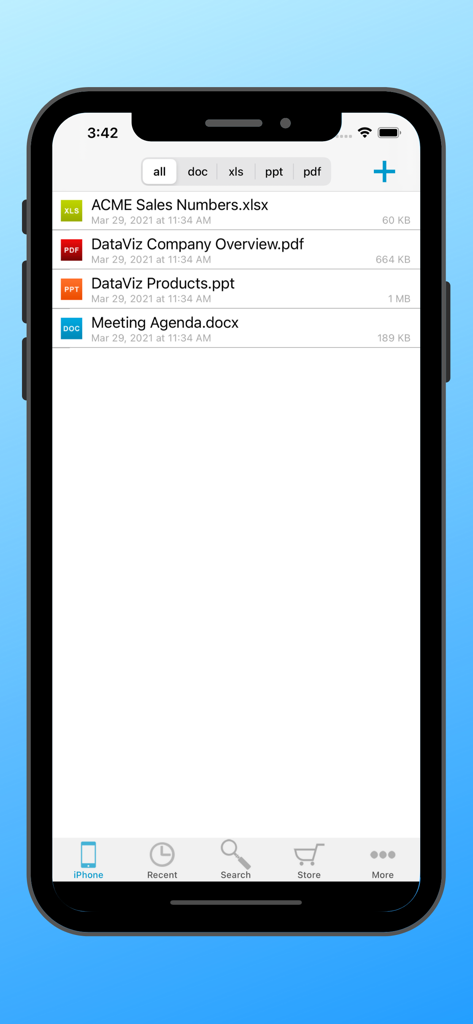
Docs To Go Standard 파일 관리자가 iPhone에서 Excel PDF PowerPoint 및 Word 파일을 포함한 오피스 문서 목록을 표시합니다.
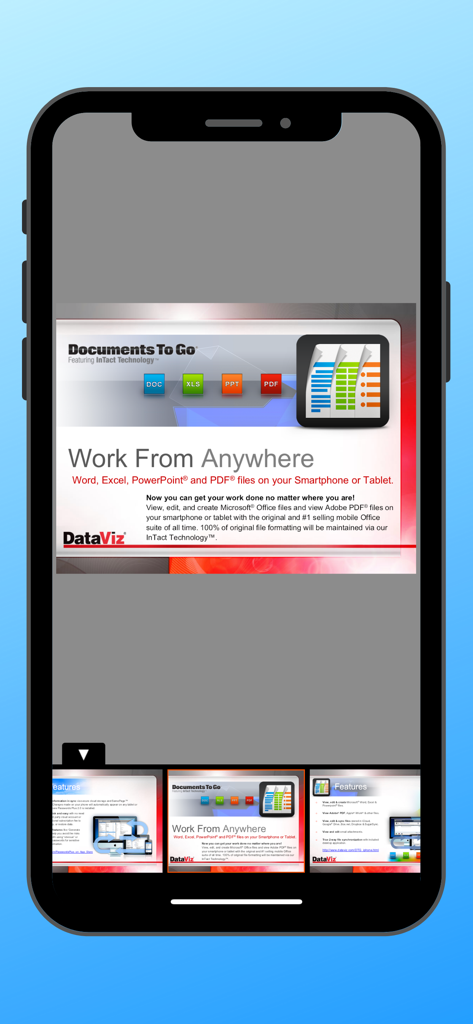
Docs To Go 앱에서 Word Excel PowerPoint 및 PDF 파일에 대한 모바일 장치 지원을 보여주는 프레젠테이션 슬라이드
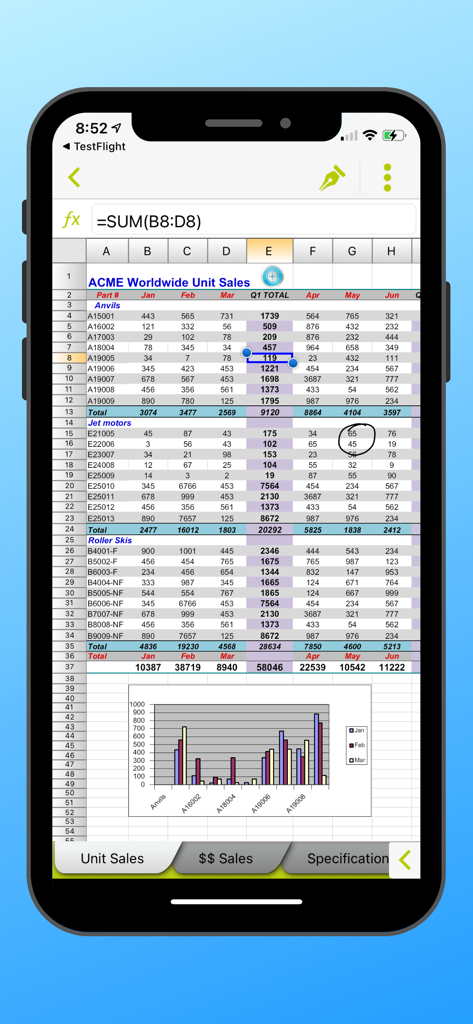
Docs To Go 모바일 인터페이스에 판매 데이터와 막대 차트가 있는 Excel 스프레드시트가 표시됩니다.
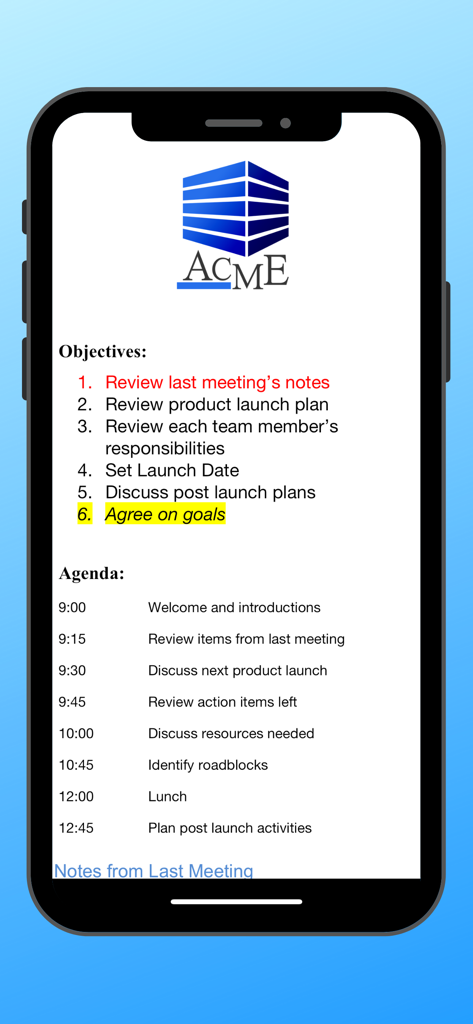
Docs To Go 앱에서 본 회의 안건 및 목표 문서
모바일 생산성을 위한 전문가 표준
이 앱을 돋보이게 하는 도구, 454K+ 명의 사용자가 선택.
✨
InTact Technology™ 서식
복잡한 수식, 테이블, 여백 등 원본 문서 서식이 데스크톱으로 다시 공유될 때 100% 그대로 유지된다는 사실을 알고 자신 있게 편집하세요.
📁
로컬 우선 파일 관리
데이터를 다시 제어하세요. 클라우드 전용 구독이나 불안정한 인터넷 연결 없이 기기에서 직접 파일을 관리, 정렬, 편집하세요.
🛠️
올인원 파워 제품군
숙련된 전문가가 요구하는 효율성에 최적화된 Word, Excel, PowerPoint, PDF 파일을 위한 단일 고성능 도구로 앱 피로를 줄이세요.
앱 소개
에 대해 알아야 할 모든 것 Docs To Go Standard.
설명
Office anywhere with Docs To Go: View, edit, and create Microsoft® Office files (Word, Excel, PowerPoint*) & view Adobe PDF® files on your iOS device with the original & #1 selling mobile MS Office suite of all time.
Docs To Go® Standard contains best-in-class document viewing & editing. Options for connecting to multiple cloud storage accounts, desktop file sync, and opening password-protected files are in our premium version which is available in an in-app purchase.
THE DATAVIZ® ADVANTAGE
• Founded in 1984, DataViz is an industry leader in developing mobile Office & productivity solutions for iOS, Mac, and more.
• Documents To Go, now in its 18th year, is currently preloaded on millions of devices around the world.
• InTact Technology™ retains original document formatting of edited files.
• Technical support is available via email by actual people in our home office & via our robust knowledge-base at DataViz.com.
OVERALL STANDARD VERSION FEATURES:
• Works on both iPhone and iPad
• View, edit, and create MS Office files (97-2018).
• View PDF, iWork, Text, .RTF files, and more!
• Send & receive supported email attachments using the built-in Mail app.
• Open & edit supported files within Docs To Go from any 3rd party app that supports the iOS "Open In" feature.
• File sorting manager (sort your file list by Name, Modified, Size, etc.)
WORD TO GO FEATURES:
• View, edit, and create Word (.doc, .docx) files
• Format font type, size, color, bold, italics, underline, and highlight text
• High fidelity viewing for embedded graphics, tables, comments, footnotes/endnotes, text boxes, table of contents, and hyperlinks
• Change paragraph alignment
• Edit and/or insert bullets and numbering
• Multiple undo/redo
• Find & replace
• Word count
SHEET TO GO FEATURES:
• View, edit, and create Excel (.xls, .xlsx) spreadsheets
• Freeze panes
• Sort
• Extensive cell & number formatting options, including: font type, size, color, alignment, fill, highlight, category, and decimal place)
• 111 functions supported
• Insert, delete, resize, hide/unhide rows & columns
• Rename, insert, and delete worksheets
• Multiple undo/redo
• Find/find next
SLIDESHOW TO GO FEATURES:
• In-slide PowerPoint editing - Edit slide contents & formatting directly in the slide vs. a separate/outline view.
• Thumbnail slide sorter/view
• High fidelity PowerPoint viewing, including: charts, MS Office SmartArt, and more
• View/edit/add speaker notes
• Sort slides
• Promote/demote bullets
• Open password protected PowerPoint 97-2018 files
PDF TO GO FEATURES:
• Pinch-to-zoom to desired PDF page size/width
• Open password-protected PDFs
*PowerPoint files are view and edit only.
최신 버전
5.6.6
크기
91.2 MB
출시일
2009년 6월 14일
절대적인 확신을 갖고 일할 준비가 되셨나요?
결함 없는 문서 편집을 위해 업계 리더를 신뢰하는 450,000명 이상의 전문가와 함께하세요. InTact Technology™의 신뢰성을 경험하고 클라우드 없이 언제 어디서든 Office 파일을 관리하세요.
App information, icons, screenshots, and descriptions displayed on this page are sourced from the Apple App Store and are the property of their respective developers. Download estimates and rankings are based on MWM's proprietary models and may not reflect actual figures. This page is provided for informational and analytical purposes only.
Believe this page infringes your intellectual property? File a dispute