Door to Door Navigation
다운로드: App Store

이 페이지는 앱이나 개발자의 공식 페이지가 아니며, 정보 제공 및 논평을 목적으로 작성된 독립 편집 간행물입니다. 명시적으로 달리 언급되지 않는 한, 해당 앱이나 개발자는 MWM, Apple, Google Play, 앱 퍼블리셔 또는 앱 개발자와 제휴, 보증, 후원, 승인 또는 공식적으로 연결되어 있지 않으며, 이 페이지의 어떤 내용도 해당 앱이 MWM의 서비스를 사용하여 개발되었음을 의미하지 않습니다. 모든 상표, 로고, 스크린샷 및 기타 콘텐츠는 해당 소유자의 자산입니다.

로고: Door to Door Navigation
다운로드: App Store

Door to Door Navigation

목적지를 Nissan 차량과 동기화하고, 주차한 차량을 손쉽게 찾으며, 마지막 구간 도보 경로 안내를 받으세요.

주요 수치

다운로드

163K+

사용자 평점

2.2/5

총 평가 수

100

개발사

NISSAN MOTOR CO., LTD.

카테고리

Navigation

지원 언어

24

최신 버전

2.0

크기

12.2 MB

출시일

2017년 10월 2일
기능

처음부터 끝까지 끊김 없는 네비게이션

현대 도시 운전자를 위해 설계된 통합 경험으로 차량과 목적지 사이의 간극을 메우세요.

미리 계획하고 즉시 동기화

복잡한 계기판 입력을 건너뛰세요. 휴대폰에서 목적지를 찾아 Nissan 네비게이션 시스템으로 바로 전송하여 번거로움 없는 출발을 경험하세요.

마지막 구간 완벽 마스터

주차했다고 여정이 끝나는 것은 아닙니다. 마지막 구간까지의 도보 경로 안내를 자동으로 받아 중단 없이 이동하세요.

다음 스크린샷과 설명은 앱의 공식 스토어 목록에서 직접 가져온 것이며 앱 개발자의 자산입니다.

앱 스토어

스크린샷
Door to Door Navigation - Nissan Door to Door Navigation 앱 스플래시 화면과 로고
Nissan Door to Door Navigation 앱 스플래시 화면과 로고

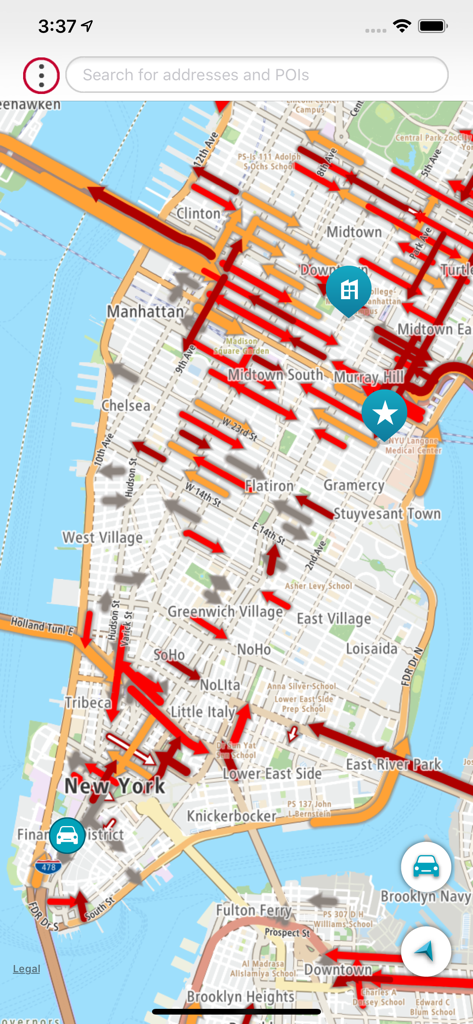
Door to Door Navigation - Nissan Door to Door Navigation 앱의 인터페이스로, 실시간 교통 흐름 표시기와 위치 핀이 있는 맨해튼 상세 지도 표시
Nissan Door to Door Navigation 앱의 인터페이스로, 실시간 교통 흐름 표시기와 위치 핀이 있는 맨해튼 상세 지도 표시

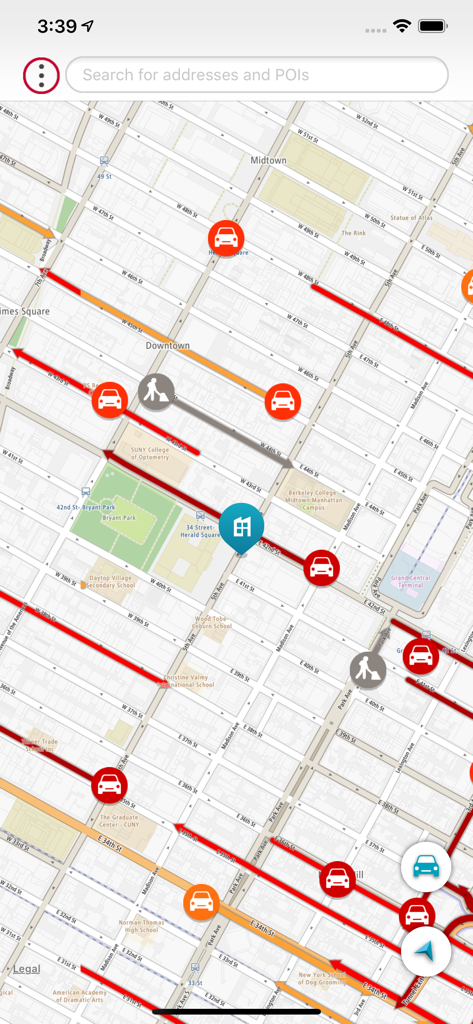
Door to Door Navigation - Nissan Door to Door Navigation 앱 내 도시 지도 보기로, 도시 지역의 교통 상황 및 도보 경로 표시
Nissan Door to Door Navigation 앱 내 도시 지도 보기로, 도시 지역의 교통 상황 및 도보 경로 표시

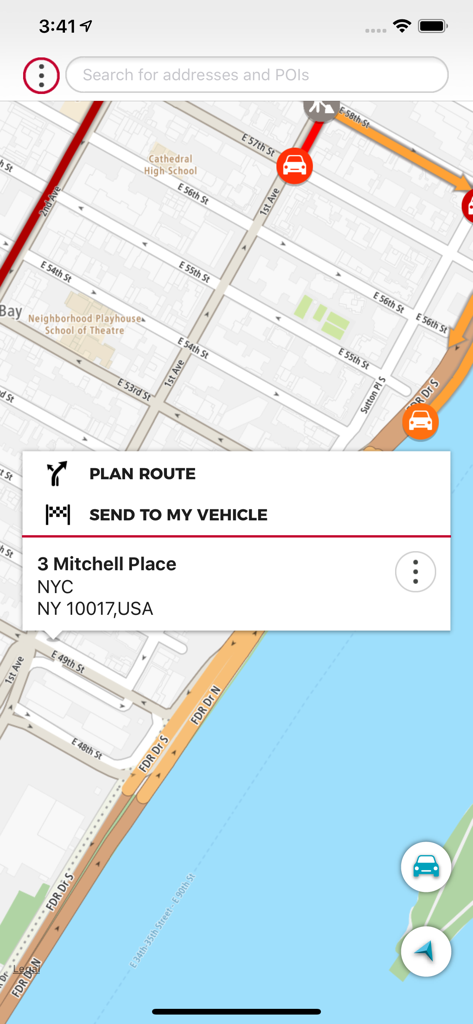
Door to Door Navigation - Nissan Door to Door Navigation 앱의 지도와 차량 전송 기능이 있는 인터페이스
Nissan Door to Door Navigation 앱의 지도와 차량 전송 기능이 있는 인터페이스

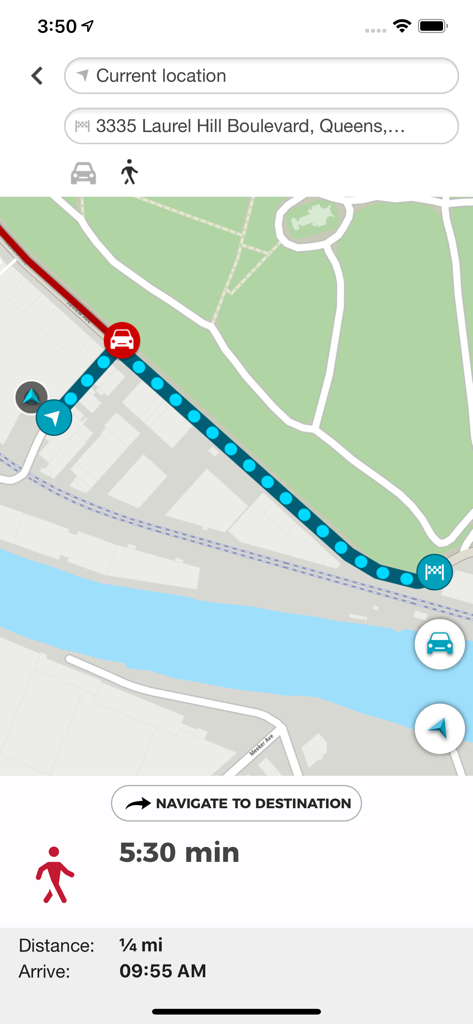
Door to Door Navigation - Nissan Door to Door Navigation 앱의 도보 경로 지도로 거리 및 도착 시간 표시

Nissan Door to Door Navigation 앱의 도보 경로 지도로 거리 및 도착 시간 표시

설명

Disclaimer: System compatibility requirements - What you will need to use this app and service in your Nissan: • A compatible and equipped Nissan vehicle registered and located within supported countries. The Door to Door Navigation has the following features to help you get to your final destination: • It remembers your car’s location. You can use this feature to guide you back to your car again. • It guides you to your final destination, after you have parked your car. • It enables you to send a destination from your smartphone to your car’s navigation system. Find my car When your smartphone is connected to your car’s navigation system via Bluetooth, Door to Door Navigation receives the current location of the car. When you leave your vehicle, the Find My Car feature starts. You receive a notification on your phone and the car location will be shown on the map. A locate car symbol shows on the screen and a My Vehicle entry is added to your MY PLACES list. Touch the locate car symbol when you want to return to your car. You can then: • Select NAVIGATE TO DESTINATION to share your car location with a navigation application on your phone. • Select WALK HERE to get a walking route to your car. The walking route will be available if you are within 5 km of the car. If you are more than 5 km away from your car, a walking route will not be automatically generated. Final destination navigation When your smartphone is connected to your car’s navigation system via Bluetooth, Door to Door Navigation receives the current location of the car, the address of where you have parked, and it will be shown on the map. You will then be given the fastest walking route to your final destination. A walking route will be available to get you to your final destination if you are within 5 km of the final destination. If you are more than 5 km away from your final destination, a walking route will not be automatically generated. Send a destination to your vehicle Use Door to Door Navigation to find a destination and send it to your vehicle. Once your smartphone is connected to your vehicle’s navigation system, it will sync with the navigation system.

Download

다운로드: App Store

이 페이지는 앱이나 개발자의 공식 페이지가 아니며, 정보 제공 및 논평을 목적으로 작성된 독립 편집 간행물입니다. 명시적으로 달리 언급되지 않는 한, 해당 앱이나 개발자는 MWM, Apple, Google Play, 앱 퍼블리셔 또는 앱 개발자와 제휴, 보증, 후원, 승인 또는 공식적으로 연결되어 있지 않으며, 이 페이지의 어떤 내용도 해당 앱이 MWM의 서비스를 사용하여 개발되었음을 의미하지 않습니다. 모든 상표, 로고, 스크린샷 및 기타 콘텐츠는 해당 소유자의 자산입니다.