Due - Reminders & Timers
다운로드: App Store

이 페이지는 앱이나 개발자의 공식 페이지가 아니며, 정보 제공 및 논평을 목적으로 작성된 독립 편집 간행물입니다. 명시적으로 달리 언급되지 않는 한, 해당 앱이나 개발자는 MWM, Apple, Google Play, 앱 퍼블리셔 또는 앱 개발자와 제휴, 보증, 후원, 승인 또는 공식적으로 연결되어 있지 않으며, 이 페이지의 어떤 내용도 해당 앱이 MWM의 서비스를 사용하여 개발되었음을 의미하지 않습니다. 모든 상표, 로고, 스크린샷 및 기타 콘텐츠는 해당 소유자의 자산입니다.

로고: Due - Reminders & Timers
다운로드: App Store

Due - Reminders & Timers

할 일을 놓치는 것을 멈추세요. 자연어 구문 분석으로 몇 초 안에 미리 알림을 설정하고, 완료될 때까지 포기하지 않는 끈질긴 자동 다시 알림으로 집중력을 유지하세요.

주요 수치

다운로드

474K+

사용자 평점

4.4/5

총 평가 수

12K+

개발사

Due Apps LLP

카테고리

Productivity

지원 언어

17

최신 버전

26.1

크기

80.0 MB

출시일

2010년 9월 15일
기능

실패하지 않도록 돕는 외부 두뇌

압박감이 심한 전문가와 바쁜 부모를 위해 설계된 Due는 끈질기고 무시할 수 없는 알림을 통해 '할 일'과 '완료' 사이의 격차를 해소합니다.

끈질긴 자동 다시 알림

알림을 스와이프하는 것을 멈추세요. Due는 실제로 작업이 완료될 때까지 설정한 간격으로 계속 알림을 보내, 아무것도 놓치지 않도록 합니다.

매우 빠른 입력

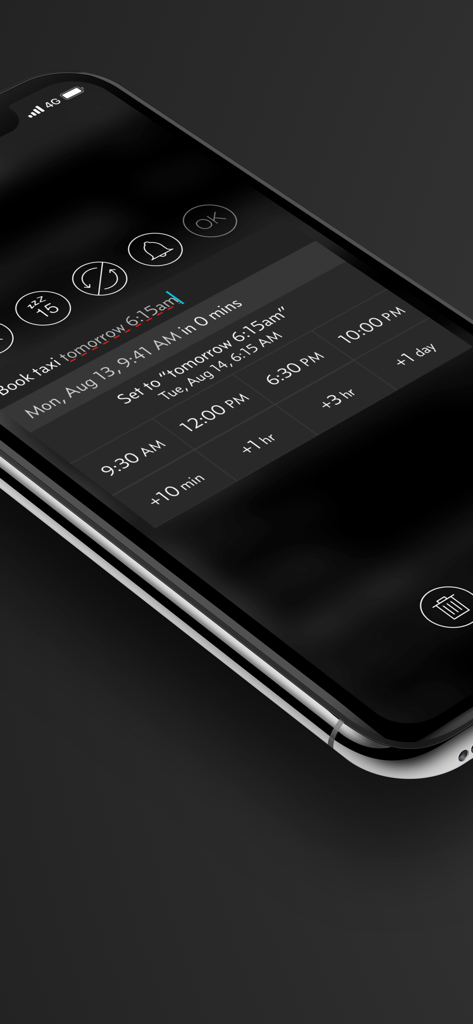
날짜 선택기를 만지작거리는 것을 멈추세요. '내일 오후 4시에 고객에게 전화하기'라고 입력하거나 말하면 Due가 즉시 시간을 분석하여 몇 초 안에 미리 알림을 설정할 수 있습니다.

다음 스크린샷과 설명은 앱의 공식 스토어 목록에서 직접 가져온 것이며 앱 개발자의 자산입니다.

앱 스토어

스크린샷
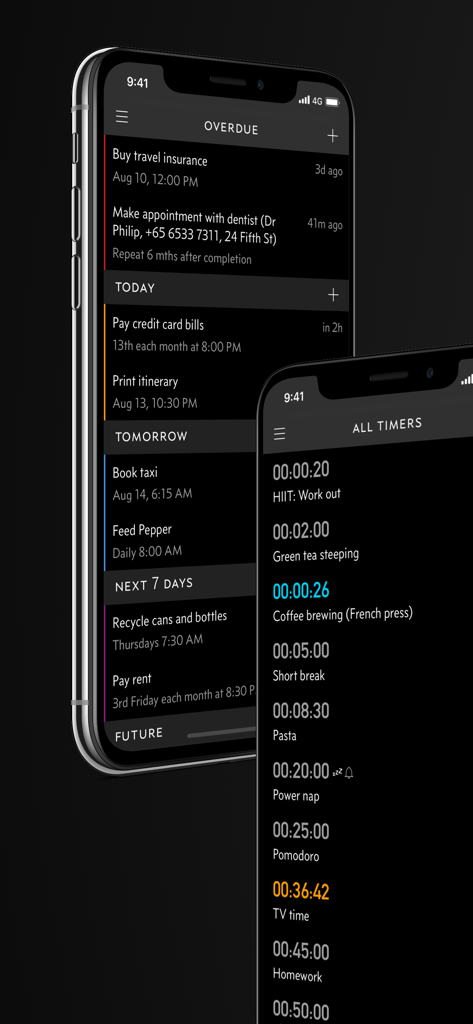
Due - Reminders & Timers - Due 앱 인터페이스 아이폰에서 연체된 미리 알림 및 카운트다운 타이머 표시
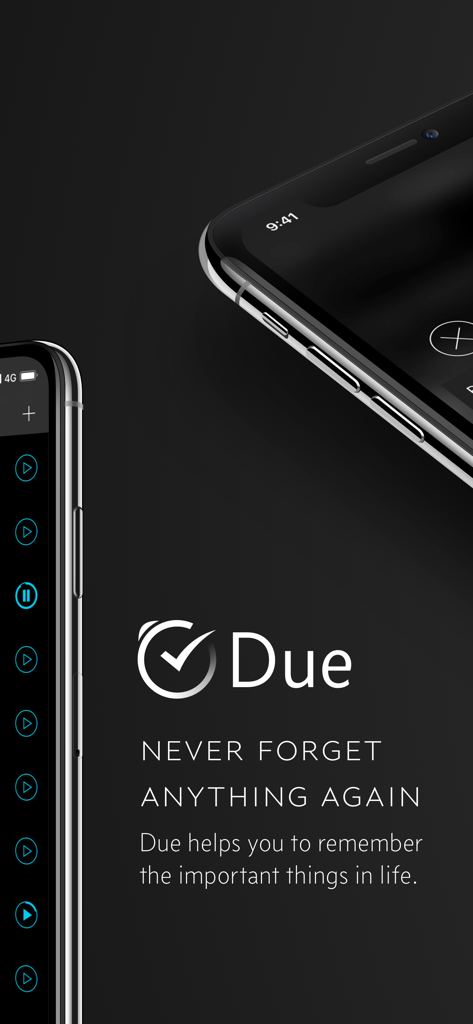
Due 앱 인터페이스 아이폰에서 연체된 미리 알림 및 카운트다운 타이머 표시

Due - Reminders & Timers - Due 앱 로고 및 슬로건 '다시는 아무것도 잊지 마세요'와 아이폰 스크린샷
Due 앱 로고 및 슬로건 '다시는 아무것도 잊지 마세요'와 아이폰 스크린샷

Due - Reminders & Timers - Due 앱 인터페이스 아이폰에서 택시 미리 알림을 위한 자연어 입력 및 빠른 시간 선택 버튼 표시
Due 앱 인터페이스 아이폰에서 택시 미리 알림을 위한 자연어 입력 및 빠른 시간 선택 버튼 표시

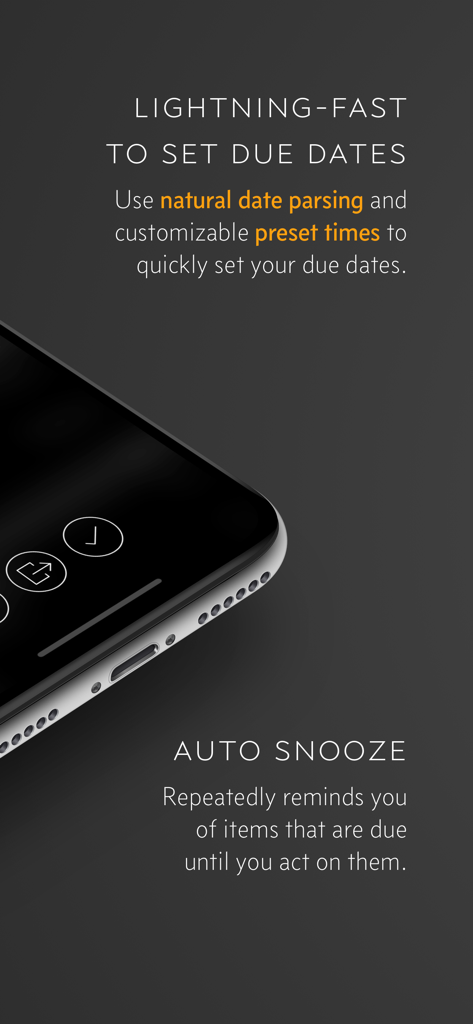
Due - Reminders & Timers - Due 앱 기능 자연어 구문 분석 및 끈질긴 자동 다시 알림 강조

Due 앱 기능 자연어 구문 분석 및 끈질긴 자동 다시 알림 강조

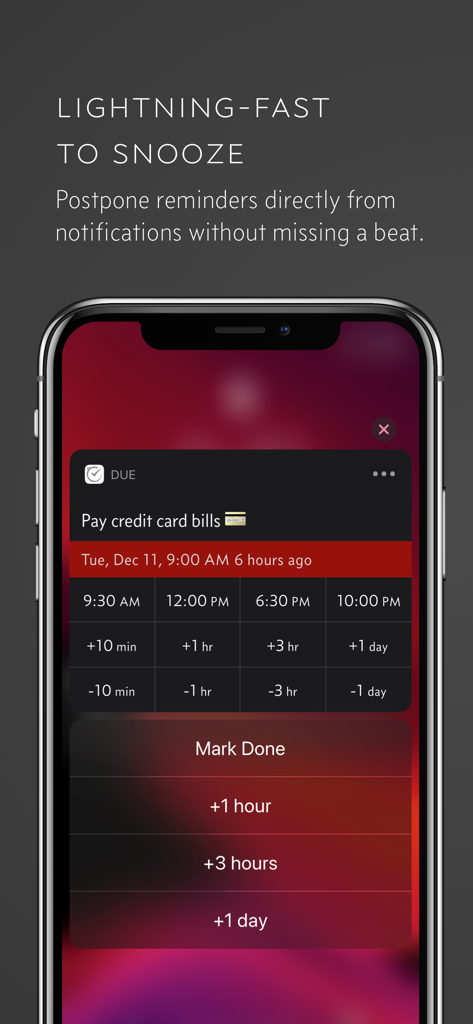
Due - Reminders & Timers - 아이폰 화면 Due 앱에서 미리 알림에 대한 빠른 다시 알림 및 연기 옵션 표시
아이폰 화면 Due 앱에서 미리 알림에 대한 빠른 다시 알림 및 연기 옵션 표시

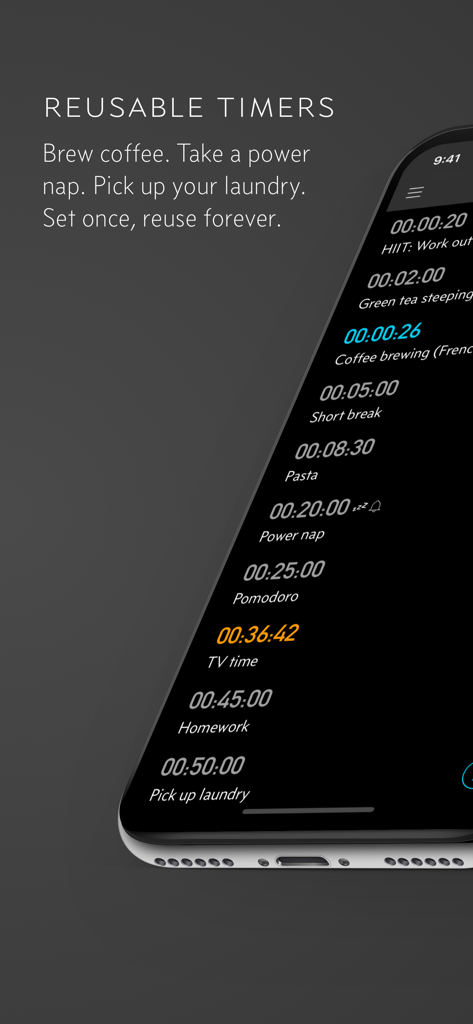
Due - Reminders & Timers - 커피 끓이기 및 낮잠과 같은 일반적인 작업에 대한 Due 앱의 재사용 가능한 카운트다운 타이머
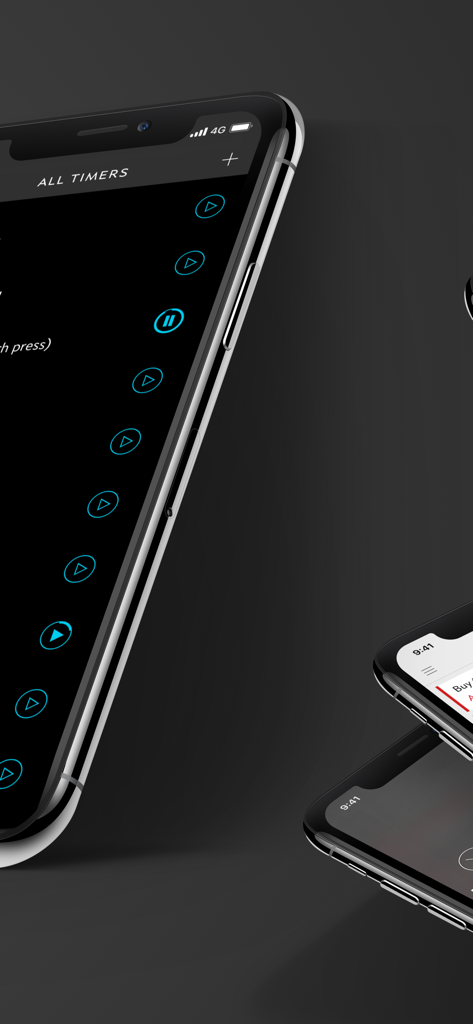
커피 끓이기 및 낮잠과 같은 일반적인 작업에 대한 Due 앱의 재사용 가능한 카운트다운 타이머

Due - Reminders & Timers - 다크 모드에서 아이폰의 모든 타이머를 관리하는 Due 앱 인터페이스
다크 모드에서 아이폰의 모든 타이머를 관리하는 Due 앱 인터페이스

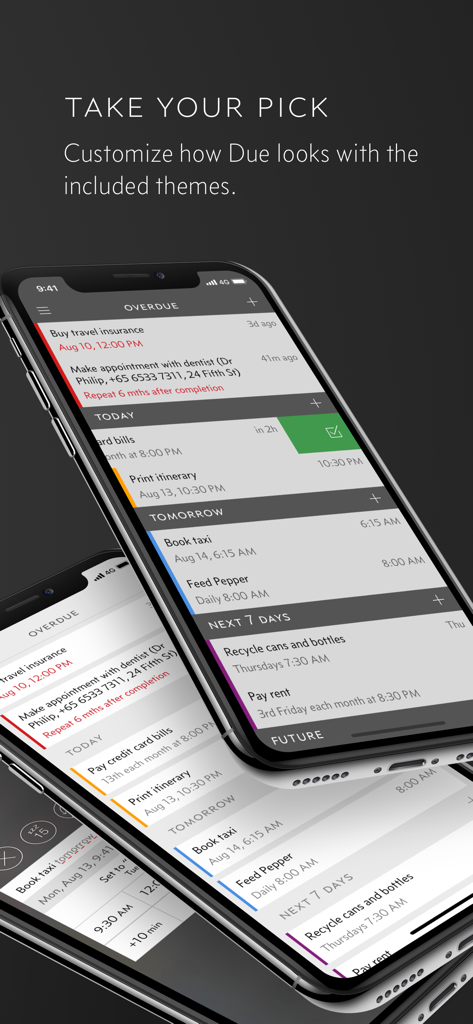
Due - Reminders & Timers - 세 개의 아이폰 서로 다른 색상 테마와 Due 앱의 범주별 미리 알림 표시
세 개의 아이폰 서로 다른 색상 테마와 Due 앱의 범주별 미리 알림 표시

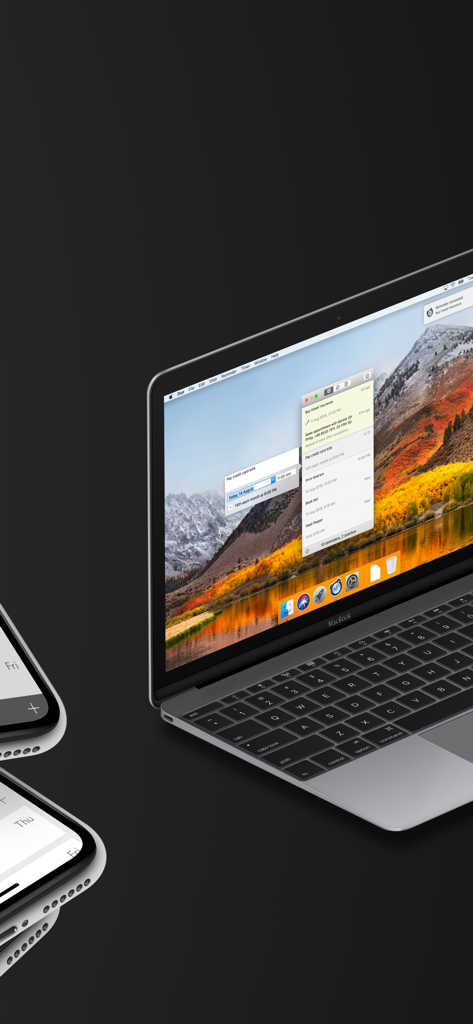
Due - Reminders & Timers - MacBook 및 아이폰에서 표시되는 Due 미리 알림 및 타이머 앱 인터페이스
MacBook 및 아이폰에서 표시되는 Due 미리 알림 및 타이머 앱 인터페이스

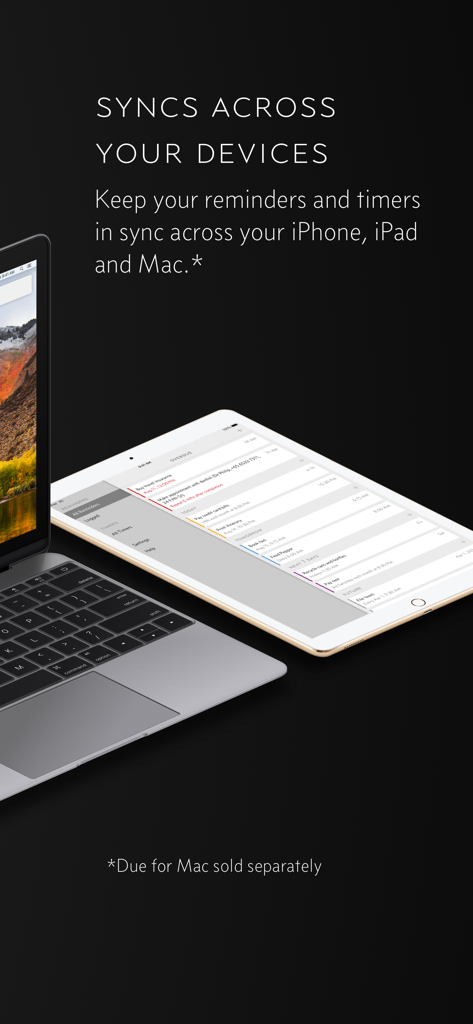
Due - Reminders & Timers - MacBook 및 iPad 간에 동기화되는 Due 앱 미리 알림 및 타이머.

MacBook 및 iPad 간에 동기화되는 Due 앱 미리 알림 및 타이머.

설명

Due remembers all the things that you need so you don't have to. Because it repeatedly reminds you of things until you act on them, it‘s impossible to forget anything. Most importantly, it's lightning-fast to set and postpone reminders, all thanks to a clever time picker and natural date parsing. KEY FEATURES 1. Persistent & Effective Auto Snooze repeatedly* notifies you of missed reminders until marked done or rescheduled. Choose between intervals of every 1, 5, 10, 15, 30 and 60 minutes. 2. Fast to Set, Fast to Postpone A time picker with 12 preset and fully customizable times lets you set due dates and postpone reminders in record time. 3. Natural Date & Time Parsing Due can also parse dates and times that you typed or dictate and offer to set the due dates and times for you. 4. Countdown Timers Precise to the second, perfect for making the perfect soft-boiled eggs, brewing your coffee and more. Set them up once and reuse them forever 5. Powerful Recurring Reminders From the simple daily and weekly reminders to the complex every-3rd-Wednesday-of-the-month kind of reminders 6. Keep in Sync** Use iCloud or Dropbox to keep your reminders and timers in sync across your iPhone, iPad and Mac. 7. Works Offline, Completely Private There is no account to sign up for. We don't store, and we can't access your reminders and timers. And you don't need internet to receive reminders. 8. Accessible to Everyone Automatically adjusts text size according to your system setting, and offers full VoiceOver support. Due is also localized in 17 languages. * By default, auto snooze repeats 5 times, and can be configured to repeat up to 10 times. Due can auto snooze any overdue items indefinitely when you launch Due or act on any of its notifications. ** Sync on Mac requires Due for Mac (sold separately) WHAT'S THAT IN-APP PURCHASE ABOUT? When you purchase Due today, you will have access to every feature in the app today—no further purchase required. You will also get access to all new features released one year from your date of purchase. The optional Due Upgrade Pass subscription allows you to continue getting access to all new features released one year *after* your date of purchase. And here's the deal: Every feature that you have unlocked will remain available to you, forever—even if you stop subscribing. Even without a subscription, you'll always receive bug-fix and compatibility updates for free. These updates add support for the latest iPhones, iPads and Apple Watches. They also help ensure that Due continues to function well on the latest versions of iOS, iPadOS and watchOS. Due has a pretty good track record with that. To illustrate: If you've purchased Due back in 2010 for your iPhone 3G running iOS 4, that very same app in 2026 is now optimized for iPhone 17 Pro Max running iOS 26. It even works on devices that didn't exist back then, such as the iPad Pro and the Apple Watch. TERMS & PRIVACY POLICY Our terms of use and privacy policy is available here: https://www.dueapp.com/terms.html COMPATIBILITY Due requires an iPhone, iPod touch or iPad running iOS 16 or later. The Watch app is a companion to the iOS app. It requires watchOS 8 (or later) and the paired iPhone to work correctly.

Download

다운로드: App Store

이 페이지는 앱이나 개발자의 공식 페이지가 아니며, 정보 제공 및 논평을 목적으로 작성된 독립 편집 간행물입니다. 명시적으로 달리 언급되지 않는 한, 해당 앱이나 개발자는 MWM, Apple, Google Play, 앱 퍼블리셔 또는 앱 개발자와 제휴, 보증, 후원, 승인 또는 공식적으로 연결되어 있지 않으며, 이 페이지의 어떤 내용도 해당 앱이 MWM의 서비스를 사용하여 개발되었음을 의미하지 않습니다. 모든 상표, 로고, 스크린샷 및 기타 콘텐츠는 해당 소유자의 자산입니다.