Files HD Pro

Files HD Pro

다운로드: App Store
로고: Files HD Pro

Files HD Pro: iPad를 위한 궁극의 생산성 파워하우스

고속 다운로더, 고급 PDF 리더, 전문가 및 파워 유저를 위해 설계된 보안 탭 브라우저로 데스크톱급 파일 관리 기능을 활용하세요.

개발사

Hian Zin Jong

카테고리

Utilities

다운로드

226K+

사용자 평점

4.0/5

총 평가 수

9K+

지원 언어

1

잠금 해제된 iPad

이 인터페이스를 사용하는 226K+ 명의 사용자.

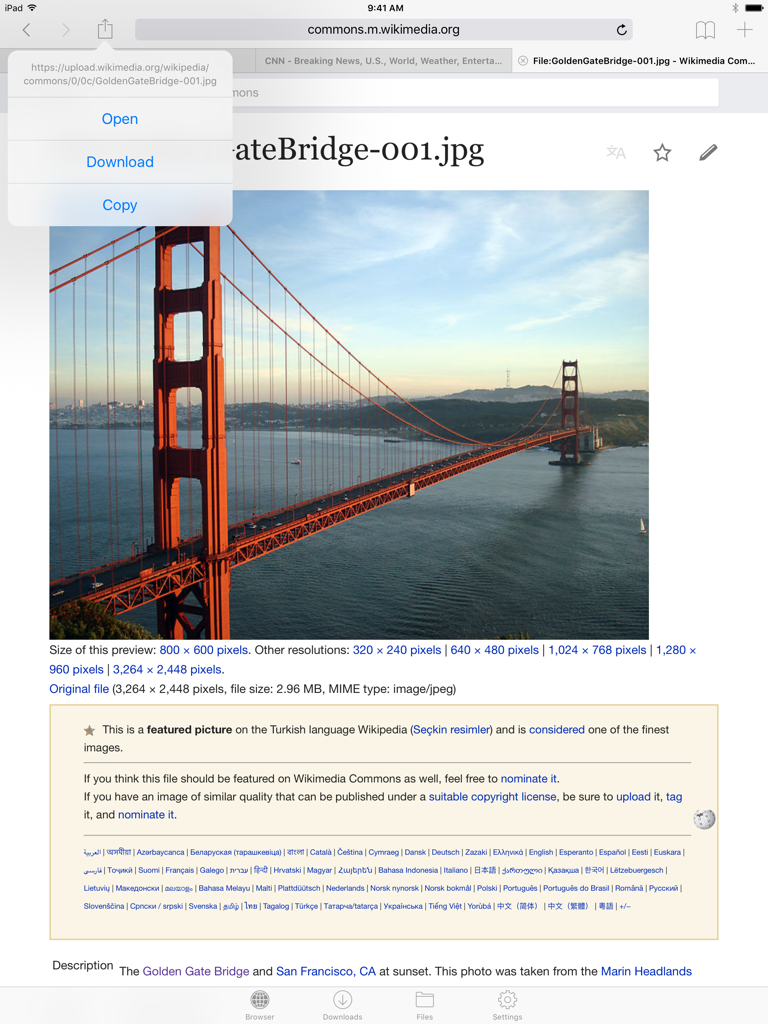
이미지 다운로드 메뉴를 보여주는 iPad의 Files HD Pro 웹 브라우저 인터페이스.
이미지 다운로드 메뉴를 보여주는 iPad의 Files HD Pro 웹 브라우저 인터페이스.

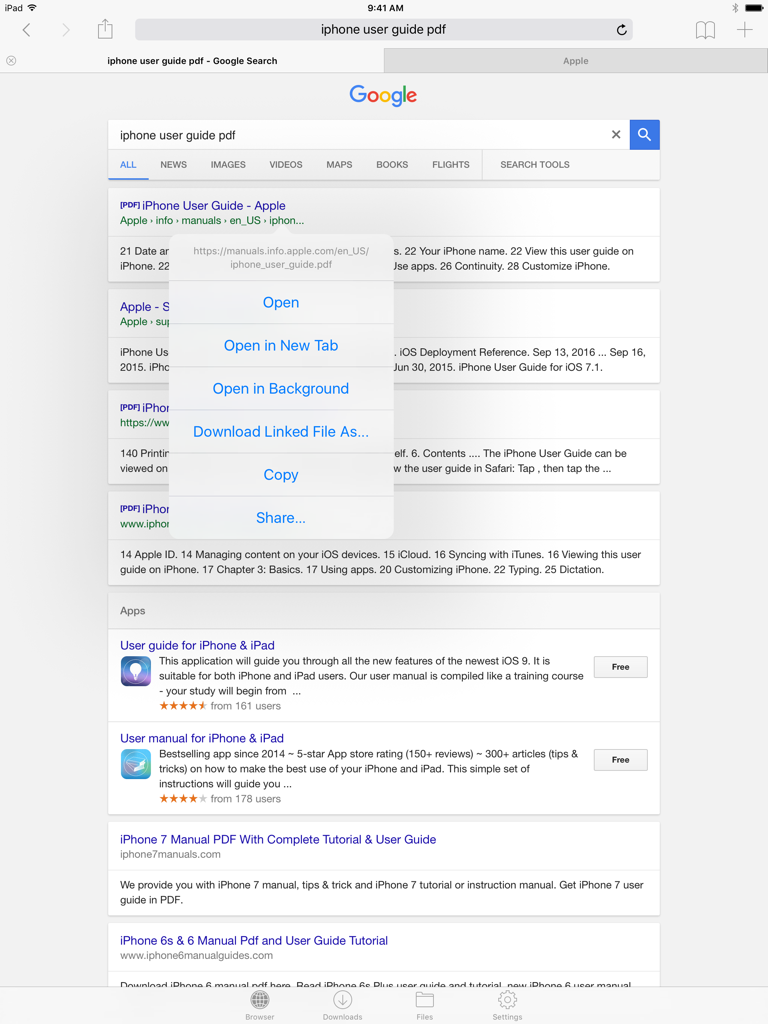
PDF 검색 결과에 대한 다운로드 옵션 메뉴를 보여주는 iPad의 Files HD Pro 웹 브라우저 인터페이스
PDF 검색 결과에 대한 다운로드 옵션 메뉴를 보여주는 iPad의 Files HD Pro 웹 브라우저 인터페이스

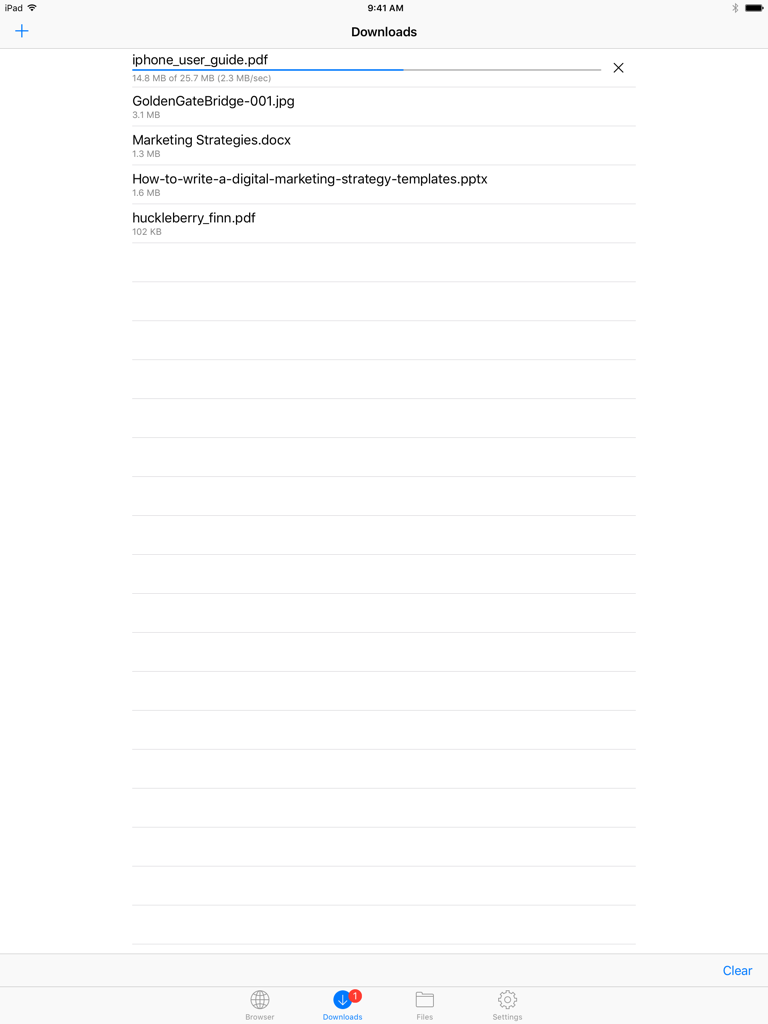
파일 목록과 활성 다운로드 진행률 표시줄을 보여주는 Files HD Pro의 다운로드 화면.
파일 목록과 활성 다운로드 진행률 표시줄을 보여주는 Files HD Pro의 다운로드 화면.

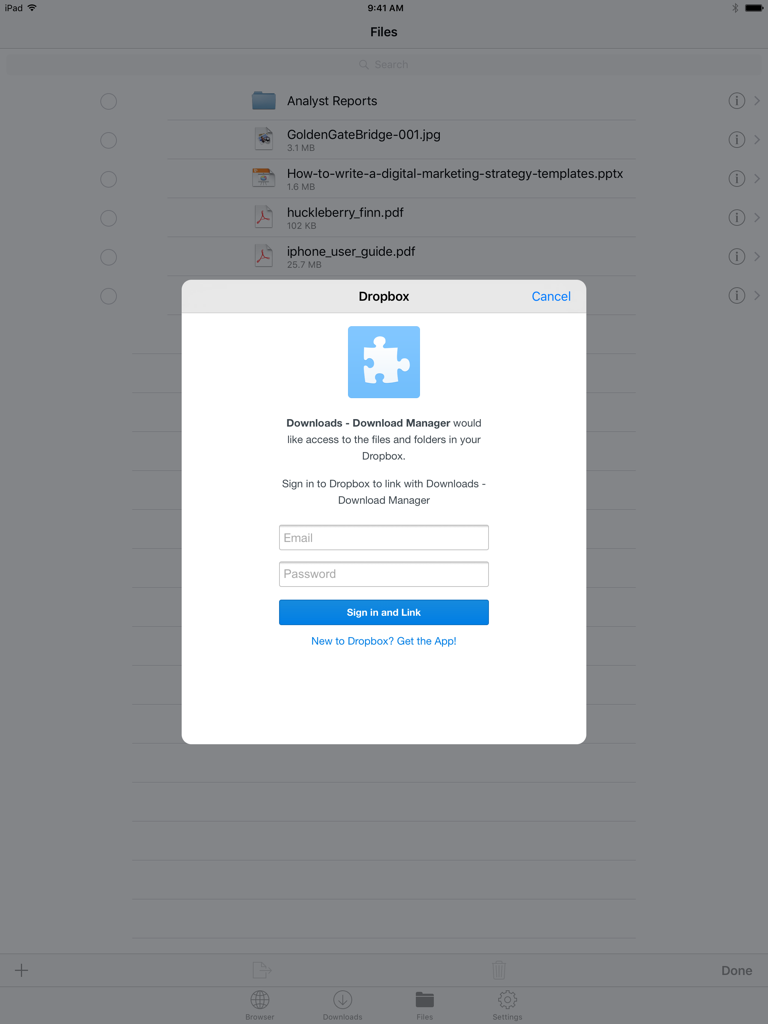
iPad의 Files HD Pro 앱에서 백그라운드 파일 목록을 보여주는 Dropbox 로그인 창
iPad의 Files HD Pro 앱에서 백그라운드 파일 목록을 보여주는 Dropbox 로그인 창

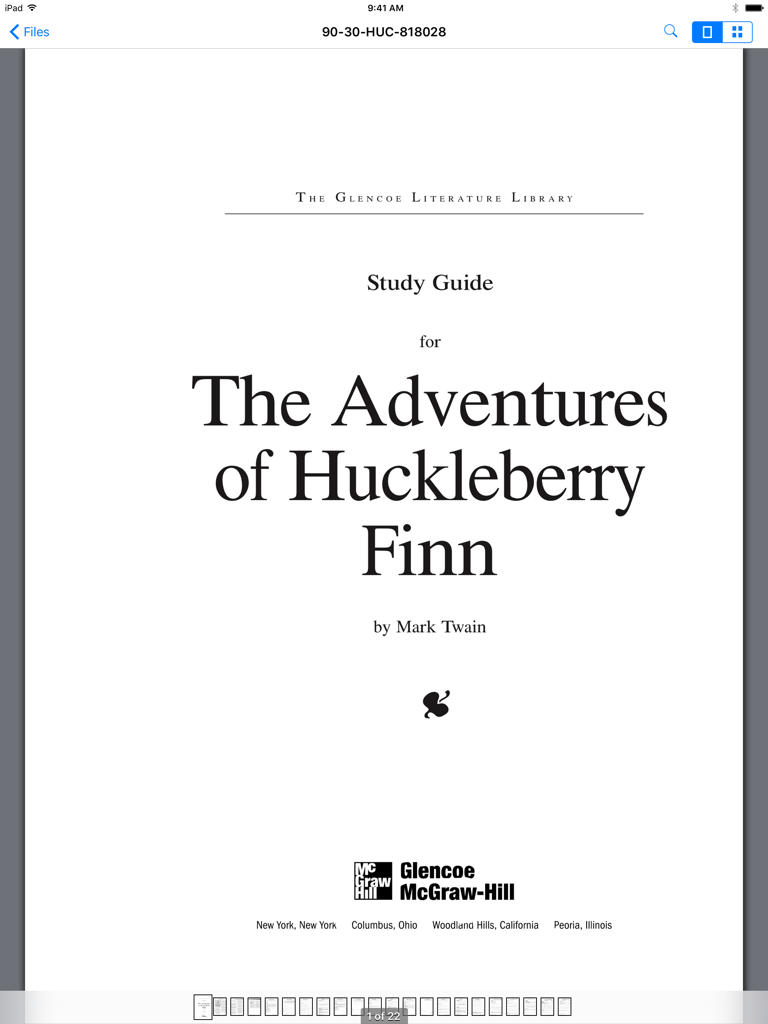
iPad의 Files HD Pro 앱 인터페이스에 허클베리 핀의 모험에 대한 PDF 학습 가이드가 표시되어 있습니다.

iPad의 Files HD Pro 앱 인터페이스에 허클베리 핀의 모험에 대한 PDF 학습 가이드가 표시되어 있습니다.

iPad 생산성을 극대화하세요

이 앱을 돋보이게 하는 도구, 226K+ 명의 사용자가 선택.

📥

데스크톱급 다운로더

백그라운드 작업, 재개 가능한 다운로드 및 전체 오프라인 보기를 지원하는 강력한 관리자로 웹에서 모든 파일을 가져오세요.

📂

통합 파일 관리

폴더 정리, ZIP/RAR 추출 및 원활한 Dropbox 통합으로 작업 공간을 동기화하여 완벽하게 제어하세요.

🔒

프로 뷰어 및 보안 금고

민감한 데이터를 안전한 비밀번호 잠금으로 보호하면서 대용량 PDF에 쉽게 주석을 달고 전문 문서를 보세요.

리뷰 분석

사용자 리뷰 인사이트.

감정 점수

34%
부정적

요약

The app receives mixed feedback, with users often praising its core utility for file management and downloading when it operates as expected. However, a substantial number of reviews indicate critical issues, particularly regarding consistent compatibility problems with various iOS versions, notably iOS 13, 13.3.1, and 15. These compatibility issues frequently lead to app crashes, loss of crucial downloading functionality (especially for videos and images), and difficulties with specific file management features like multi-selection and integration with the "Open With" menu. Furthermore, users express significant dissatisfaction over a problematic pricing model that shifted from one-time purchases to subscriptions, often without resolving persistent pop-up advertisements.

주요 테마

iOS Compatibility(4)
Stability & Crashes(4)
Updates & Developer Responsiveness(4)
Downloading Capability(3)
File Management(2)
Video & Media Playback(2)
Pricing & Subscription Model(1)

앱 소개

에 대해 알아야 할 모든 것 Files HD Pro.

설명

Files HD (formerly known as Downloads HD - Download Manager for iPad) features a Web browser that lets you save documents to your iPad so that you can work with them offline. It has a built-in file manager, with robust viewer for all iOS supported document types, powerful photo browser, advanced PDF reader, full Dropbox support, and more. FEATURES √ Tabbed browser - Provides a user experience very similar to Safari - Supports unlimited tabs - Tap and hold on a link to open it in new tab or download it - Fully featured bookmark manager - History support - Address bar auto-completion - HTTP basic authentication - Form-based authentication - Integrated Google or Yahoo! search - Ability to spoof browser's User-Agent string to display web pages like Firefox - Unified smart search field. Type a URL or search term in the unified smart search field, the browser automatically suggests the closest match to what you’re looking for. √ Download manager - Fast downloading speed - Save pages with images for offline viewing - Supports resuming of interrupted downloads reliably - Live download progress bar and speed indicator - Active downloads badge number - Add arbitrary download link - Always download with correct filename - Ability to download file of unknown size √ File manager - Folders support - Move, rename and delete files - Search by file name - Document viewer that supports .pdf, .doc, .xls, .ppt, .txt, .html, .webarchive and .rtf file formats - Extract ZIP and RAR archives - Import photos from camera roll √ Dropbox integration - Upload, download and manage files - Sync what you want, keep files on your device √ Advanced PDF viewer - Huge PDF files work flawlessly - Text search - Tap PDF links to jump across the file √ Photo viewer - Swipe to move between images in a folder - Zoom in and out with pinch gesture - Thumbnails view of all images in a folder - Ability to save images to photo album √ File transfer - iTunes USB File Sharing lets you drag and drop files between your iPad and computer - Supports HTTP and FTP protocols - Transfer files to and from computer that is in the same Wi-Fi network - Send files as email attachments √ Passcode lock √ Mobile Safari integration - Bookmarklet that lets you send links from Mobile Safari to Files HD √ Multitasking - Background downloading √ Inter-app document interchange - Other apps can save their files to Files HD (e.g. Email app can save attachments to Files HD) √ Recovery Mode - If the browser caught in an endless loop of pop-up alerts, go to the iOS built-in "Settings" app, find "Files HD Pro", turn on "Recovery Mode", then force-quit and relaunch the app. Terms of Use: https://downloadsapp.info/terms Privacy Policy: https://downloadsapp.info/privacy

최신 버전

8.3.1

크기

33.9 MB

출시일

2010년 7월 13일

iPad를 데스크톱급 워크스테이션으로 전환하세요

파일 제한을 제거한 226,000명 이상의 파워 유저와 함께하세요. iPad에서 가장 신뢰받는 파일 관리자로 완전히 오프라인에서 전문가 워크플로우를 다운로드, 정리 및 관리하세요.

다운로드: App Store

App information, icons, screenshots, and descriptions displayed on this page are sourced from the Apple App Store and are the property of their respective developers. Download estimates and rankings are based on MWM's proprietary models and may not reflect actual figures. This page is provided for informational and analytical purposes only.

Believe this page infringes your intellectual property? File a dispute