Flying Ruler: 3D Tape Measure
다운로드: App Store

이 페이지는 앱이나 개발자의 공식 페이지가 아니며, 정보 제공 및 논평을 목적으로 작성된 독립 편집 간행물입니다. 명시적으로 달리 언급되지 않는 한, 해당 앱이나 개발자는 MWM, Apple, Google Play, 앱 퍼블리셔 또는 앱 개발자와 제휴, 보증, 후원, 승인 또는 공식적으로 연결되어 있지 않으며, 이 페이지의 어떤 내용도 해당 앱이 MWM의 서비스를 사용하여 개발되었음을 의미하지 않습니다. 모든 상표, 로고, 스크린샷 및 기타 콘텐츠는 해당 소유자의 자산입니다.

로고: Flying Ruler: 3D Tape Measure
다운로드: App Store

Flying Ruler: 3D Tape Measure

부피 큰 줄자는 잊으세요. 휴대폰을 공중에서 움직이기만 하면 전문가 수준의 정확도로 거리를 측정하고 각도를 측정할 수 있습니다. DIY 애호가, 디자이너 및 주택 소유자에게 적합합니다.

주요 수치

다운로드

255K+

사용자 평점

4.4/5

총 평가 수

9K+

개발사

ALEXEY BRILEV

카테고리

Utilities

지원 언어

9

최신 버전

6.3.2

크기

78.1 MB

출시일

2013년 8월 23일
기능

모든 측정을 쉽게 마스터하세요

부피 큰 금속 줄자는 잊으세요. iPhone을 공중에서 움직이기만 하면 거리를 측정하고 각도를 측정하는 5-in-1 전문가용 툴킷으로 변환하세요.

이동 측정 기술

물리적 제약은 잊으세요. 장치를 한 지점에서 다른 지점으로 이동하여 표면 접촉 없이 즉시 치수를 캡처합니다.

전문가 수준의 정확도

고급 관성 항법 센서에 프로젝트를 맡기세요. 가구 설치, 목공 및 주택 개조에 대해 최대 99.7%의 정밀도를 경험하세요.

다음 스크린샷과 설명은 앱의 공식 스토어 목록에서 직접 가져온 것이며 앱 개발자의 자산입니다.

앱 스토어

스크린샷
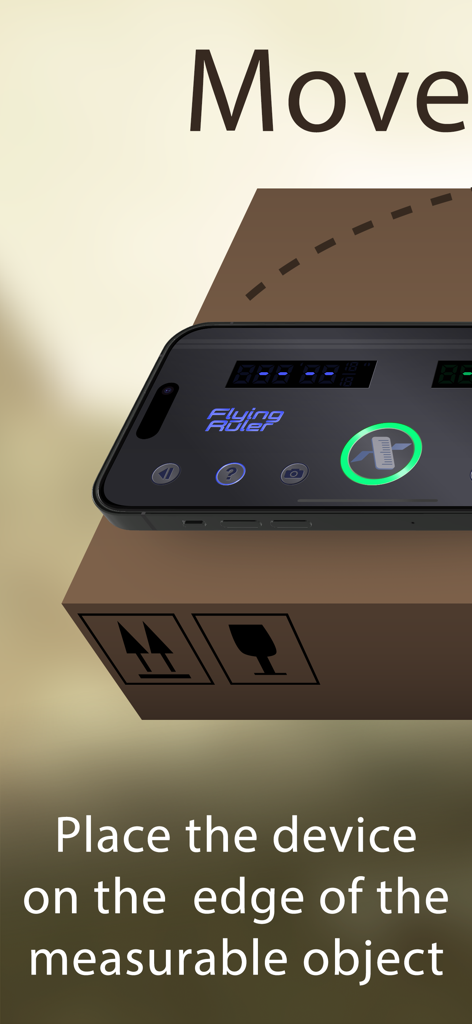
Flying Ruler: 3D Tape Measure - Flying Ruler 앱으로 측정하기 위해 상자 위에 놓인 스마트폰
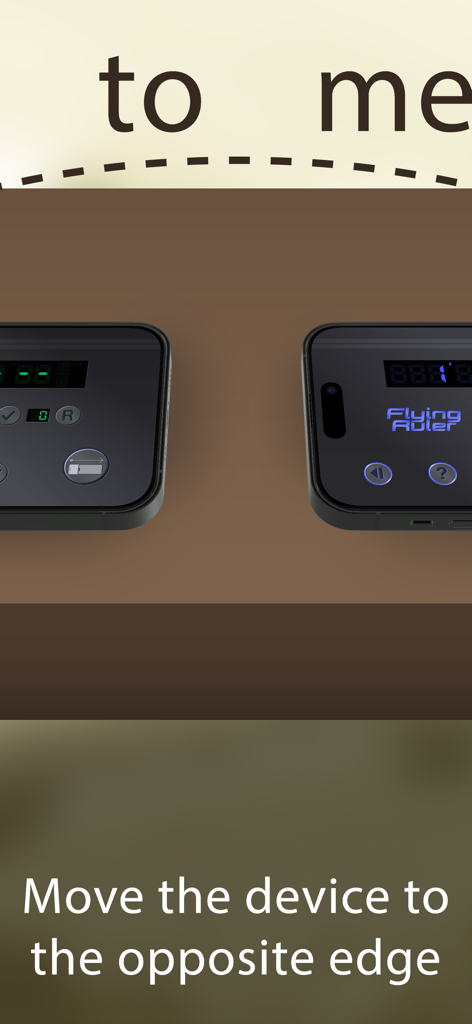
Flying Ruler 앱으로 측정하기 위해 상자 위에 놓인 스마트폰

Flying Ruler: 3D Tape Measure - iPhone이 한쪽 모서리에서 반대쪽으로 이동하여 거리를 측정하고 있음.
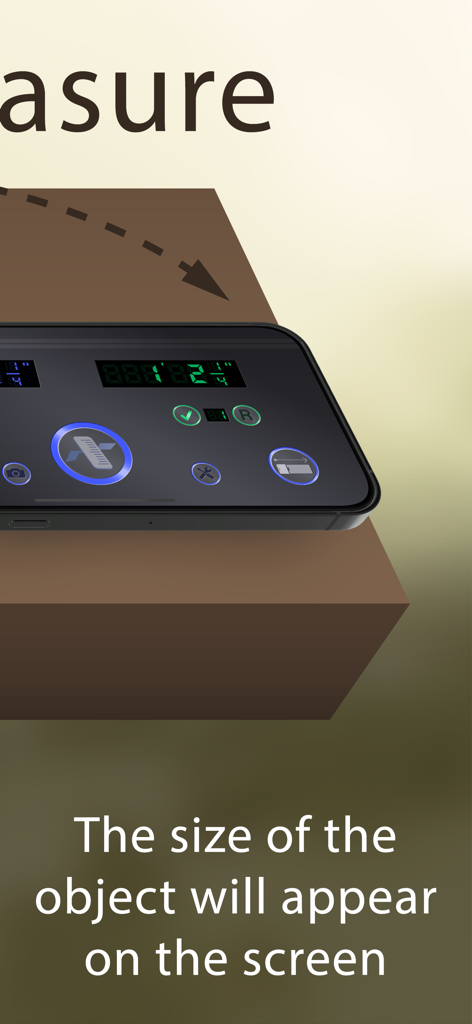
iPhone이 한쪽 모서리에서 반대쪽으로 이동하여 거리를 측정하고 있음.

Flying Ruler: 3D Tape Measure - Flying Ruler 앱을 사용하여 측정된 물체 크기를 표시하는 스마트폰
Flying Ruler 앱을 사용하여 측정된 물체 크기를 표시하는 스마트폰

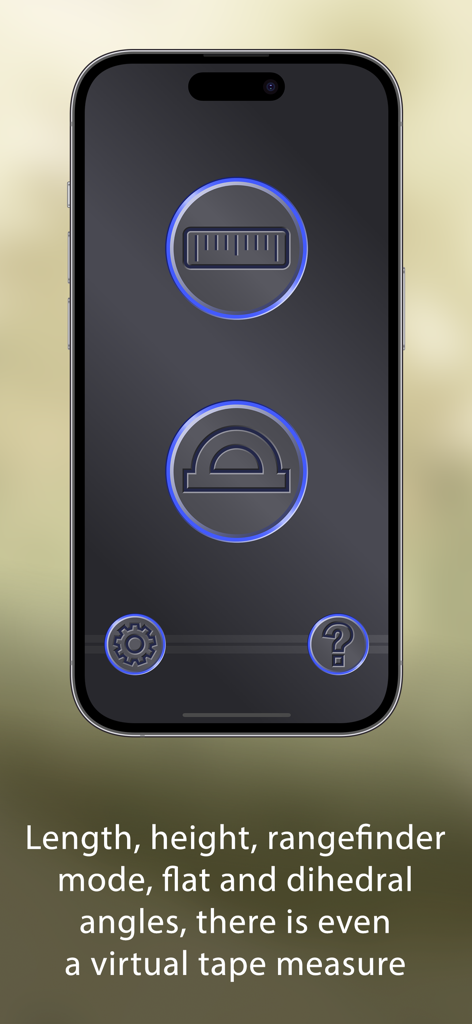
Flying Ruler: 3D Tape Measure - 측정 및 각도 도구 아이콘을 보여주는 Flying Ruler 앱 인터페이스
측정 및 각도 도구 아이콘을 보여주는 Flying Ruler 앱 인터페이스

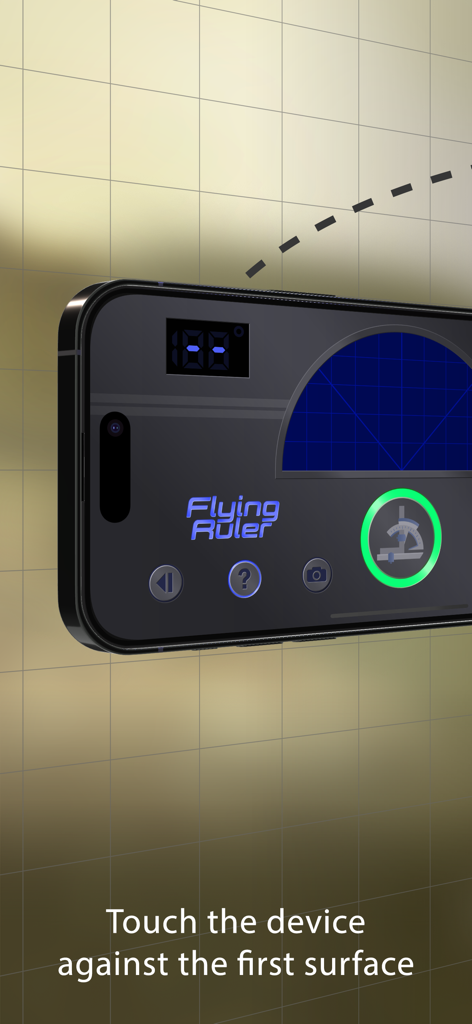
Flying Ruler: 3D Tape Measure - 첫 번째 표면에 장치를 대라는 지침이 있는 iPhone의 Flying Ruler 앱 인터페이스
첫 번째 표면에 장치를 대라는 지침이 있는 iPhone의 Flying Ruler 앱 인터페이스

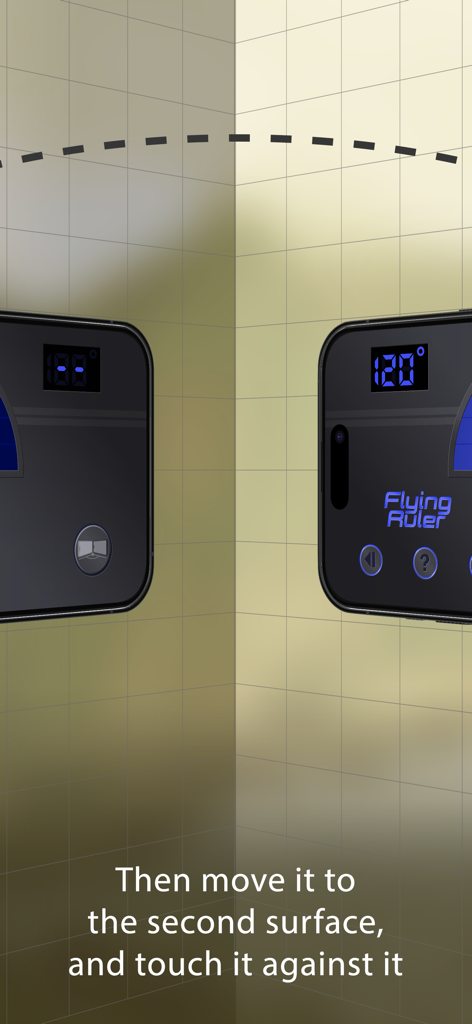
Flying Ruler: 3D Tape Measure - 두 벽 사이의 120도 각도를 측정하는 3D 각도 찾기 모드 시연.
두 벽 사이의 120도 각도를 측정하는 3D 각도 찾기 모드 시연.

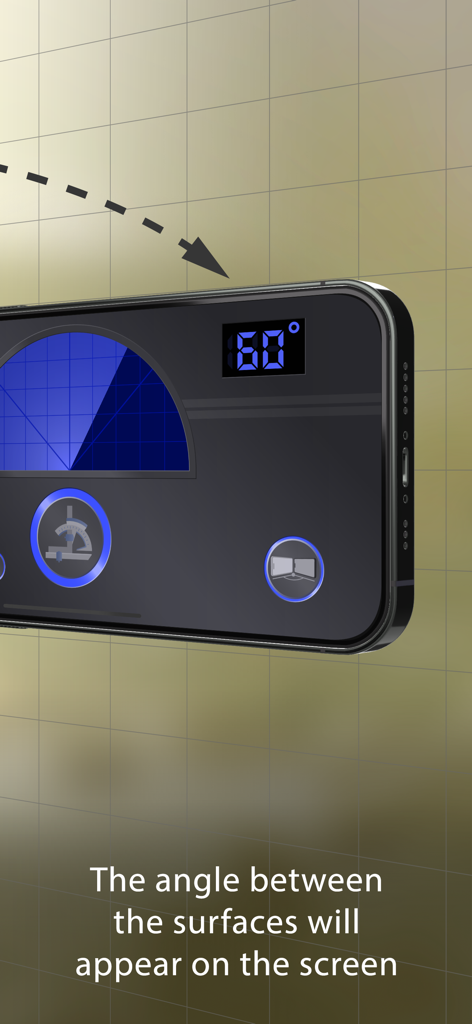
Flying Ruler: 3D Tape Measure - 두 표면 사이의 60도 각도를 측정하는 Flying Ruler 앱을 보여주는 iPhone 화면
두 표면 사이의 60도 각도를 측정하는 Flying Ruler 앱을 보여주는 iPhone 화면

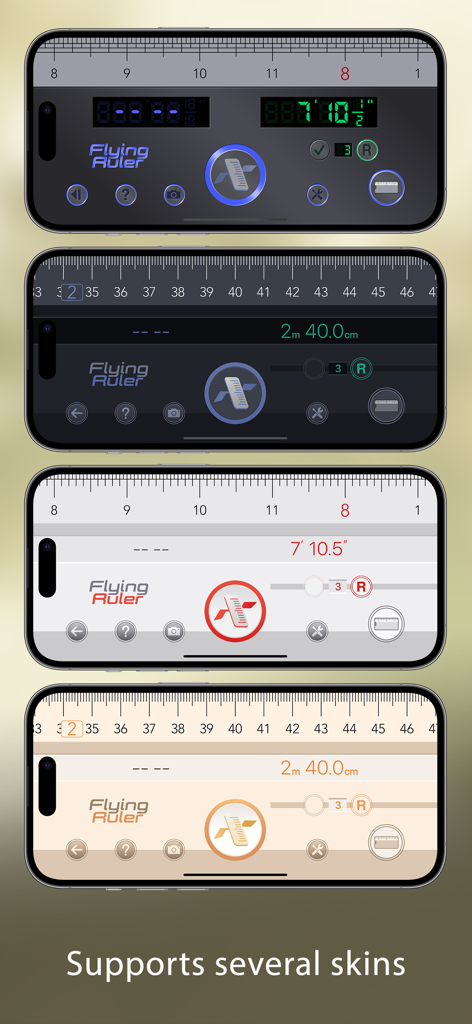
Flying Ruler: 3D Tape Measure - Flying Ruler 3D 줄자 앱의 다양한 인터페이스 스킨을 보여주는 4개의 iPhone
Flying Ruler 3D 줄자 앱의 다양한 인터페이스 스킨을 보여주는 4개의 iPhone

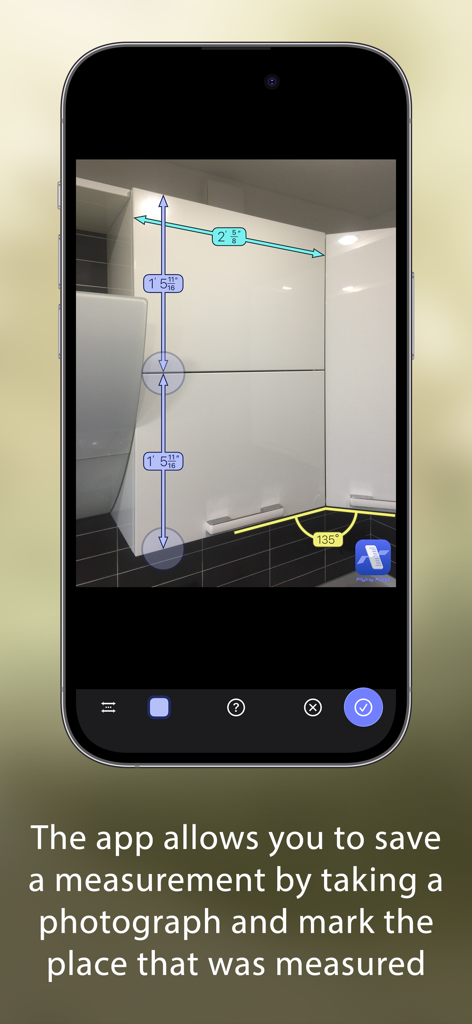
Flying Ruler: 3D Tape Measure - 주방 찬장 사진에 길이 및 각도 측정이 저장된 Flying Ruler 앱을 보여주는 iPhone
주방 찬장 사진에 길이 및 각도 측정이 저장된 Flying Ruler 앱을 보여주는 iPhone

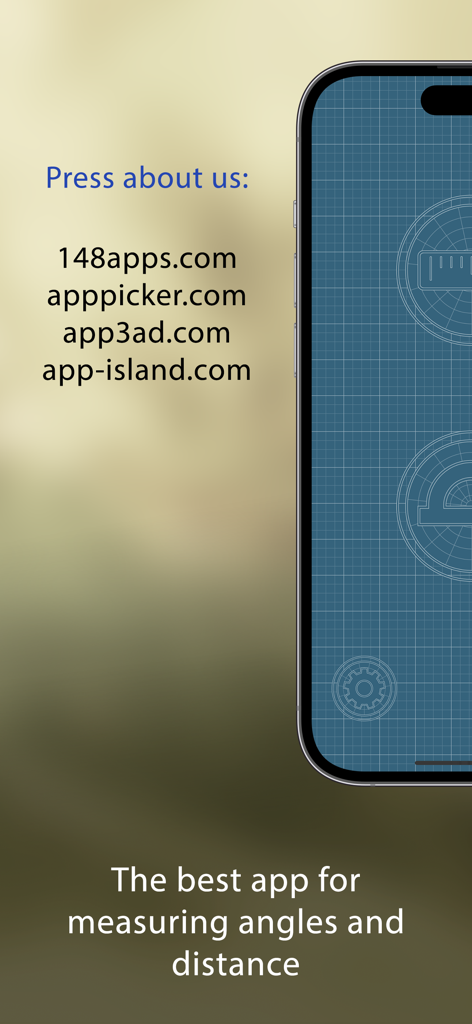
Flying Ruler: 3D Tape Measure - Flying Ruler 3D 줄자 앱의 언론 리뷰 및 태그라인

Flying Ruler 3D 줄자 앱의 언론 리뷰 및 태그라인

설명

The Flying Ruler app allows you to measure in the most original way: by just moving your device from one point to another. Flying Ruler is a ruler, tape measure, rangefinder, protractor and a 3D angle finder. It is five devices in one app, providing you with the quickest way to measure a distance or an angle. The secret of the program is that it is based on the principles of the inertial navigational system (INS): the position of the device is determined with the help of the accelerometer and the gyroscope. Measurements take place extremely quickly and at the same time they are quite accurate. We are constantly improving our computational algorithm for more than 11 years! To try this technology for free you can install the app "Digital Angle Finder: 3D Meter". This free app measures the angle as you move the device. AWARDS: Editor's Choice — 148Apps www.148apps.com/reviews/flying-ruler-review PRESS ABOUT US: "I was impressed with Flying Ruler’s accuracy. It works quickly and effectively", "It’s the perfect addition to anyone’s app collection" — 148apps 4.5 / 5 (MUST HAVE) "This thing is awesome" — brettterpstra.com "I literally said “wow!” when I first used this app and I think it’s a truly impressive marvel of mobile technology", "The Flying Ruler Rules" — AppPicker (Cons: there is nothing negative to say about this app) *** Measure distance with good precision, no matter the lighting or conditions *** The app has different modes so you can choose which mode is better and easier to use on each occasion. You can measure with the body of the device in one mode or with a virtual tape measure in another. You can not only measure an object but also the distance between two walls (rangefinder mode). You use the same methods to measure angles as the app allows you to measure angles both on a surface area (protractor mode) and between surfaces through space (3D angle finder mode). You can choose either inches or centimeters. The maximum distance is only limited by the value of the indicator which consists of 999 ft for the imperial system and 99 m for the metric system. When measuring, you can avoid obstacles and therefore you can measure anything. Flying Ruler is suitable for measuring not only large, but also very small distances with the accuracy of a standard ruler. The app also allows you to save a measurement by taking a photograph of the measurement and mark the place that was measured. Don’t forget to show your friends and colleagues how the app works – believe us, they will be impressed. ACCURACY OF MEASUREMENT: We took 100 consecutive measurements and got these results: On iPhone 13: • Mean squared error - 0.14% • Maximum inaccuracy - 0.4% On iPhone 7: • Mean squared error - 0.15% • Maximum inaccuracy - 0.4% On iPhone 6s: • Mean squared error - 0.28% • Maximum inaccuracy - 1.1% The accuracy of measurements depends on the device, however the error rarely exceeds 1.5%. You can always increase accuracy by making a series of measurements. If you make a series of measurements, the degree of error is usually 0.3% or less. Angles can be measured with the app to an accuracy of one degree so the app can easily take the place of a protractor or a angle finder. WEBSITE: www.flying-ruler.com

Download

다운로드: App Store

이 페이지는 앱이나 개발자의 공식 페이지가 아니며, 정보 제공 및 논평을 목적으로 작성된 독립 편집 간행물입니다. 명시적으로 달리 언급되지 않는 한, 해당 앱이나 개발자는 MWM, Apple, Google Play, 앱 퍼블리셔 또는 앱 개발자와 제휴, 보증, 후원, 승인 또는 공식적으로 연결되어 있지 않으며, 이 페이지의 어떤 내용도 해당 앱이 MWM의 서비스를 사용하여 개발되었음을 의미하지 않습니다. 모든 상표, 로고, 스크린샷 및 기타 콘텐츠는 해당 소유자의 자산입니다.








