Geometrica
Geometrica
다운로드: App Store

이 페이지는 앱이나 개발자의 공식 페이지가 아니며, 정보 제공 및 논평을 목적으로 작성된 독립 편집 간행물입니다. 명시적으로 달리 언급되지 않는 한, 해당 앱이나 개발자는 MWM, Apple, Google Play, 앱 퍼블리셔 또는 앱 개발자와 제휴, 보증, 후원, 승인 또는 공식적으로 연결되어 있지 않으며, 이 페이지의 어떤 내용도 해당 앱이 MWM의 서비스를 사용하여 개발되었음을 의미하지 않습니다. 모든 상표, 로고, 스크린샷 및 기타 콘텐츠는 해당 소유자의 자산입니다.

로고: Geometrica
다운로드: App Store

Geometrica

업계 선구자인 Cory Ferguson이 디자인한 기하학 도구는 타투이스트가 복잡한 만다라, 패턴 및 도트워크를 마스터할 수 있도록 지원합니다. 고급 대칭 도구와 자동화된 대규모 스텐실 인쇄 시스템으로 전문적인 워크플로우를 간소화하세요.

주요 수치

다운로드

239K+

사용자 평점

4.4/5

총 평가 수

1K+

개발사

TattooLoyal Inc

카테고리

Graphics & Design

지원 언어

2

최신 버전

1.42

크기

13.1 MB

출시일

2020년 1월 25일
기능

전문가 수준의 정밀도를 위해 설계됨

업계 선구자들이 만든 전문 도구로 창의적인 워크플로우를 간소화하여 iPad에서 피부까지 기하학적 디자인을 손쉽게 옮기세요.

무한 대칭 제어

최대 400개의 대칭 세그먼트와 사용자 정의 가능한 대칭 그룹을 사용하여 복잡한 만다라 및 벽지 패턴을 디자인하세요.

정밀 스텐실 인쇄

복사기를 없애세요. 인치 단위로 치수를 입력하면 앱이 디자인을 완벽하게 확장된 인쇄 준비 페이지로 자동 분할합니다.

다음 스크린샷과 설명은 앱의 공식 스토어 목록에서 직접 가져온 것이며 앱 개발자의 자산입니다.

앱 스토어

스크린샷
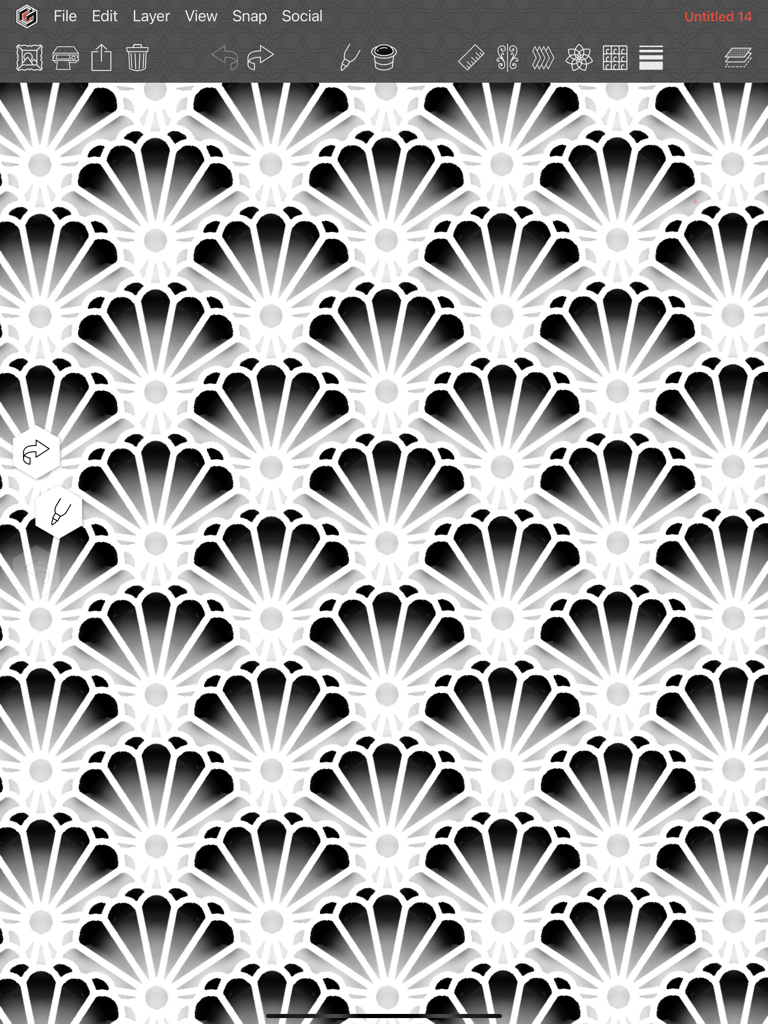
Geometrica - 기하학 도구 드로잉 앱 인터페이스 내에서 생성된 복잡한 반복 기하학적 스캘럽 패턴.
기하학 도구 드로잉 앱 인터페이스 내에서 생성된 복잡한 반복 기하학적 스캘럽 패턴.

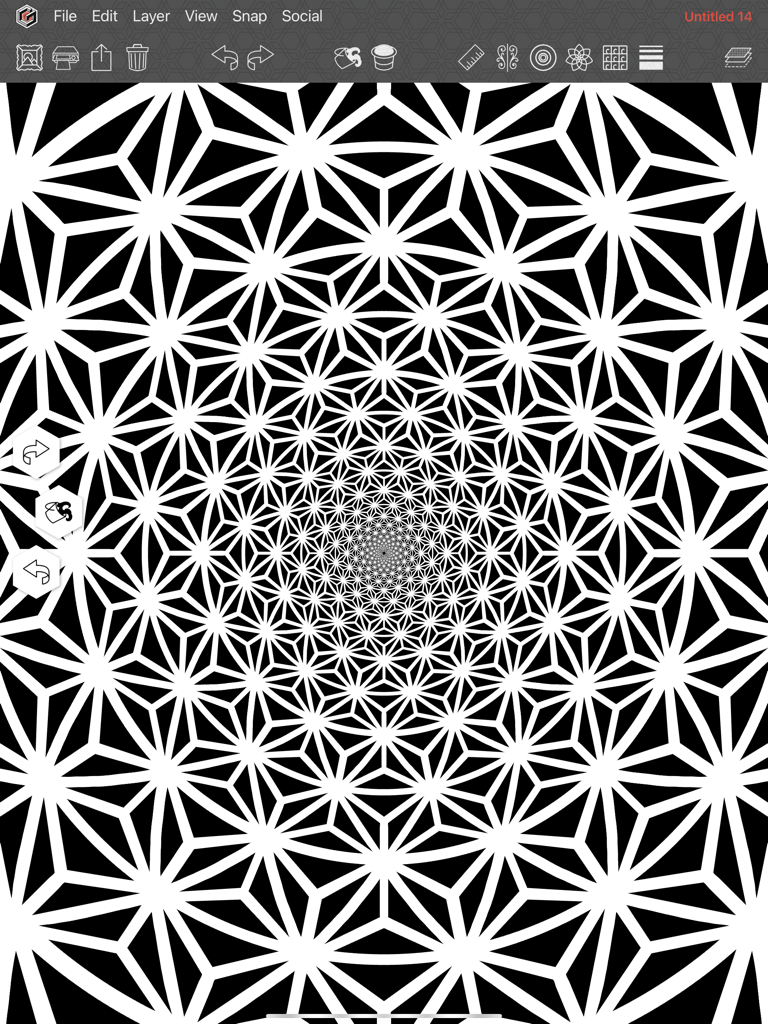
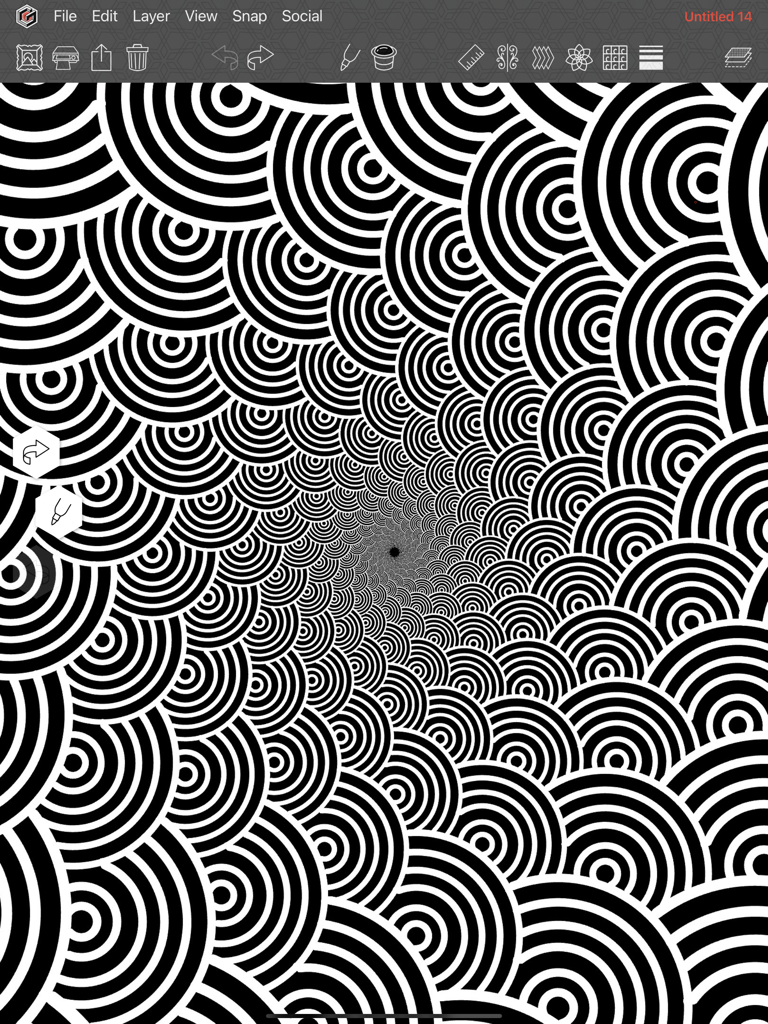
Geometrica - 기하학 도구 드로잉 앱에서 생성된 복잡한 흑백 나선형 패턴

기하학 도구 드로잉 앱에서 생성된 복잡한 흑백 나선형 패턴

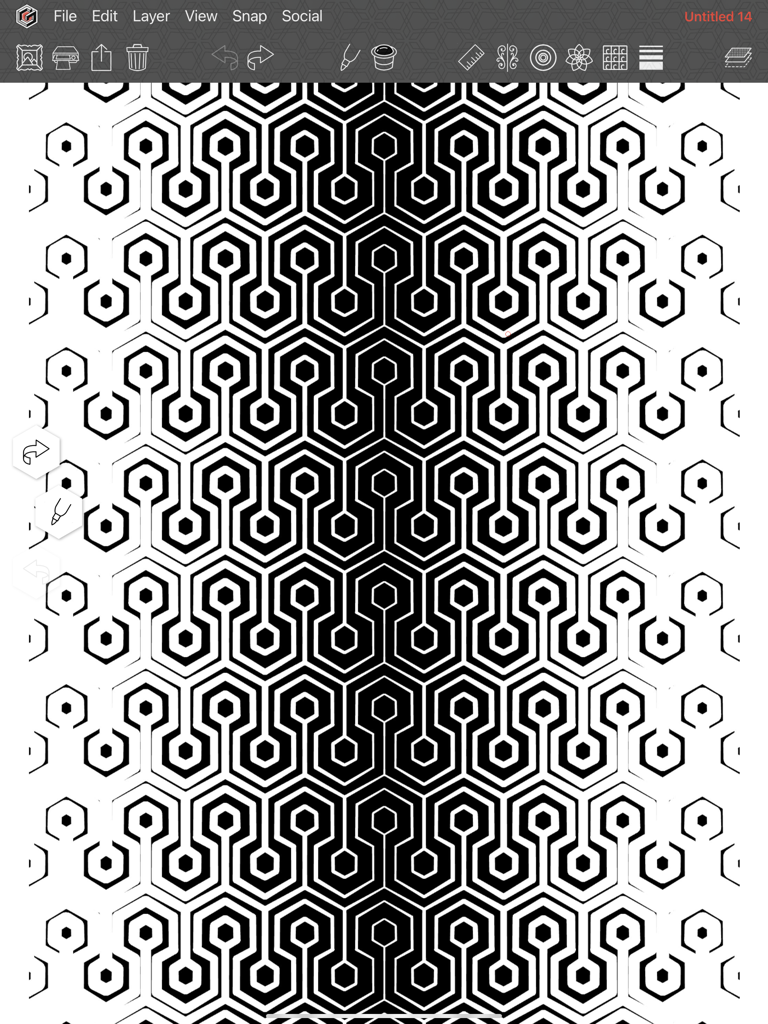
Geometrica - 기하학 도구 드로잉 앱에서 생성된 그라데이션 선 두께가 있는 복잡한 흑백 육각형 패턴.
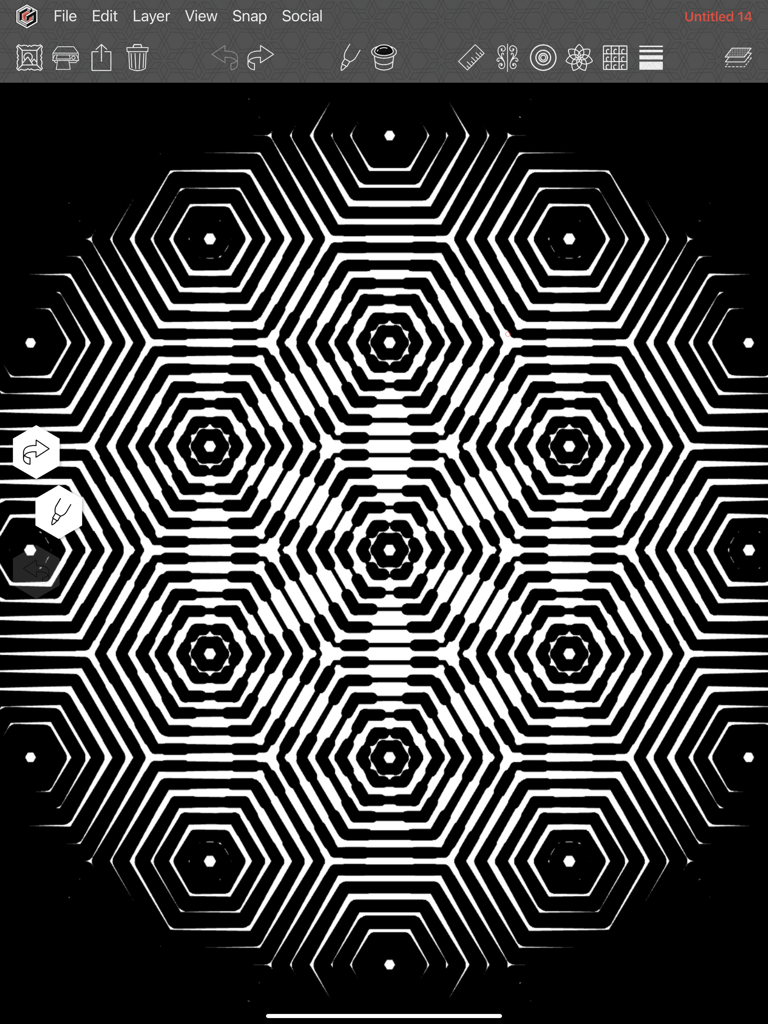
기하학 도구 드로잉 앱에서 생성된 그라데이션 선 두께가 있는 복잡한 흑백 육각형 패턴.

Geometrica - 기하학 도구 드로잉 앱에서 디자인된 복잡한 흑백 육각형 패턴

기하학 도구 드로잉 앱에서 디자인된 복잡한 흑백 육각형 패턴

Geometrica - 기하학 도구 앱 인터페이스에서 생성된 흑백 복잡한 기하학적 만다라 패턴
기하학 도구 앱 인터페이스에서 생성된 흑백 복잡한 기하학적 만다라 패턴

Geometrica - 기하학 도구 드로잉 앱 인터페이스에서 만든 다채로운 원형 만다라 아트워크
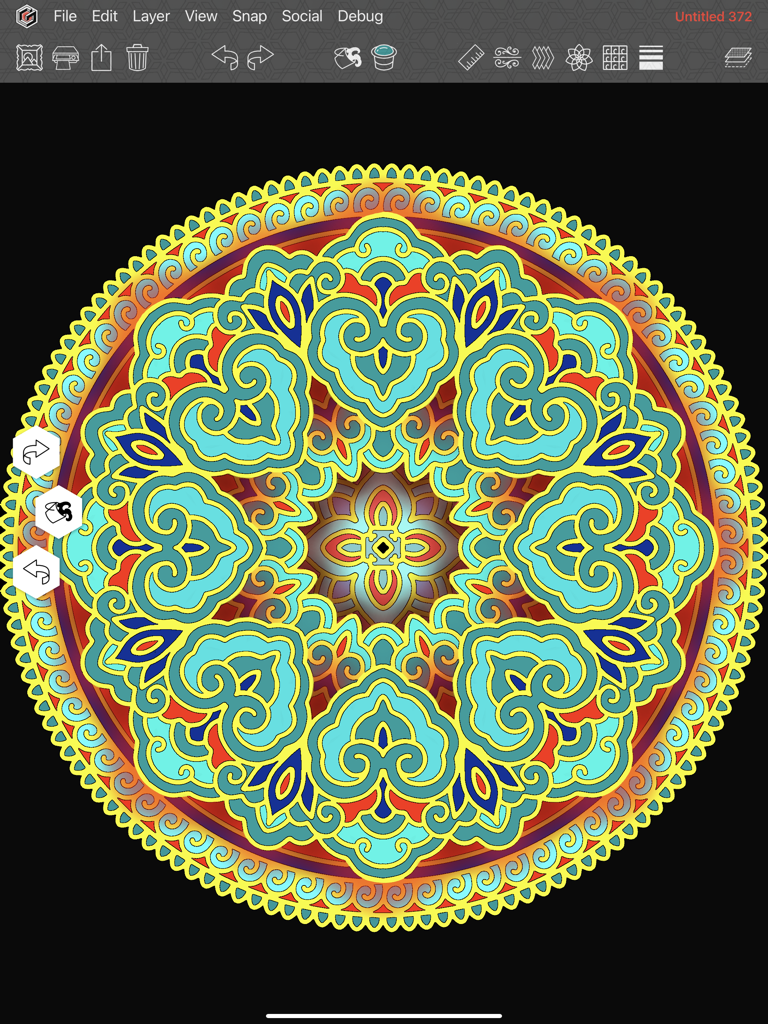
기하학 도구 드로잉 앱 인터페이스에서 만든 다채로운 원형 만다라 아트워크

Geometrica - 기하학 도구 앱에서 대칭 및 도트워크를 사용하여 만든 복잡한 기하학적 패턴.
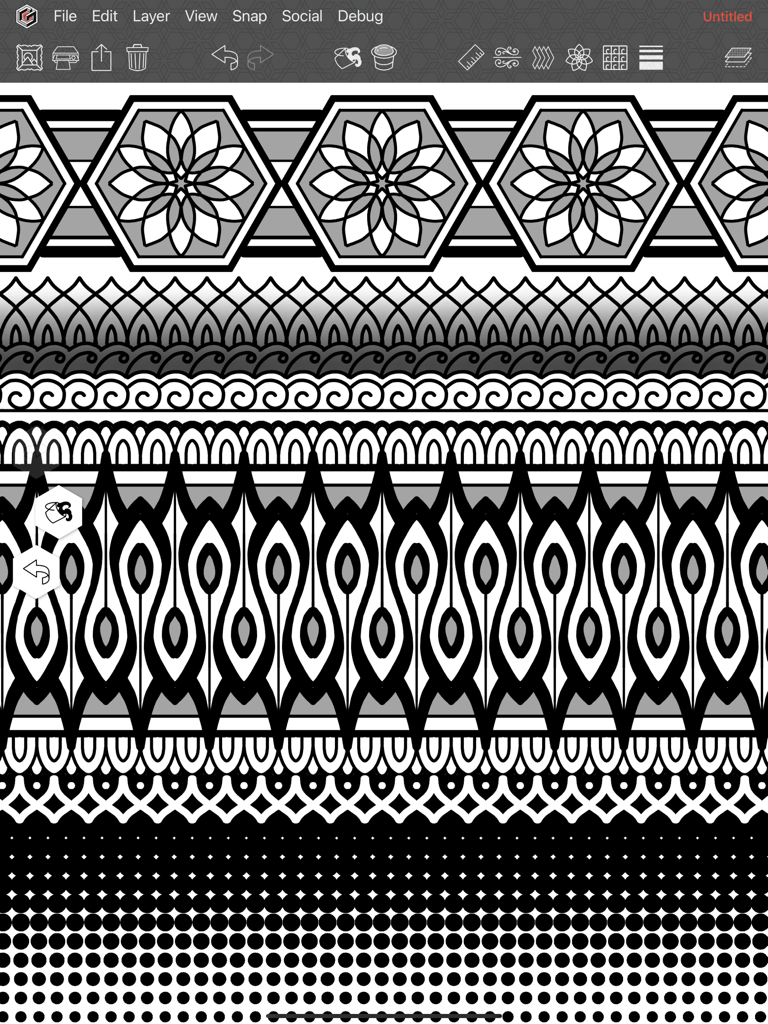
기하학 도구 앱에서 대칭 및 도트워크를 사용하여 만든 복잡한 기하학적 패턴.

Geometrica - iPad용 기하학 도구 드로잉 앱으로 만든 상세한 3D 기하학적 디자인

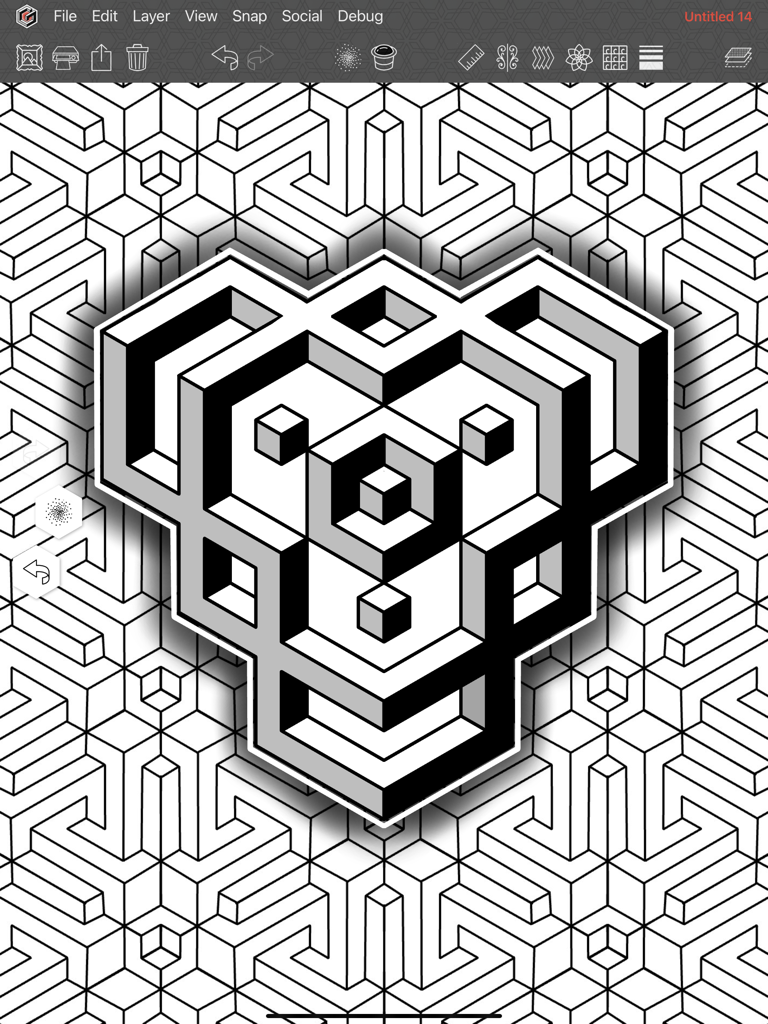
iPad용 기하학 도구 드로잉 앱으로 만든 상세한 3D 기하학적 디자인

설명

Geometrica is the first drawing app made for tattooers, by a tattooer. Second generation tattooer and geometric/dotwork pioneer, Cory Ferguson, has built on 30 years in the industry to create a way for tattooers to push their geometric drawing to the next level. Even though we're focused on the needs of tattoo artists and solving problems specific to their workflow, we have been pleasantly surprised to learn that artists from many different disciplines have become fans of Geometrica. From quilters, to illustrators, to tattoo veterans, the power of this fun to use app is undeniable. [ SYMMETRY AND PATTERN MAKING FEATURES ] Combine and use these simultaneously: ROTATION EFFECT - AKA the mandala maker. Other apps may have this, but not like ours. With Geometrica your mandala can be a maximum of 200 mirrored segments (so technically 400 segments!). REPEAT EFFECT - Multiplies your drawing and repeats it in a row formation to create a “band” of pattern either vertically or horizontally. POLAR REPEAT - Combines with the rotation effect to repeat your drawing in rows of concentric circles that get smaller towards the center. Toggle on curve to draw in spirals. That’s right, your drawing curves out in any number of spirals! WALLPAPER EFFECT - We took all known symmetry groups used to make full page patterns, and figured out a way to vastly expand them to make them customizable. GRADIENT THICKNESS - Lines increase from thin to thick on the canvas in the direction that you choose, top to bottom, outward in a circular, left to right in multiple rows. There are dozens of options! Combine it with any of the above symmetry tools for a drawing experience you have to see to believe. [ DRAWING TOOLS ] Here’s just a couple of our favourites: MARKER TOOL - The main drawing tool in the app can be customized in many ways, by turning various functions on. These include tapers, a whip shading option, and a “rope stabilizer” that helps draw the smoothest curves. STRAIGHT LINE TOOL - Hold the Pencil on screen to draw straight lines. Works well with symmetry effects for sharp, industrial images and unexpected designs. Enable its "continuous" option for a unique drawing experience. DOTWORK TOOL - We couldn’t release a Cory Ferguson app without a dotwork tool, so we made the most customizable version of pointillism shading we could think of. Change the dot size, density, the brush size, randomize the size of the dots. Personalize it to suit your taste. [ FOR PROFESSIONAL TATTOOERS ] - Keep your work organized with folders in the Gallery section. - Convert To Lines function turns any image into a line drawing with one click, then you can fine tune the image from there. - Adjustable grids can be turned on in the background such as square, hexagon or isometric. - Snap Menu allows the straight line tool to "snap" to points on the grid, or place your symmetry tool at the exact centre of your drawing after you’ve moved it. Rotate layers in 5 degree increments when transforming. - Printing features that EVERY tattooer needs. Print drawings at ANY size! Want a tattoo to measure 28” tall? Enter those numbers into our print system and the app will break the image up into as many pages as needed, and you’re ready to stencil. No more resizing on the photocopier! Various image adjustment tools to make sure you get the cleanest, most accurate stencils. - Monthly Patterns. Each month you get 6 patterns that show off the possibilities of what Geometrica can do. You are free to make use of them however you wish. [ SUBSCRIPTION ] Because Geometrica is focused on a small niche market of working tattoo professionals, it requires a subscription. After the 14 day free trial period ends, the subscription equals approximately 11.50 USD per month when you sign up for the full year. An investment in yourself that is certain to level up your geometric tattooing. Privacy Policy: http://geometri.ca/privacy Terms of Use: http://geometri.ca/tou

Download

다운로드: App Store

이 페이지는 앱이나 개발자의 공식 페이지가 아니며, 정보 제공 및 논평을 목적으로 작성된 독립 편집 간행물입니다. 명시적으로 달리 언급되지 않는 한, 해당 앱이나 개발자는 MWM, Apple, Google Play, 앱 퍼블리셔 또는 앱 개발자와 제휴, 보증, 후원, 승인 또는 공식적으로 연결되어 있지 않으며, 이 페이지의 어떤 내용도 해당 앱이 MWM의 서비스를 사용하여 개발되었음을 의미하지 않습니다. 모든 상표, 로고, 스크린샷 및 기타 콘텐츠는 해당 소유자의 자산입니다.