이 페이지는 앱이나 개발자의 공식 페이지가 아니며, 정보 제공 및 논평을 목적으로 작성된 독립 편집 간행물입니다. 명시적으로 달리 언급되지 않는 한, 해당 앱이나 개발자는 MWM, Apple, Google Play, 앱 퍼블리셔 또는 앱 개발자와 제휴, 보증, 후원, 승인 또는 공식적으로 연결되어 있지 않으며, 이 페이지의 어떤 내용도 해당 앱이 MWM의 서비스를 사용하여 개발되었음을 의미하지 않습니다. 모든 상표, 로고, 스크린샷 및 기타 콘텐츠는 해당 소유자의 자산입니다.
GPS Map Camera Geotag Location
GPS 좌표, 타임스탬프 및 고도, 자기장과 같은 기술 데이터를 모든 사진에 자동으로 포함합니다. 부동산, 현장 보고 및 전문가 여행 문서화를 위한 궁극의 도구입니다.
GPS 좌표, 실시간 날씨 및 환경 데이터가 포함된 전문가 등급 스탬프로 문서화를 자동화하세요.
전문 현장 검증
부동산 및 현장 보고에 대한 부인할 수 없는 작업 증거를 제공하기 위해 검증된 GPS 좌표 및 주소를 즉시 추가합니다.
올인원 데이터 스탬프
고도, 나침반 방향, 자기장 및 현지 날씨 조건을 캡처에 직접 오버레이합니다.
다음 스크린샷과 설명은 앱의 공식 스토어 목록에서 직접 가져온 것이며 앱 개발자의 자산입니다.
앱 스토어
스크린샷
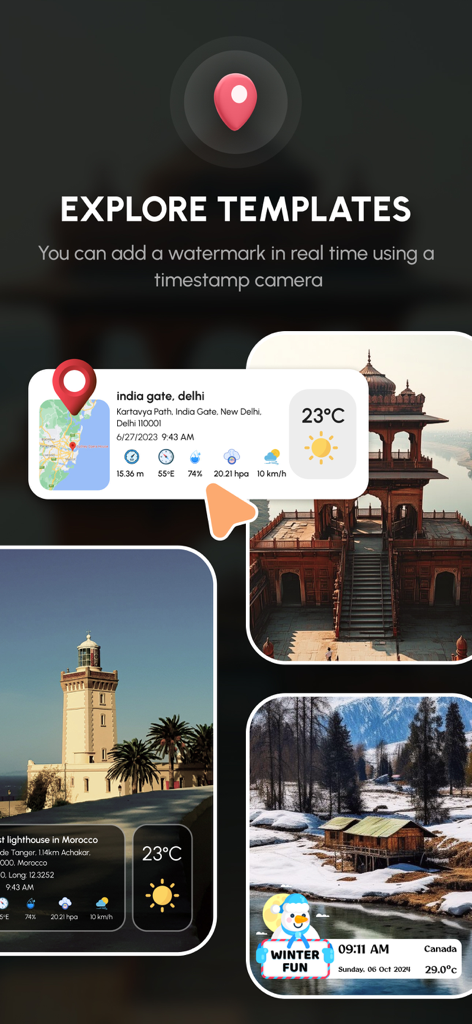
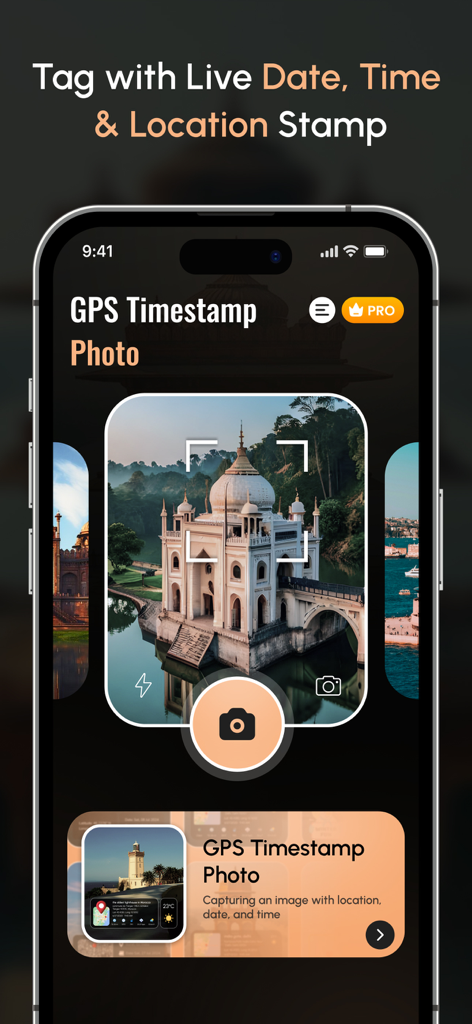
GPS 카메라 앱, 위치 및 날씨 데이터 오버레이가 있는 사진 템플릿 표시
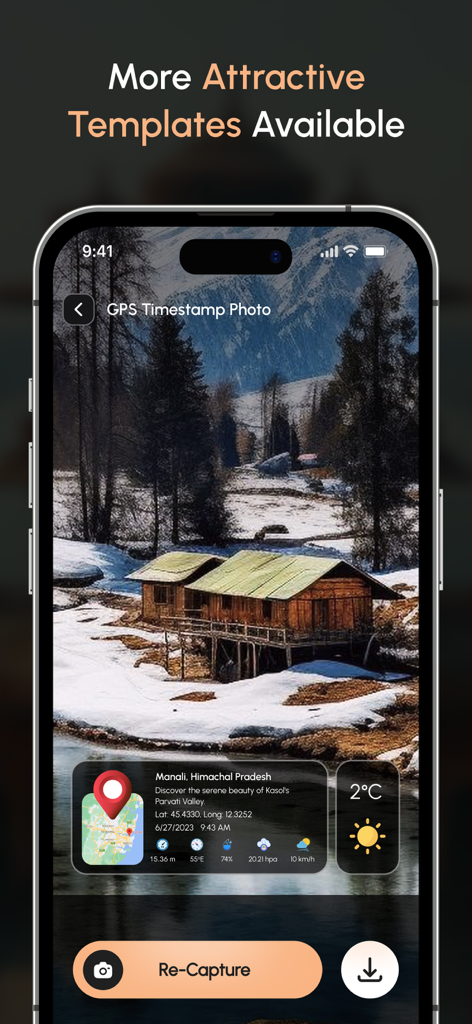
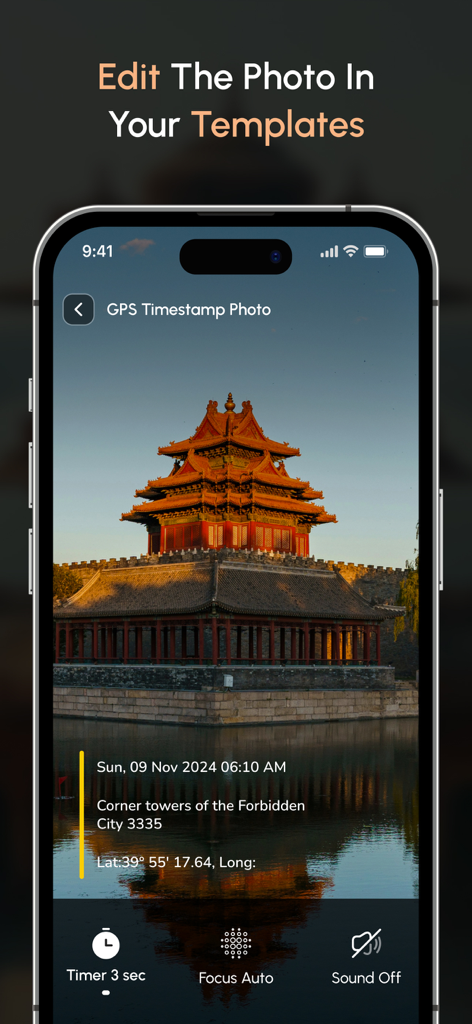
GPS 카메라 인터페이스, 위치 좌표 및 날씨 정보가 있는 지오태그 사진 표시
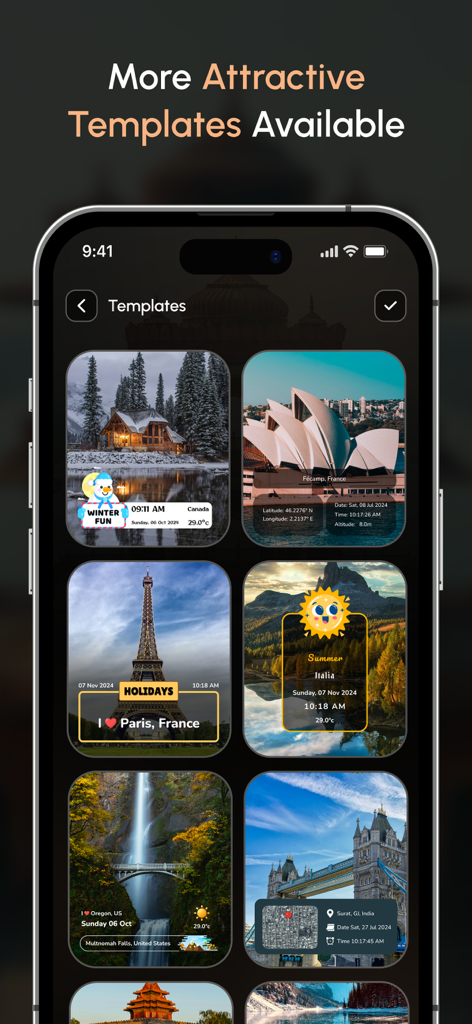
위치, 날짜 및 날씨 스탬프가 있는 여러 지오태그 사진 템플릿을 표시하는 모바일 앱 인터페이스
전문가 사진 문서화를 위한 실시간 날짜 시간 및 위치 스탬프 기능을 보여주는 GPS 지도 카메라 앱 인터페이스
날짜 및 위치 세부 정보가 있는 지오태그 사진을 표시하는 스마트폰 화면
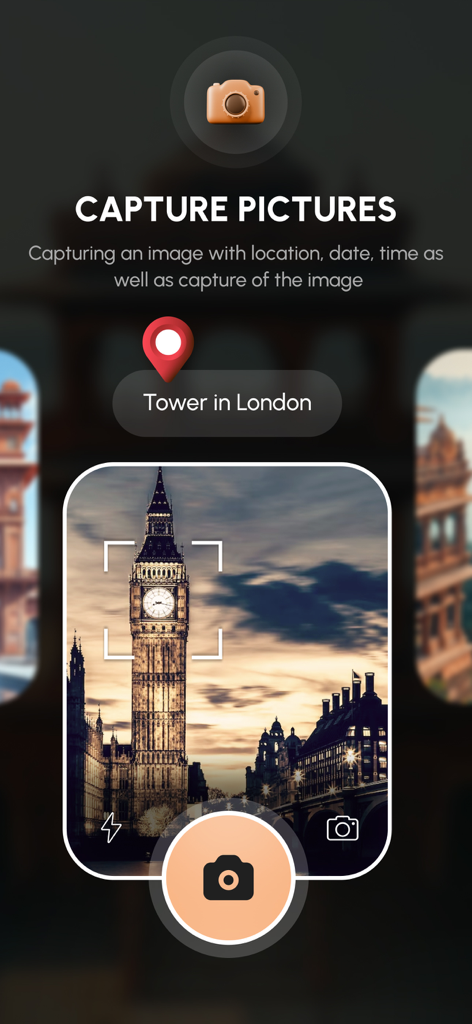
GPS 지도 카메라 앱 인터페이스, 지오태그 위치 핀이 있는 빅벤 사진 캡처 중
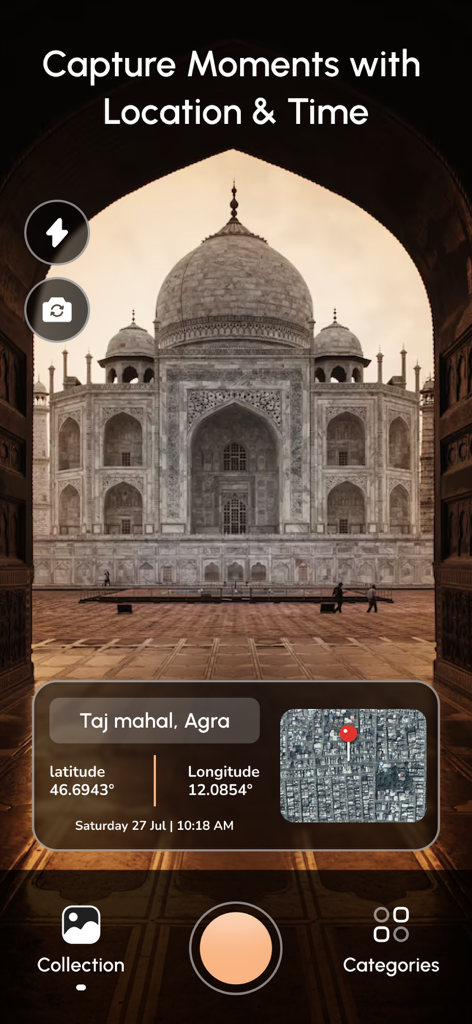
위도 경도 및 지도 오버레이가 있는 타지마할 지오태그 사진을 보여주는 모바일 앱 인터페이스
설명
Track your current location along with your captured photos by GPS Map Camera: Geotag Photos & Add GPS.
Send your geotagged location of Street / Place added photos to your Family & Friends, and let them know about your best Earth travel memories.
Regardless of whether It's your moment recollections or your visit at a specific destination, with GPS Map camera stamp application, add & stamp Date, time, Map, Latitude, Longitude, Altitude, Weather, Magnetic field, Compass to Your Camera Photos.
Features:
~ Get Custom GPS camera with Grid, Ratio, Front & Selfie camera, Flash, Focus, Mirror, Timer, capture sound Support
~ Set Map data as Automatic
~ Classic Template contains automatically fetched stamp details
~ Custom maps options: Change Map type from Normal, Satellite, Terrain, Hybrid Options
~ Address: Add your selected Automatic location on the Photo
~ Lat/Long: Set GPS Coordinates from DMS or Decimal Options for GPS Stamp
~ Date & Time: Add Date & Timestamp from various formats as an image tag.
~ Hashtags: You can also add hashtags related to your photos with this GPS app
~ Compass: Auto compass direction
~ Magnetic Field: Auto magnetic field Details
~ Wind: Measure Wind speed
~ Humidity: Auto Humidity measurement
~ Pressure: Measure pressure of the place
~ Altitude: It will automatically calculate Altitude
~ Accuracy: Get auto accuracy on image
Add Satellite Map Stamp on Photos
~ Add GPS Map Location Stamp to Photos
~ Add Geotag Stamp on photos
- Add Photo Location stamp
- Add Date Timestamp
- Add Longitude, Latitude, Address, Date Time, Location stamp to Photos
- Check GPS tracker Stamp on Photos
- Get Geo Location image Stamp
- Camera timestamp, having custom stamps for adding details manually
Most Efficient Application For Following Groups of People:
- Travelers & Explorers can effectively utilize Geo-tagging camera app
- People who associated with business related to real estate, Infrastructure, Architecture can easily apply GPS Map Location stamp to their Site Photos
- Individuals having Destination celebrations of events like Wedding, Birthdays, Festivals, Anniversaries, etc. Can have their current GPS location stamp on the picture.
- Anyone who wants to add GPS Details on their photo as a GPS notecam can use the App.
- Persons having outstation Meetings, conferences, Conclaves, Meetups, Events arranged by companies or Institutions solving and serving a particular purpose
- Travel, Food, Fashion & Art Bloggers can advance their experiences by adding GPS Location through GPS Map Cam
- Place Oriented businesses, where You require sending images with Live Location To Clients
For experimenting with such Interesting Features, MUST Download GPS Map Camera: Geotag Photos Application Right now in your Smartphone.
Do not forget to share your best experiences with us through Rate & Review.
GPS Map Camera Geotag Location offers you 3 unique plans. Subscribe to have unlimited access to premium version of the app.
1 Week - $6.99
1 Month - $14.99
1 Year - $49.99
For more information :-
Privacy Policy - https://nikhilviradiyaapps.blogspot.com/2023/04/nikhil-viradiya-privacy-policy.html
Terms of use - https://nikhilviradiyaapps.blogspot.com/2023/04/nikhil-viradiya-terms-of-use.html
이 페이지는 앱이나 개발자의 공식 페이지가 아니며, 정보 제공 및 논평을 목적으로 작성된 독립 편집 간행물입니다. 명시적으로 달리 언급되지 않는 한, 해당 앱이나 개발자는 MWM, Apple, Google Play, 앱 퍼블리셔 또는 앱 개발자와 제휴, 보증, 후원, 승인 또는 공식적으로 연결되어 있지 않으며, 이 페이지의 어떤 내용도 해당 앱이 MWM의 서비스를 사용하여 개발되었음을 의미하지 않습니다. 모든 상표, 로고, 스크린샷 및 기타 콘텐츠는 해당 소유자의 자산입니다.