iSaveWeb Pro HD
iSaveWeb Pro HD
다운로드: App Store

이 페이지는 앱이나 개발자의 공식 페이지가 아니며, 정보 제공 및 논평을 목적으로 작성된 독립 편집 간행물입니다. 명시적으로 달리 언급되지 않는 한, 해당 앱이나 개발자는 MWM, Apple, Google Play, 앱 퍼블리셔 또는 앱 개발자와 제휴, 보증, 후원, 승인 또는 공식적으로 연결되어 있지 않으며, 이 페이지의 어떤 내용도 해당 앱이 MWM의 서비스를 사용하여 개발되었음을 의미하지 않습니다. 모든 상표, 로고, 스크린샷 및 기타 콘텐츠는 해당 소유자의 자산입니다.


로고: iSaveWeb Pro HD
다운로드: App Store

iSaveWeb Pro HD

연구원과 여행자를 위한 최고의 iPad 유틸리티. 인터넷 연결 없이도 비행기, 통근, 원격지에서 생산성을 유지할 수 있도록 이미지와 심층 링크를 포함한 전체 웹사이트를 캡처합니다.

주요 수치

다운로드

112K+

사용자 평점

2.5/5

총 평가 수

100

개발사

MaximumSoft Corp.

카테고리

Utilities

지원 언어

1

최신 버전

6.0

크기

14.5 MB

출시일

2010년 10월 31일
기능

웹 없이 워크플로우를 마스터하세요

iPad를 고성능 오프라인 리서치 라이브러리로 전환하세요. iSaveWeb Pro HD는 복잡한 웹사이트를 완전한 충실도로 캡처하여 연결 상태에 관계없이 데이터가 필요할 때 항상 사용할 수 있도록 보장합니다.

전문적인 오프라인 브라우징

이미지, CSS 및 JavaScript를 포함한 전체 웹 페이지를 저장합니다. Wi-Fi에 전혀 의존하지 않고 비행기나 원격지에서 좋아하는 뉴스, 매뉴얼 및 리소스를 액세스합니다.

심층 사이트 아카이빙

단일 페이지만 저장하는 것이 아닙니다. 최대 3단계의 링크를 자동으로 다운로드하여 위키, 기술 문서 또는 장기 연구 자료의 포괄적인 로컬 아카이브를 구축합니다.

다음 스크린샷과 설명은 앱의 공식 스토어 목록에서 직접 가져온 것이며 앱 개발자의 자산입니다.

앱 스토어

스크린샷
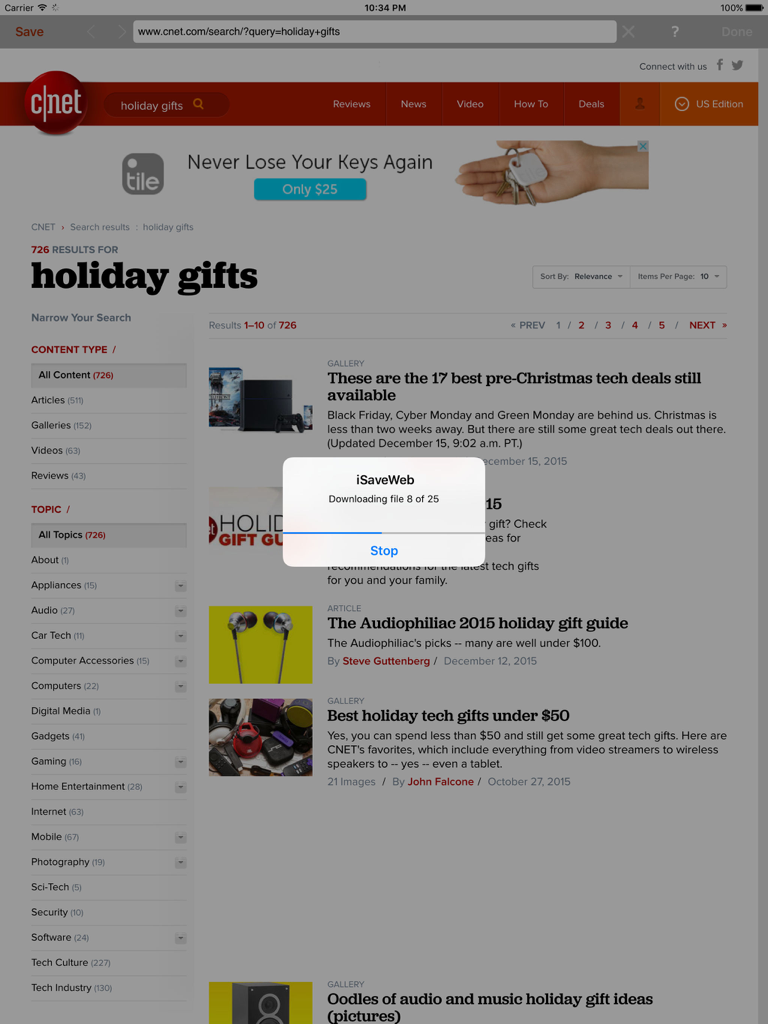
iSaveWeb Pro HD - iSaveWeb Pro HD 앱이 오프라인 브라우징을 위해 iPad에서 웹사이트를 다운로드하는 모습
iSaveWeb Pro HD 앱이 오프라인 브라우징을 위해 iPad에서 웹사이트를 다운로드하는 모습

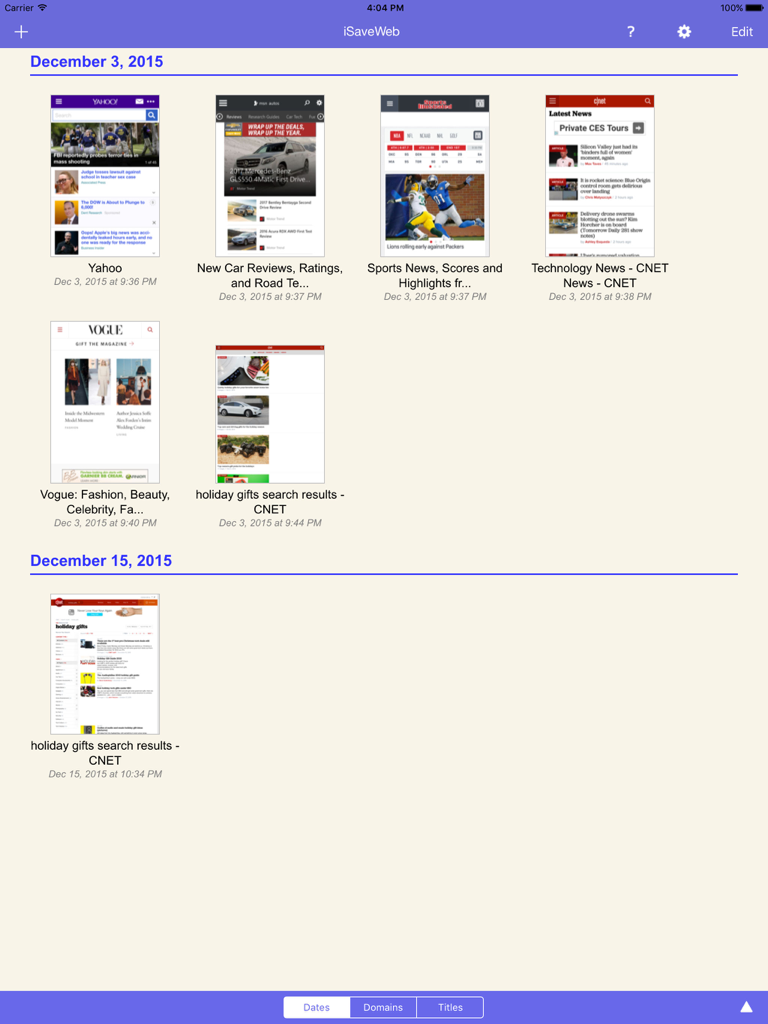
iSaveWeb Pro HD - iPad의 iSaveWeb Pro HD에서 오프라인 브라우징을 위해 저장된 웹 페이지 그리드 보기
iPad의 iSaveWeb Pro HD에서 오프라인 브라우징을 위해 저장된 웹 페이지 그리드 보기

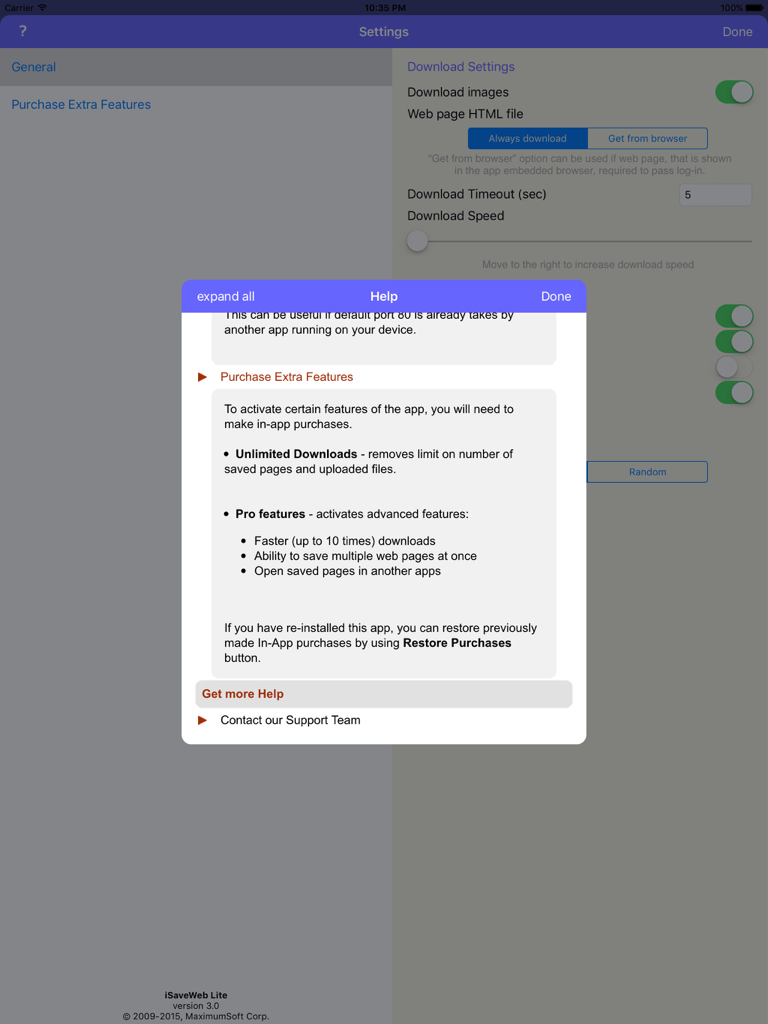
iSaveWeb Pro HD - iSaveWeb Pro HD iPad 앱의 프로 기능 및 다운로드 옵션을 보여주는 설정 메뉴 및 도움말 창

iSaveWeb Pro HD iPad 앱의 프로 기능 및 다운로드 옵션을 보여주는 설정 메뉴 및 도움말 창

설명

Save your favorite websites to your iPad. This app helps you save favorite websites directly to your iPad and browse them offline, even when you don't have Internet connection. With iSaveWeb Pro you can: - Store websites directly on iPad, one or multiple pages at a time. Each page is saved with all shown images, JavaScript and CSS files. - iSaveWeb Pro can store public Internet web sites, as well as sites that require users to login. The information is stored directly on your device. - Browse through sites and save only pages that you need. Save pages either from - iSaveWeb build-in browser, or - Directly from iPad Safari browser (when using special Safari bookmark, contact support for more information). - Transfer saved pages from iPad to other devices or Cloud services. - Upload files from desktop computers or Cloud services directly to your iPad. You can upload single HTML files, Web Archives, Zip archives containing saved web sites, PDF and any other files that can be viewed in Safari browser on your iPad. Use iSaveWeb to store your favorite web sites, online books, news, pictures, study materials - everything you can see in your browser. *** IMPORTANT *** This app can save MULTIPLE web pages at a time, up to 3 levels deep. If you need greater control over website download (exclude certain links, file types, etc.), we recommend to use our desktop WebCopier products (available for Mac, Windows and Linux) that can download sites to your desktop computer and then transfer downloaded files directly to iSaveWeb running on iPad. *** YOU CAN TRY IT BEFORE BUYING *** Still not sure if this app will work for you? Try its free version "iSaveWeb Lite" that limits number of saved pages, provides slower downloads and can't save multiple pages at once.

Download

다운로드: App Store

이 페이지는 앱이나 개발자의 공식 페이지가 아니며, 정보 제공 및 논평을 목적으로 작성된 독립 편집 간행물입니다. 명시적으로 달리 언급되지 않는 한, 해당 앱이나 개발자는 MWM, Apple, Google Play, 앱 퍼블리셔 또는 앱 개발자와 제휴, 보증, 후원, 승인 또는 공식적으로 연결되어 있지 않으며, 이 페이지의 어떤 내용도 해당 앱이 MWM의 서비스를 사용하여 개발되었음을 의미하지 않습니다. 모든 상표, 로고, 스크린샷 및 기타 콘텐츠는 해당 소유자의 자산입니다.








