Jupyter Notebook - JuNote
다운로드: App Store

이 페이지는 앱이나 개발자의 공식 페이지가 아니며, 정보 제공 및 논평을 목적으로 작성된 독립 편집 간행물입니다. 명시적으로 달리 언급되지 않는 한, 해당 앱이나 개발자는 MWM, Apple, Google Play, 앱 퍼블리셔 또는 앱 개발자와 제휴, 보증, 후원, 승인 또는 공식적으로 연결되어 있지 않으며, 이 페이지의 어떤 내용도 해당 앱이 MWM의 서비스를 사용하여 개발되었음을 의미하지 않습니다. 모든 상표, 로고, 스크린샷 및 기타 콘텐츠는 해당 소유자의 자산입니다.


로고: Jupyter Notebook - JuNote
다운로드: App Store

Jupyter Notebook - JuNote

설정 없이 Jupyter 및 Google Colab을 로컬에서 실행하세요. NumPy 및 Pandas로 데이터 분석을 마스터하고 AI가 즉시 버그를 수정하도록 하세요. 이 모든 것을 모바일 장치에서 수행할 수 있습니다.

주요 수치

다운로드

35K+

사용자 평점

4.4/5

총 평가 수

0

개발사

FREE AI UTILS COMPANY LIMITED

카테고리

Developer Tools

지원 언어

1

최신 버전

1.1.4

크기

73.4 MB

출시일

2025년 3월 9일
기능

전문 코딩, 어디서든

JuNote는 기능이 풍부한 Python 환경을 모바일 장치로 제공합니다. 설정 없이 데스크톱 수준의 데이터 과학 및 머신러닝 기능을 경험하세요.

AI 기반 지능

더 이상 막히지 마세요. 통합 AI가 Python 오류를 자동으로 감지하고 즉각적인 설명과 코드 수정을 제공하여 워크플로우를 간소화합니다.

프로 데이터 과학 스택

NumPy, Pandas, Scikit-learn과 같은 업계 표준 라이브러리의 강력한 기능을 활용하세요. iPad 또는 iPhone에서 복잡한 데이터 분석 및 시각화를 수행하세요.

다음 스크린샷과 설명은 앱의 공식 스토어 목록에서 직접 가져온 것이며 앱 개발자의 자산입니다.

앱 스토어

스크린샷
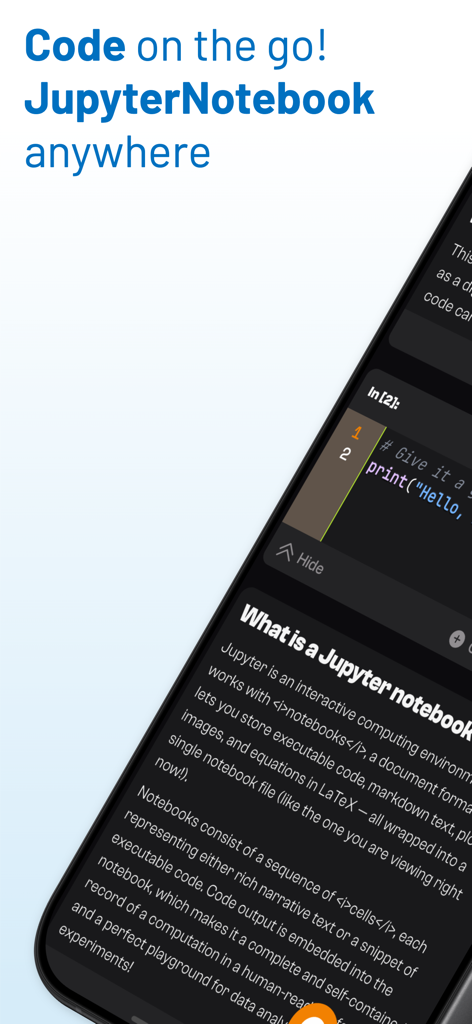
Jupyter Notebook - JuNote - Python 코드 셀과 노트북 설명이 있는 JuNote 앱을 표시하는 모바일 화면
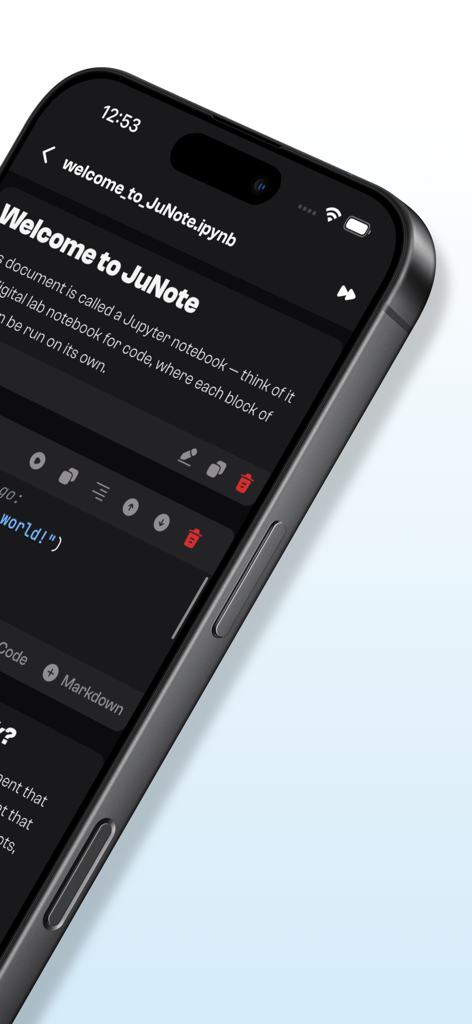
Python 코드 셀과 노트북 설명이 있는 JuNote 앱을 표시하는 모바일 화면

Jupyter Notebook - JuNote - Python 코드 셀이 있는 iPhone의 Jupyter 노트북을 보여주는 JuNote 앱 인터페이스
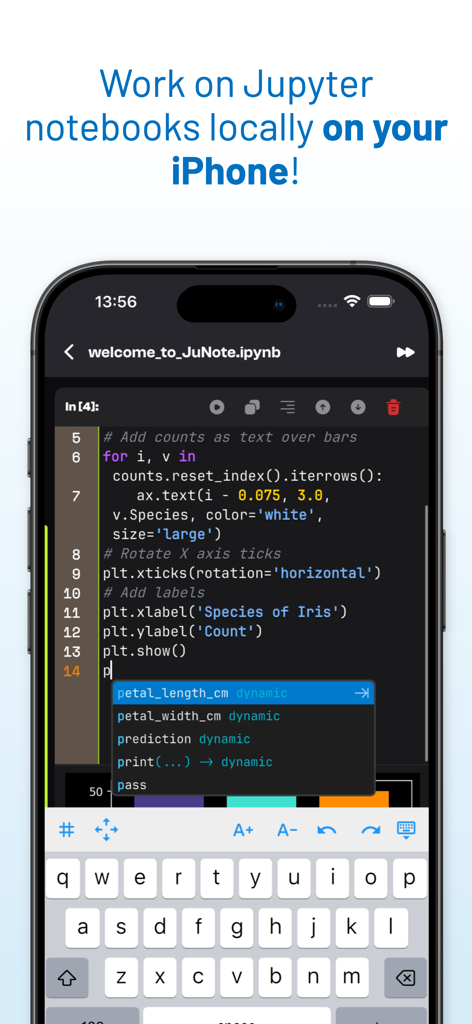
Python 코드 셀이 있는 iPhone의 Jupyter 노트북을 보여주는 JuNote 앱 인터페이스

Jupyter Notebook - JuNote - Python 스크립트와 지능형 코드 완성을 보여주는 iPhone의 Jupyter Notebook 코드 편집기.
Python 스크립트와 지능형 코드 완성을 보여주는 iPhone의 Jupyter Notebook 코드 편집기.

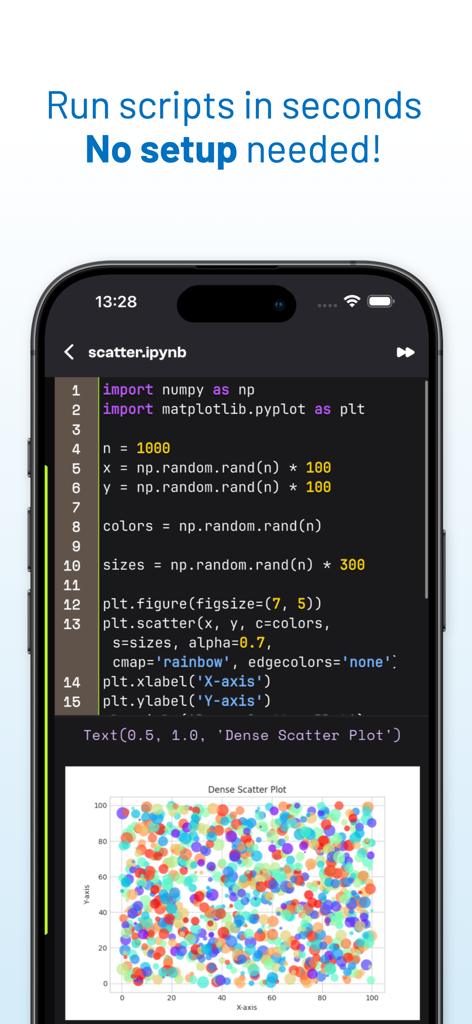
Jupyter Notebook - JuNote - JuNote 앱에서 Python 코드와 생성된 산점도를 보여주는 모바일 화면.
JuNote 앱에서 Python 코드와 생성된 산점도를 보여주는 모바일 화면.

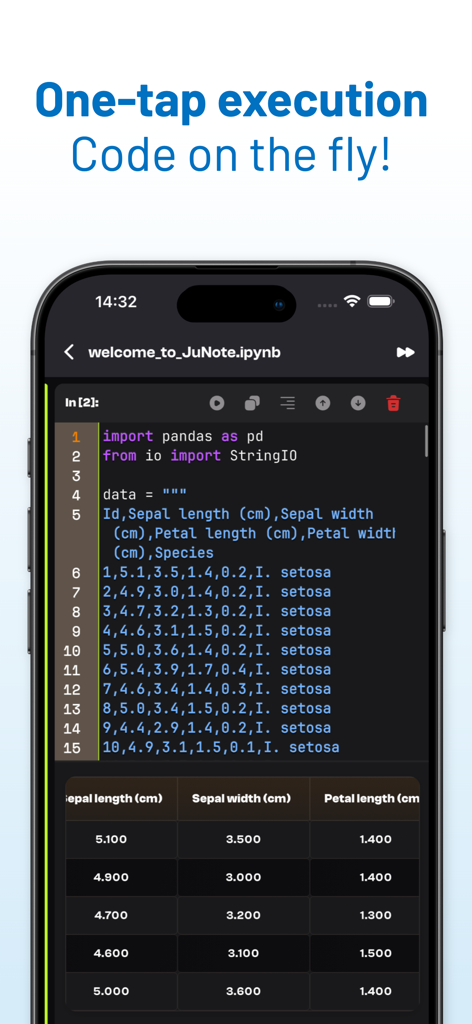
Jupyter Notebook - JuNote - 스마트폰에서 Pandas 데이터 테이블로 Python 코드 실행을 보여주는 JuNote 앱 인터페이스
스마트폰에서 Pandas 데이터 테이블로 Python 코드 실행을 보여주는 JuNote 앱 인터페이스

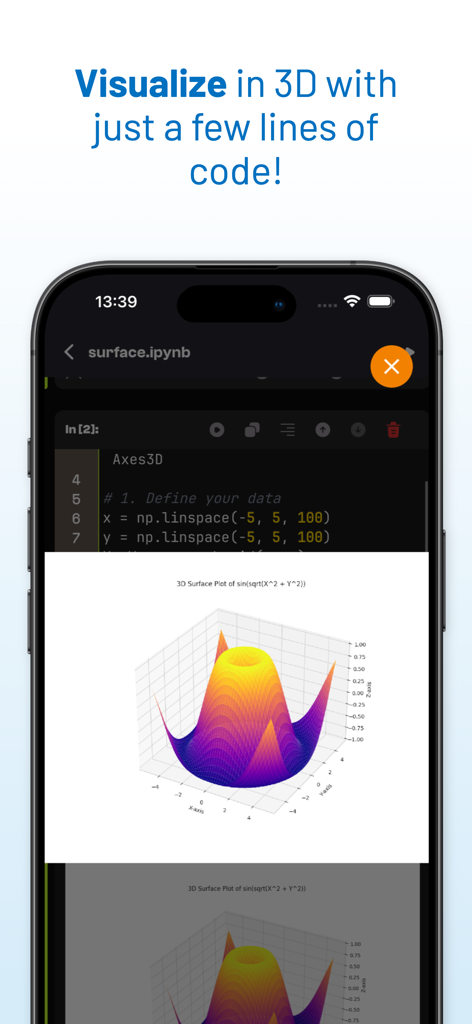
Jupyter Notebook - JuNote - JuNote 앱 인터페이스의 Python 코드로 생성된 3D 표면 플롯 시각화
JuNote 앱 인터페이스의 Python 코드로 생성된 3D 표면 플롯 시각화

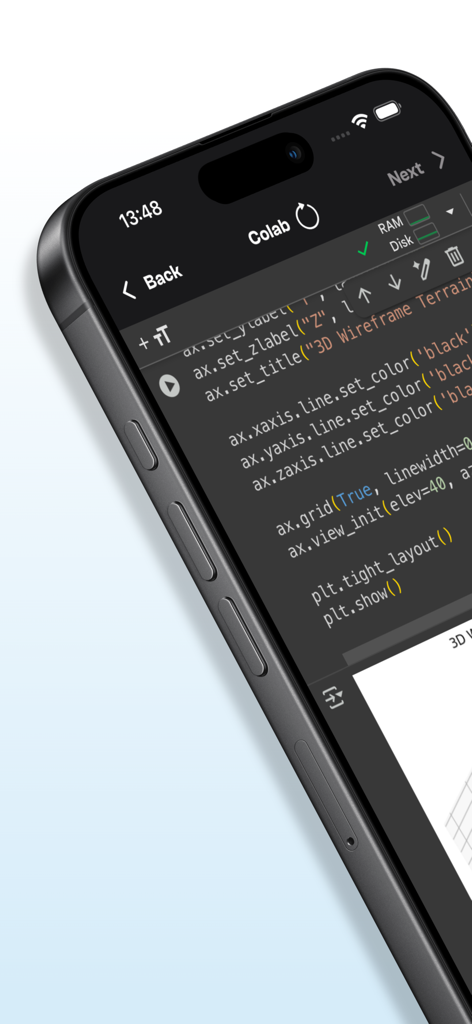
Jupyter Notebook - JuNote - 3D 데이터 시각화를 위한 Python 코드를 표시하는 JuNote 앱의 모바일 인터페이스
3D 데이터 시각화를 위한 Python 코드를 표시하는 JuNote 앱의 모바일 인터페이스

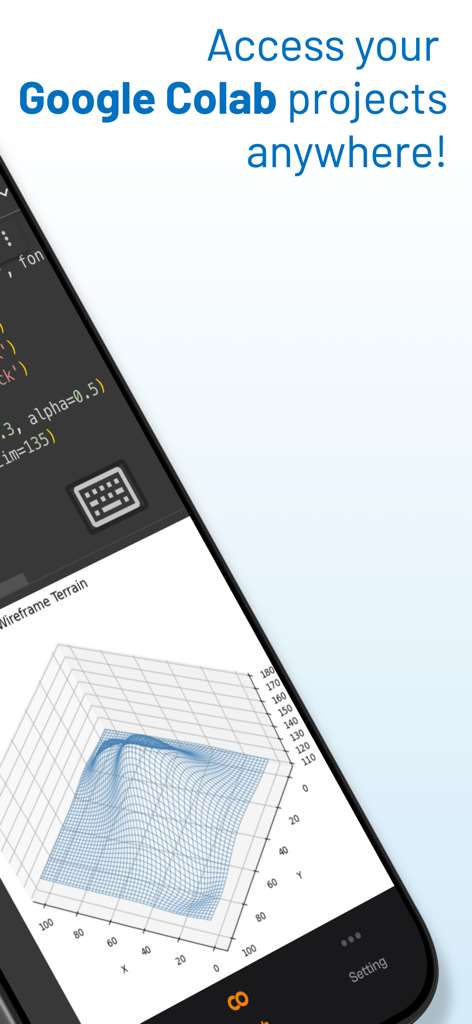
Jupyter Notebook - JuNote - Jupyter Notebook JuNote 모바일 앱 인터페이스에 코드와 3D 와이어프레임 지형 데이터 시각화 표시

Jupyter Notebook JuNote 모바일 앱 인터페이스에 코드와 3D 와이어프레임 지형 데이터 시각화 표시

설명

Jupyter Notebook - JuNote A zero-setup Python environment & developer toolbox for mobile devices, designed for data analysis, machine learning, and software development. --- Key Features: File & Code Management - Browse and manage files & folders, with quick document and media previews. - Syntax highlighting for scripts, JSON, XML, and other text-based formats. - Access external file system locations or open documents in place. Jupyter Notebook & Google Colab Support - Run Jupyter notebooks and Google Colab locally on your device. - Full notebook editing experience with interactive execution and live outputs. - Supports Python for data science & machine learning: NumPy, Matplotlib, SciPy, Scikit-learn, Pandas, LXML, etc. AI-Powered Bug Fixing - Automatically detects and suggests fixes for Python errors. - Provides AI-powered explanations to help users understand and resolve issues. - Enhances debugging efficiency, making Python coding smoother and faster. Developer Experience - Intelligent code completion with fast execution. - Versatile text editor with syntax highlighting for multiple formats. - Effortless package management – No installations needed, just import and use. --- Who is JuNote for? - Python developers & students who need an on-the-go coding environment. - Data scientists & researchers working with Jupyter notebooks. - Developers looking for an AI-assisted Python IDE to debug and enhance their code efficiently. --- This AI-powered feature makes JuNote a next-gen Python Notebook IDE for mobile devices. SUBSCRIPTION: We offer auto-renewing subscription: - Length: Yearly - Payment will be charged to iTunes Account at confirmation of purchase - You will be able to access the Premium features of the app for the duration of the subscription - Subscription automatically renews for the same price and duration period as the original period unless auto-renew is turned off at least 24-hours before the end of the current period - The account will be charged for renewal within 24-hours prior to the end of the current period at the cost of the chosen package. - Subscriptions may be managed by the user and auto-renewal may be turned off by going to the user's iTunes Account Settings after purchase - No cancellation of the current subscription is allowed during the active subscription period - You may cancel a subscription during its free trial period via the subscription setting through your Apple account. This must be done 24 hours before the end of the subscription period to avoid being charged. Please visit https://support.apple.com/HT202039 for more information on how to proceed. - You may turn off the auto-renewal of your subscription via your Apple Account Settings. However, you are not able to cancel the current subscription during its active period Privacy Policy : https://mcanswers.ai/jupyter-notebook/privacy-policy Terms of Use : https://mcanswers.ai/jupyter-notebook/terms-of-use

Download

다운로드: App Store

이 페이지는 앱이나 개발자의 공식 페이지가 아니며, 정보 제공 및 논평을 목적으로 작성된 독립 편집 간행물입니다. 명시적으로 달리 언급되지 않는 한, 해당 앱이나 개발자는 MWM, Apple, Google Play, 앱 퍼블리셔 또는 앱 개발자와 제휴, 보증, 후원, 승인 또는 공식적으로 연결되어 있지 않으며, 이 페이지의 어떤 내용도 해당 앱이 MWM의 서비스를 사용하여 개발되었음을 의미하지 않습니다. 모든 상표, 로고, 스크린샷 및 기타 콘텐츠는 해당 소유자의 자산입니다.








