KiCAD PCB Viewer

KiCAD PCB Viewer

다운로드: App Store
로고: KiCAD PCB Viewer

KiCAD PCB 뷰어: 현대 엔지니어를 위한 전문가 수준의 하드웨어 디자인 검토

워크스테이션을 주머니에 넣고 다니세요. 이동 중에도 원활하게 다층 KiCAD 레이아웃을 보고, 자동화된 설계 규칙 검사를 실행하며, MCP를 통해 AI 기반 분석을 활용하여 제조 가능성을 보장합니다.

다운로드: App Store

개발사

明杰 曾

카테고리

Graphics & Design

다운로드

46K+

사용자 평점

3.3/5

총 평가 수

0

지원 언어

7

모든 계층의 정밀도

이 인터페이스를 사용하는 46K+ 명의 사용자.

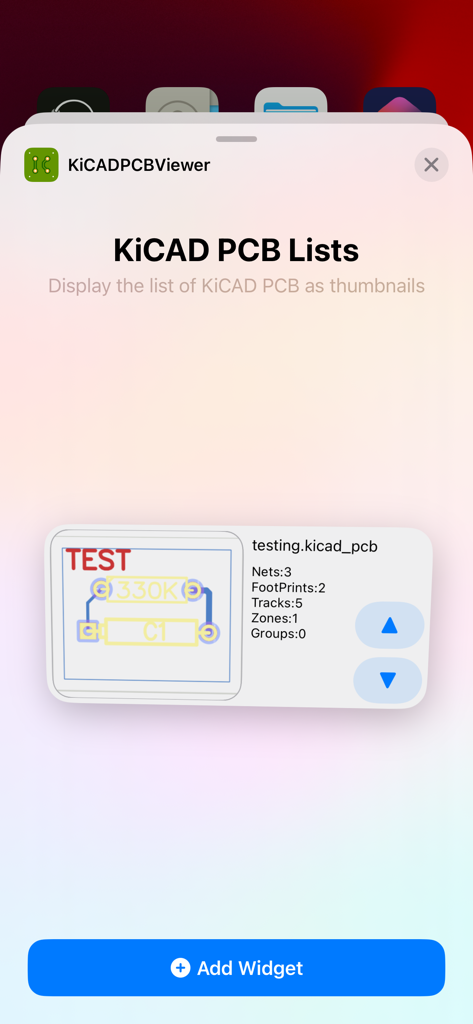
KiCAD PCB 뷰어의 iOS 위젯 선택 화면. 썸네일로 표시되는 PCB 디자인 목록.
KiCAD PCB 뷰어의 iOS 위젯 선택 화면. 썸네일로 표시되는 PCB 디자인 목록.

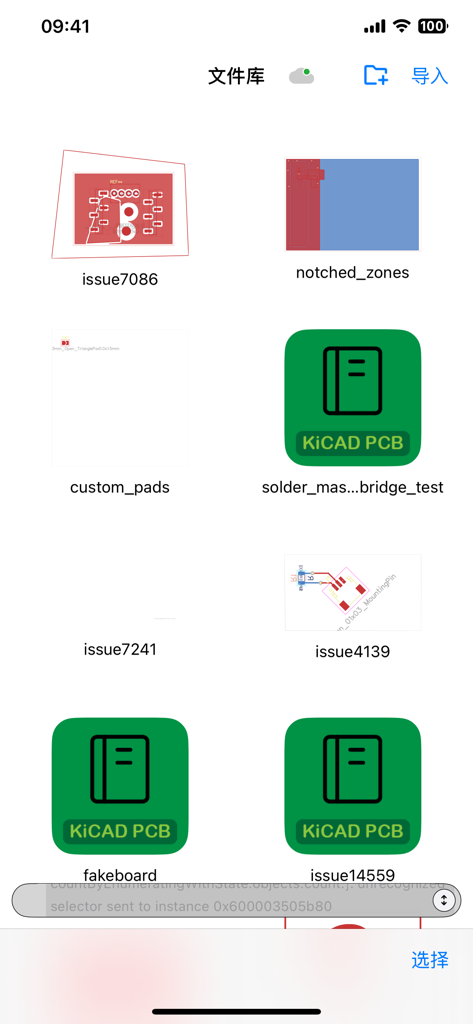
여러 KiCAD PCB 디자인 프로젝트 및 회로 기판 레이아웃을 표시하는 모바일 앱 파일 라이브러리
여러 KiCAD PCB 디자인 프로젝트 및 회로 기판 레이아웃을 표시하는 모바일 앱 파일 라이브러리

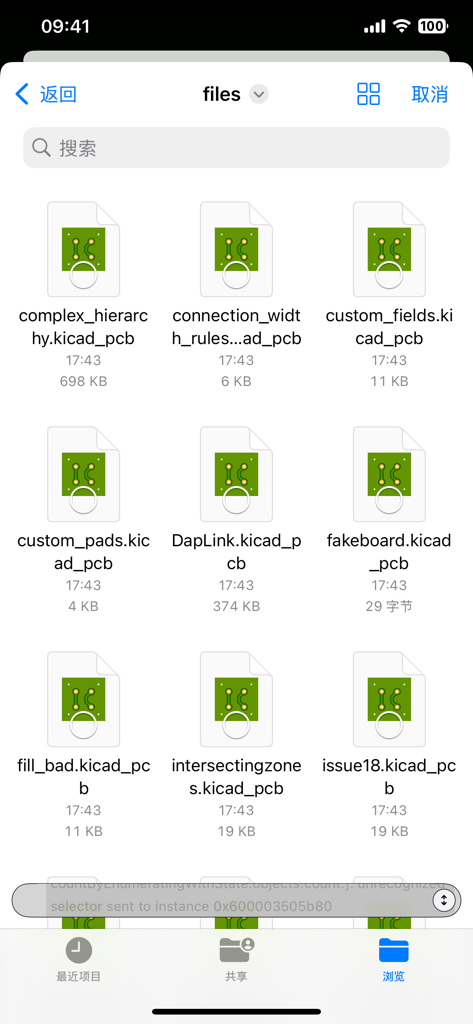
아이콘 및 파일 이름과 함께 KiCAD PCB 디자인 파일 목록을 보여주는 파일 관리 화면.
아이콘 및 파일 이름과 함께 KiCAD PCB 디자인 파일 목록을 보여주는 파일 관리 화면.

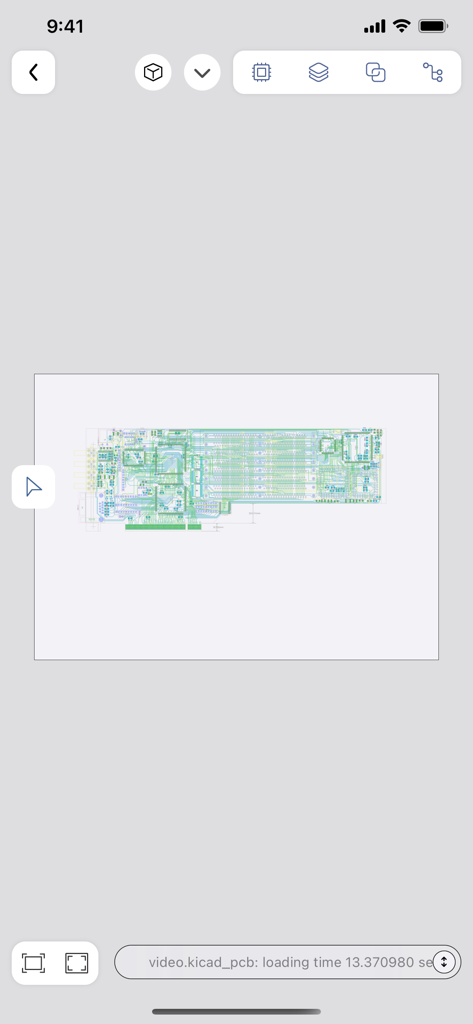
KiCAD PCB 뷰어 모바일 애플리케이션에서 본 상세 회로 기판 레이아웃
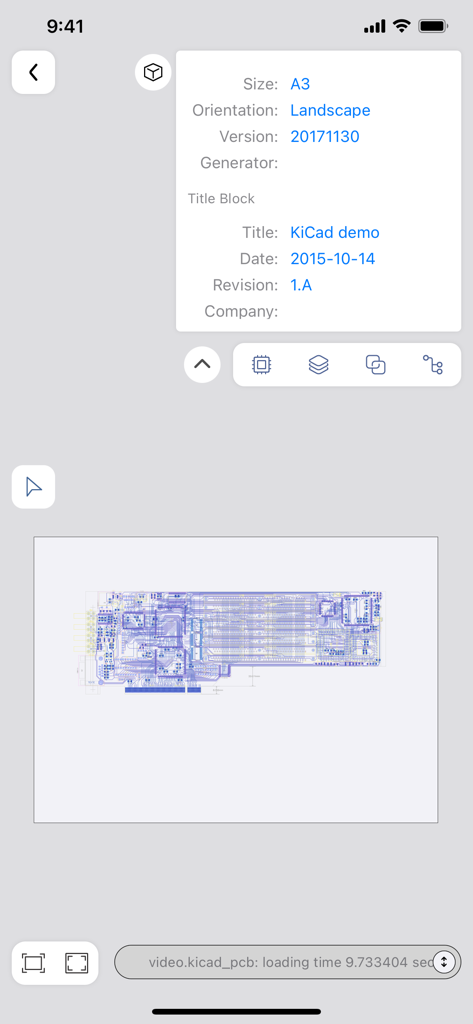
KiCAD PCB 뷰어 모바일 애플리케이션에서 본 상세 회로 기판 레이아웃

회로 기판 레이아웃 및 디자인 메타데이터를 보여주는 KiCAD PCB 뷰어의 모바일 보기
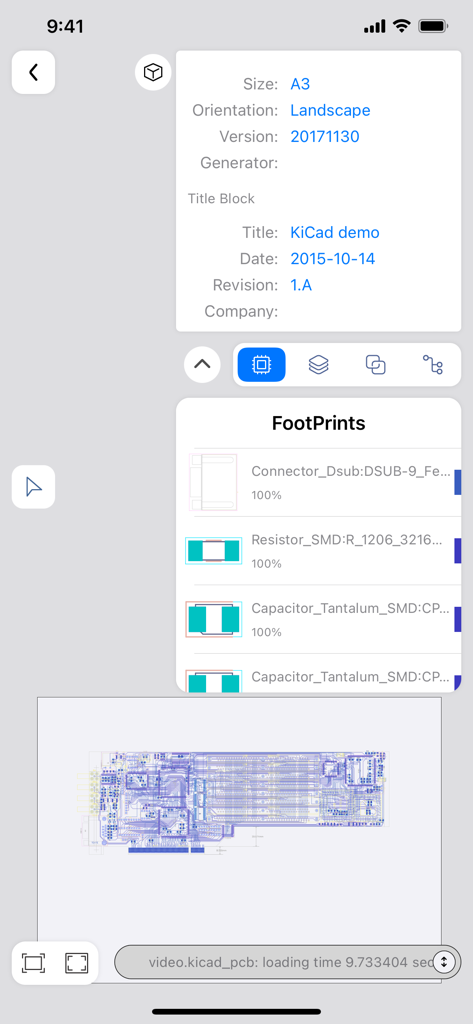
회로 기판 레이아웃 및 디자인 메타데이터를 보여주는 KiCAD PCB 뷰어의 모바일 보기

회로 레이아웃 및 구성 요소 풋프린트를 보여주는 KiCAD PCB 뷰어 모바일 인터페이스
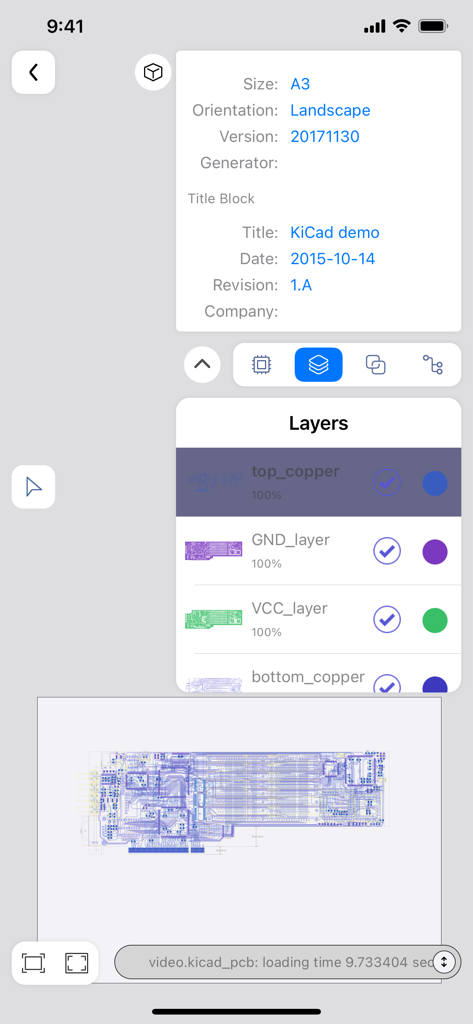
회로 레이아웃 및 구성 요소 풋프린트를 보여주는 KiCAD PCB 뷰어 모바일 인터페이스

보드 계층 및 디자인 세부 정보를 보여주는 KiCAD PCB 뷰어의 모바일 인터페이스
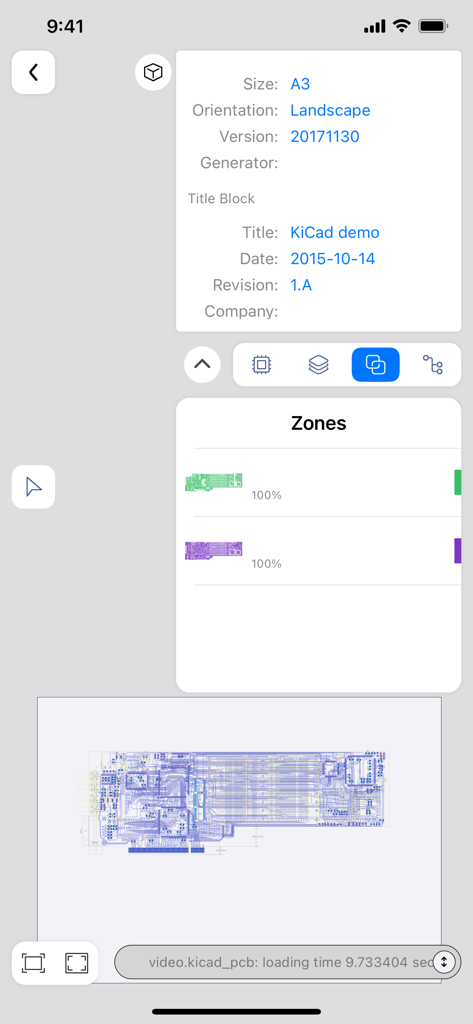
보드 계층 및 디자인 세부 정보를 보여주는 KiCAD PCB 뷰어의 모바일 인터페이스

보드 메타데이터 및 디자인 영역을 보여주는 KiCAD PCB 뷰어 앱 인터페이스
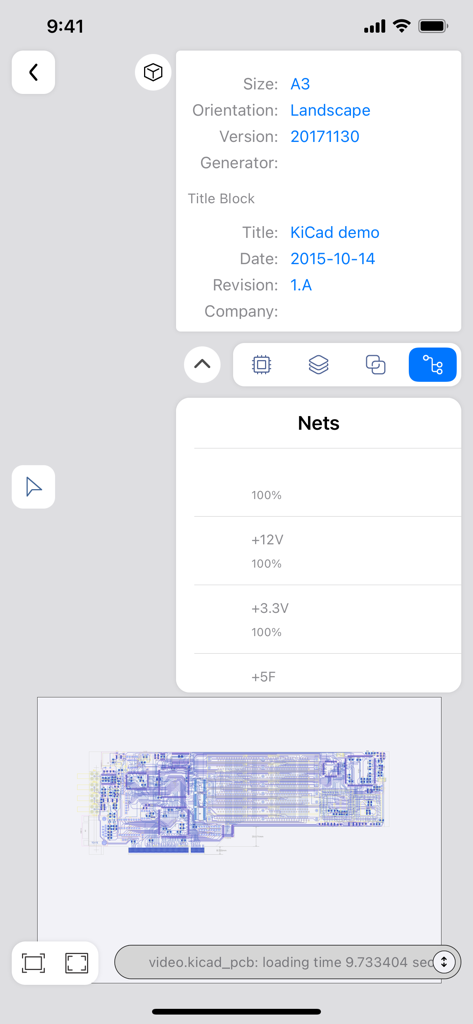
보드 메타데이터 및 디자인 영역을 보여주는 KiCAD PCB 뷰어 앱 인터페이스

파일 메타데이터 및 전기적 넷을 표시하는 KiCAD PCB 뷰어의 모바일 인터페이스
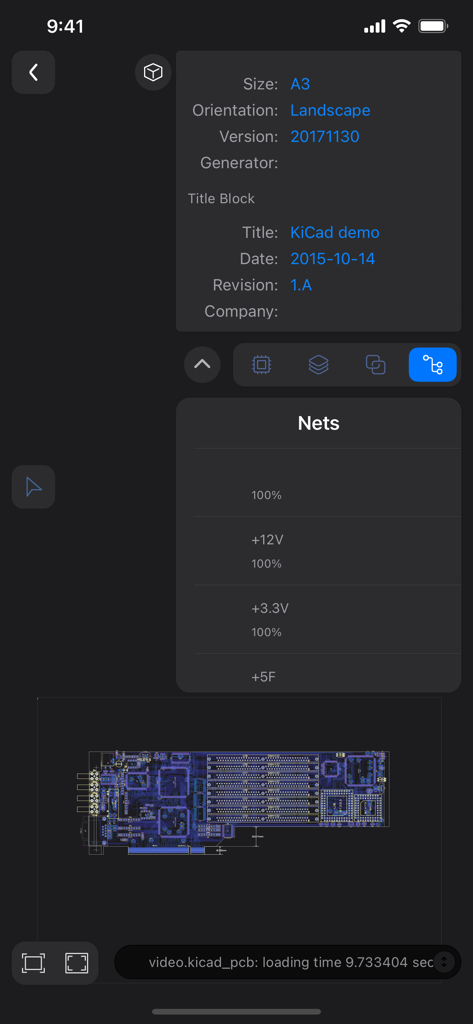
파일 메타데이터 및 전기적 넷을 표시하는 KiCAD PCB 뷰어의 모바일 인터페이스

PCB 넷 목록 제목 블록 정보 및 레이아웃 미리보기를 표시하는 KiCAD PCB 뷰어의 모바일 앱 인터페이스

PCB 넷 목록 제목 블록 정보 및 레이아웃 미리보기를 표시하는 KiCAD PCB 뷰어의 모바일 앱 인터페이스

주머니 속 정밀 엔지니어링

이 앱을 돋보이게 하는 도구, 46K+ 명의 사용자가 선택.

🔍

고급 다층 검사

직관적인 터치 최적화 탐색 및 고정밀 줌을 통해 모든 계층의 복잡한 신호 경로 및 트레이스 연결을 분석합니다.

모바일 설계 규칙 검사

내장된 DRC 엔진으로 이동 중에 하드웨어를 검증하고, 생산 전에 보드가 산업 표준을 충족하는지 확인하기 위해 위반 사항을 표시합니다.

🤖

AI 기반 회로 인사이트

모델 컨텍스트 프로토콜(MCP)을 활용하여 설계를 AI 모델과 연결하여 자동화된 검증 및 지능형 오류 진단을 수행합니다.

앱 소개

에 대해 알아야 할 모든 것 KiCAD PCB Viewer.

설명

This is a lightweight APP for viewing KiCAD 3 - 9 generated pcb files in a mobile environment. No matter what questions, opinions or ideas you have, you can send an email to xjerry248@gmail.com . KiCAD PCB Viewer is a highly professional tool developed specifically for viewing and reviewing PCB design files generated by KiCAD. The tool integrates an advanced graphical interface that allows users to deeply browse PCB designs in a multi-layer view mode, supporting comprehensive analysis and verification of complex boards. Users can view the component layout, electrical connections, and signal paths of each layer in detail, and perform interactive design verification and troubleshooting. KiCAD PCB Viewer provides real-time zoom, pan, and rotation capabilities, enabling users to precisely locate and inspect every detail of the board. At the same time, the tool supports various display modes, including transparent view, high brightness display and inter-layer contrast, helping users to quickly identify and solve potential problems. KiCAD PCB Viewer also has a powerful Design Rule Check (DRC) feature that automatically detects and flags design violations to ensure that your board design meets industrial manufacturing standards. In addition, the tool supports annotation and marking capabilities, which facilitate team collaboration and design review. To improve the user experience, KiCAD PCB Viewer integrates cross-platform support and is able to run smoothly on Windows, macOS, and Linux systems. Its efficient file handling capability and optimized user interface make it an ideal choice for PCB design engineers in the design, verification and optimization process. You can access the Web interface of the APP directly in the browser, easily manage, upload and download the PCB design file generated by KiCAD, and achieve cross-platform convenient and efficient file operation. KiCAD PCB Viewer supports the Model Context Protocol (MCP). Through this protocol, it can provide AI models with the necessary context from PCB files to enhance circuit analysis. Engineers can connect KiCAD PCB Viewer with AI - driven functions like automated design analysis and intelligent verification. This allows them to more effectively identify potential PCB design issues and improve the overall quality of their PCB designs. KiCAD PCB Viewer provides engineers with comprehensive support to ensure high quality, reliability, and manufacturability of PCB designs, whether at the beginning of design, mid-development, or final review before production. By using KiCAD PCB Viewer, engineers can more efficiently perform design verification, optimization, and fault diagnosis, improving overall design efficiency and product quality.

최신 버전

1.2.7

크기

9.6 MB

출시일

2023년 6월 29일

하드웨어 워크플로우를 혁신할 준비가 되셨습니까?

46,000명 이상의 엔지니어와 함께 KiCAD 레이아웃을 모바일로 가져오세요. 복잡한 보드를 검토하고, 전문가 수준의 DRC를 실행하며, AI 기반 인사이트를 활용하여 어디에서든 작업하세요.

다운로드: App Store

App information, icons, screenshots, and descriptions displayed on this page are sourced from the Apple App Store and are the property of their respective developers. Download estimates and rankings are based on MWM's proprietary models and may not reflect actual figures. This page is provided for informational and analytical purposes only.

Believe this page infringes your intellectual property? File a dispute