Luminair
Luminair
다운로드: App Store

이 페이지는 앱이나 개발자의 공식 페이지가 아니며, 정보 제공 및 논평을 목적으로 작성된 독립 편집 간행물입니다. 명시적으로 달리 언급되지 않는 한, 해당 앱이나 개발자는 MWM, Apple, Google Play, 앱 퍼블리셔 또는 앱 개발자와 제휴, 보증, 후원, 승인 또는 공식적으로 연결되어 있지 않으며, 이 페이지의 어떤 내용도 해당 앱이 MWM의 서비스를 사용하여 개발되었음을 의미하지 않습니다. 모든 상표, 로고, 스크린샷 및 기타 콘텐츠는 해당 소유자의 자산입니다.

로고: Luminair
다운로드: App Store

Luminair

DMX 및 HomeKit 제어를 위한 업계 선두 도구로 창의적인 비전을 현실로 만드세요. 영화 세트부터 라이브 무대까지, iPad의 휴대성과 전문가용 콘솔의 성능으로 30,000개 이상의 조명 기구 프로필을 관리하세요.

주요 수치

다운로드

70K+

사용자 평점

4.6/5

총 평가 수

3K+

개발사

Synthe FX, LLC

카테고리

Productivity

지원 언어

1

최신 버전

4.4.11

크기

1.7 GB

출시일

2015년 6월 16일
기능

스튜디오급 조명 제어

2008년부터 업계 표준을 정립해 온 Luminair는 전문가용 하드웨어 콘솔의 성능을 iOS 및 macOS용 휴대 가능하고 고성능 인터페이스로 제공합니다.

모바일 마스터리

부스에서 벗어나세요. 고압 환경을 위해 설계된 확장 가능한 UI로 최대 4개의 DMX 유니버스와 30,000개 이상의 조명 기구 프로필을 제어하세요.

하이브리드 워크플로우

전문 DMX 조명 기구와 HomeKit 스마트 조명을 하나의 통합 프로젝트에서 동시에 제어할 수 있는 유일한 플랫폼입니다.

다음 스크린샷과 설명은 앱의 공식 스토어 목록에서 직접 가져온 것이며 앱 개발자의 자산입니다.

앱 스토어

스크린샷
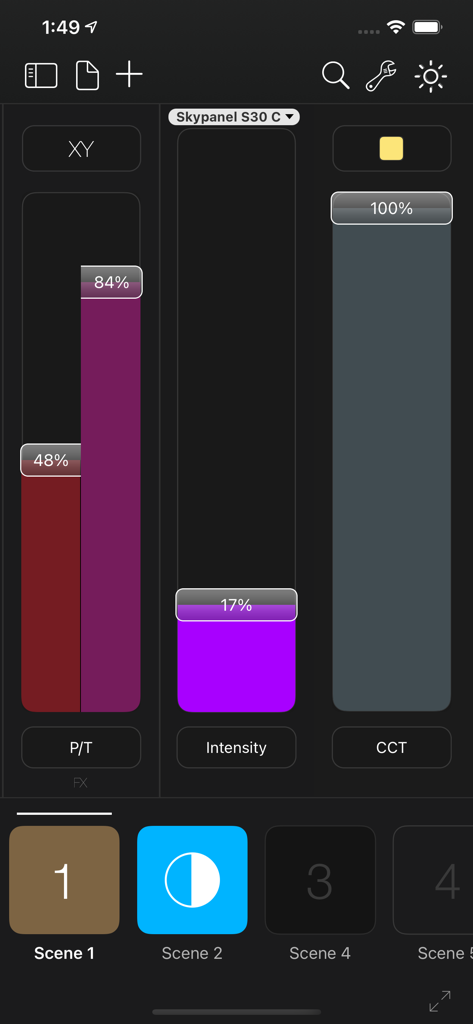
Luminair - Luminair 앱 스크린샷으로 iPhone 인터페이스에서 밝기, 색온도, 팬-틸트용 전문가 조명 제어 슬라이더 표시
Luminair 앱 스크린샷으로 iPhone 인터페이스에서 밝기, 색온도, 팬-틸트용 전문가 조명 제어 슬라이더 표시

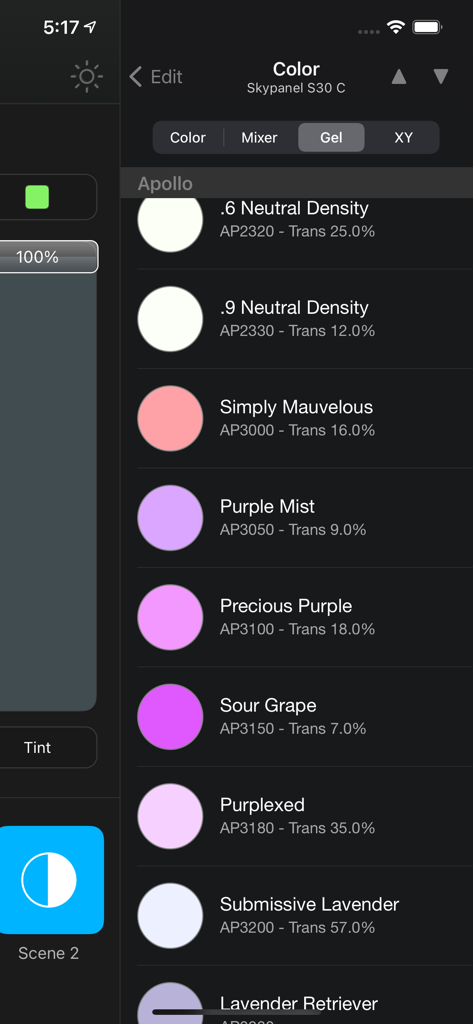
Luminair - Luminair 앱 인터페이스에 DMX 조명 기구용 전문가 조명 색상 젤 옵션 표시
Luminair 앱 인터페이스에 DMX 조명 기구용 전문가 조명 색상 젤 옵션 표시

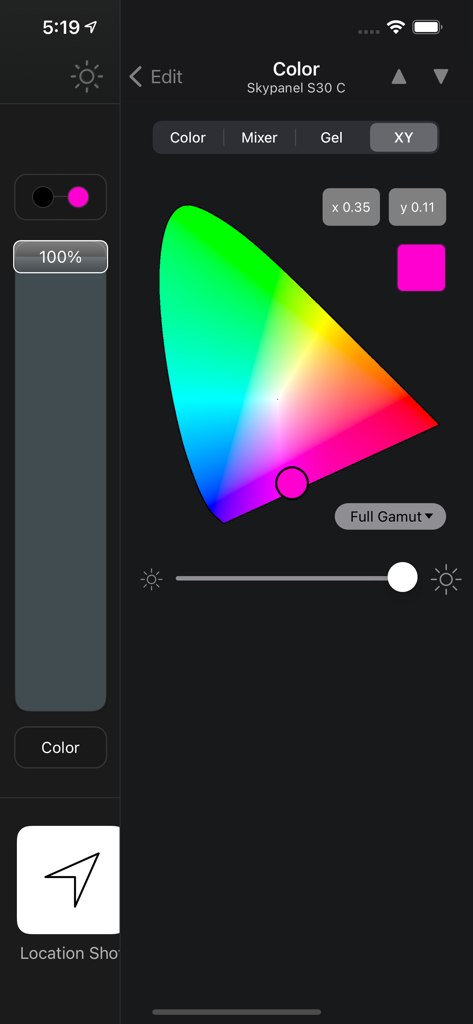
Luminair - Luminair 앱 색상 제어 인터페이스에 조명 기구용 색도도 및 XY 좌표 표시
Luminair 앱 색상 제어 인터페이스에 조명 기구용 색도도 및 XY 좌표 표시

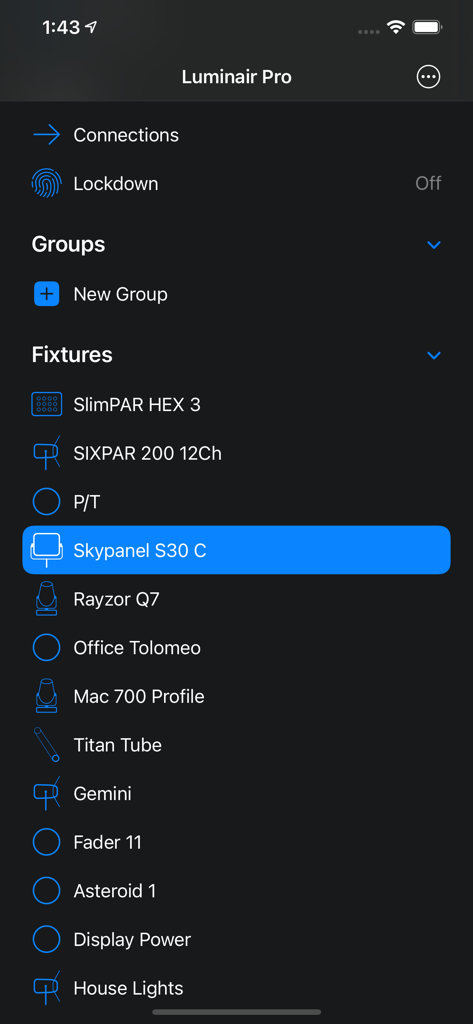
Luminair - 스마트폰 화면에 Skypanel S30 C가 선택된 Luminair Pro 앱 조명 기구 목록 표시
스마트폰 화면에 Skypanel S30 C가 선택된 Luminair Pro 앱 조명 기구 목록 표시

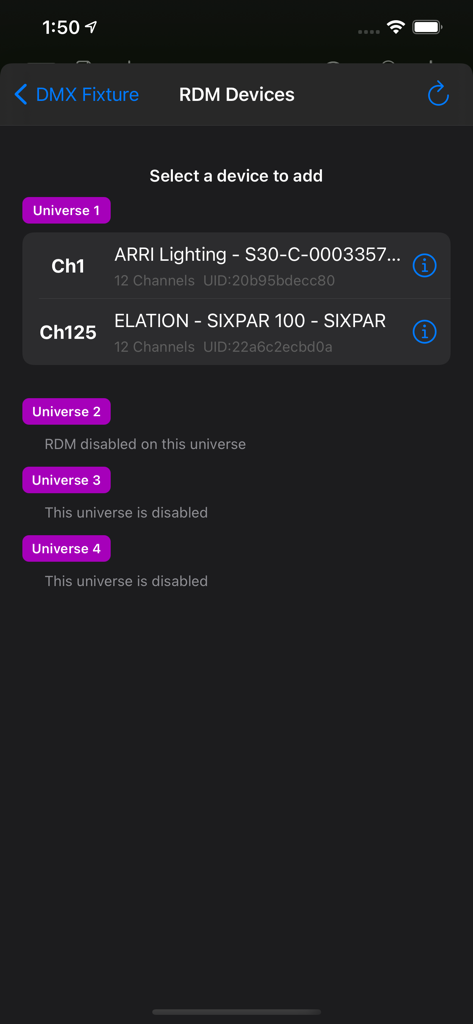
Luminair - Luminair 전문가 조명 앱 RDM 장치 선택 인터페이스에 여러 DMX 유니버스에 걸쳐 검색된 조명 기구 표시
Luminair 전문가 조명 앱 RDM 장치 선택 인터페이스에 여러 DMX 유니버스에 걸쳐 검색된 조명 기구 표시

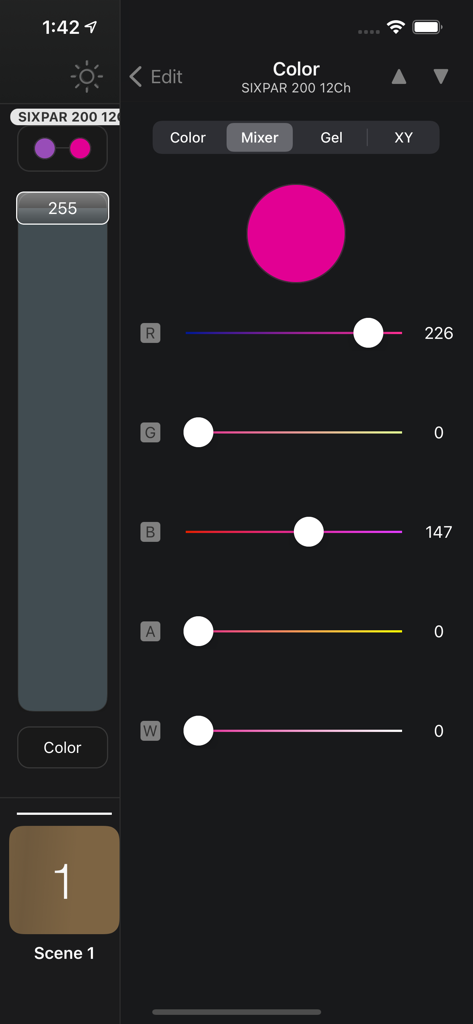
Luminair - Luminair 앱 색상 믹서 인터페이스에 전문가용 DMX 조명 제어를 위한 RGB 슬라이더 및 마젠타 색상 선택기 표시
Luminair 앱 색상 믹서 인터페이스에 전문가용 DMX 조명 제어를 위한 RGB 슬라이더 및 마젠타 색상 선택기 표시

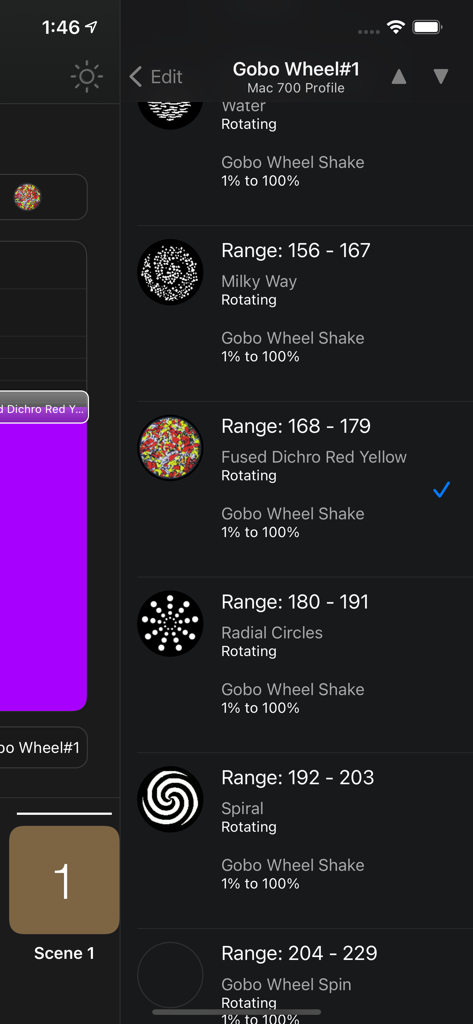
Luminair - Luminair 앱 인터페이스에 전문가용 조명 기구용 DMX 고보 휠 패턴 선택 표시
Luminair 앱 인터페이스에 전문가용 조명 기구용 DMX 고보 휠 패턴 선택 표시

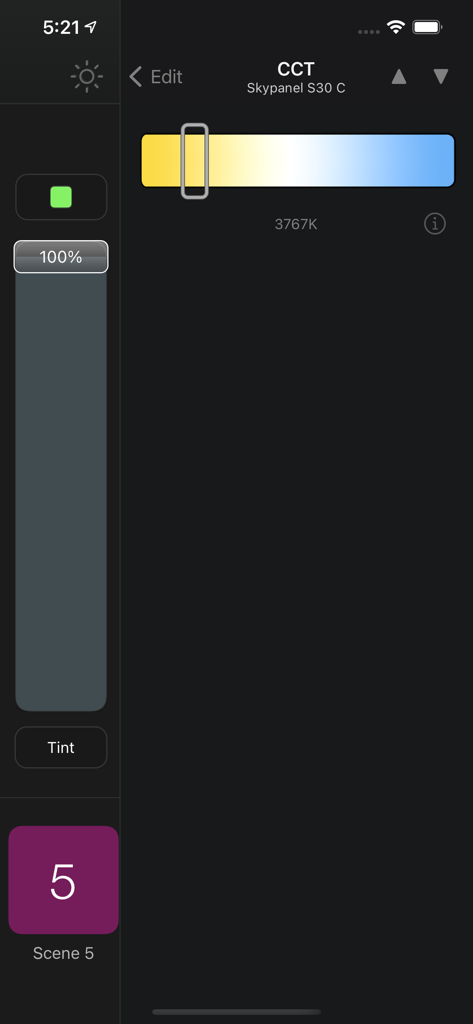
Luminair - Luminair 앱 인터페이스에 ARRI Skypanel 조명 기구의 색온도 제어 표시
Luminair 앱 인터페이스에 ARRI Skypanel 조명 기구의 색온도 제어 표시

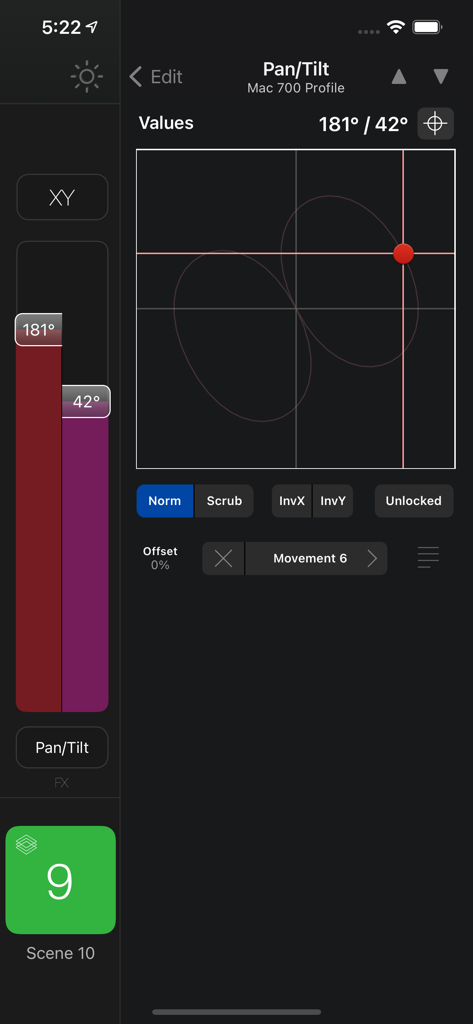
Luminair - Luminair 앱의 전문가용 DMX 조명 팬 및 틸트 제어 화면

Luminair 앱의 전문가용 DMX 조명 팬 및 틸트 제어 화면

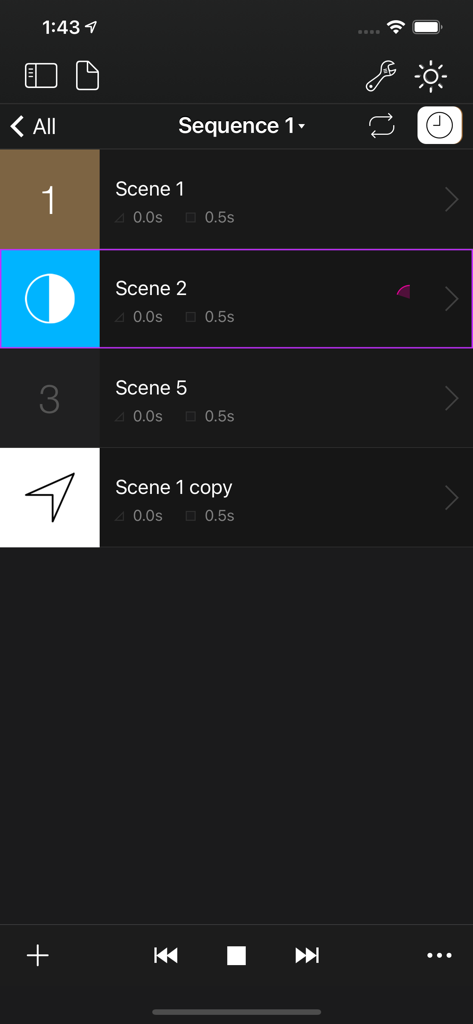
Luminair - Luminair 앱 조명 시퀀스 제어 화면에 사용자 정의 페이드 및 유지 시간 목록 표시

Luminair 앱 조명 시퀀스 제어 화면에 사용자 정의 페이드 및 유지 시간 목록 표시

설명

Luminair is a professional-grade lighting control platform that gives lighting designers, filmmakers and TV professionals, musicians, artists and other enthusiasts advanced control over DMX-enabled lights, as well as "Smart" lights via Apple HomeKit. Control any light... Luminair's Fixture Cloud library contains over 30,000 fixture profiles. Luminair 4 adds a wide range of user-requested features like multi-universe support, RDM support, user interface improvements, Universal Search, support for Apple HomeKit, and so much more. Move beyond the lighting console! Join us and see why Luminair has been setting the standard for mobile lighting control since 2008! Access all iPadOS, iOS, and macOS versions under a single subscription plan. Try it FREE for 2 weeks, with all features unlocked, and no obligation. See offer details below. Highlights: - 1 to 4 DMX Universes (512-2048 Channels, depending on Subscription level) - 1 Art-Net DMX Input Universe for creating Snapshot scene recordings from another lighting console - RDM Support over Art-Net - Works with any Art-Net or sACN E1.31 compliant DMX interface - Transmits Art-Net, sACN E1.31, and/or and KiNET over built-in Wi-Fi hardware - Supports DMX over Bluetooth with LumenRadio BLE CRMX devices, MoonLite and TimoTwo - Supports wired ethernet with 3rd-party adapters - Advanced document viewer allows you to save projects in iCloud, 3rd-party services like Creative Cloud and Dropbox, plus external disks and flash drives - LTP faders with fully-configurable scene parameters - DMX FX Engine with a Movement generator, Oscillator, Color Looping, Random Color/Intensity and more - Palette/preset based movement system allows you to control and edit movements of multiple moving lights together in unison - Sequences allow you to play back scenes with customized fade and hold times - Sound Active mode allows for music controlled light shows using the built-in microphone, or external sound sources - Innovative tap-to-bump gesture allows you to quickly bump the levels of a scene while holding it's button, releasing those levels when let go - Supports simultaneous control of DMX and HomeKit lights in the same project - Touch ID powered Lockdown mode allows you to lock specific parts of the Luminair user interface - Includes Luminair Remote for Apple Watch (on iPhone devices) - Supports various external control methods as MIDI, MIDI over Bluetooth LE and Wi-Fi, Geofences, OSC Input - Additional support for 4 Universes, Scheduling, DMX Input Triggers, iBeacons, MSC, MTC, and HomeKit Button Triggers available with Luminair Pro Subscription - 64-bit app with a scalable UI that uses the latest Apple technologies like iCloud, Core Animation, Core MIDI and more Please visit us at https://luminair.app for full details. IMPORTANT: Luminair requires external DMX or HomeKit hardware to control lights, but can also be used in an "offline" mode for building projects and as a learning tool. Access Luminair Standard or Luminair Pro with monthly or annual subscriptions. You will be automatically billed through Apple every 30 days for monthly subscriptions or every 365 days for yearly subscriptions until you cancel your subscription. The first billing will occur after the one-time free trial period of 2 weeks. Your subscription automatically renews unless auto-renew is turned off at least 24-hours before the end of the current period. Your subscription can be managed and the auto-renewal may be turned off by going to the App Store Account Settings after purchase. No cancellation of the current subscription is allowed during active subscription period. Any unused portion of the free trial period will be forfeited when you purchase a subscription during the free trial period. Privacy Policy: https://luminair.app/privacy Terms of Use: https://luminair.app/terms

Download

다운로드: App Store

이 페이지는 앱이나 개발자의 공식 페이지가 아니며, 정보 제공 및 논평을 목적으로 작성된 독립 편집 간행물입니다. 명시적으로 달리 언급되지 않는 한, 해당 앱이나 개발자는 MWM, Apple, Google Play, 앱 퍼블리셔 또는 앱 개발자와 제휴, 보증, 후원, 승인 또는 공식적으로 연결되어 있지 않으며, 이 페이지의 어떤 내용도 해당 앱이 MWM의 서비스를 사용하여 개발되었음을 의미하지 않습니다. 모든 상표, 로고, 스크린샷 및 기타 콘텐츠는 해당 소유자의 자산입니다.