Paintwork - Infinite Notebook
다운로드: App Store

이 페이지는 앱이나 개발자의 공식 페이지가 아니며, 정보 제공 및 논평을 목적으로 작성된 독립 편집 간행물입니다. 명시적으로 달리 언급되지 않는 한, 해당 앱이나 개발자는 MWM, Apple, Google Play, 앱 퍼블리셔 또는 앱 개발자와 제휴, 보증, 후원, 승인 또는 공식적으로 연결되어 있지 않으며, 이 페이지의 어떤 내용도 해당 앱이 MWM의 서비스를 사용하여 개발되었음을 의미하지 않습니다. 모든 상표, 로고, 스크린샷 및 기타 콘텐츠는 해당 소유자의 자산입니다.

로고: Paintwork - Infinite Notebook
다운로드: App Store

Paintwork - Infinite Notebook

Apple Pencil의 정밀함으로 노트와 스케치를 마스터하세요. 감각적인 학습 가이드부터 전문적인 마인드맵까지, 제한 없는 작업 공간에서 아이디어를 실현하세요.

주요 수치

다운로드

8M+

사용자 평점

4.7/5

총 평가 수

172K+

개발사

伟典 苏

카테고리

Productivity

지원 언어

20

최신 버전

17.2.0

크기

196.6 MB

출시일

2015년 11월 25일
기능

한계 없이 아이디어를 마스터하세요

Paintwork은 전통적인 손글씨의 촉감과 학생 및 시각적 사고가를 위해 설계된 강력한 디지털 도구 모음을 결합했습니다.

무한한 창의적 캔버스

종이의 여백에서 벗어나세요. 품질이 저하되지 않는 마인드맵과 스케치를 위해 벡터 정밀도를 갖춘 끝없는 작업 공간을 사용하세요.

놀랍도록 감각적인 노트

수백 가지의 맞춤형 브러시로 자신을 표현하세요. Apple Pencil에 최적화된 도구로 예술 작품 같은 노트를 만들어 보세요.

다음 스크린샷과 설명은 앱의 공식 스토어 목록에서 직접 가져온 것이며 앱 개발자의 자산입니다.

앱 스토어

스크린샷
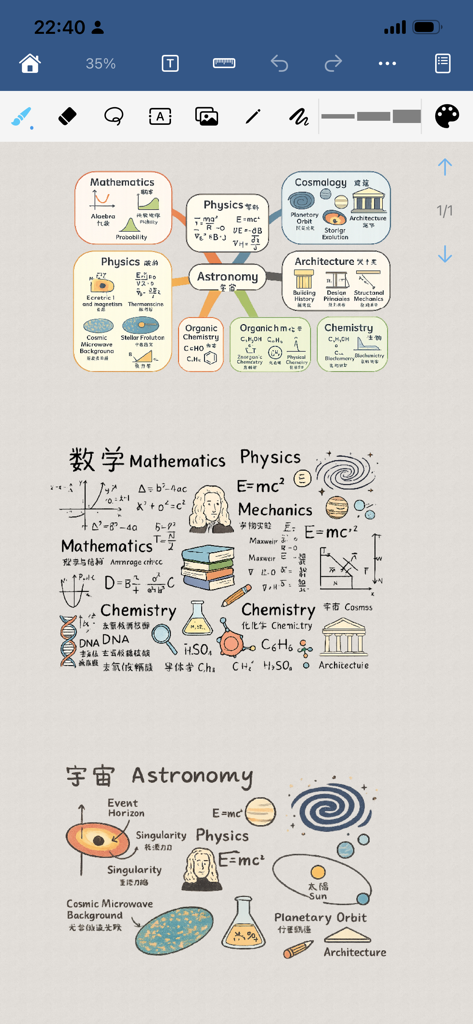
Paintwork - Infinite Notebook - 디지털 캔버스에 도표와 함께 작성된 손글씨 과학 마인드맵 및 학습 노트
디지털 캔버스에 도표와 함께 작성된 손글씨 과학 마인드맵 및 학습 노트

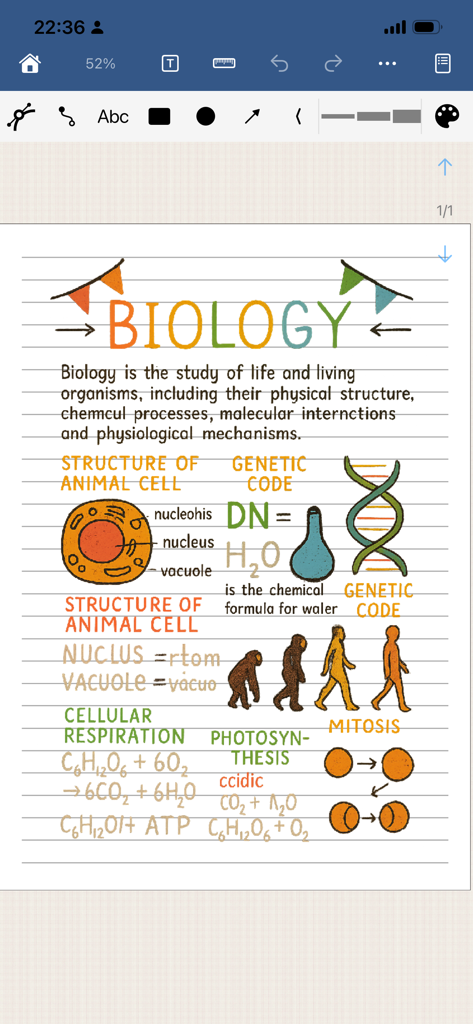
Paintwork - Infinite Notebook - Paintwork 앱에 작성된 세포 및 DNA의 화려한 도표가 포함된 디지털 생물학 학습 노트
Paintwork 앱에 작성된 세포 및 DNA의 화려한 도표가 포함된 디지털 생물학 학습 노트

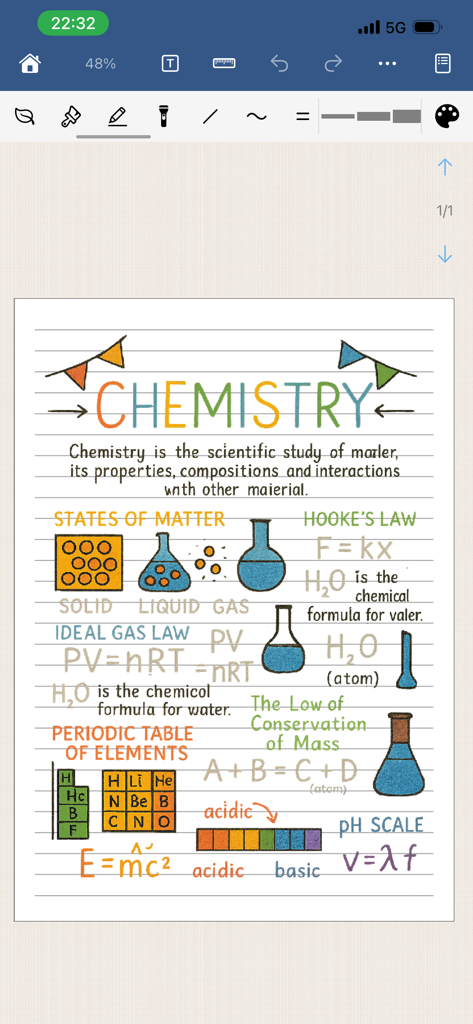
Paintwork - Infinite Notebook - 화려한 손글씨 화학 노트, 실험 장비 도표, 과학 공식이 있는 디지털 노트북 페이지
화려한 손글씨 화학 노트, 실험 장비 도표, 과학 공식이 있는 디지털 노트북 페이지

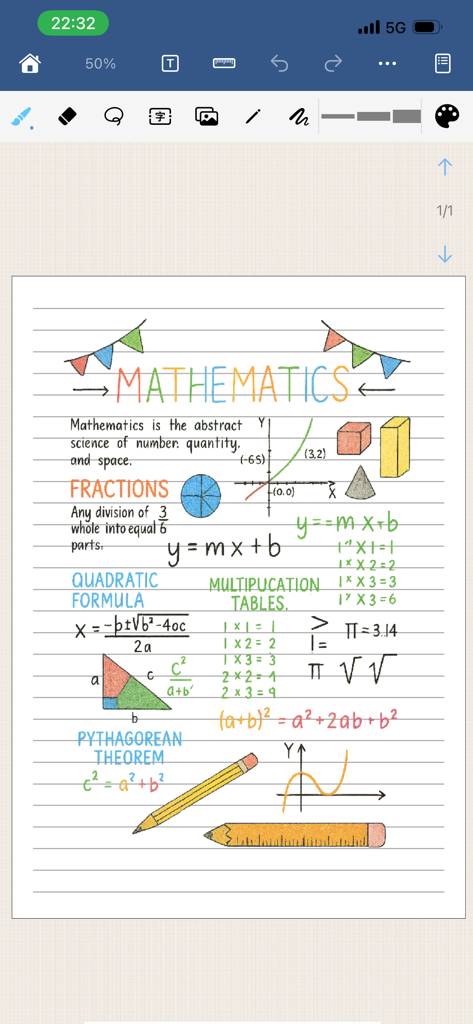
Paintwork - Infinite Notebook - Paintwork 앱의 디지털 줄노트에 작성된 도표가 포함된 화려한 손글씨 수학 노트
Paintwork 앱의 디지털 줄노트에 작성된 도표가 포함된 화려한 손글씨 수학 노트

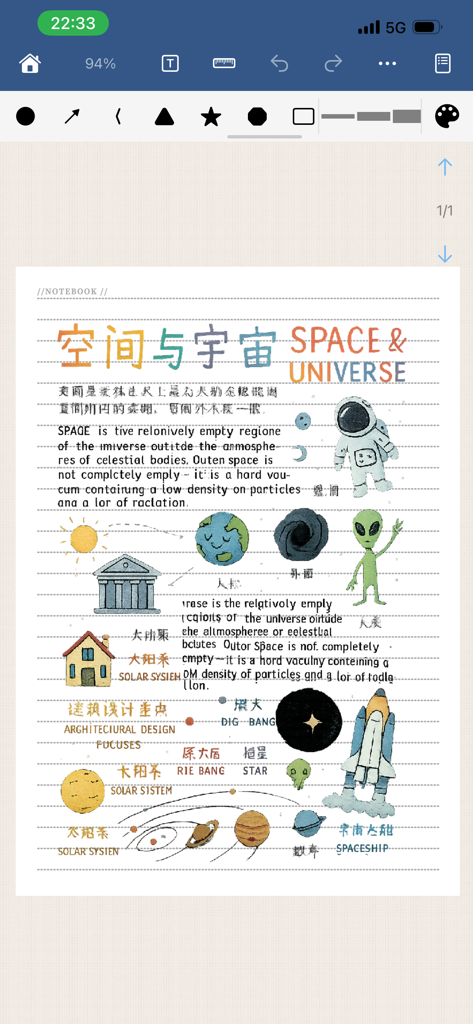
Paintwork - Infinite Notebook - 우주비행사, 행성, 우주선 일러스트와 우주에 관한 텍스트가 포함된 디지털 노트북 페이지
우주비행사, 행성, 우주선 일러스트와 우주에 관한 텍스트가 포함된 디지털 노트북 페이지

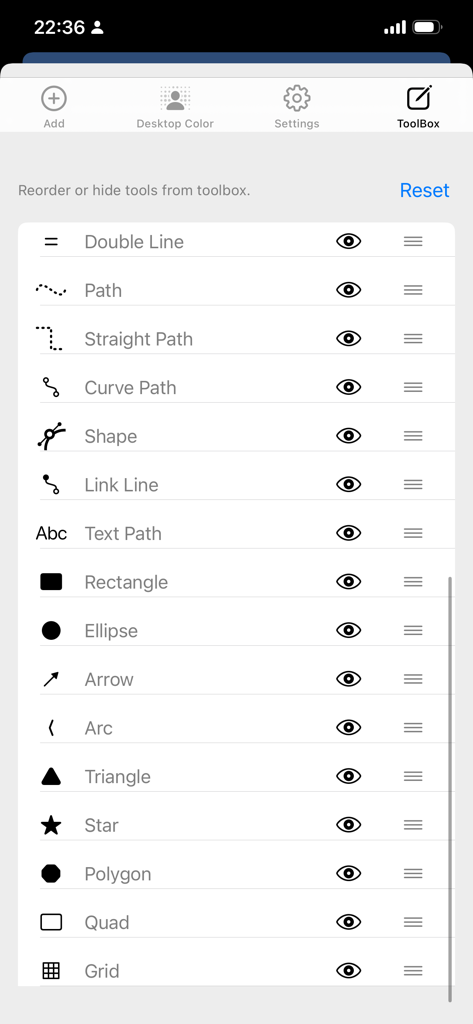
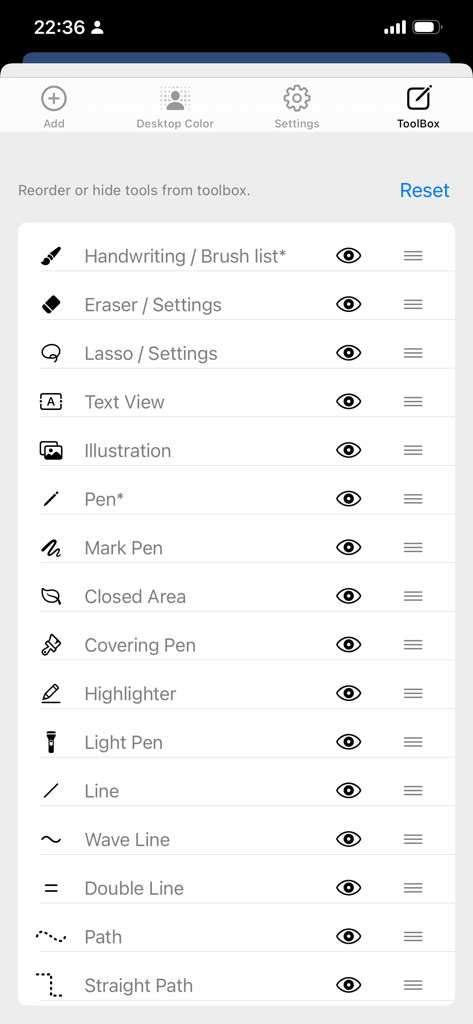
Paintwork - Infinite Notebook - 벡터 그리기 도구의 순서 변경 및 숨기기를 위한 Paintwork 앱의 툴박스 설정
벡터 그리기 도구의 순서 변경 및 숨기기를 위한 Paintwork 앱의 툴박스 설정

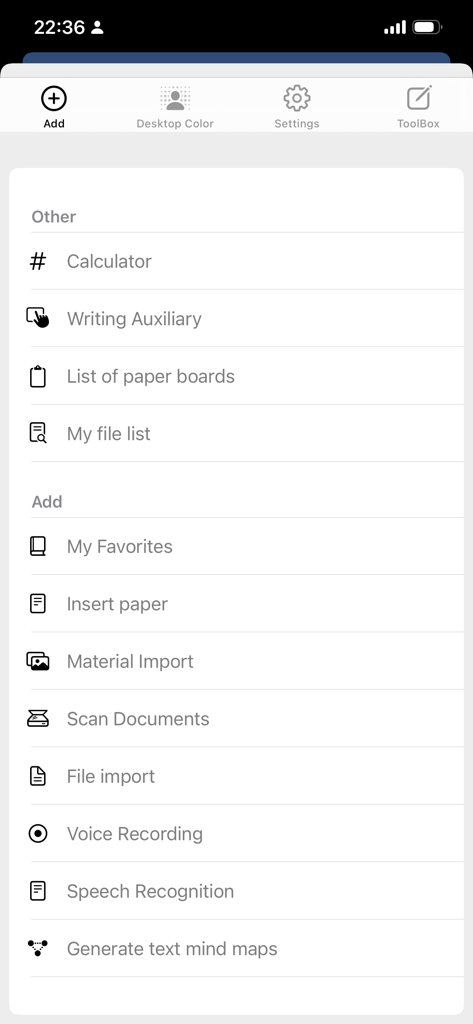
Paintwork - Infinite Notebook - 스캐너 및 음성 녹음 옵션을 보여주는 Paintwork 앱의 생산성 도구 메뉴
스캐너 및 음성 녹음 옵션을 보여주는 Paintwork 앱의 생산성 도구 메뉴

Paintwork - Infinite Notebook - 맞춤 설정 가능한 그리기 도구 목록을 보여주는 Paintwork 앱 툴박스 설정 화면

맞춤 설정 가능한 그리기 도구 목록을 보여주는 Paintwork 앱 툴박스 설정 화면

설명

Paintwork is a simple and powerful software for handwritten notebooks, diaries, and hand drawn images. It includes functions such as: brush list (hundreds of brush effects, customizable brush thickness, color, transparency, dynamic strength weights, etc.), eraser list (each brush effect can be used as an eraser), Vector graphics tools (including lasso, vector eraser, vector pen, annotation pen, highlighter, wavy pen, double line pen, text box, illustration, dashed line, horizontal and vertical dashed line, curve, closed shape, text pen, rectangle, ellipse, straight line, arrow, triangle, pentagram, polygon, etc.), and also include many related attribute settings, Color list (with a rich color palette and customizable manual configuration of commonly used colors), copy and cut the content of specified areas on the page, import images or materials, as well as a simple calculator, handwriting assistance, and photo scanning of document files. Unlimited writing, ruler, recognition of text, printing of text, filling, and the ability to export PDF files or images. Supports custom background functionality, custom canvas paper, and more. It can be used to write for classroom or book learning notes, handwritten notes for work meetings, hand drawn mind maps, hand drawn account creation, hand made account book making, writing diaries, recording life thoughts, calligraphy practice, handwritten brush and pencil characters, hand drawn artistic characters, and so on. Supports Apple pencil. Can export images or PDFs. If you have any comments or feedback, please feel free to contact us. Contact email: pw_team@163.com If you like our application, please give us a good review. Thank you.

Download

다운로드: App Store

이 페이지는 앱이나 개발자의 공식 페이지가 아니며, 정보 제공 및 논평을 목적으로 작성된 독립 편집 간행물입니다. 명시적으로 달리 언급되지 않는 한, 해당 앱이나 개발자는 MWM, Apple, Google Play, 앱 퍼블리셔 또는 앱 개발자와 제휴, 보증, 후원, 승인 또는 공식적으로 연결되어 있지 않으며, 이 페이지의 어떤 내용도 해당 앱이 MWM의 서비스를 사용하여 개발되었음을 의미하지 않습니다. 모든 상표, 로고, 스크린샷 및 기타 콘텐츠는 해당 소유자의 자산입니다.








