PDF Converter & PDF Scanner

PDF Converter & PDF Scanner

다운로드: App Store
로고: PDF Converter & PDF Scanner

PDF 변환기 및 PDF 스캐너: 당신의 올인원 전문 PDF 도우미

iPhone을 강력한 모바일 오피스로 만드세요. AI 기반 OCR과 보안 암호화로 문서를 Word 또는 Excel로 초당 스캔, 편집, 서명하여 원활한 종이 없는 워크플로우를 경험하세요.

다운로드: App Store

개발사

家俊 张

카테고리

Utilities

다운로드

11K+

사용자 평점

4.5/5

총 평가 수

0

지원 언어

10

내부 모습 엿보기

이 인터페이스를 사용하는 11K+ 명의 사용자.

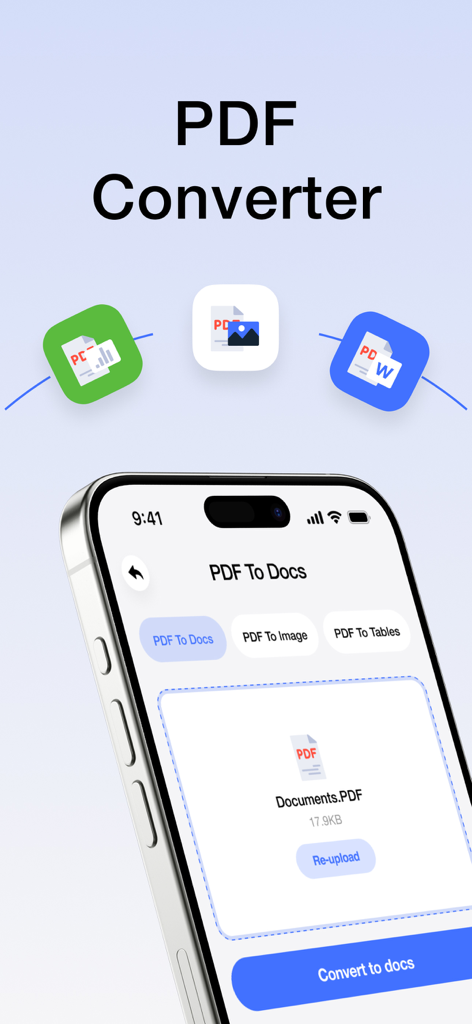
PDF 파일을 문서 및 이미지로 변환하는 옵션을 보여주는 모바일 앱 화면

PDF 파일을 문서 및 이미지로 변환하는 옵션을 보여주는 모바일 앱 화면

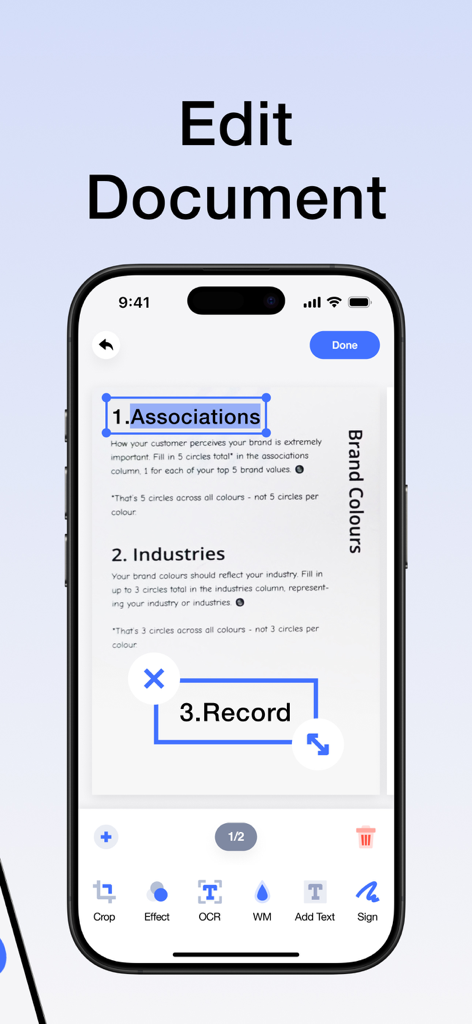
문서 편집 및 텍스트 인식 기능을 보여주는 스마트폰의 PDF 편집기 앱 인터페이스

문서 편집 및 텍스트 인식 기능을 보여주는 스마트폰의 PDF 편집기 앱 인터페이스

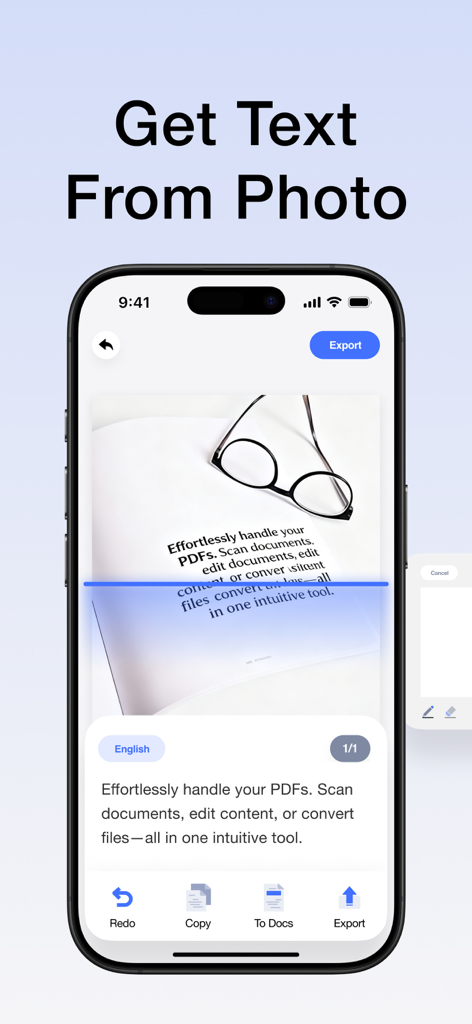
파란색 스캔 선으로 문서 사진에서 텍스트를 추출하는 OCR 기능을 보여주는 스마트폰 인터페이스

파란색 스캔 선으로 문서 사진에서 텍스트를 추출하는 OCR 기능을 보여주는 스마트폰 인터페이스

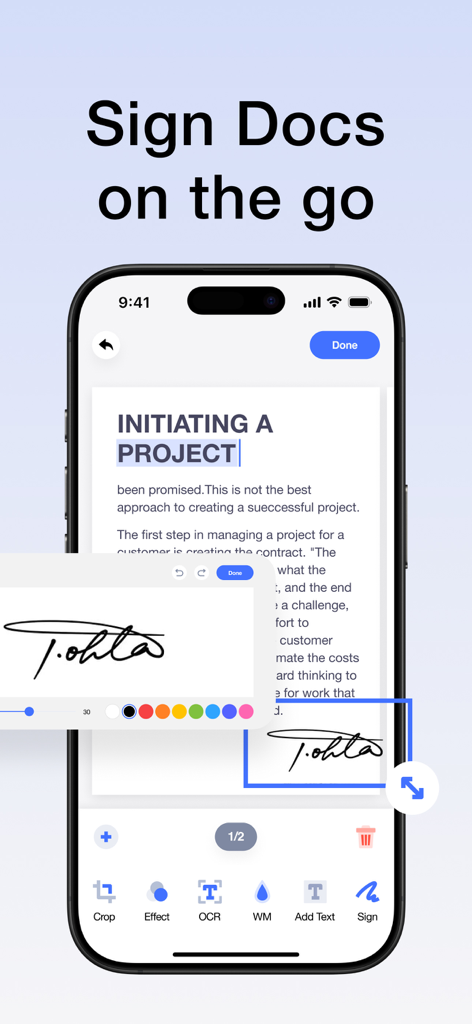
모바일 생산성을 위해 문서에 디지털 서명을 적용하는 것을 보여주는 iPhone 인터페이스

모바일 생산성을 위해 문서에 디지털 서명을 적용하는 것을 보여주는 iPhone 인터페이스

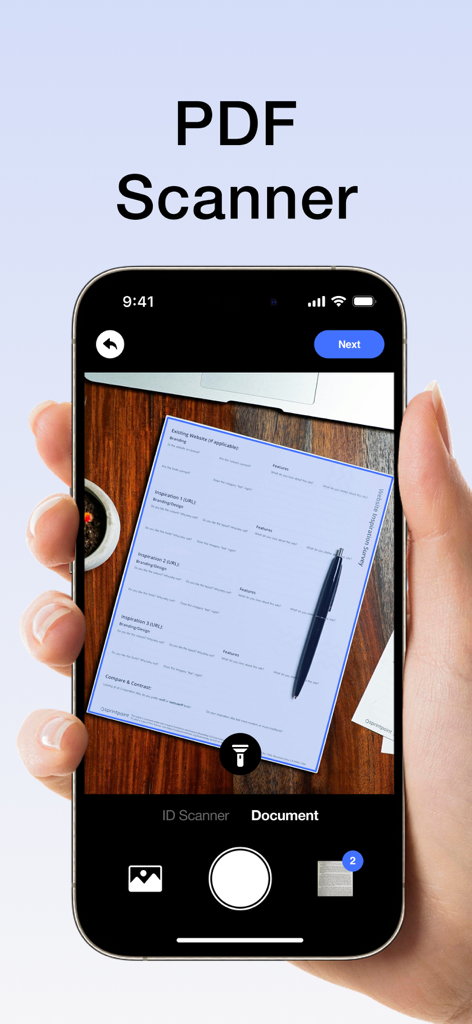
PDF 스캐너 앱 인터페이스를 사용하여 나무 책상 위의 종이 문서를 스캔하는 스마트폰

PDF 스캐너 앱 인터페이스를 사용하여 나무 책상 위의 종이 문서를 스캔하는 스마트폰

나만의 올인원 모바일 PDF 오피스

이 앱을 돋보이게 하는 도구, 11K+ 명의 사용자가 선택.

프로급 스캔 및 OCR

종이를 즉시 고화질 PDF로 변환하세요. 스마트 OCR을 사용하여 스캔에서 텍스트를 추출하고 편집하여 수동 재입력의 필요성을 없애세요.

✍️

편집, 서명 및 주석 달기

프린터 없이 계약서와 메모를 관리하세요. 이동 중에 전문적인 전자 서명, 텍스트 및 주석을 문서에 추가하세요.

🔄

범용 형식 변환

PDF를 Word, Excel 또는 이미지로 한 번의 탭으로 변환하세요. 파일 형식 간의 격차를 해소하고 고급 암호화로 민감한 데이터를 안전하게 보호하세요.

앱 소개

에 대해 알아야 할 모든 것 PDF Converter & PDF Scanner.

설명

Your portable PDF assistant: easily scan,Clean-scan ,edit and convert! This is an intuitive and powerful PDF tool that allows you to effortlessly handle PDFs and enjoy a convenient experience. Whether you're scanning photos or paper documents, editing PDF content, or converting file formats, it's all made easy. Key Features: -High-Quality Scanning: Easily scan paper documents using your phone's camera to generate high-definition PDF files, with support for automatic cropping and image enhancement. -Smart OCR: Equipped with a powerful OCR text recognition engine, it can convert text in scanned documents into editable text, allowing you to copy, edit, translate, and more. -All-in-One Editing: Supports a variety of editing operations on PDF files, including adding text, images, annotations, signatures, watermarks, and more, meeting all your needs. -Format Conversion: Converts PDF files into various formats such as Word, Excel, and images, making it easy for further editing and sharing. -Secure Encryption: Utilizes advanced encryption technology to protect your PDF files and prevent information leaks. Whether you're a student, business professional, designer, or everyday user, you can efficiently handle PDF documents, easily edit PDF materials, and enjoy a convenient digital life. Download now to experience efficient and convenient PDF processing! About Subscription: Subscription automatically renews unless auto-renew is turned off at least 24 hours before the end of the current period. Account will be charged for renewal within 24-hours prior to the end of the current period, and identify the cost of the renewal. Subscriptions may be managed by the user and auto-renewal may be turned off by going to the user’s Account Settings after purchase. Any unused portion of a free trial period, if offered, will be automatically invalidated when the user purchases the applicable subscription. Privacy Policy: https://sites.google.com/view/pdfpp/home Terms of Use: https://sites.google.com/view/pdftou/home

최신 버전

1.5.8

크기

42.3 MB

출시일

2024년 6월 18일

모든 오피스가 항상 주머니 안에

11,000명 이상의 전문가 및 학생들과 함께 워크플로우를 간소화하세요. 몇 초 만에 문서를 스캔, 편집, 서명하세요.

다운로드: App Store

App information, icons, screenshots, and descriptions displayed on this page are sourced from the Apple App Store and are the property of their respective developers. Download estimates and rankings are based on MWM's proprietary models and may not reflect actual figures. This page is provided for informational and analytical purposes only.

Believe this page infringes your intellectual property? File a dispute