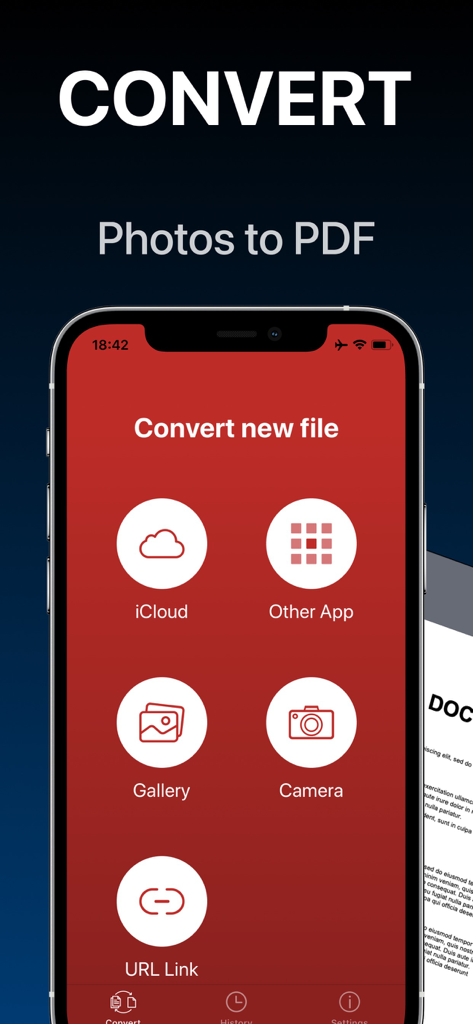
iCloud 갤러리 카메라 또는 기타 앱에서 가져오는 옵션과 함께 사진을 PDF로 변환하는 모바일 앱 인터페이스
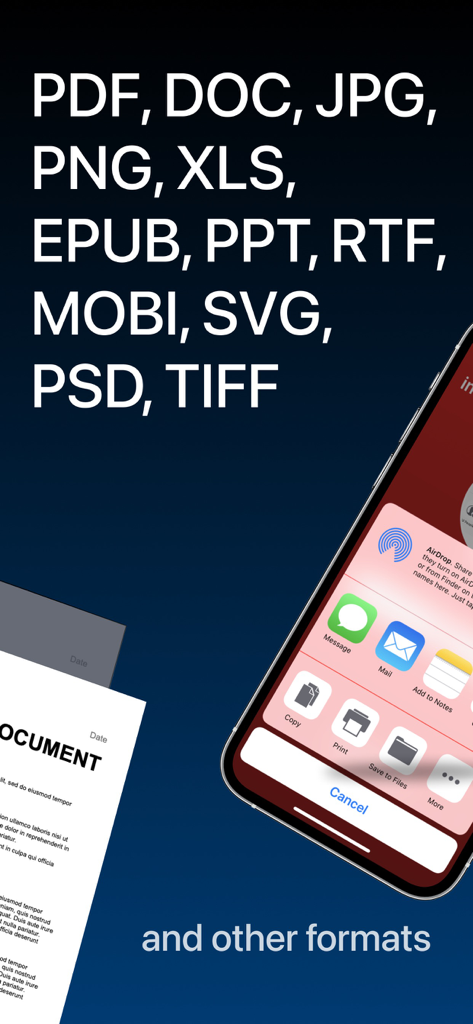
지원되는 파일 형식 및 iOS 공유 메뉴 옵션을 표시하는 모바일 앱 스크린샷
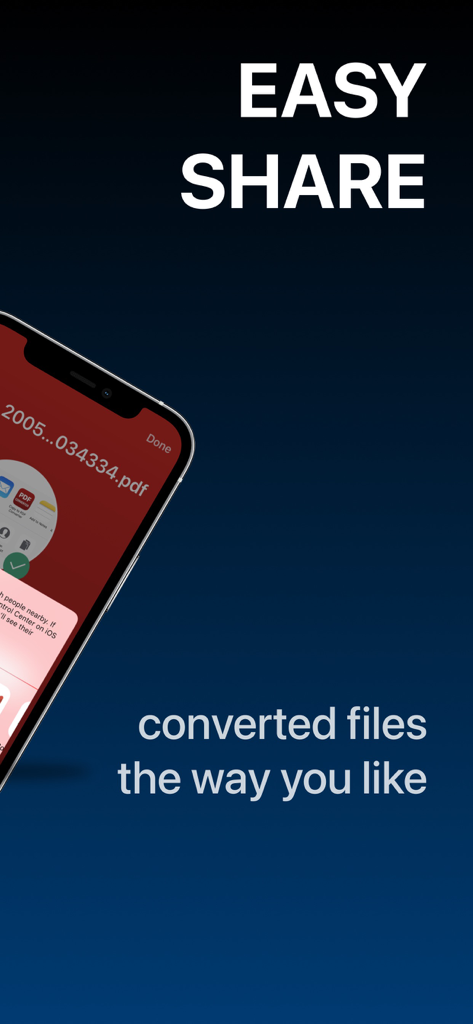
PDF 문서와 'Easy Share' 텍스트가 포함된 iOS 공유 메뉴를 보여주는 스마트폰 화면
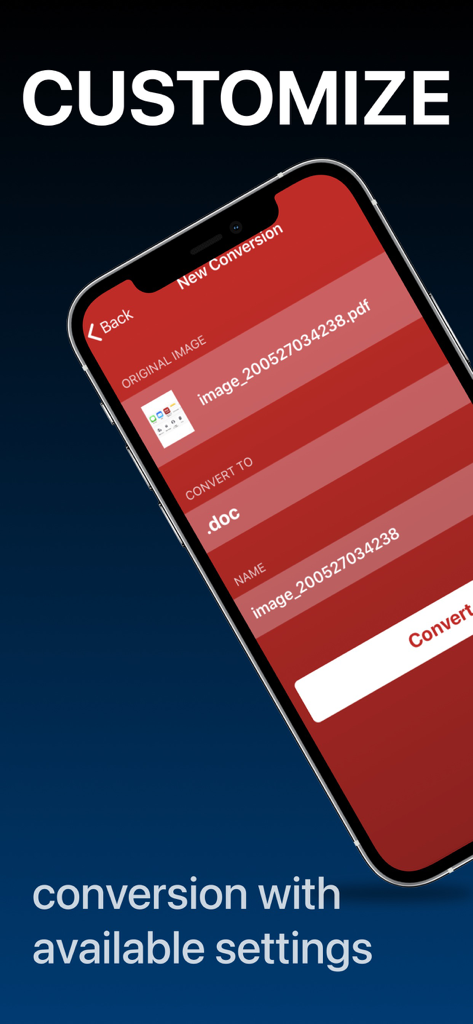
문서 변환 설정을 사용자 정의하는 옵션을 보여주는 모바일 앱 인터페이스
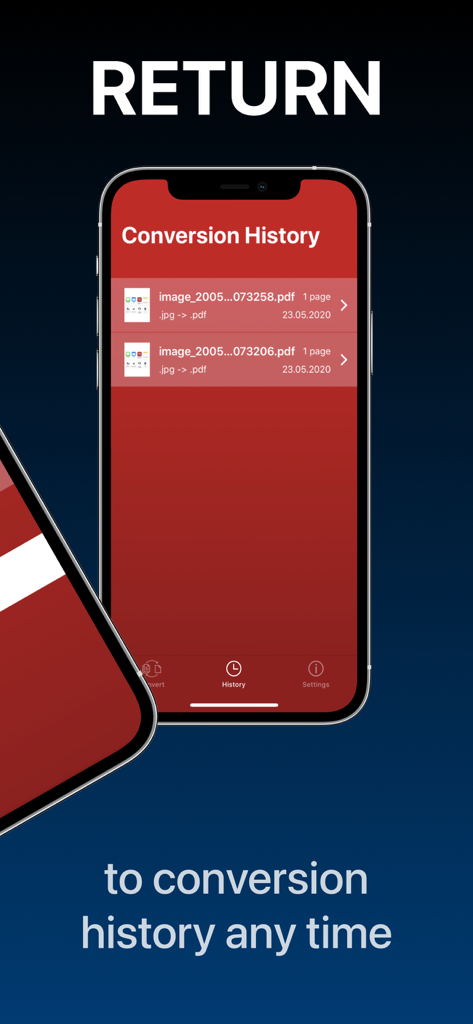
변환 기록 목록을 보여주는 PDF 변환기 앱
문서 워크플로우 간소화
이 앱을 돋보이게 하는 도구, 4M+ 명의 사용자가 선택.
⚡
간결한 3단계 변환
학습 곡선을 건너뛰세요. 파일을 선택하고, 형식을 선택하고, 변환하세요. 마감일이 촉박한 바쁜 전문가 및 학생들을 위한 생산성 간소화입니다.
🔄
보편적인 형식 지원
Word, Excel, Apple의 HEIC를 포함한 50개 이상의 형식을 변환하세요. 중요한 비즈니스 또는 학교 작업을 제출할 때 '지원되지 않는 파일' 오류에 대해 다시는 걱정하지 마세요.
📱
모바일 환경에 최적화
전체 변환 기록에 액세스하고 Slack, iCloud 또는 iMessage로 바로 공유하세요. 데스크톱 컴퓨터 없이도 모든 종이 없는 사무실을 관리하세요.
앱 소개
에 대해 알아야 할 모든 것 PDF Converter - Word to PDF.
설명
Convert your documents from and to PDF in a 3 steps!
1. Select your input file
2. Choose output format from available ones
3. Convert! It will take only a few seconds
It's just as easy as it sounds! No need for overcomplicated apps with dozens of nonsense features.
With PDF Converter app you can convert your documents to pdf or create pdf files from images in a matter of seconds.
-- ADD --
You may chose between different sources like iCloud, gallery or just capture a new photo.
You may also share file from other apps.
-- SHARE --
Share all your converted files right from the app. Send via iMessage, Open in other apps, Print or save it to Files app on iPhone.
-- RETURN --
Access your conversion history - there is a related tab in the app.
There you may also repeat sharing of converted files or delete those you don't need anymore.
-- FORMATS --
Supported file formats:
pdf, jpg, png, doc, docx, txt, rtf, svg, xls, xlsm, xlsx, xps, epub, fb2
csv, djvu, docm, eml, eps, msg, odp, ods, odt, pps, ppsx, ppt, pptm, pptx, ps,
heic, ai, cdr, emf, odg, pcx, psd, tga, wbmp, webp, wmf, bmp, gif, tiff,
pub, wpd, wps, lit, mobi and more to come!
(not all variations for initial and target file formats are available)
Some conversions are done on a secure cloud server so you must have an internet connection to use this app. You should be aware that by using this app, you agree that your files will be sent over the internet from the app to the cloud server for conversion.
Note: price may vary depending on location.
Information about the auto-renewal of subscription:
- Payment will be charged to iTunes Account at confirmation of purchase;
– Subscriptions are billed weekly, monthly, quarterly, or annually at the rate based on the subscription plan
- Subscription automatically renews unless auto-renew is turned off at least 24-hours before the end of the current period;
- The account will be charged for renewal within 24-hours before the end of the current period. The cost depends on the selected plan;
- Subscriptions may be managed by the user and auto-renewal may be turned off by going to the user’s Account Settings after purchase;
Privacy Policy: https://minimodev.com/pdf/privacy
Terms of Use: https://minimodev.com/pdf/terms
For any questions or inquiries, please get in touch: pdf.converter.info@gmail.com
최신 버전
1.7.13
크기
85.4 MB
출시일
2020년 5월 29일
업무 흐름을 간소화할 준비가 되셨나요?
3단계로 모든 파일을 PDF로 변환하는 4백만 명 이상의 전문가 및 학생들과 함께하세요. iPhone에 걸맞은 빠르고 간결한 도구를 사용해 보세요.
FAQ
자주 묻는 질문
에 대해 알아야 할 모든 것 PDF Converter - Word to PDF
PDF Converter - Word to PDF 앱은 어떻게 작동하나요?
PDF Converter 앱은 세 단계로 문서를 PDF로 변환하거나 PDF에서 다른 형식으로 변환합니다. 입력 파일 선택, 출력 형식 선택, 변환입니다. 이미지에서도 PDF 파일을 생성할 수 있습니다.
PDF Converter - Word to PDF 앱의 입력 소스는 무엇인가요?
PDF Converter - Word to PDF는 iCloud, 갤러리, 카메라로 새로 촬영한 사진, 다른 앱에서 공유된 파일 등의 입력을 지원합니다. URL 링크도 지원합니다.
PDF Converter - Word to PDF는 어떤 파일 형식을 지원하나요?
네, PDF Converter - Word to PDF는 PDF, JPG, PNG, DOC, DOCX, XLS, PPT, EPUB, MOBI를 포함한 많은 형식을 지원합니다. 모든 형식 변환에 모든 형식 변형이 제공되는 것은 아닙니다.
PDF Converter - Word to PDF는 인터넷 연결이 필요한가요?
네, PDF Converter - Word to PDF 앱은 일부 변환을 위해 인터넷 연결이 필요합니다. 이 변환은 보안 클라우드 서버에서 수행됩니다.
PDF Converter - Word to PDF에서 변환된 파일을 공유할 수 있나요?
네, PDF Converter - Word to PDF 앱을 사용하면 변환된 파일을 직접 공유할 수 있습니다. iMessage, 다른 앱에서 열기, 인쇄 또는 iPhone의 파일 앱에 저장하는 옵션이 있습니다.
PDF Converter - Word to PDF는 변환 기록을 유지하나요?
네, PDF Converter - Word to PDF 앱에는 '기록' 탭이 있습니다. 사용자는 이 섹션에서 변환 기록에 액세스하고, 공유를 다시 실행하거나, 이전 변환을 삭제할 수 있습니다.
PDF Converter - Word to PDF의 가격은 지역에 따라 다르나요?
네, PDF Converter - Word to PDF 구독 가격은 사용자의 지리적 위치에 따라 다를 수 있습니다.
PDF Converter - Word to PDF의 구독 자동 갱신은 어떻게 작동하나요?
PDF Converter - Word to PDF의 구독은 주간, 월간, 분기별 또는 연간으로 청구됩니다. 현재 기간이 종료되기 24시간 전에 계정 설정에서 자동 갱신을 해제하지 않는 한 자동으로 갱신됩니다.
PDF Converter - Word to PDF의 개인정보처리방침은 어디에서 찾을 수 있나요?
PDF Converter - Word to PDF 앱의 개인정보처리방침은 https://minimodev.com/pdf/privacy에서 확인할 수 있습니다. 이 정책은 사용자 데이터가 어떻게 처리되는지에 대한 자세한 내용을 제공합니다.
PDF Converter - Word to PDF에 대한 지원팀에 어떻게 연락할 수 있나요?
PDF Converter - Word to PDF에 대한 지원팀에 연락하려면 pdf.converter.info@gmail.com으로 이메일을 보내 질문이나 문의 사항을 보내주세요.
App information, icons, screenshots, and descriptions displayed on this page are sourced from the Apple App Store and are the property of their respective developers. Download estimates and rankings are based on MWM's proprietary models and may not reflect actual figures. This page is provided for informational and analytical purposes only.
Believe this page infringes your intellectual property? File a dispute