PDF Editor App | Edit Document

PDF Editor App | Edit Document

다운로드: App Store
로고: PDF Editor App | Edit Document

PDF 편집기 앱: 궁극의 올인원 문서 툴킷

iPhone 또는 iPad에서 원활하게 스캔, 서명, 편집 및 주석을 추가하세요. 이동 중에 문서를 관리해야 하는 효율적인 지식 근로자와 학생을 위해 설계된 전문가 수준의 도구입니다.

다운로드: App Store

개발사

Allied Clicks LLC

카테고리

Business

다운로드

53K+

사용자 평점

4.6/5

총 평가 수

700

지원 언어

11

손안의 효율성

이 인터페이스를 사용하는 53K+ 명의 사용자.

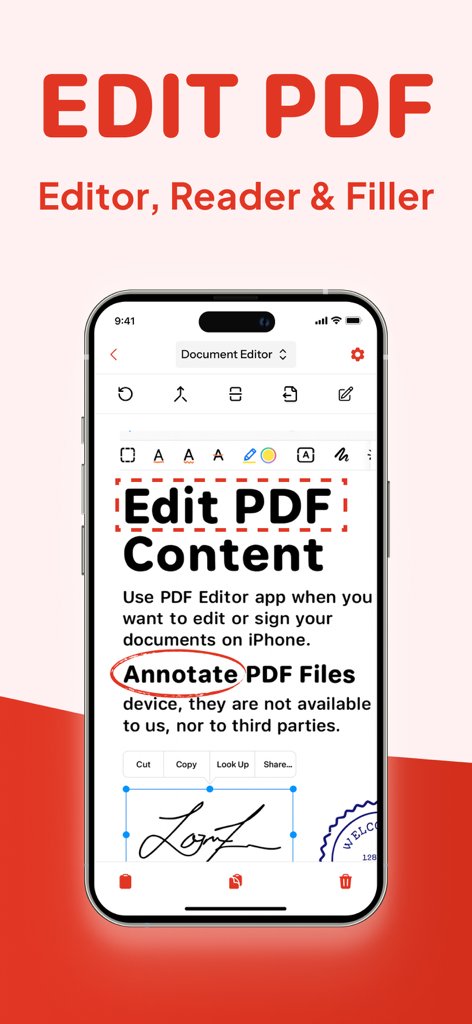
PDF 편집 주석 및 디지털 서명 도구를 표시하는 스마트폰 화면

PDF 편집 주석 및 디지털 서명 도구를 표시하는 스마트폰 화면

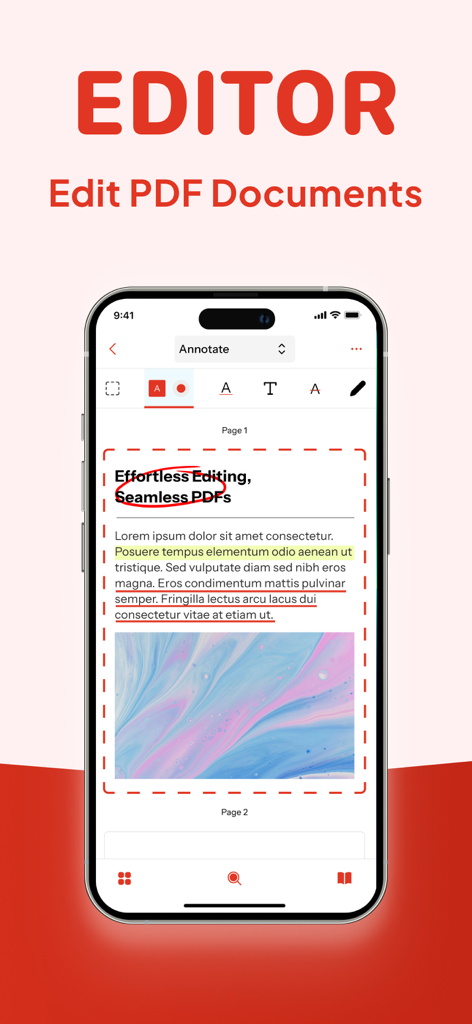
강조 표시 및 원을 포함한 문서 주석 도구를 보여주는 PDF 편집기의 iPhone 인터페이스.
강조 표시 및 원을 포함한 문서 주석 도구를 보여주는 PDF 편집기의 iPhone 인터페이스.

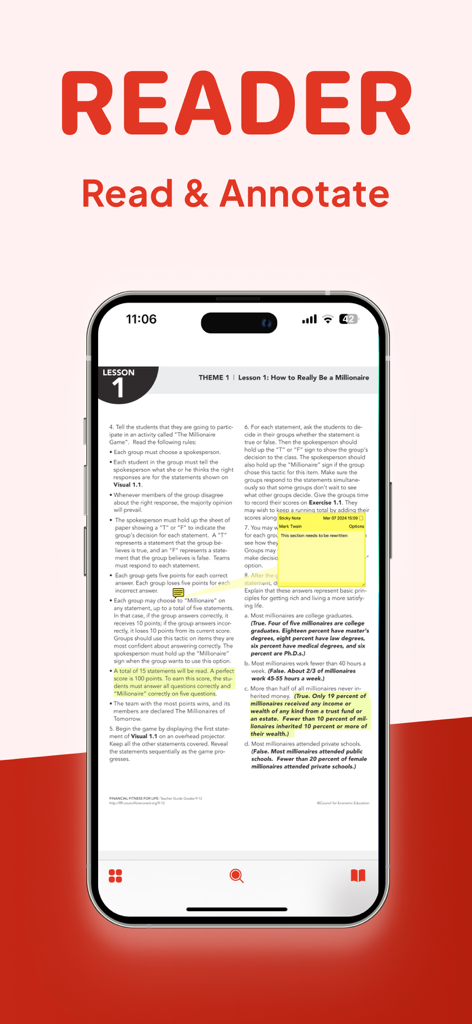
노란색 강조 표시와 주석을 위한 디지털 메모가 있는 PDF 문서를 보여주는 iPhone 화면
노란색 강조 표시와 주석을 위한 디지털 메모가 있는 PDF 문서를 보여주는 iPhone 화면

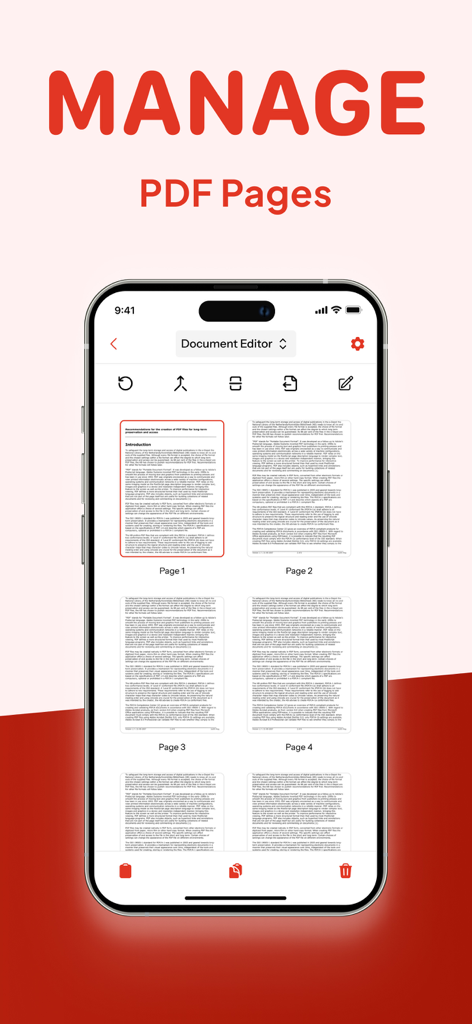
PDF 편집기 앱에서 PDF 페이지 관리 기능을 보여주는 iPhone 화면
PDF 편집기 앱에서 PDF 페이지 관리 기능을 보여주는 iPhone 화면

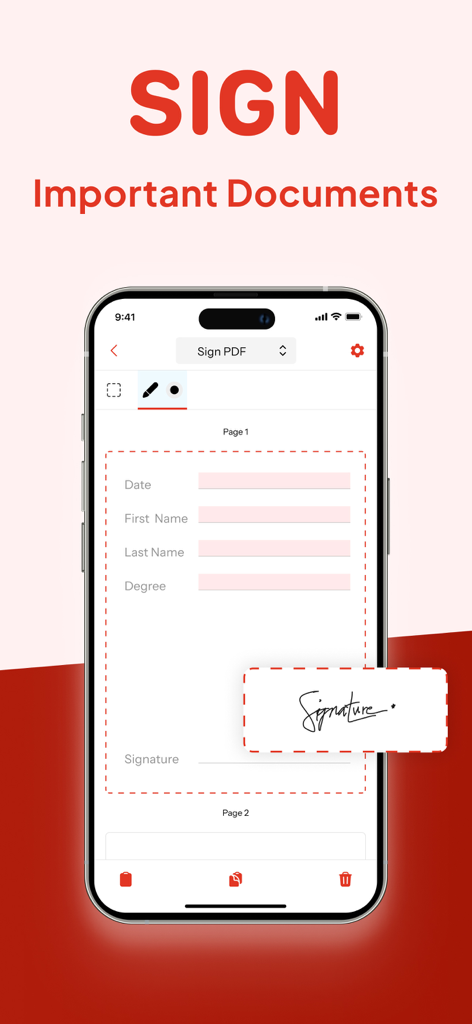
중요 문서 서명을 위한 PDF 편집기 앱의 디지털 서명 기능을 보여주는 iPhone 화면.
중요 문서 서명을 위한 PDF 편집기 앱의 디지털 서명 기능을 보여주는 iPhone 화면.

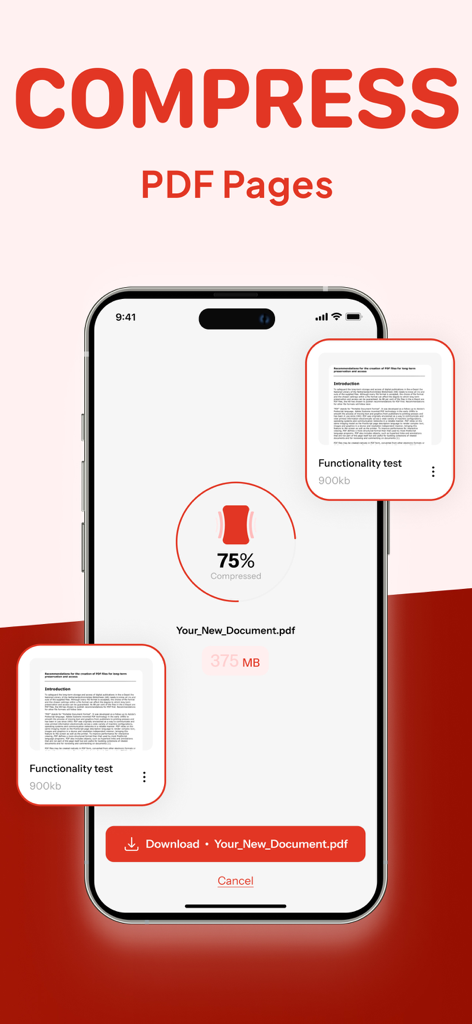
파일 크기를 75% 줄이는 PDF 압축 도구를 표시하는 스마트폰
파일 크기를 75% 줄이는 PDF 압축 도구를 표시하는 스마트폰

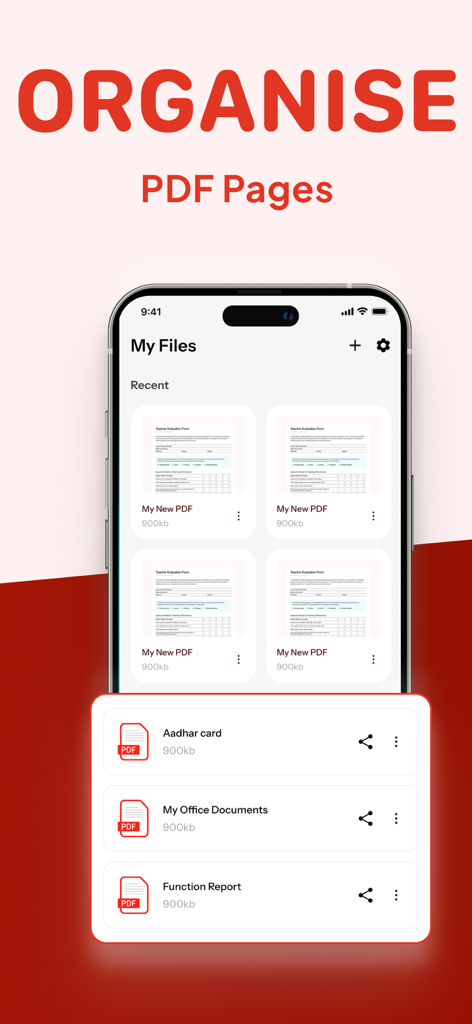
PDF 페이지를 구성하고 파일을 관리하는 방법을 보여주는 인터페이스

PDF 페이지를 구성하고 파일을 관리하는 방법을 보여주는 인터페이스

워크플로우를 마스터하는 데 필요한 모든 것

이 앱을 돋보이게 하는 도구, 53K+ 명의 사용자가 선택.

✍️

어디서든 문서를 서명 및 보호하세요

iPhone 또는 iPad에서 즉시 법적 효력이 있는 계약서에 서명하고 민감한 정보를 편집하세요.

📝

텍스트 및 이미지 직접 편집

파일을 다시 만들 필요가 없습니다. Word 문서만큼 쉽게 텍스트를 수정하고, 이미지를 바꾸고, 오타를 수정하세요.

📂

병합, 분할 및 압축

PDF를 결합하거나 파일 크기를 줄여 이메일 공유 및 업로드를 원활하게 처리하여 워크플로우를 정리하세요.

앱 소개

에 대해 알아야 할 모든 것 PDF Editor App | Edit Document.

설명

PDF Editor App: Edit, Scan, Convert, Annotate & Sign Your PDF Documents Introducing PDF Editor, your all-in-one solution for working with PDF documents. Our intuitive app makes it simple to edit PDF, create PDF, and manage PDF files on the go, bringing professional document editing capabilities right to your fingertips. Transform the way you handle documents with powerful editing features that let you modify PDF text, adjust images, and format content exactly how you want it. Whether you're a business professional, student, or anyone who works with documents, our file editor delivers exceptional results for every task. Key Features: New PDF - Create documents from scratch with our comprehensive tools Manage Pages - Rearrange, rotate, and delete pages with intuitive controls Compress PDF - Reduce file size while maintaining document quality Sign PDF - Add digital signatures for professional and legal documents Redact PDF - Protect sensitive information with secure redaction tools Comment on PDF - Add notes and feedback for improved collaboration Annotate PDF - Mark up documents with highlights, underlines, and more Edit PDF - Modify text, images, and formatting directly in your documents Split/Merge PDF - Divide large documents or combine multiple files seamlessly Complete PDF Solution Our free PDF editor gives you complete control over your paperwork editor needs, functioning as both a full-featured editor and PDF reader in one convenient package. Edit PDF for free without compromising on quality or capabilities – all at no cost. Smart Document Management The smart PDF editor technology behind our app adapts to how you work, streamlining your document management process. Reorganize PDF content, reorder PDF pages, and make adjustments with just a few taps. Need to divide a large document? Our PDF splitter tool makes it easy to create separate files from a single document, while our compress PDF feature helps you save PDF space without sacrificing quality. Professional Annotation Tools Enhance your documents with our comprehensive markup editor tools. Annotate PDF with highlights, underlines, text boxes, and handwritten notes directly on your PDFs. Sketch on PDF diagrams, use PDF marker tools for important sections, and comment on PDF for collaborators – all within the same application. Security & Signatures We take security seriously. Our redact PDF feature ensures sensitive information stays protected, while our PDF signature tool lets you sign PDF documents digitally for legal and business purposes. Fill out PDF forms, type on PDF fields, and sign PDF files to finalize important paperwork without printing a single page. Why Should You Choose Our PDF Editor App? Compatible With All Apple Devices - Our PDF Editor is compatible with all Apple devices – iPhone (iOS 15.0 or later), iPad (iPadOS 15.0 or later), Mac (macOS 12.0 or later and a Mac with Apple M1 chip or later) Free Premium Trial - Unlock the Full Potential with a Free Trial. Experience all the premium features of our PDF Editor free for 3 days! Choose a subscription plan that best suits your needs and cancel anytime without obligation. What are you waiting for? No need to download multiple PDF Editor, PDF Scanner, PDF Manager, PDF Organizer or PDF Reader. Make your life easier with PDF Editor app today Please note: Subscriptions are charged through your App Store account. Subscriptions automatically renew unless canceled at least 24 hours before the end of the current period. Manage your subscription through your App Store account settings after purchase. Terms of Service - https://www.alliedclicks.com/app-terms.php Terms of Service for EULA - https://www.apple.com/legal/internet-services/itunes/dev/stdeula/ Refer to our privacy policy for any other issues - https://www.alliedclicks.com/app-privacy.php

최신 버전

1.2.6

크기

96.1 MB

출시일

2025년 7월 22일

탭 한 번으로 서류 작업을 마스터할 준비가 되셨나요?

50,000명 이상의 전문가 및 학생들과 함께하세요. iPhone, iPad 및 Mac용 올인원 PDF 솔루션을 다운로드하고 지금 바로 3일 무료 체험을 시작하세요.

다운로드: App Store

App information, icons, screenshots, and descriptions displayed on this page are sourced from the Apple App Store and are the property of their respective developers. Download estimates and rankings are based on MWM's proprietary models and may not reflect actual figures. This page is provided for informational and analytical purposes only.

Believe this page infringes your intellectual property? File a dispute