PDF Reader PDF Viewer & Editor

PDF Reader PDF Viewer & Editor

다운로드: App Store
로고: PDF Reader PDF Viewer & Editor

PDF Reader PDF Viewer & Editor: 올인원 AI 문서 툴킷

계약서 서명, 파일 병합, 이력서 요약을 몇 초 만에 완료하세요. 이동 중에 문서를 관리, 보호, 공유하는 최고의 전문가용 동반자입니다.

개발사

Web Triangle LLC

카테고리

Business

다운로드

67K+

사용자 평점

2.6/5

총 평가 수

0

지원 언어

1

효율성의 실제 모습

이 인터페이스를 사용하는 67K+ 명의 사용자.

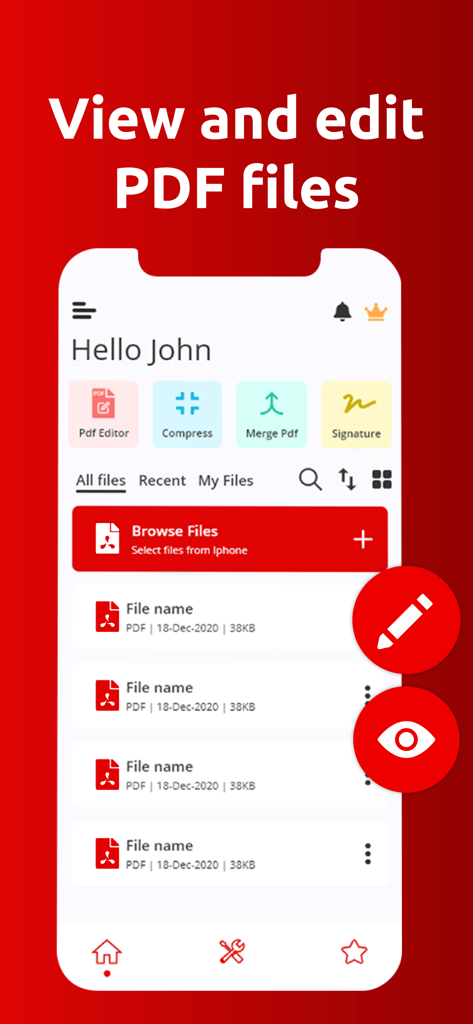
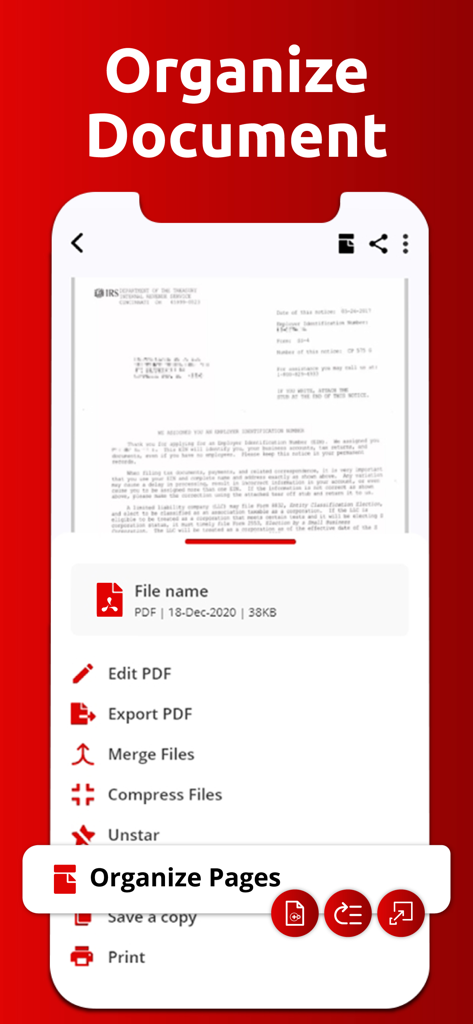
문서 관리 기능과 빠른 실행 도구를 보여주는 PDF Reader 앱의 인터페이스

문서 관리 기능과 빠른 실행 도구를 보여주는 PDF Reader 앱의 인터페이스

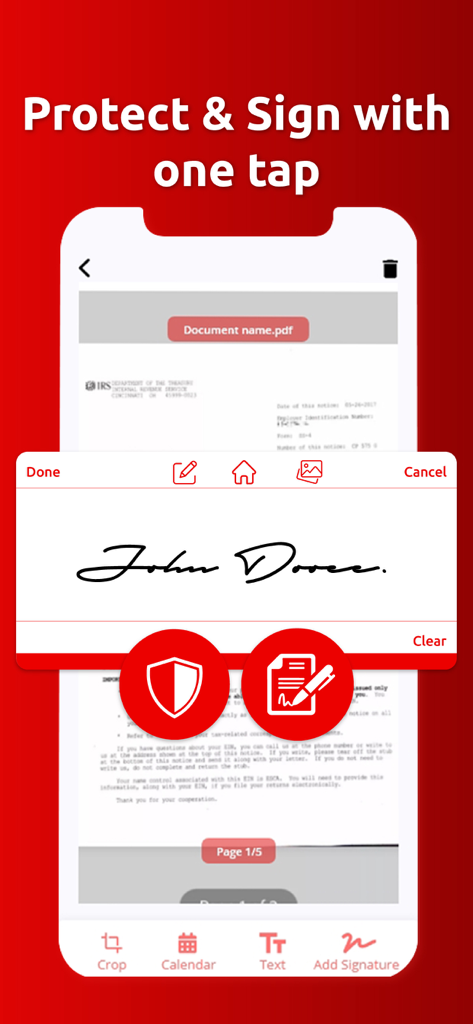
PDF 문서에 서명하고 보호하기 위한 디지털 서명 기능을 보여주는 모바일 인터페이스

PDF 문서에 서명하고 보호하기 위한 디지털 서명 기능을 보여주는 모바일 인터페이스

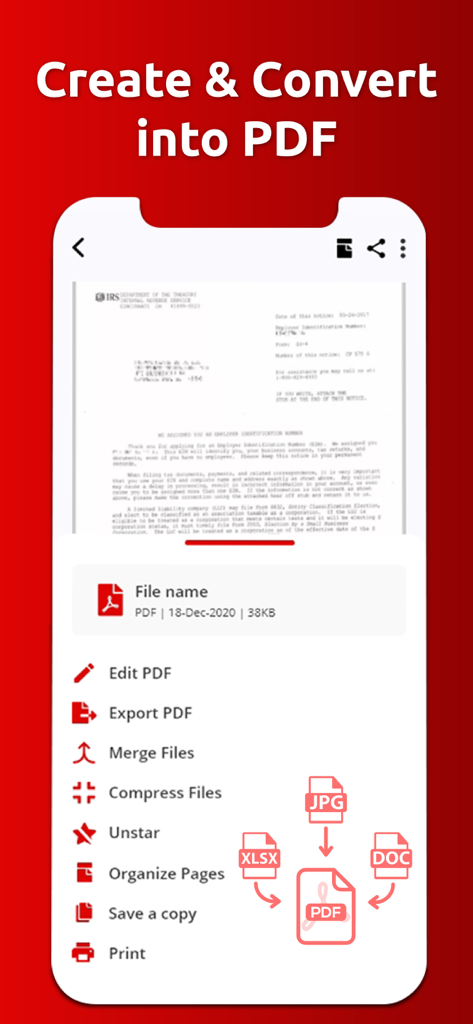
편집 및 파일 병합 도구를 사용하여 PDF로 문서를 생성하고 변환하는 옵션을 보여주는 모바일 앱 인터페이스

편집 및 파일 병합 도구를 사용하여 PDF로 문서를 생성하고 변환하는 옵션을 보여주는 모바일 앱 인터페이스

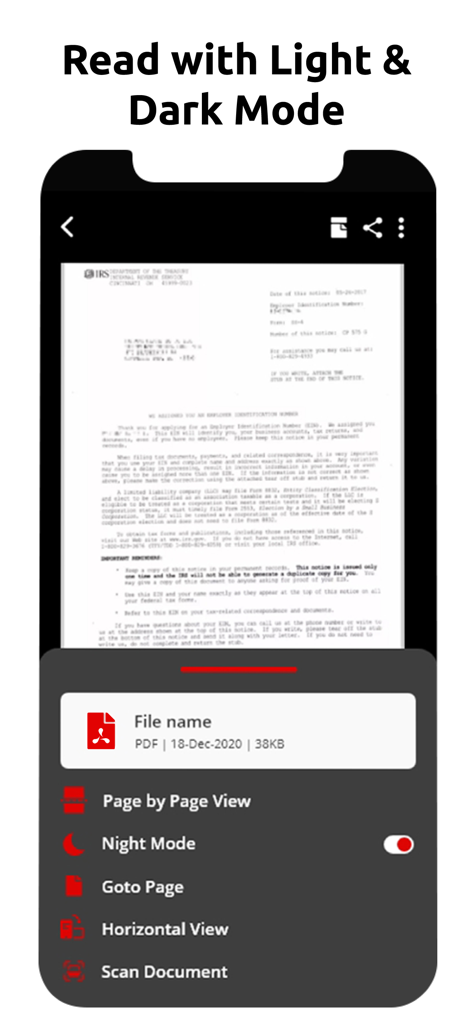
iPhone에서 야간 모드가 활성화된 문서를 보여주는 PDF 리더 앱의 인터페이스

iPhone에서 야간 모드가 활성화된 문서를 보여주는 PDF 리더 앱의 인터페이스

편집, 병합, 압축과 같은 PDF 관리 도구 목록을 표시하는 모바일 앱 인터페이스

편집, 병합, 압축과 같은 PDF 관리 도구 목록을 표시하는 모바일 앱 인터페이스

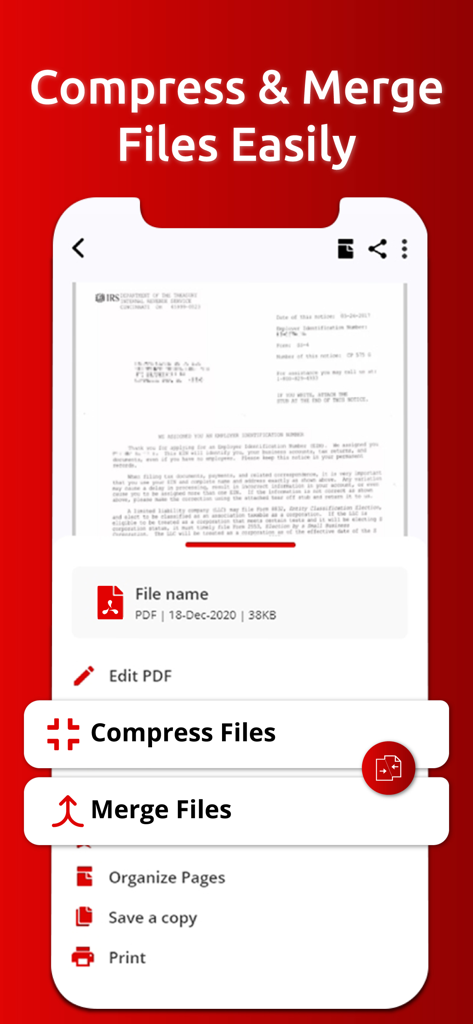
PDF 파일을 압축하고 병합하는 옵션을 보여주는 모바일 앱 화면

PDF 파일을 압축하고 병합하는 옵션을 보여주는 모바일 앱 화면

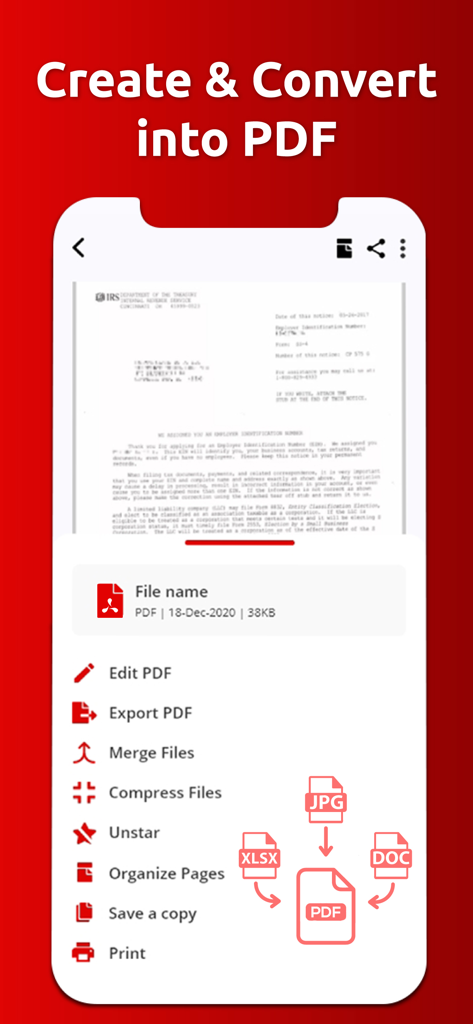
JPG, XLSX 및 DOC 파일을 PDF 문서로 생성하고 변환하는 옵션을 보여주는 모바일 앱 인터페이스

JPG, XLSX 및 DOC 파일을 PDF 문서로 생성하고 변환하는 옵션을 보여주는 모바일 앱 인터페이스

나만의 올인원 모바일 오피스

이 앱을 돋보이게 하는 도구, 67K+ 명의 사용자가 선택.

✍️

즉시 작성 및 서명

iPhone 또는 iPad에서 바로 디지털 서명을 추가하고 양식을 작성하여 몇 초 만에 거래를 성사시키세요.

🪄

AI 스마트 요약

AI를 사용하여 긴 보고서를 요약하거나 이력서를 검토하여 핵심 정보와 인터뷰 준비를 하세요. 시간을 절약하세요.

📸

스캔 및 변환

영수증 사진이나 텍스트 파일을 고품질 PDF로 변환하고 구성된 공유 가능한 문서로 병합하세요.

앱 소개

에 대해 알아야 할 모든 것 PDF Reader PDF Viewer & Editor.

설명

Introducing the ultimate PDF Reader app, your all-in-one solution for managing, editing, and sharing PDF documents. This powerful app enhances your productivity by simplifying the way you work with PDFs, images, and text files. Whether you need to convert, edit, or secure your documents, our app is designed to meet all your document management needs. Key Features of PDF Reader, PDF Viewer & Editor App - Image to PDF - Text to PDF - Add/Remove Password - Merge PDFs - Unzip Files - Fill and Sign - Organized PDF - Rename files - Delete - Share - Copy Transform Your Documents: Image to PDF & Text to PDF Easily convert images and text into high-quality PDFs. Our intuitive conversion feature allows you to create PDFs from photos and text files, ensuring that your documents are always ready for sharing. Enhance Your PDFs: PDF Editor Utilize our PDF Editor to annotate and enhance your documents. Highlight key information, underline important points, and add notes to ensure your PDFs are informative and visually appealing. You can also include digital signatures for quick approvals. Keep Your Documents Safe: Add/Remove Password Protect your sensitive data with our password management feature. With just a few taps, you can add or remove passwords from your PDFs, ensuring that your documents remain secure and accessible only to authorized users. Streamline Document Handling: Merge PDFs & Unzip Files Easily merge multiple PDFs into one cohesive document, making it simpler to manage your files. Plus, the unzip feature lets you extract content from zip files directly in the app, enhancing your document organization. Complete Forms with Ease: Fill and Sign Simplify document completion with our Fill and Sign feature. Add text, dates, and your digital signature to forms, making it easy to handle contracts and agreements without any hassle. AI Generate Smart Summaries and Questions Take advantage of our AI Magic feature. Upload your resume to generate a concise summary and ask questions about the content for deeper understanding. This is particularly useful for job seekers and professionals looking to enhance their applications. Effortless Document Management: Rename, Delete, Copy, Share Manage your PDFs effortlessly with tools to rename, delete, copy, and share files. Our app provides essential document management functionalities, making it easy to keep your digital workspace organized. PDF Reader app is the perfect companion for anyone needing a comprehensive document management solution. Whether you’re managing business documents, studying for exams, or simply organizing your files, our app empowers you to handle it all efficiently. Experience the future of document management today! Terms of Use We are using default EULA. https://www.apple.com/legal/internet-services/itunes/dev/stdeula/

최신 버전

3.9.4

크기

38.6 MB

출시일

2021년 7월 28일

모바일 워크플로우를 마스터할 준비가 되셨나요?

계약서에 서명하고, 파일을 병합하고, AI를 사용하여 이력서를 몇 초 만에 요약하는 67,000명 이상의 전문가와 함께하세요. 지금 바로 iPhone 및 iPad용 올인원 PDF 툴킷을 다운로드하세요.

다운로드: App Store

App information, icons, screenshots, and descriptions displayed on this page are sourced from the Apple App Store and are the property of their respective developers. Download estimates and rankings are based on MWM's proprietary models and may not reflect actual figures. This page is provided for informational and analytical purposes only.

Believe this page infringes your intellectual property? File a dispute