Periodic Timer +
Periodic Timer +
다운로드: App Store

이 페이지는 앱이나 개발자의 공식 페이지가 아니며, 정보 제공 및 논평을 목적으로 작성된 독립 편집 간행물입니다. 명시적으로 달리 언급되지 않는 한, 해당 앱이나 개발자는 MWM, Apple, Google Play, 앱 퍼블리셔 또는 앱 개발자와 제휴, 보증, 후원, 승인 또는 공식적으로 연결되어 있지 않으며, 이 페이지의 어떤 내용도 해당 앱이 MWM의 서비스를 사용하여 개발되었음을 의미하지 않습니다. 모든 상표, 로고, 스크린샷 및 기타 콘텐츠는 해당 소유자의 자산입니다.

로고: Periodic Timer +
다운로드: App Store

Periodic Timer +

집중 상태를 유지하도록 설계된 미니멀한 반복 타이머입니다. 화면을 볼 필요 없이 HIIT 세션, 요리 타이밍, 딥 워크를 마스터하세요.

주요 수치

다운로드

104K+

사용자 평점

4.1/5

총 평가 수

200

개발사

Vladimir Kelin

카테고리

Health & Fitness

지원 언어

22

최신 버전

4.5

크기

8.8 MB

출시일

2017년 1월 31일
기능

방해 요소 없이 흐름을 지배하세요

화면을 볼 필요 없이 피트니스, 업무, 가정에서 페이스를 유지할 수 있도록 설계된 미니멀하고 활용도 높은 도구입니다.

화면에서 멀어지세요

정확한 햅틱 알림과 커스텀 사운드를 통해 백그라운드에서 매끄럽게 실행되어, 기기가 아닌 작업에만 집중할 수 있게 해줍니다.

간편한 조작

요리, 훈련 또는 업무 중에 '흔들어서 시작' 및 잠금 화면 방지 기능을 사용하여 핸즈프리로 인터벌을 관리하세요.

다음 스크린샷과 설명은 앱의 공식 스토어 목록에서 직접 가져온 것이며 앱 개발자의 자산입니다.

앱 스토어

스크린샷
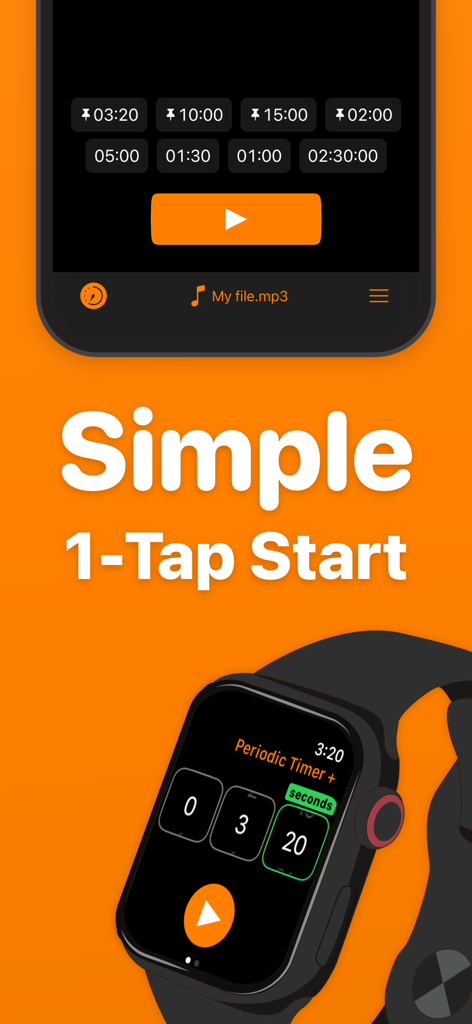
Periodic Timer + - 심플한 원탭 시작 기능을 강조하는 iPhone 및 Apple Watch의 Periodic Timer Plus 앱 인터페이스
심플한 원탭 시작 기능을 강조하는 iPhone 및 Apple Watch의 Periodic Timer Plus 앱 인터페이스

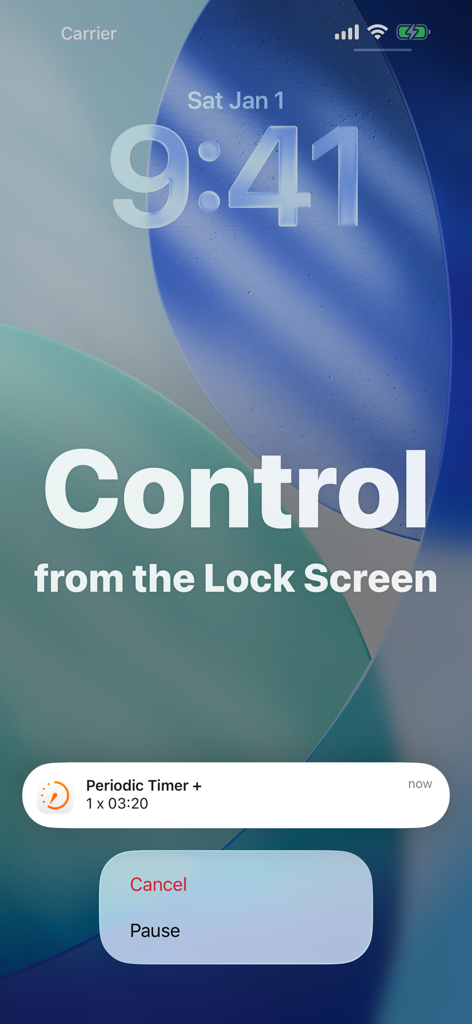
Periodic Timer + - 잠금 화면에서 일시 중지 및 취소 옵션을 보여주는 Periodic Timer Plus 알림
잠금 화면에서 일시 중지 및 취소 옵션을 보여주는 Periodic Timer Plus 알림

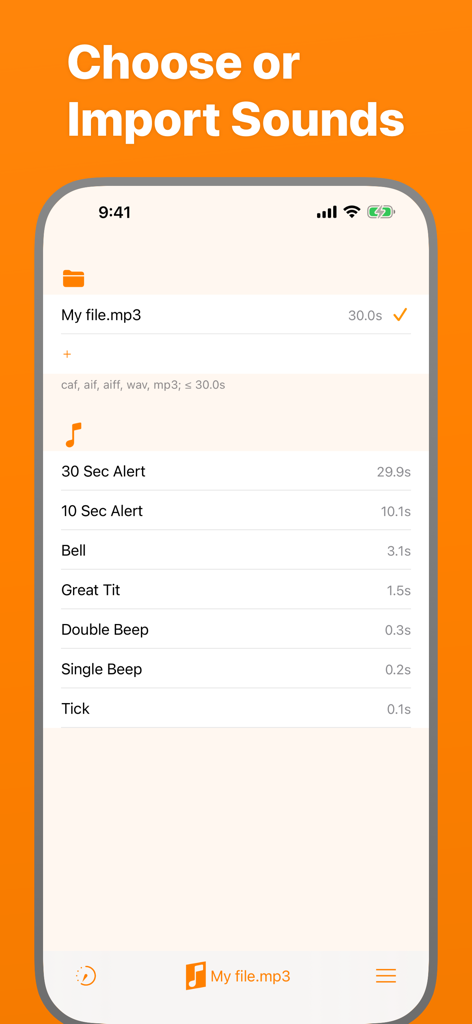
Periodic Timer + - Periodic Timer Plus에서 커스텀 알림음을 선택하고 가져오는 인터페이스
Periodic Timer Plus에서 커스텀 알림음을 선택하고 가져오는 인터페이스

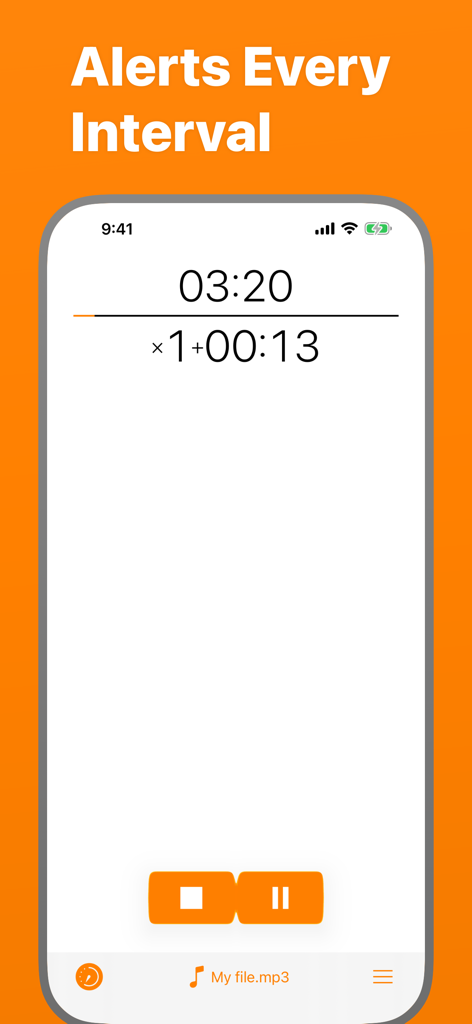
Periodic Timer + - 인터벌 알림 및 커스텀 사운드 파일 선택 기능이 포함된 카운트다운 타이머를 보여주는 Periodic Timer Plus 앱 인터페이스
인터벌 알림 및 커스텀 사운드 파일 선택 기능이 포함된 카운트다운 타이머를 보여주는 Periodic Timer Plus 앱 인터페이스

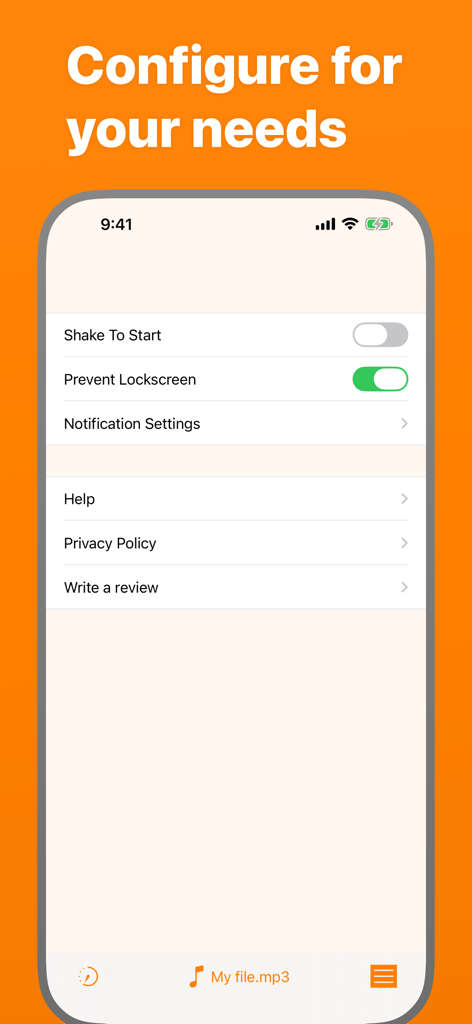
Periodic Timer + - 설정 옵션을 보여주는 Periodic Timer Plus 앱 설정 화면
설정 옵션을 보여주는 Periodic Timer Plus 앱 설정 화면

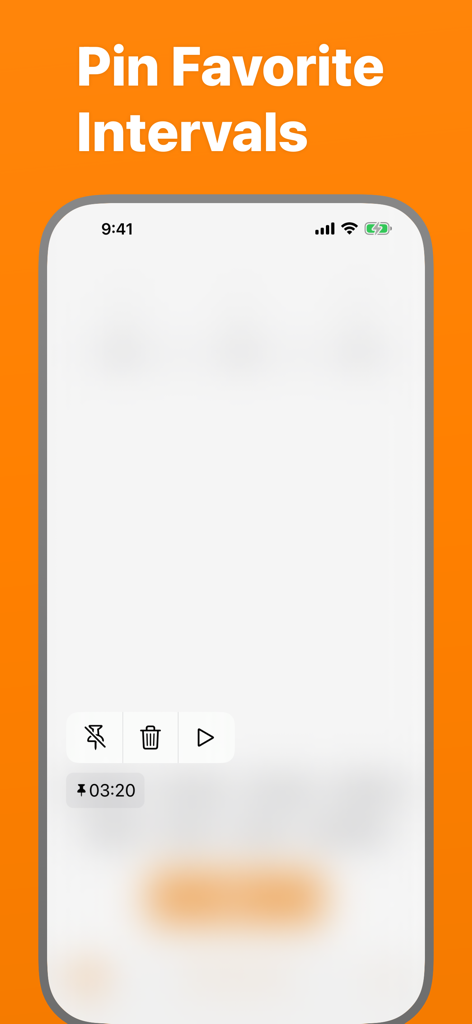
Periodic Timer + - 즐겨찾기에 고정된 인터벌을 보여주는 Periodic Timer 앱 화면

즐겨찾기에 고정된 인터벌을 보여주는 Periodic Timer 앱 화면

설명

Keep track of time without being distracted by the device! Simple and easy timer that repeats at your chosen interval. FEATURES - Many sounds to select + the ability to add custom ones. - Up to 4 pinned and up to 5 recent Quick Start items. - Long intervals - up to 99 hours! - Vibration, if the sound is off. - Works in the background. - 3 timer output modes: intervals, total time, countdown. - You can cancel or pause the timer with help of a notification. - Flexibility and minimalism. - Shake To Start - can be enabled in settings. - Prevent Lockscreen - another useful setting, the screen will not lock, while the timer is running. USE CASES Here is a list of use cases based on the real feedback: Fitness and health: - Stretching - Stationary bicycle (interval training) - On a treadmill - For HIIT - Jogging - Timed medication - Boxing Cooking - While frying potatoes - Roasting steaks - Checking an oven or a grill to prevent burning Learning & science - Foreign language learning - As a lab timer - Periodic data collection - Speech training - Presentation timing Other - Mindfulness - Communication - To have a sense of time flying away :) HELP Q: Why the timer doesn't work in the background? A: You should allow notifications. Q: How to turn off the sound and turn on the vibration? A: On the device, turn the Silent Mode on. (Side Switch) Q: How can I add a custom sound? A: There are four ways. Choose one depending where is the sound file located. * If the sound on your Mac or PC: 1. Connect the device. 2. Open Finder and select the device. 3. Select Files in the menu. There you'll find 'Periodic +' folder. 4. Drug and drop the sound file there. * From Files app on iPhone: 1. Copy the required file. 2. Open Periodic + folder and paste it. * From another app on iPhone (like Mail): 1. Open the app where the file is located. 2. Find and touch Share button (it may have different name, for example Export). 3. In the appearing Share Sheet find the list of apps. If there is no Periodic +, touch More and enable it. 4. Now select Periodic + in the Share dialog and the sound will be imported. * And the most convenient "+" button! 1. Open Sounds tab. 2. Hit the "+" button in the "Folder" section and pick your file. Q: Alert is limited for 5 seconds! A: Go to Settings app, then Periodic + > Notifications > Banner Style > Persistent. Q: How to switch the Timer Output Mode? A: To switch the Output Mode touch the timer display at the top of the screen. Q: What is Shake To Start for? A: Shake To Start setting allows to start/cancel the timer by shaking the device. Thus, you don't touch the screen, what can be useful while cooking, for example. For this mode, in order to work, the app should be open. This app has a free version with limited features. If you still have questions or suggestions, you can visit the support page (https://goo.gl/forms/pggVBcaBxdW85EGE3), the Facebook group (http://www.facebook.com/groups/PeriodicTimer/) or you can email me (periodictimer.sup@gmail.com). If you like the app - please, rate it!

Download

다운로드: App Store

이 페이지는 앱이나 개발자의 공식 페이지가 아니며, 정보 제공 및 논평을 목적으로 작성된 독립 편집 간행물입니다. 명시적으로 달리 언급되지 않는 한, 해당 앱이나 개발자는 MWM, Apple, Google Play, 앱 퍼블리셔 또는 앱 개발자와 제휴, 보증, 후원, 승인 또는 공식적으로 연결되어 있지 않으며, 이 페이지의 어떤 내용도 해당 앱이 MWM의 서비스를 사용하여 개발되었음을 의미하지 않습니다. 모든 상표, 로고, 스크린샷 및 기타 콘텐츠는 해당 소유자의 자산입니다.








