Printer for phone - air

Printer for phone - air

다운로드: App Store
로고: Printer for phone - air

휴대폰용 프린터 - Air: 올인원 모바일 인쇄 및 생산성 스위트

9,000개 이상의 AirPrint 기기로 즉시 인쇄하세요. 모바일 라이프스타일에 맞춰 디자인된 전문 OCR 도구로 문서를 스캔하고, 사진을 편집하고, 텍스트를 추출하세요.

다운로드: App Store

개발사

Jerry Henry

카테고리

Utilities

다운로드

24K+

사용자 평점

1.0/5

총 평가 수

0

지원 언어

1

쉬운 인쇄, 시각적으로

이 인터페이스를 사용하는 24K+ 명의 사용자.

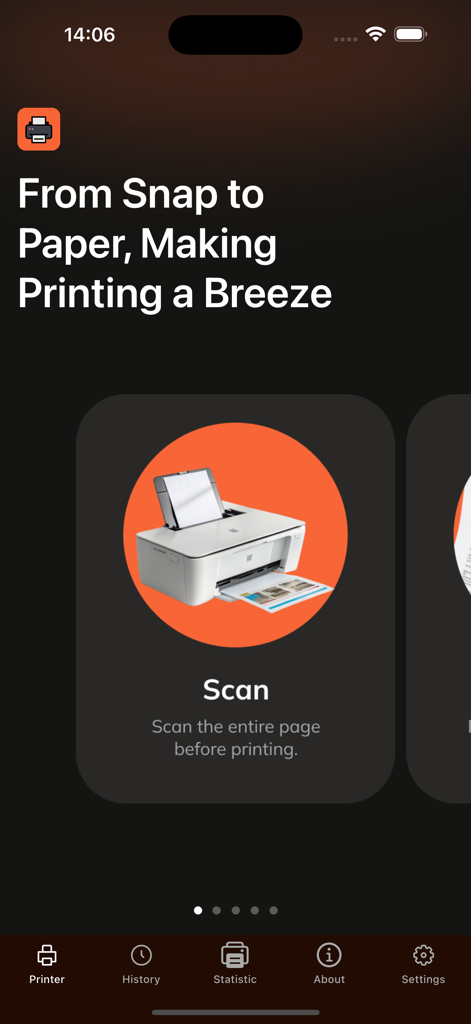
문서 인쇄를 위한 스캔 옵션을 보여주는 스마트폰 앱 화면

문서 인쇄를 위한 스캔 옵션을 보여주는 스마트폰 앱 화면

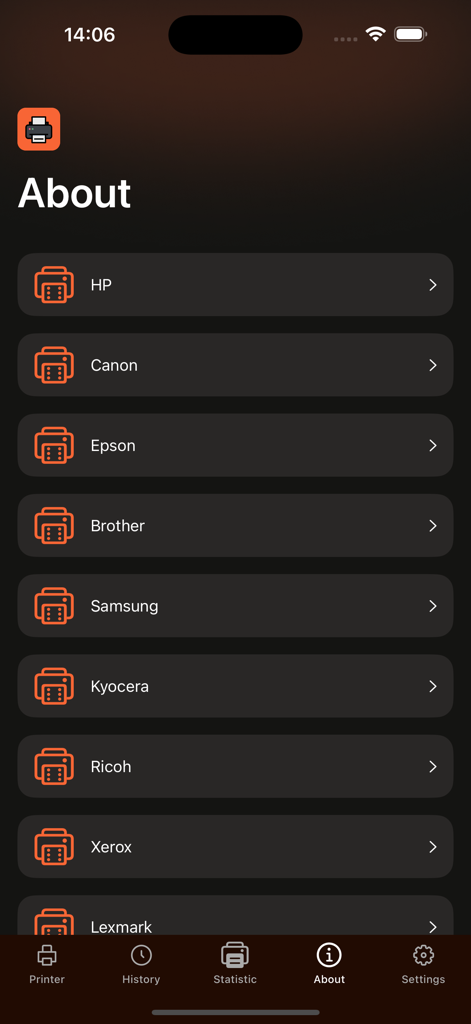
HP Canon 및 Epson을 포함한 지원 프린터 브랜드 목록을 보여주는 모바일 앱 화면
HP Canon 및 Epson을 포함한 지원 프린터 브랜드 목록을 보여주는 모바일 앱 화면

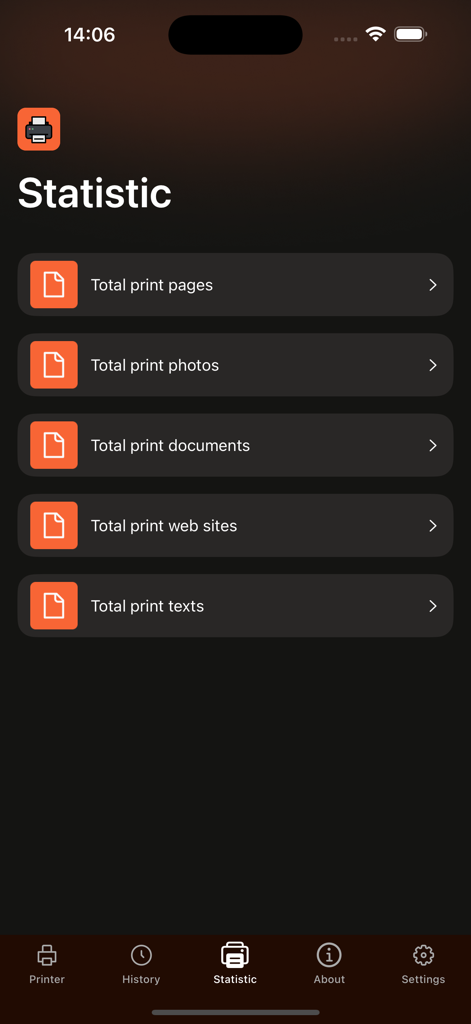
총 페이지 수, 사진, 문서 및 웹사이트를 포함한 인쇄 통계를 표시하는 스마트폰 화면
총 페이지 수, 사진, 문서 및 웹사이트를 포함한 인쇄 통계를 표시하는 스마트폰 화면

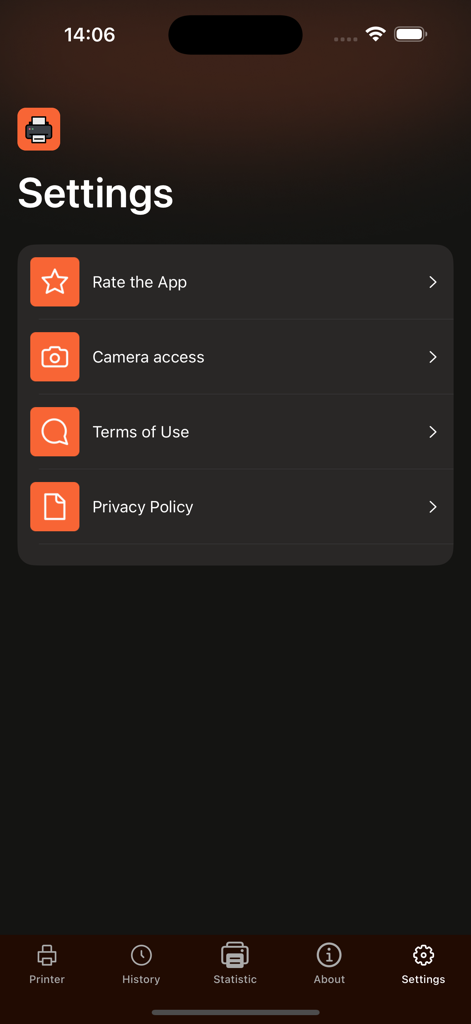
카메라 액세스 및 법률 조항에 대한 옵션을 보여주는 휴대폰 프린터 앱의 설정 메뉴.
카메라 액세스 및 법률 조항에 대한 옵션을 보여주는 휴대폰 프린터 앱의 설정 메뉴.

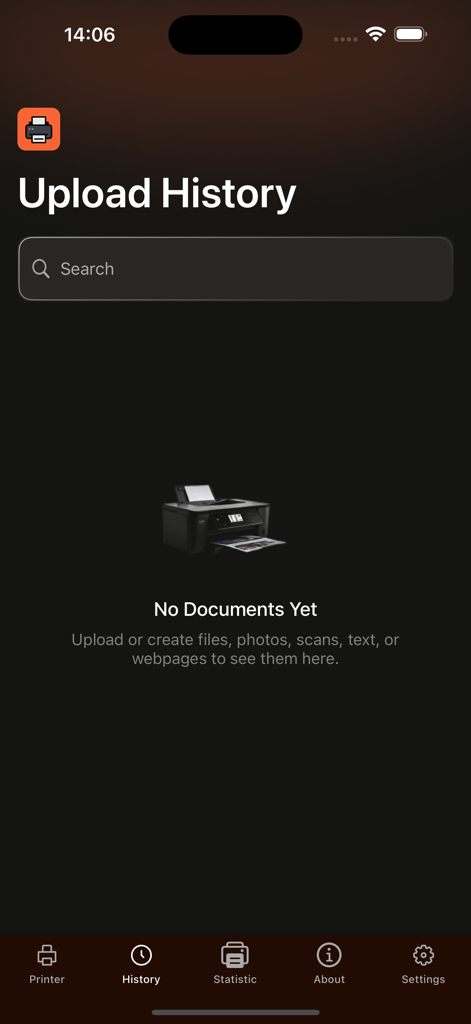
검색창과 하단 탐색 메뉴가 있는 빈 상태를 보여주는 휴대폰 프린터 앱의 업로드 기록 화면.

검색창과 하단 탐색 메뉴가 있는 빈 상태를 보여주는 휴대폰 프린터 앱의 업로드 기록 화면.

올인원 인쇄로 워크플로우를 마스터하세요

이 앱을 돋보이게 하는 도구, 24K+ 명의 사용자가 선택.

🖨️

즉각적인 범용 인쇄

9,000개 이상의 AirPrint 지원 모델에 원활하게 연결하세요. 단일 탭으로 계약서, 스프레드시트, 라벨을 무선으로 인쇄하세요.

🔍

스마트 스캔 및 OCR 기술

실물 서류를 디지털 자산으로 전환하세요. 여러 언어로 된 문서에서 텍스트를 추출하고 영수증을 디지털화하여 쉽게 전문적으로 추적하세요.

🛠️

전문 편집 및 압축

고해상도 선명도를 잃지 않고 이미지에 주석을 달고, 파일 형식을 변환하고, 대용량 PDF를 압축하여 더 빠르게 공유하세요.

앱 소개

에 대해 알아야 할 모든 것 Printer for phone - air.

설명

Smart Air Printer for Mac Seamless printing, smart document tools, and powerful photo management—all in one app. Smart Air Printer is the ultimate solution for professionals who need fast, reliable, and effortless printing on Mac. With support for over 9,000+ AirPrint-enabled printers, it combines advanced document handling and photo editing features to help you work with precision and ease. Key Features: AirPrint Ready – Print instantly from your Mac to any AirPrint-compatible printer. Smart Document & Photo Tools – Convert, resize, or extract text from files with ease. (Premium features) High-Quality Compression – Reduce file sizes without losing clarity. (Premium access required) Built-in Photo Editor – Annotate, draw, and enhance images with a complete editing suite. Multi-Format Converter – Convert between JPEG, PNG, GIF, and BMP. (Premium only) Advanced OCR Technology – Recognize and extract text from images in multiple languages including English, Spanish, Chinese, German, and more. (Premium only) Scanner Integration – Digitize physical documents directly from your Mac. Photo Printing – Print stunning photos from your desktop or iCloud library. Wide File Support – Print PDFs, Word documents, Excel sheets, and more. SUBSCRIPTION DETAILS To unlock premium features like advanced printer and scanner functionality, a subscription is required. Subscriptions automatically renew unless canceled at least 24 hours before the end of the current billing period. Manage your subscription preferences directly through your iTunes Account Settings. Note: Only you can manage your subscriptions. As developers, we cannot cancel or renew them on your behalf. Privacy Policy: https://docs.google.com/document/d/1FrX1NqJ6xgORSopycQZ_hFbZnYd5AyDyaNAU8pimkuw/edit?usp=sharing Terms of Use: https://docs.google.com/document/d/11B5l0GCXVMkZvR8N3-jc9MQZPBZMIdW1208_Bs0jyO8/edit?usp=sharing

최신 버전

1.3

크기

10.8 MB

출시일

2025년 9월 9일

궁극의 올인원 인쇄 솔루션을 경험하세요

30,000명 이상의 전문가들이 쉽게 인쇄, 스캔, OCR하는 대열에 합류하세요. 9,000개 이상의 프린터에 즉시 연결하고 오늘 문서를 관리하세요.

다운로드: App Store

App information, icons, screenshots, and descriptions displayed on this page are sourced from the Apple App Store and are the property of their respective developers. Download estimates and rankings are based on MWM's proprietary models and may not reflect actual figures. This page is provided for informational and analytical purposes only.

Believe this page infringes your intellectual property? File a dispute