QuickNotes X: Notes, AI & PDF
다운로드: App Store

이 페이지는 앱이나 개발자의 공식 페이지가 아니며, 정보 제공 및 논평을 목적으로 작성된 독립 편집 간행물입니다. 명시적으로 달리 언급되지 않는 한, 해당 앱이나 개발자는 MWM, Apple, Google Play, 앱 퍼블리셔 또는 앱 개발자와 제휴, 보증, 후원, 승인 또는 공식적으로 연결되어 있지 않으며, 이 페이지의 어떤 내용도 해당 앱이 MWM의 서비스를 사용하여 개발되었음을 의미하지 않습니다. 모든 상표, 로고, 스크린샷 및 기타 콘텐츠는 해당 소유자의 자산입니다.


로고: QuickNotes X: Notes, AI & PDF
다운로드: App Store

QuickNotes X: Notes, AI & PDF

커스텀 벡터 잉크로 자연스러운 필기를 경험하고, 음성 녹음을 노트에 동기화하며, 모든 Apple 기기에서 보안이 강화된 무제한 폴더로 일상을 정리하세요.

주요 수치

다운로드

1M+

사용자 평점

4.3/5

총 평가 수

8K+

개발사

Alessandro Sassi

카테고리

Productivity

지원 언어

9

최신 버전

5.4.7

크기

350.8 MB

출시일

2015년 7월 25일
기능

디지털 작업 공간의 수준을 높이세요

QuickNotes X는 필기의 자연스러운 느낌과 강력한 정리 기능을 결합하여 실제 노트를 영구적으로 대체하며, Apple 에코시스템을 위해 특별히 설계되었습니다.

오디오 동기화 노트 필기

필기하는 동안 강의나 회의를 녹음하세요. 노트의 아무 단어나 탭하면 그 순간의 음성을 정확하게 들을 수 있어 세부 사항을 놓치지 않습니다.

자연스러운 벡터 잉크 및 AI 도구

커스텀 엔진으로 지연 없는 정교한 필기를 경험해 보세요. ML 기반 도형 인식 기능과 STEM, 음악, 전문가용 플래닝을 위한 전용 템플릿을 활용하세요.

다음 스크린샷과 설명은 앱의 공식 스토어 목록에서 직접 가져온 것이며 앱 개발자의 자산입니다.

앱 스토어

스크린샷
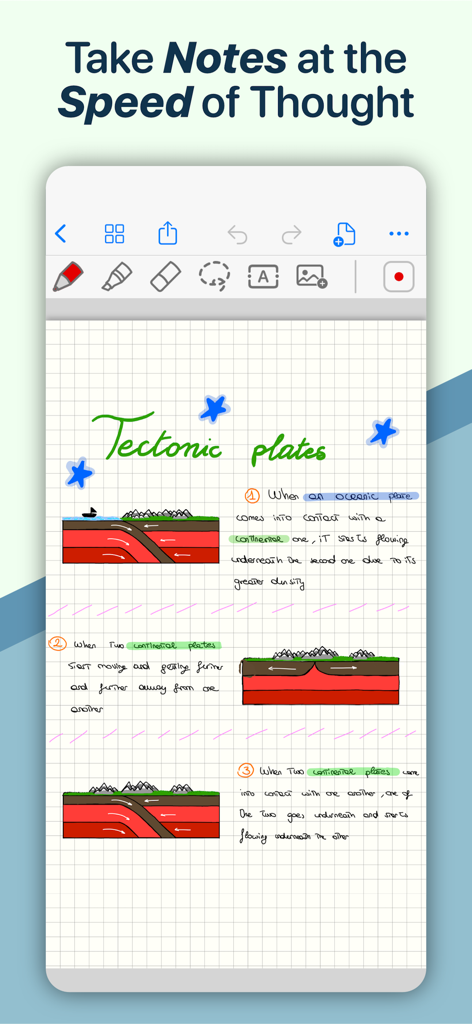
QuickNotes X: Notes, AI & PDF - 격자 무늬 종이 위에 지각 판 구조론에 관한 손글씨 과학 노트와 도표가 적힌 QuickNotes X 앱의 디지털 노트북 페이지.
격자 무늬 종이 위에 지각 판 구조론에 관한 손글씨 과학 노트와 도표가 적힌 QuickNotes X 앱의 디지털 노트북 페이지.

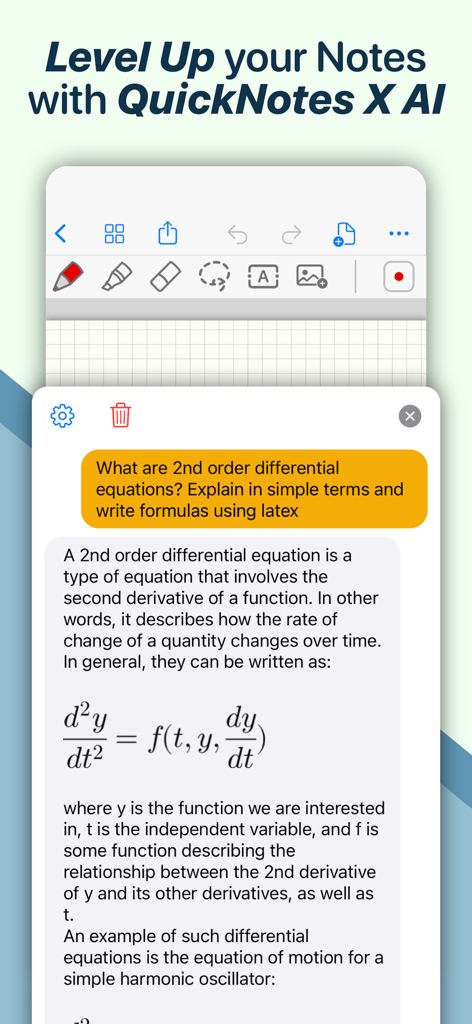
QuickNotes X: Notes, AI & PDF - 채팅 인터페이스에서 LaTeX 수식을 사용하여 2계 미분 방정식을 설명하는 QuickNotes X AI 어시스턴트.
채팅 인터페이스에서 LaTeX 수식을 사용하여 2계 미분 방정식을 설명하는 QuickNotes X AI 어시스턴트.

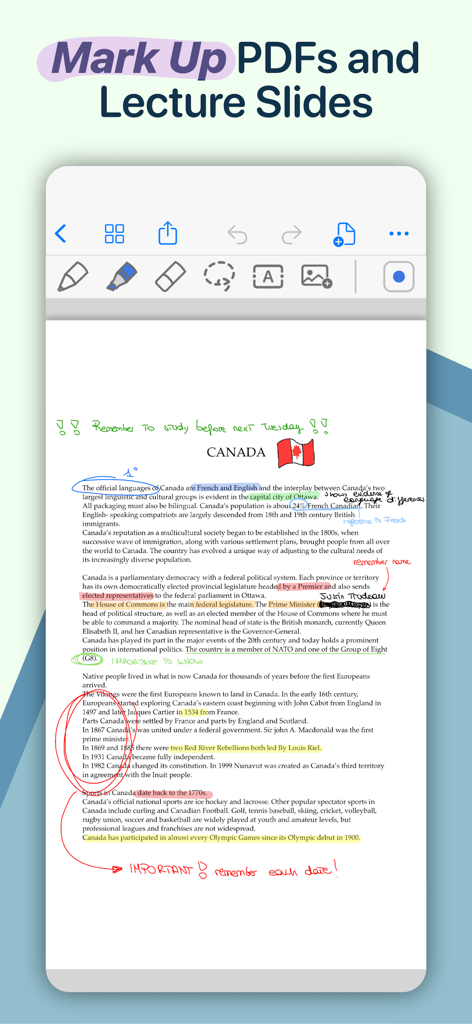
QuickNotes X: Notes, AI & PDF - 색색의 하이라이트, 손으로 그린 원, 텍스트 주석이 포함된 캐나다 관련 PDF를 보여주는 디지털 노트 필기 인터페이스.
색색의 하이라이트, 손으로 그린 원, 텍스트 주석이 포함된 캐나다 관련 PDF를 보여주는 디지털 노트 필기 인터페이스.

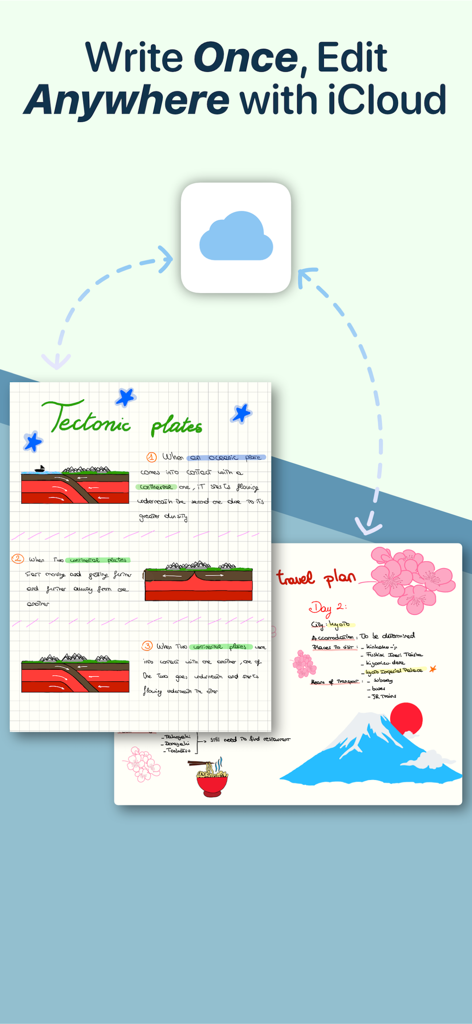
QuickNotes X: Notes, AI & PDF - iCloud를 통해 동기화된 지각 판 구조론 및 여행 계획에 대한 디지털 손글씨 노트를 보여주는 QuickNotes X 앱 인터페이스
iCloud를 통해 동기화된 지각 판 구조론 및 여행 계획에 대한 디지털 손글씨 노트를 보여주는 QuickNotes X 앱 인터페이스

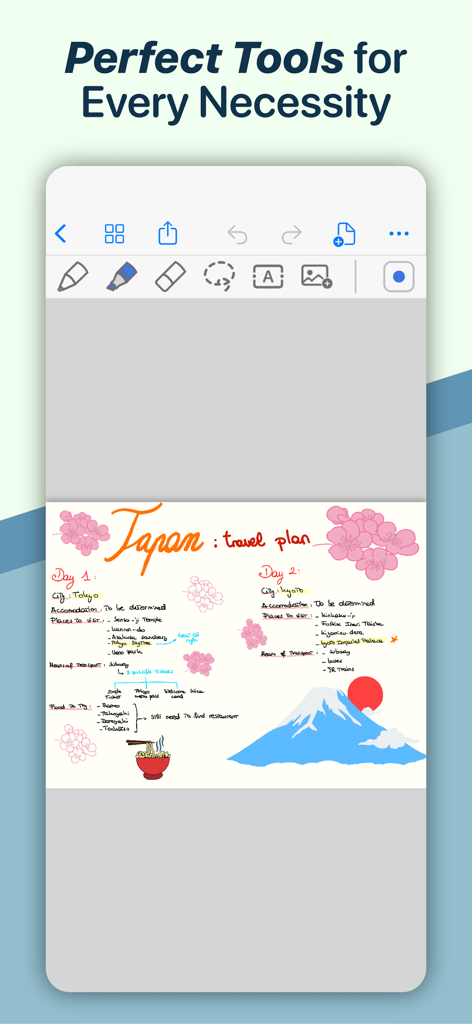
QuickNotes X: Notes, AI & PDF - 손글씨와 그림으로 작성된 다채로운 일본 여행 계획을 보여주는 QuickNotes X 모바일 앱
손글씨와 그림으로 작성된 다채로운 일본 여행 계획을 보여주는 QuickNotes X 모바일 앱

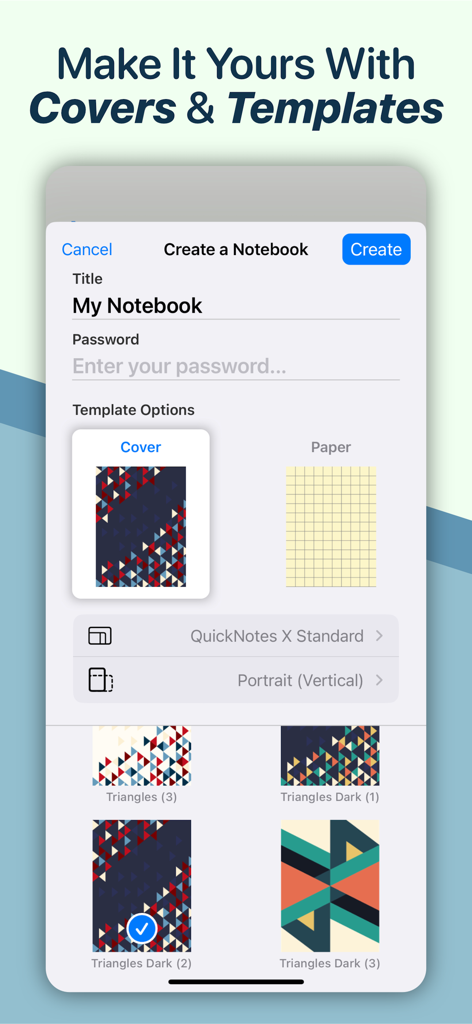
QuickNotes X: Notes, AI & PDF - 제목 비밀번호 및 커스텀 기하학적 커버 옵션이 있는 새 노트북 만들기 QuickNotes X 앱 화면
제목 비밀번호 및 커스텀 기하학적 커버 옵션이 있는 새 노트북 만들기 QuickNotes X 앱 화면

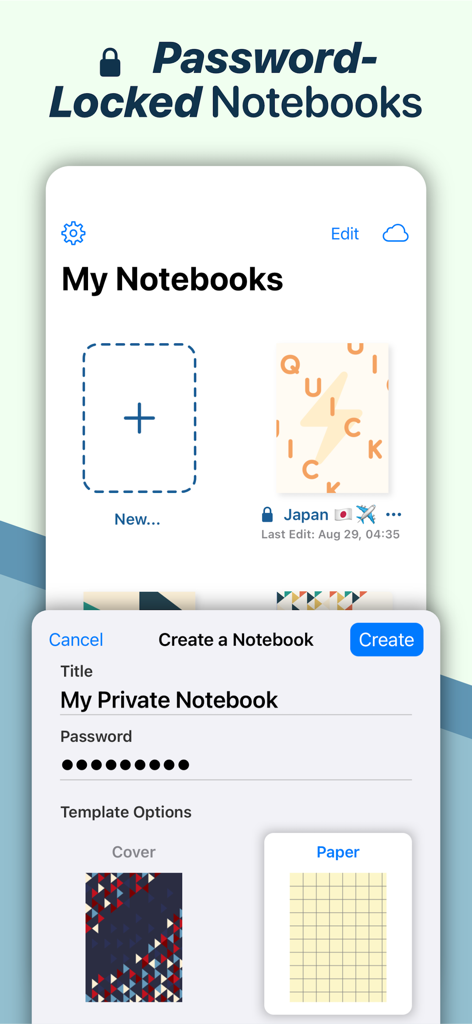
QuickNotes X: Notes, AI & PDF - 커스텀 커버와 종이 템플릿을 사용하여 비밀번호로 보호된 개인용 노트북을 만드는 방법을 보여주는 QuickNotes X 인터페이스
커스텀 커버와 종이 템플릿을 사용하여 비밀번호로 보호된 개인용 노트북을 만드는 방법을 보여주는 QuickNotes X 인터페이스

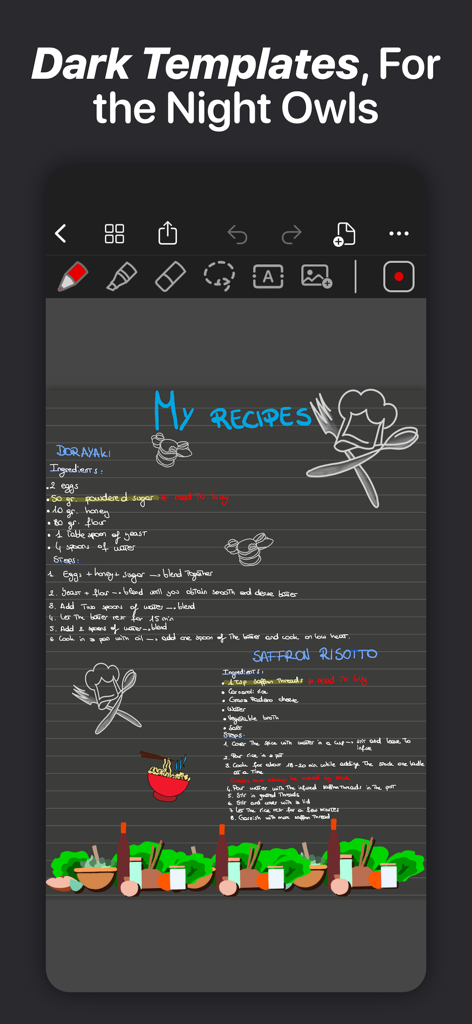
QuickNotes X: Notes, AI & PDF - QuickNotes X의 다크 모드 템플릿에 작성된 손글씨 레시피와 일러스트레이션

QuickNotes X의 다크 모드 템플릿에 작성된 손글씨 레시피와 일러스트레이션

설명

ESCAPE THE LIMITS OF PHYSICAL PAPER • Experience a fluid, precise and natural note taking experience powered by the unparalleled performance of QuickNotes X custom vector ink engine; • Choose your drawing style with numerous included tools, such as fountain and ballpoint pen; • Freely customize your stroke color as well as line thickness and pressure sensitivity; • Record and play back lectures with Voice Recording: your writing will be synced to the audio! • Draw perfect shapes and straight lines thanks to automatic, ML-powered shape recognition; • Move, resize, rotate and zoom your handwriting to take notes like a pro; • Never run out of paper: swipe to the next page and a new page will be created if needed! • Take perfect notes with your Apple Pencil, Logitech Crayon or other capacitive styluses. ORGANIZE & PROTECT YOUR THOUGHTS • Never lose your notes again thanks to the powerful organization provided by QuickNotes X; • Create Notebooks to organize your notes; • Add unlimited Folders & Subfolders to group your Notebooks; • Lock individual Notebooks and Folders with a Password to protect your thoughts from prying eyes; • Unlock protected notebooks using Face ID, Touch ID or by entering your Password; • Rearrange your Notebooks and Folders however you like to make sure they are always in the correct order. SEAMLESSLY SYNC TO ALL YOUR DEVICES • Seamlessly back up & sync your notebooks and folders to all your devices thanks to iCloud; • Write once, edit anywhere: when iCloud Sync is active all your content is automatically available on all your devices; • Use the native Mac app to view your notes on the bigger screen and edit them right on your computer. MARK UP & WRITE ON PDFs, SLIDES AND MORE • Import and edit PDFs, PowerPoint presentations more; • Annotate documents on your device with all the tools available, including fountain & ballpoint pen, highlighter and shape recognition; • Open notes and documents side-by-side on your iPad for maximum flexibility; • Quickly export your notes as images, PDF or QuickNotes X Documents for easy sharing ENDLESS CUSTOMIZATION FOR YOUR CREATIVITY • Create an unlimited number of presets for stroke color and line thickness to always have the right one ready at your fingertips; • Choose between Dual or Single Bar Mode to take notes with the maximum level of flexibility and customizability; • Choose to erase entire strokes on only some parts thanks to the new Precision and Whole Stroke Erasers; • Use the Lasso tool to cut, copy, paste or delete groups of strokes or entire pages; • Customize the look of your Notebooks and Folders by choosing from more than 80 options; • Make each notebook cover yours: the Notebook cover is now fully editable so you can draw on it! • Choose the right paper template for your Notebooks, such as Blank Paper, Cornell Paper, Chemistry Paper, Engineering Grid Paper, Music Paper and more! TYPE AND WRITE ANYWHERE • Add Text Boxes anywhere in a page to start typing, with plenty of customization options for color, font style and size, available right at your fingertips in the new Tool Bar; • Move, rotate and scale text boxes to never run out of space; • Combine handwritten notes with typed content and annotate or highlight key words in your Text Boxes; AND THERE IS EVEN MORE! • Swipe left or right to quickly move to the previous or next page in the notebook; • Quickly jump to any page in the Notebook by using the Notes List menu in the Note Editor; • Customize any new page you create thanks to the new "New Page" menu in the Editor; • Create a QuickNotebook to always have a fresh new page when you open the app; • Changing the paper template for a single page or the entire Notebook is only one tap away; QuickNotes X: Note-Taking, Made Easy. Website: https://www.quicknotesx.com Twitter: @QuickNotesX Instagram: @quicknotesx ----------- Privacy Policy: https://www.quicknotesx.com/privacy Terms of Use: https://www.apple.com/legal/internet-services/itunes/dev/stdeula

Download

다운로드: App Store

이 페이지는 앱이나 개발자의 공식 페이지가 아니며, 정보 제공 및 논평을 목적으로 작성된 독립 편집 간행물입니다. 명시적으로 달리 언급되지 않는 한, 해당 앱이나 개발자는 MWM, Apple, Google Play, 앱 퍼블리셔 또는 앱 개발자와 제휴, 보증, 후원, 승인 또는 공식적으로 연결되어 있지 않으며, 이 페이지의 어떤 내용도 해당 앱이 MWM의 서비스를 사용하여 개발되었음을 의미하지 않습니다. 모든 상표, 로고, 스크린샷 및 기타 콘텐츠는 해당 소유자의 자산입니다.








