이 페이지는 앱이나 개발자의 공식 페이지가 아니며, 정보 제공 및 논평을 목적으로 작성된 독립 편집 간행물입니다. 명시적으로 달리 언급되지 않는 한, 해당 앱이나 개발자는 MWM, Apple, Google Play, 앱 퍼블리셔 또는 앱 개발자와 제휴, 보증, 후원, 승인 또는 공식적으로 연결되어 있지 않으며, 이 페이지의 어떤 내용도 해당 앱이 MWM의 서비스를 사용하여 개발되었음을 의미하지 않습니다. 모든 상표, 로고, 스크린샷 및 기타 콘텐츠는 해당 소유자의 자산입니다.
RAR & Zip Extractor - AS Unzip
RAR, 7Z, ZIP 아카이브를 손쉽게 압축 해제하고, 미디어를 압축하여 공간을 절약하며, 암호화된 저장소를 통해 개인 정보를 보호하세요. 모바일 생산성 및 원활한 파일 처리를 위한 전문가 수준의 도구 모음입니다.
일반적인 iOS 제한 없이 모든 파일 형식을 관리, 압축 해제, 보안할 수 있는 전문가 및 학생을 위한 궁극의 도구 모음입니다.
전문가 수준의 아카이브 지원
RAR, 7Z, TAR 및 다중 볼륨 아카이브를 압축 해제하여 iOS 제한을 우회하세요. 이동 중에도 복잡한 다운로드를 처리하는 데 필요한 모든 것을 제공합니다.
암호화된 개인 저장소
비밀번호 암호화 및 숨겨진 폴더를 사용하여 민감한 업무 및 개인 파일을 안전하게 보관하고 완벽한 디지털 개인 정보를 보장합니다.
다음 스크린샷과 설명은 앱의 공식 스토어 목록에서 직접 가져온 것이며 앱 개발자의 자산입니다.
앱 스토어
스크린샷
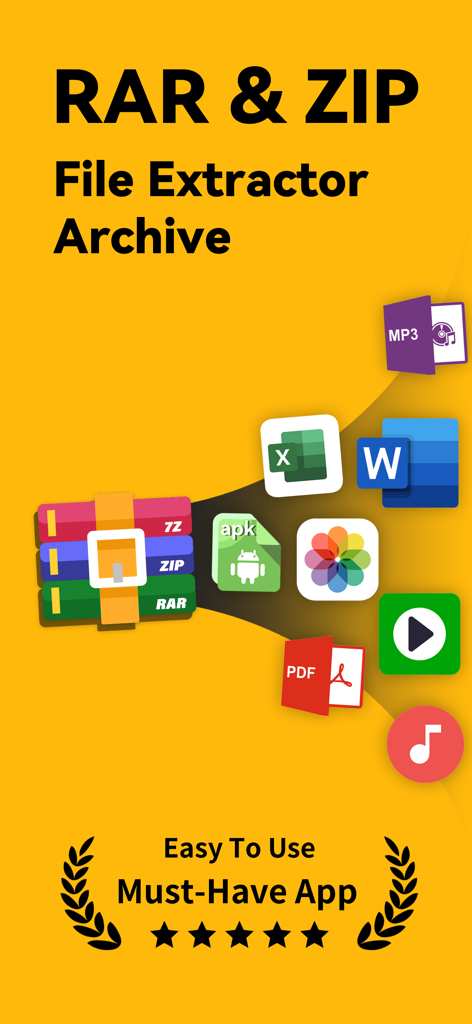
PDF, Word, MP3와 같은 다양한 파일 형식 지원을 보여주는 RAR 및 ZIP 파일 추출기 앱 홍보 화면
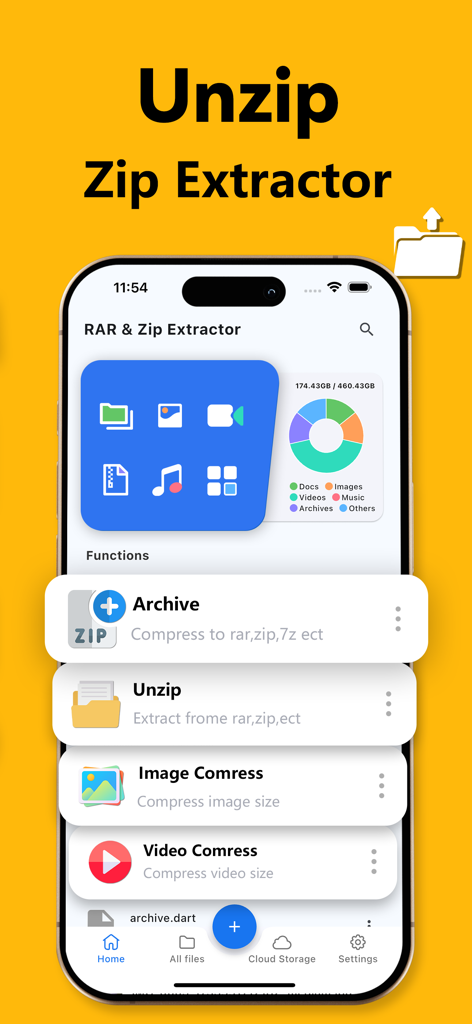
파일 압축, 압축 해제 및 저장 공간 분석 기능을 보여주는 RAR 및 Zip Extractor 앱 인터페이스
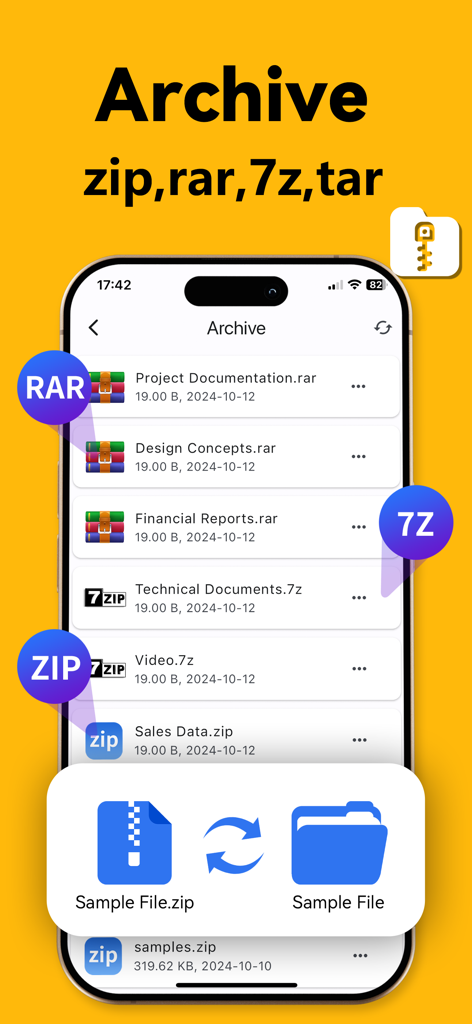
zip, rar, 7z를 포함한 다양한 아카이브 파일 형식을 표시하는 모바일 앱 인터페이스
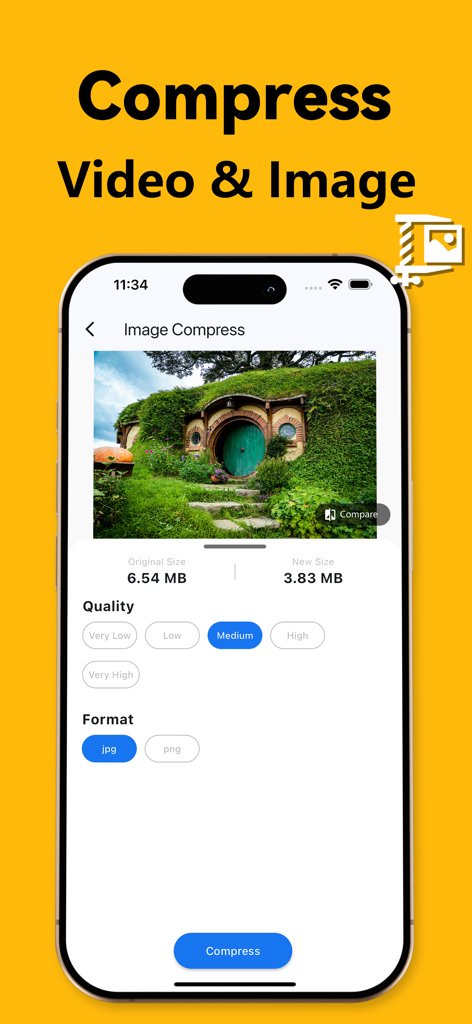
AS Unzip 앱의 스크린샷으로, 사진 크기를 6.54MB에서 3.83MB로 줄이는 이미지 압축 기능 표시
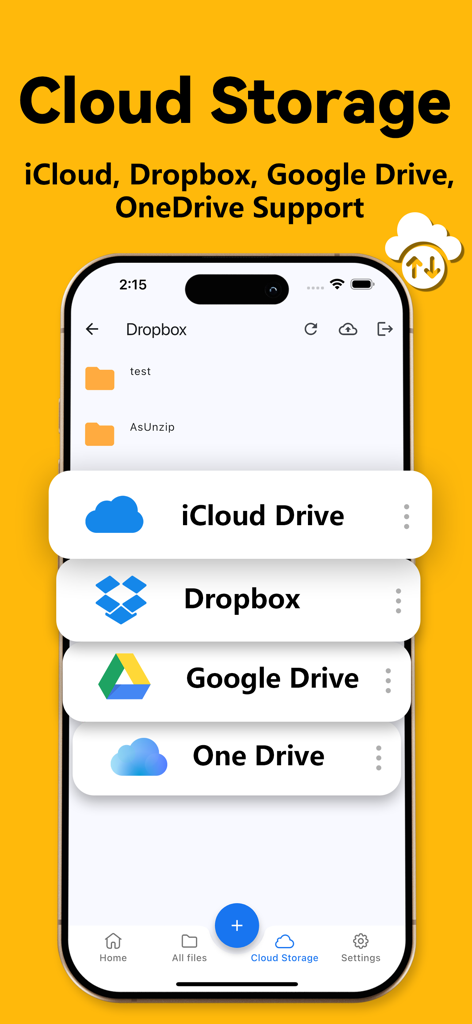
iCloud, Dropbox, Google Drive, OneDrive에 대한 클라우드 스토리지 지원을 보여주는 AS Unzip 앱 인터페이스
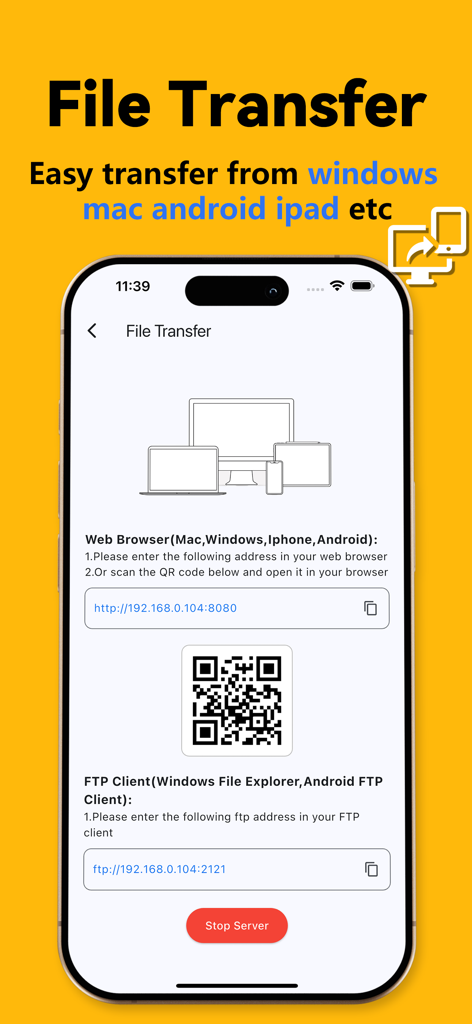
QR 코드가 있는 WiFi 파일 전송 옵션을 표시하는 스마트폰 화면
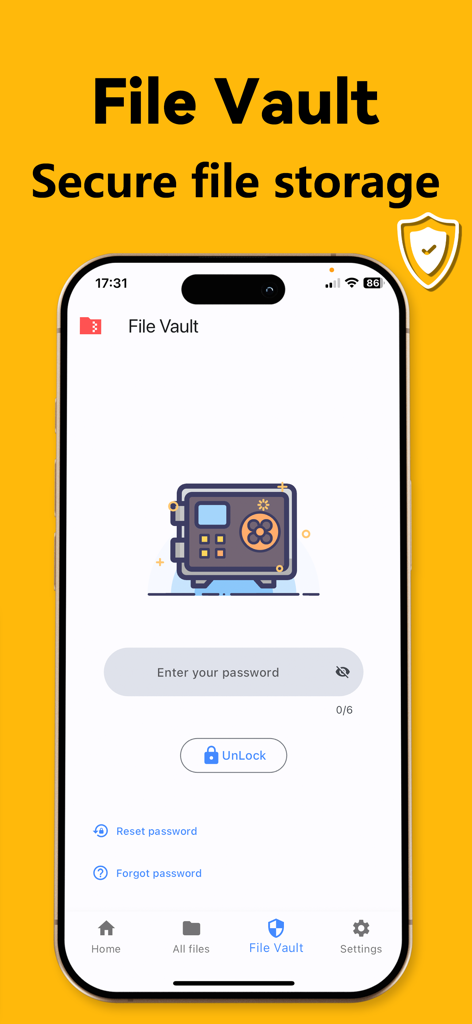
RAR 및 Zip Extractor 파일 저장소 암호 화면
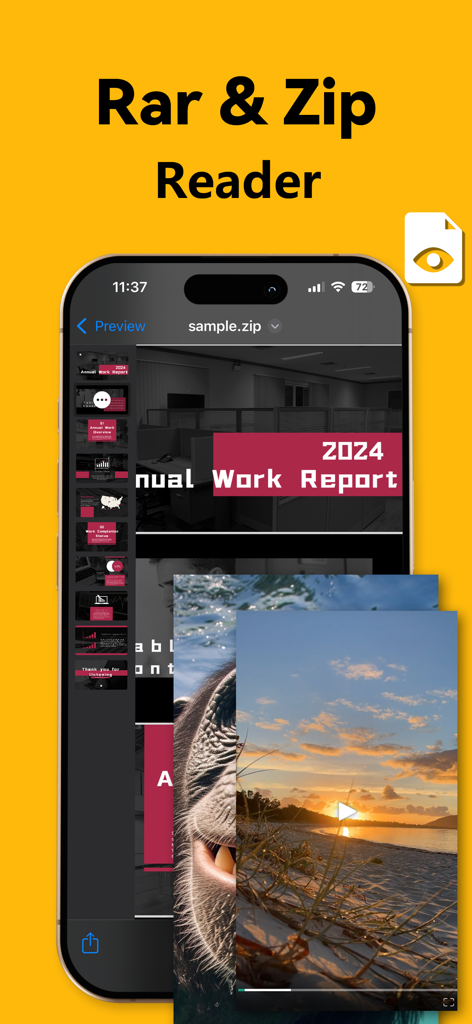
업무 보고서 및 미디어 파일의 파일 미리보기를 보여주는 RAR 및 Zip 리더 모바일 앱
설명
RAR & Zip Extractor - Unzip 7z is a powerful and versatile tool for compressing, extracting, and managing a wide range of compressed files. It allows you to handle formats like ZIP, RAR, 7Z, TAR, GZIP, and more, including multi-volume archives, with ease. Whether you're working with WinRAR, iRAR, or Zarchiver formats, this app delivers a seamless experience for casual and advanced users alike.
Key Features
1. Comprehensive Archive Extraction:
Supports popular formats including ZIP, RAR, 7Z, TAR, TGZ, TBZ, TXZ, TAR.XZ, TAR.BZ2, TAR.GZ, and multi-volume archives. Effortlessly extract files with integrated RAR, ZIP, and 7z tools.
2. Advanced File Compression:
Compress files into ZIP, RAR, or 7z formats to save storage and enable fast sharing.
3. Image Compression and Decompression: Compress and extract image files efficiently, preserving quality and compatibility.
4. Video Compression and Decompression:
Handle video files in various formats, optimizing storage without sacrificing quality.
5. WiFi File Transfer:
Transfer files wirelessly between devices with ease.
6. Secure File Vault:
Protect sensitive files with password encryption.
7. Built-in Media Player:
Play audio and video files in formats like MP4, MP3, AVI, MKV, FLV, WMA, MOV, WAV, and RMVB.
8. Text Document Reader:
Read documents and ebooks in formats like TXT, EPUB, and CHM.
9. Instant File Preview:
Preview archive contents, including RAR and APK files, without full extraction.
10. Integrated File Viewer:
Open files in formats like DOC, XLSX, PPT, TXT, RTF, Pages, JPG, GIF, and PNG directly in the app.
11. File Hiding:
Hide private files to prevent unauthorized access.
12. Automatic File Categorization: Organize files by type for faster navigation.
13. Storage Analysis by File Type:
Get insights into storage usage with detailed breakdowns by file type.
14. Mobile File Import:
Import files from your device seamlessly for better management.
15. File Management Features:
- Create new folders
- Cache files and clean cache
- Rename and delete files
- Sort files by name, date, size, or type
- Add photos and videos from the gallery
- Import files from other apps
- Password-protect files
- Copy or move files to new locations
16. Cloud Storage Support:
Seamlessly connect and manage files from Dropbox and Google Drive.
Easily upload, download, and sync files between your device and cloud storage platforms.
Upgrade to Premium
Unlock additional features, including support for more archive formats and the ability to preview archive contents without extracting them.
Weekly Subscription: Free for the first 3 days, then $9.99 per week, cancel anytime.
Yearly Subscription: $39.9 per year.
Payment will be charged to your iTunes account once you confirm your purchase. You can manage or cancel your subscription through your iTunes settings. Your account will be charged for renewal 24 hours before the current subscription period ends. Make sure to cancel at least 24 hours before the renewal date if you wish to stop automatic renewal. Please note that policies may differ in specific regions such as Germany, Israel, South Africa, and Turkey, and for those, you should refer to Apple's official subscription guidelines.
Privacy Policy: https://anios-app.web.app/policy/
Terms of Use: https://anios-app.web.app/terms/
이 페이지는 앱이나 개발자의 공식 페이지가 아니며, 정보 제공 및 논평을 목적으로 작성된 독립 편집 간행물입니다. 명시적으로 달리 언급되지 않는 한, 해당 앱이나 개발자는 MWM, Apple, Google Play, 앱 퍼블리셔 또는 앱 개발자와 제휴, 보증, 후원, 승인 또는 공식적으로 연결되어 있지 않으며, 이 페이지의 어떤 내용도 해당 앱이 MWM의 서비스를 사용하여 개발되었음을 의미하지 않습니다. 모든 상표, 로고, 스크린샷 및 기타 콘텐츠는 해당 소유자의 자산입니다.