Scanner App: Documents & Sign

Scanner App: Documents & Sign

다운로드: App Store
로고: Scanner App: Documents & Sign

스캐너 앱: 올인원 전문가용 스캐너 및 전자 서명 도구

원격 워크플로를 강화하세요. 전문가를 위해 제작된 가장 안전하고 OCR 기반의 모바일 오피스로 고품질 PDF를 즉시 스캔, 서명 및 공유하세요.

다운로드: App Store

개발사

Seven Mile Apps LLC

카테고리

Business

다운로드

5K+

사용자 평점

4.7/5

총 평가 수

100

지원 언어

15

주머니 속 당신의 오피스

이 인터페이스를 사용하는 5K+ 명의 사용자.

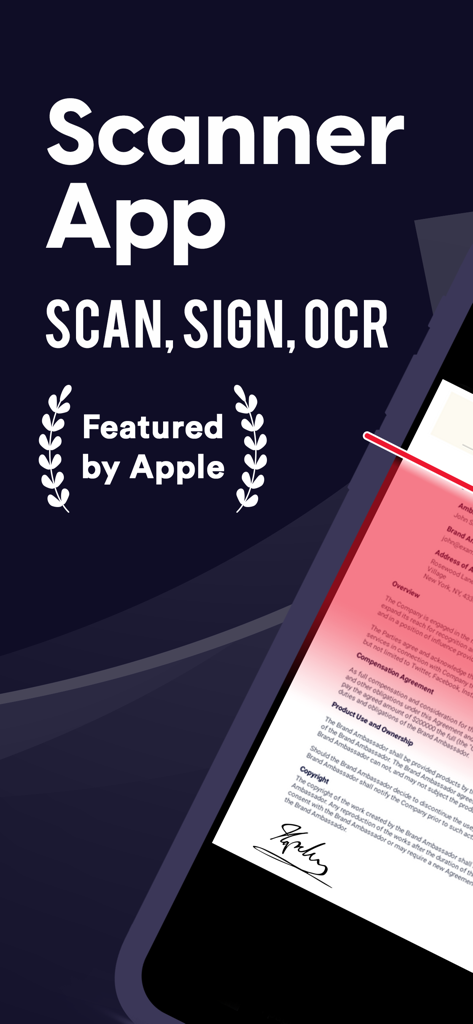
스캐너 앱이 문서 스캔 및 서명 기능을 보여주는 모습

스캐너 앱이 문서 스캔 및 서명 기능을 보여주는 모습

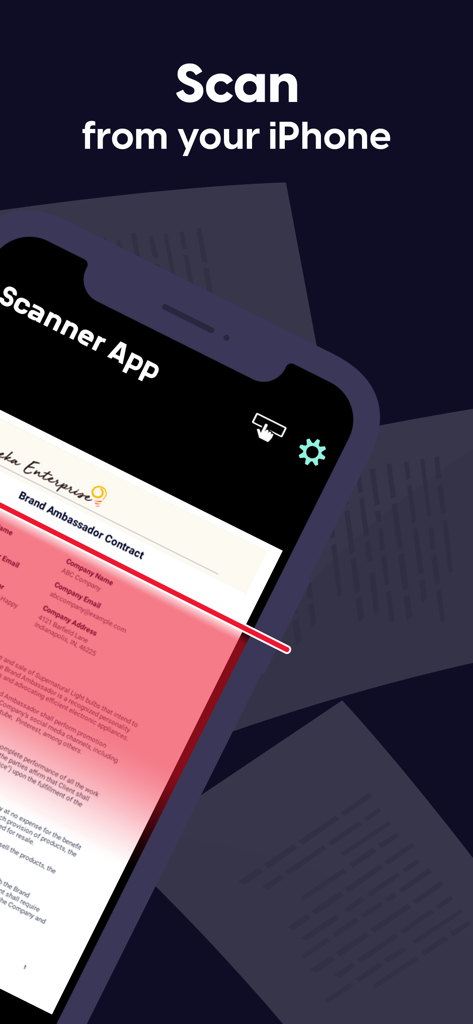
iPhone이 스캐너 앱을 사용하여 브랜드 앰배서더 계약서 스캔하기

iPhone이 스캐너 앱을 사용하여 브랜드 앰배서더 계약서 스캔하기

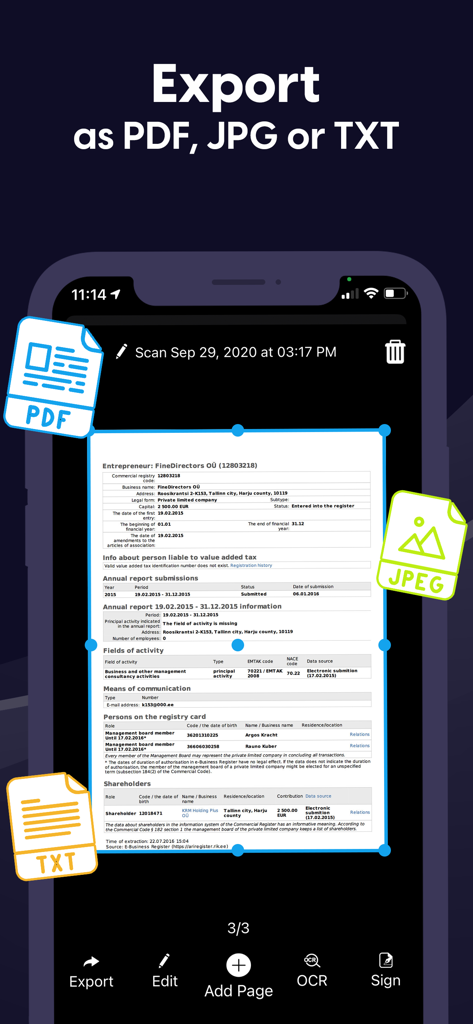
PDF, JPG 및 TXT로 문서 내보내기용 스캐너 앱 인터페이스

PDF, JPG 및 TXT로 문서 내보내기용 스캐너 앱 인터페이스

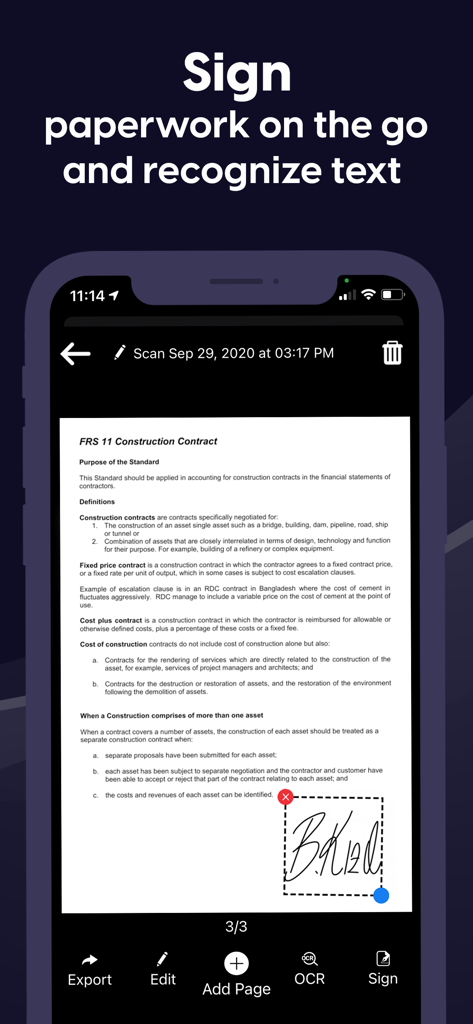
사용자가 계약서에 디지털 서명을 추가하는 것을 보여주는 모바일 앱 인터페이스

사용자가 계약서에 디지털 서명을 추가하는 것을 보여주는 모바일 앱 인터페이스

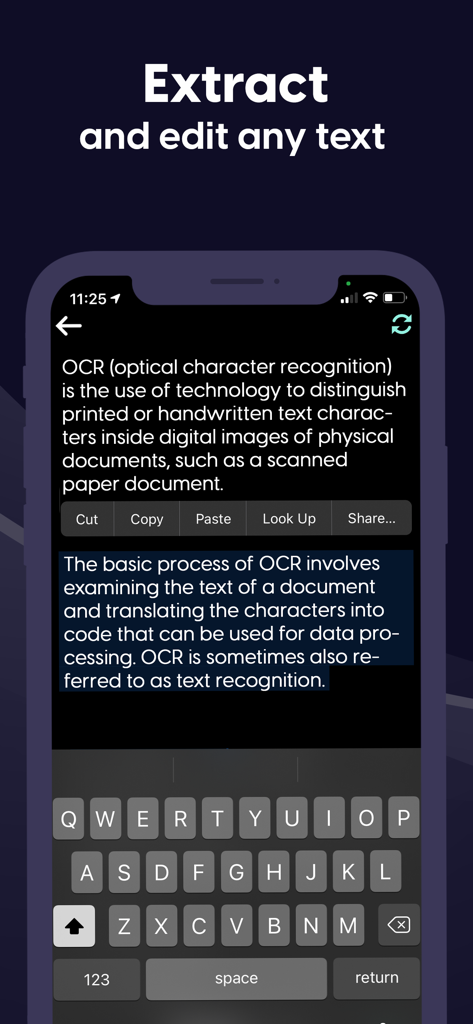
문서에서 텍스트를 추출하고 편집하기 위한 OCR 기능을 시연하는 모바일 인터페이스

문서에서 텍스트를 추출하고 편집하기 위한 OCR 기능을 시연하는 모바일 인터페이스

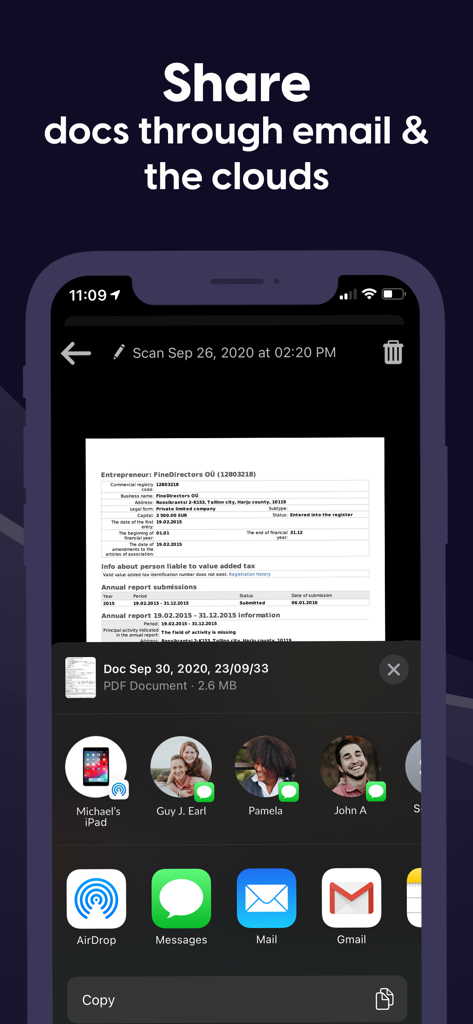
iPhone에서 이메일 및 클라우드 서비스를 통해 스캔한 문서 공유하기

iPhone에서 이메일 및 클라우드 서비스를 통해 스캔한 문서 공유하기

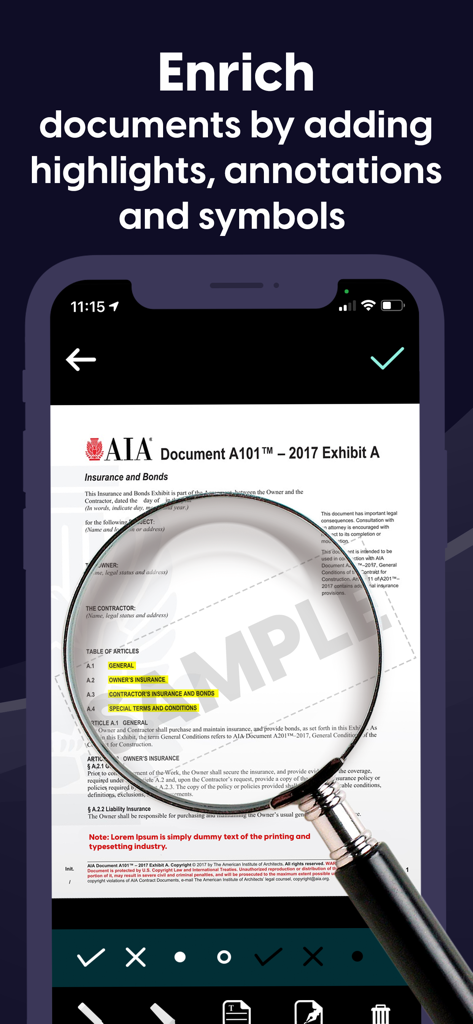
돋보기 도구를 사용하여 강조 표시 및 주석을 사용하여 문서를 편집하는 것을 보여주는 모바일 앱 인터페이스.

돋보기 도구를 사용하여 강조 표시 및 주석을 사용하여 문서를 편집하는 것을 보여주는 모바일 앱 인터페이스.

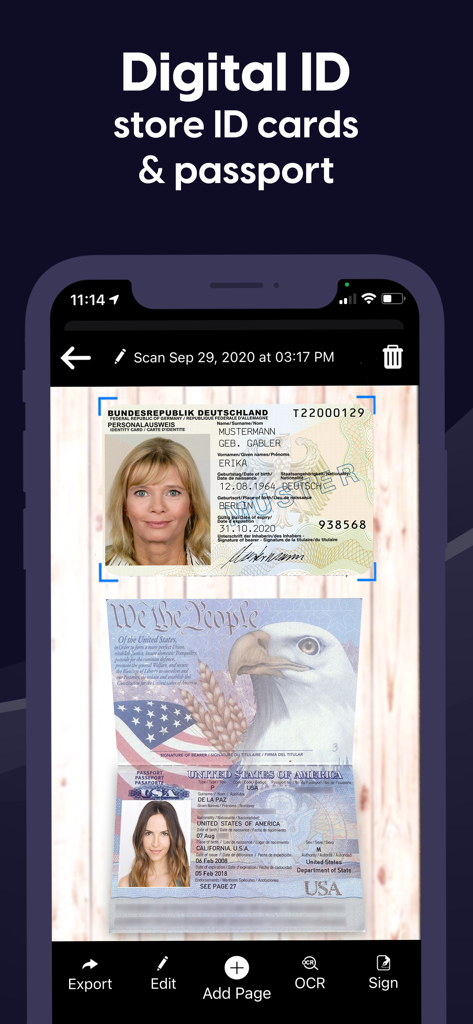
내보내기, 편집 및 서명 옵션이 있는 스캔된 신분증 및 여권을 보여주는 모바일 앱 인터페이스

내보내기, 편집 및 서명 옵션이 있는 스캔된 신분증 및 여권을 보여주는 모바일 앱 인터페이스

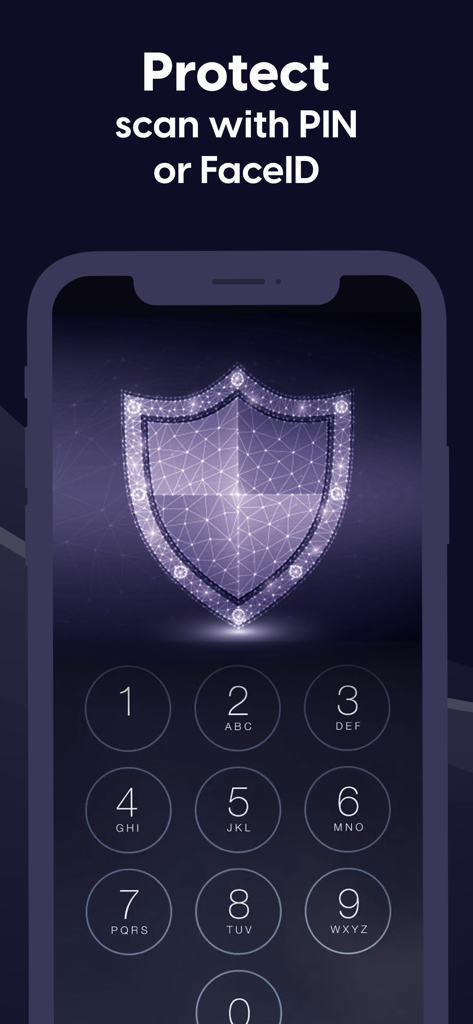
문서에 대한 PIN 및 FaceID 보호를 설명하는 숫자 키패드와 디지털 방패 아이콘이 있는 모바일 앱 화면.

문서에 대한 PIN 및 FaceID 보호를 설명하는 숫자 키패드와 디지털 방패 아이콘이 있는 모바일 앱 화면.

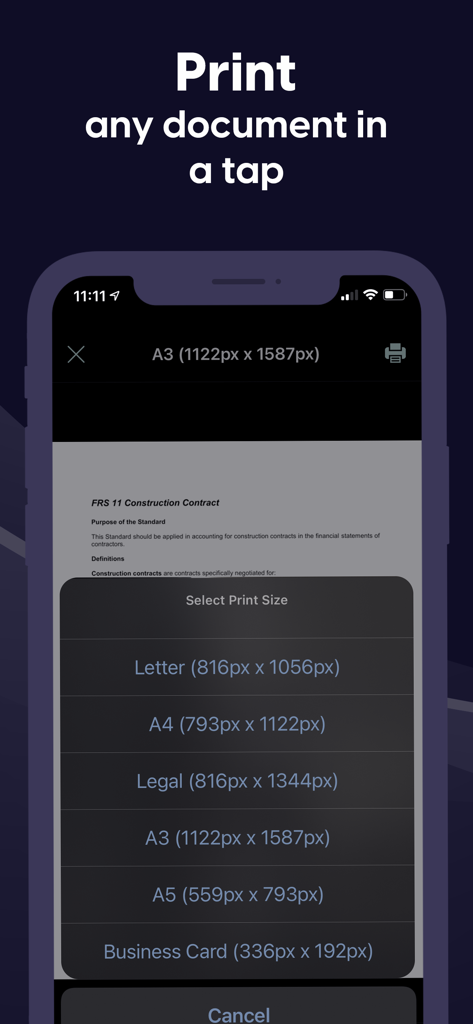
Letter 및 A4와 같은 다양한 크기의 문서 인쇄 옵션을 보여주는 스캐너 앱의 모바일 인터페이스.

Letter 및 A4와 같은 다양한 크기의 문서 인쇄 옵션을 보여주는 스캐너 앱의 모바일 인터페이스.

주머니 속 전문가용 오피스

이 앱을 돋보이게 하는 도구, 5K+ 명의 사용자가 선택.

✍️

즉시 전자 서명 및 주석 달기

몇 초 만에 계약을 성사시키고 서류 작업을 완료하세요. 프린터나 펜 없이도 모든 문서에 전문적인 서명이나 사용자 지정 텍스트를 추가하세요.

🔍

정밀 스캔 및 OCR

실제 페이지를 고품질 PDF 또는 편집 가능한 텍스트로 변환하세요. 고급 OCR 기술은 여러 언어를 인식하여 데이터 추출을 쉽게 만듭니다.

🔒

은행급 보안

FaceID, TouchID 또는 PIN 암호화를 사용하여 민감한 계약 및 개인 정보를 보호하세요. 문서는 로컬에 저장되어 개인 데이터는 철저히 비공개로 유지됩니다.

앱 소개

에 대해 알아야 할 모든 것 Scanner App: Documents & Sign.

설명

Have to work from home? Scanner App makes it easy. Join our community of users who scan, sign and share docs with iPhone! Scanner App is a friendly scanner app that will turn your iPhone or iPad device into an impressive mobile scanner. It is the best way to scan, save and share any document in PDF or JPEG format. You can conveniently scan all types of items from long multipage contract documents to receipts, books, homework, notes and I.D. documents. Scans can be stored as multipage PDF and JPEG files. Scanner App will become a necessity in your normal routine and you won’t know how much need it until you are without it. Forget your clunky office scanner and get this ultra-fast pdf scanner app now! Save more time with our e-sign and add text features. These features allow you to add your signature or text to electronic documents with just a simple few taps! Use our text recognition feature to convert any scan into text and then edit it to your liking. The advanced text scanner supports multiple languages such as English, German, French, Spanish, Italian,Japanese, Chinese, Portuguese, Russian, Korean, Dutch, Swedish, Norwegian, Turkish, Ukrainian, Arabic, Hindi, Hebrew and even converts different languages in the same document. The app is also a fast QR scanner. Scanner App is the perfect travel companion for your business needs. All scanned documents are stored locally on your device, they are inaccessible to us and to any third-party. You can easily share the documents by using the export option. If you need to protect your scans you can setup a password for the app or use FaceID to protect your documents. We offer: an Enhanced PDF Scanner app, Document Editor, File Manager, and Document Sharing Tools PDF Scanner: – Scan to high-quality PDF or JPEG – Multipage scanning - scan as many pages as you need – OCR (convert any scan into text) – Automatic shutter and border detection for any scannable object Document Editor: – E-Sign or add text to any documents in a few taps – Save your scans in black and white, grayscale or color File Manager: – Full featured file manager with folders, drag & drop and document editing – Protect your scans with Touch/Face ID or pin code – Sort documents by name, date or time Document Sharing Tools: – Share via email, messengers and cloud services such as Dropbox and Google Drive as PDF, JPEG – Print your scans with any Wi-Fi printer – Save scans to Camera Roll Information about the auto-renewal of subscription: – Free trial period is provided – Payment will be charged to iTunes Account at confirmation of purchase - Subscription automatically renews unless auto-renew is turned off at least 24-hours before the end of the current period - Subscriptions may be managed by the user and auto-renewal may be turned off by going to the user’s Account Settings after purchase – Any unused portion of the free trial will be forfeited when the user purchases a subscription – If you have an active subscription, please restore by opening the settings menu and tapping restore purchase The following subscription plans are available (price may vary depending on location): • 1 week subscription with 3-day trial version – US$ 9.99 • Lifetime access – US$ 159.99 Privacy Policy: https://sevenmileapps.com/pdfscanner/PrivacyPolicy.html Terms of Service: https://sevenmileapps.com/pdfscanner/termsofservice.html Billing Terms: https://sevenmileapps.com/pdfscanner/subscriptionterms.html We value your comments and suggestions. Please don’t hesitate to email us at support@sevenmileapps.com

최신 버전

1.48

크기

80.5 MB

출시일

2019년 12월 19일

워크플로를 혁신할 준비가 되셨나요?

수천 명의 원격 전문가들과 함께 문서를 쉽게 스캔, 서명 및 공유하세요. 지금 스캐너 앱을 다운로드하고 iPhone을 고성능 모바일 오피스로 만드세요.

다운로드: App Store

App information, icons, screenshots, and descriptions displayed on this page are sourced from the Apple App Store and are the property of their respective developers. Download estimates and rankings are based on MWM's proprietary models and may not reflect actual figures. This page is provided for informational and analytical purposes only.

Believe this page infringes your intellectual property? File a dispute