Scanner App: Fast PDF Doc Scan

Scanner App: Fast PDF Doc Scan

다운로드: App Store
로고: Scanner App: Fast PDF Doc Scan

스캐너 앱: 빠른 PDF 문서 스캔 – 페이퍼리스 생활을 위한 전문가의 선택

iPhone을 강력한 휴대용 오피스로 변신시키세요. 엔터프라이즈급 보안 및 즉각적인 클라우드 동기화를 통해 문서를 손쉽게 스캔, 서명 및 OCR 처리하세요.

다운로드: App Store

개발사

7270356 Canada Inc

카테고리

Business

다운로드

849K+

사용자 평점

4.6/5

총 평가 수

11K+

지원 언어

11

당신의 사무실을 디지털화하세요

이 인터페이스를 사용하는 849K+ 명의 사용자.

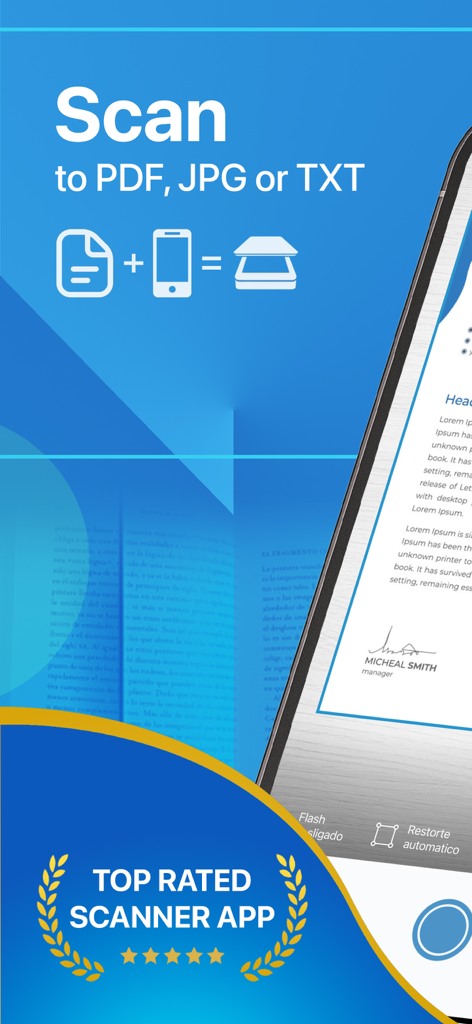
스캐너 앱의 홍보 배너로, 최고 등급 배지와 함께 PDF, JPG, TXT 형식으로 스캔하는 기능을 강조합니다.

스캐너 앱의 홍보 배너로, 최고 등급 배지와 함께 PDF, JPG, TXT 형식으로 스캔하는 기능을 강조합니다.

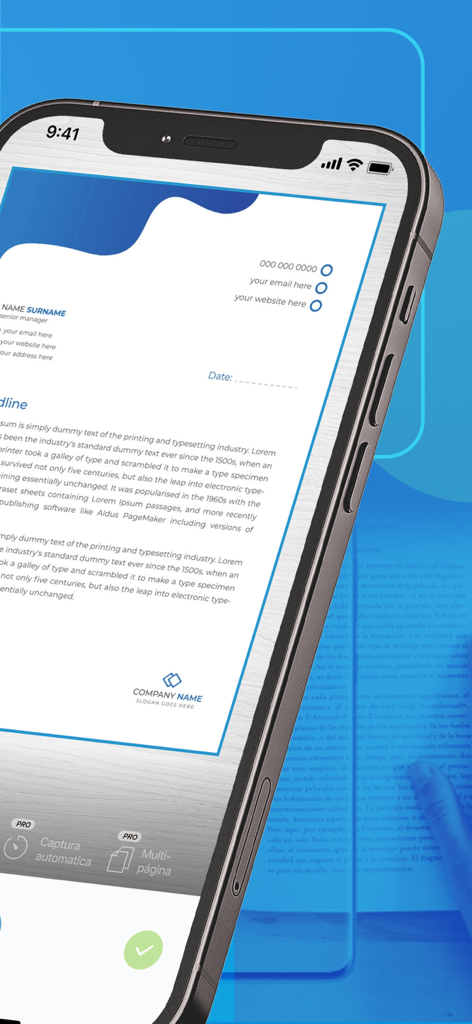
스캐너 앱 인터페이스를 사용하여 전문 문서를 스캔하는 스마트폰 화면

스캐너 앱 인터페이스를 사용하여 전문 문서를 스캔하는 스마트폰 화면

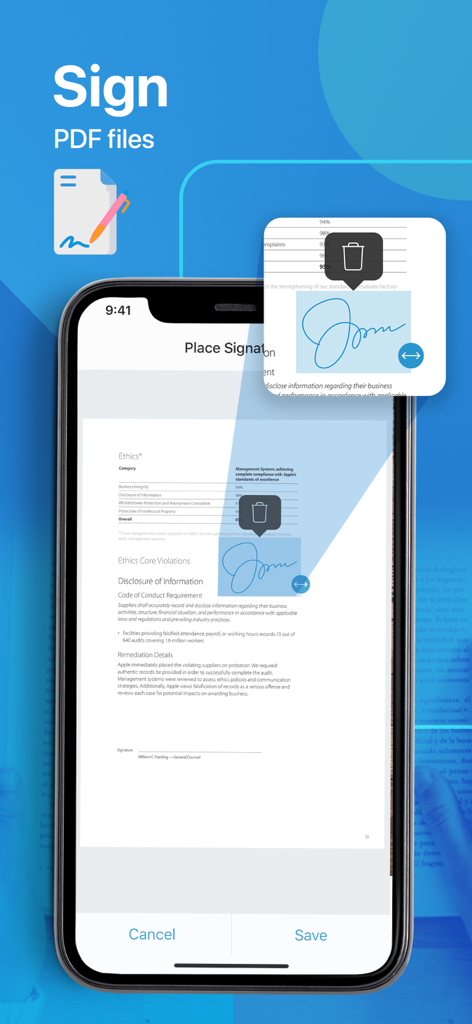
iPhone에서 PDF 문서에 디지털 서명을 추가하고 배치하는 방법을 보여주는 스캐너 앱 인터페이스

iPhone에서 PDF 문서에 디지털 서명을 추가하고 배치하는 방법을 보여주는 스캐너 앱 인터페이스

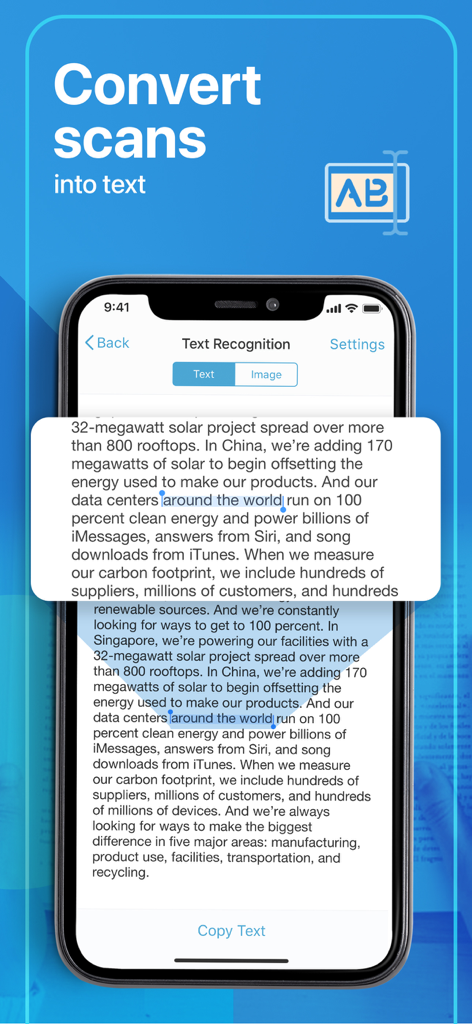
스캐너 앱에서 스캔한 내용을 편집 가능한 텍스트로 변환하는 OCR 텍스트 인식 기능을 보여주는 iPhone 화면

스캐너 앱에서 스캔한 내용을 편집 가능한 텍스트로 변환하는 OCR 텍스트 인식 기능을 보여주는 iPhone 화면

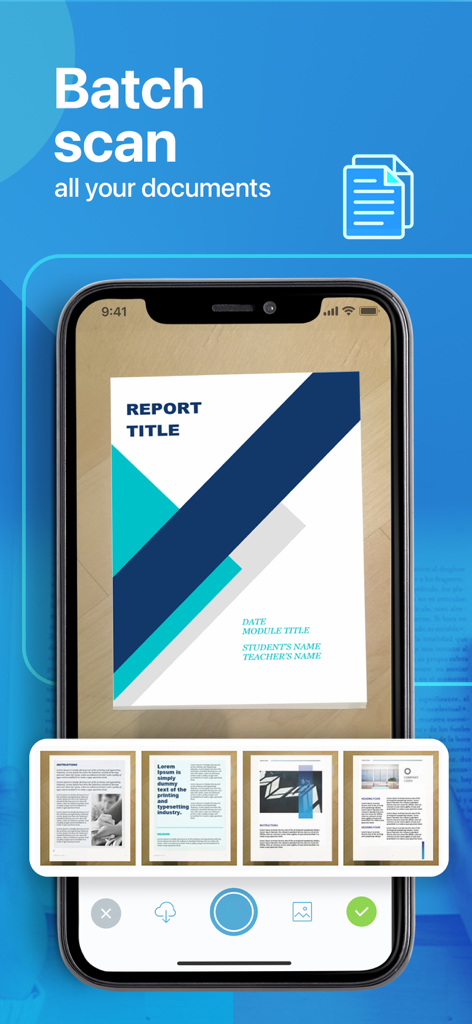
여러 문서 페이지를 동시에 디지털화하는 일괄 스캔 기능을 시연하는 휴대폰 화면.

여러 문서 페이지를 동시에 디지털화하는 일괄 스캔 기능을 시연하는 휴대폰 화면.

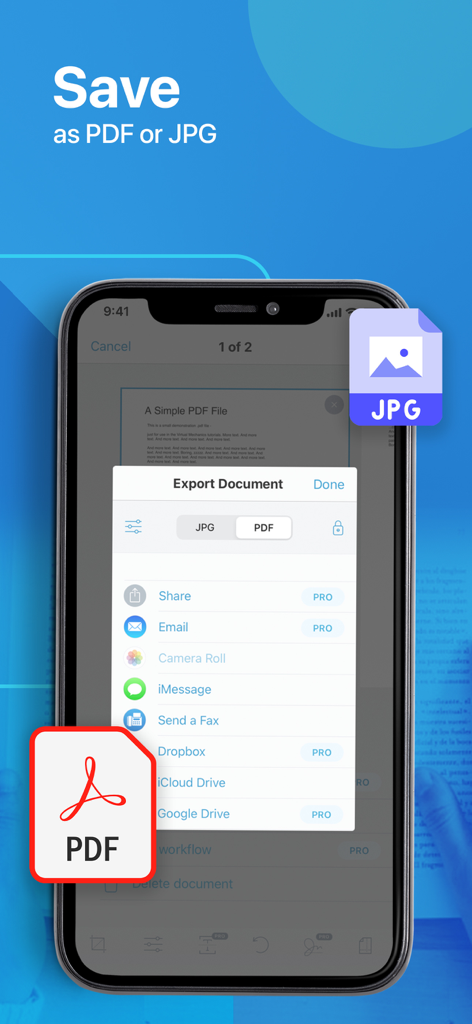
PDF 및 JPG 형식으로 문서 내보내기 옵션을 표시하는 모바일 화면.

PDF 및 JPG 형식으로 문서 내보내기 옵션을 표시하는 모바일 화면.

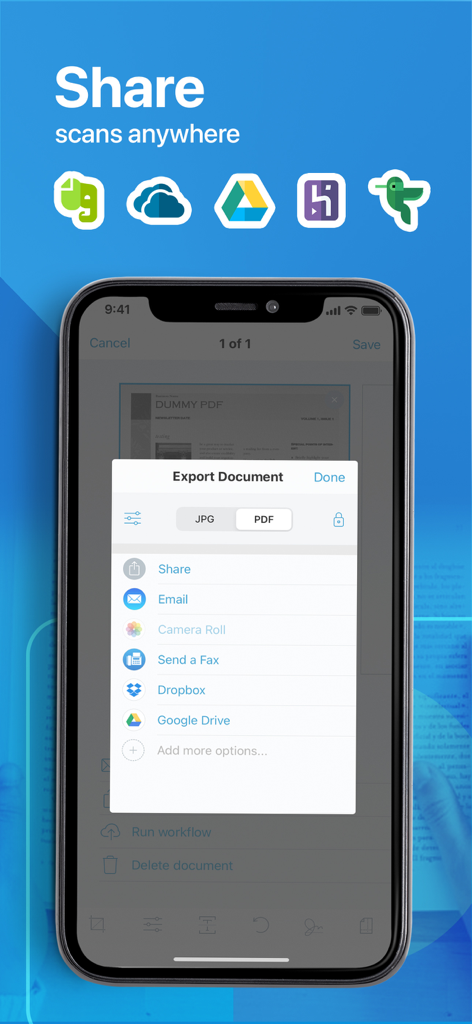
이메일, Dropbox 및 Google Drive를 통해 PDF 및 JPG 파일을 공유하기 위한 문서 내보내기 옵션을 보여주는 모바일 화면.

이메일, Dropbox 및 Google Drive를 통해 PDF 및 JPG 파일을 공유하기 위한 문서 내보내기 옵션을 보여주는 모바일 화면.

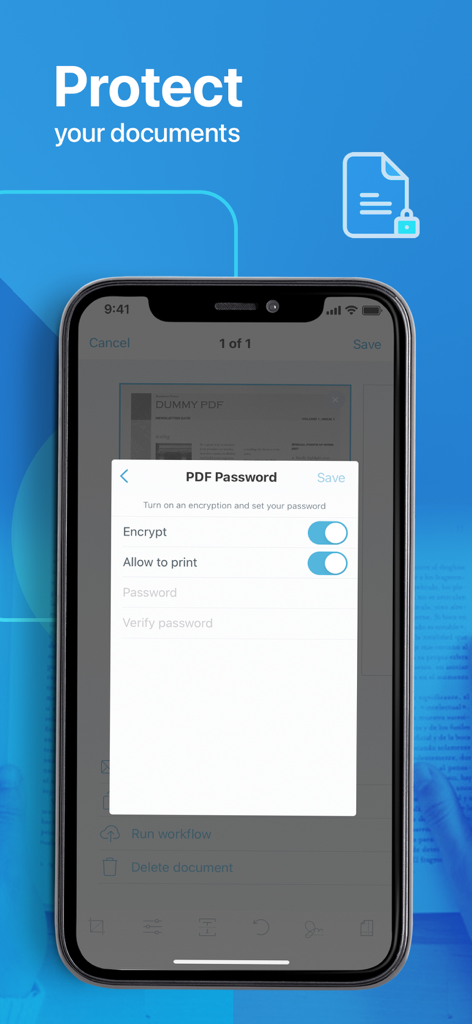
모바일 장치에서 PDF 비밀번호 및 암호화 설정을 보여주는 스크린샷

모바일 장치에서 PDF 비밀번호 및 암호화 설정을 보여주는 스크린샷

무엇이든 스캔하세요. 어디서든.

이 앱을 돋보이게 하는 도구, 849K+ 명의 사용자가 선택.

📄

전문적인 PDF 품질

자동 자르기 및 고해상도 향상 기술로 계약서, 영수증 및 ID의 모든 세부 사항을 캡처하세요.

🖋️

디지털 서명 & OCR

문서에 즉시 서명하고 이미지를 검색 가능한 텍스트로 변환하여 수동 타이핑과 종이 혼란을 없애세요.

🔒

보안 클라우드 동기화

비밀번호로 민감한 파일을 보호하고 iCloud 또는 Google Drive와 원활하게 동기화하여 모든 장치에서 즉시 액세스하세요.

앱 소개

에 대해 알아야 할 모든 것 Scanner App: Fast PDF Doc Scan.

설명

PDF Scanner is a powerful all-purpose portable scanner with built-in OCR and Wi-fi access elements. Key features include: - High-quality Scans and Storage - OCR technology - Wireless documents transfer - Flexible formats - All kind of papers support - Auto-save and upload option - Anytime anywhere access Enjoy Information Security! In our busy and highly digitized World, it is crucial to keep all critical-to-business information accessible and ready to be presented any minute. Our PDF Scanner replaces all your cabinets and boxes to one compatible mobile app. Forget the risks of losing a document, since our platform stores your files directly to your computer or preferred cloud service. Experience an advanced Scanning! In addition to designed high-quality technology and flexible file formatting (PDF or JPG) the App enables you with: - All kinds of paper recognition (receipts, contracts, images, or even colored pictures); - Password-protected PDFs; - Filename and e-mail templates & tags; - Adjustable print and custom paper sizes; - Multiple platforms to scan and operate at (E-mail, iCloud, Notes) Upgrade to a PRO: PDF Scanner is also empowered with advanced PRO features designed to make your life even easier and enable you with even vaster Scan editing benefits. Only imagine the possibility to add multiple signatures to the scanned files, work with multi-step workflows and automated text recognition! PRO Subscription The app contains the following subscription options: - 1 year 39.99$ with 7 free trial days - 1 week 1.99$ Please note the subscription automatically renews unless auto-renew is turned off at least 24-hours before the end of the current period By using PDF Scanner, you are agreeing to our Privacy Policy and Terms of Use: Private Policy http://getscannerapp.com/privacy.html Terms of Use http://getscannerapp.com/terms.html Payment will be charged to iTunes Account at confirmation of purchase • Account will be charged for renewal within 24-hours prior to the end of the current period, and identify the cost of the renewal • Subscriptions may be managed by the user and auto-renewal may be turned off by going to the user's Account Settings after purchase • Any unused portion of a free trial period, if offered, will be forfeited when the user purchases a subscription to that publication, where applicable Why our App? - Zero operational cost with a possibility to upgrade to a PRO version - One-touch functionality (easy, fast, save scans and sharing) - Improved information security and storage - Digital filing system and all types of paper recognition - Continuous improvements and performance enhancements - 12 support languages Stay in Contact: Don't hesitate to contact shall you have any questions or ideas, our support team is entirely at your service: www.getscannerapp.com/support Website: www.getscannerapp.com

최신 버전

3.7.1

크기

72.3 MB

출시일

2017년 4월 5일

서류 작업 번거로움을 없앨 준비가 되셨습니까?

스캐너 앱을 사용하여 문서를 몇 초 만에 디지털화하고 서명하며 보안하는 84만 9천 명 이상의 전문가들과 함께하세요. 오늘 휴대용 오피스의 강력함을 경험해보세요.

다운로드: App Store

App information, icons, screenshots, and descriptions displayed on this page are sourced from the Apple App Store and are the property of their respective developers. Download estimates and rankings are based on MWM's proprietary models and may not reflect actual figures. This page is provided for informational and analytical purposes only.

Believe this page infringes your intellectual property? File a dispute