Scanner-App: Scan Text & Notes

Scanner-App: Scan Text & Notes

다운로드: App Store
로고: Scanner-App: Scan Text & Notes

Scanner-App: 문서를 몇 초 만에 스캔, 서명, 정리하세요

iPhone을 강력한 휴대용 사무실로 변환하세요. 스마트 OCR을 사용하여 텍스트를 추출하고, 이동 중에 계약서에 서명하고, 클라우드로 즉시 동기화하여 종이 없는 고효율 워크플로우를 만드세요.

개발사

Appsorama Media Limited

카테고리

Business

다운로드

587K+

사용자 평점

3.1/5

총 평가 수

200

지원 언어

1

효율성에 집중

이 인터페이스를 사용하는 587K+ 명의 사용자.

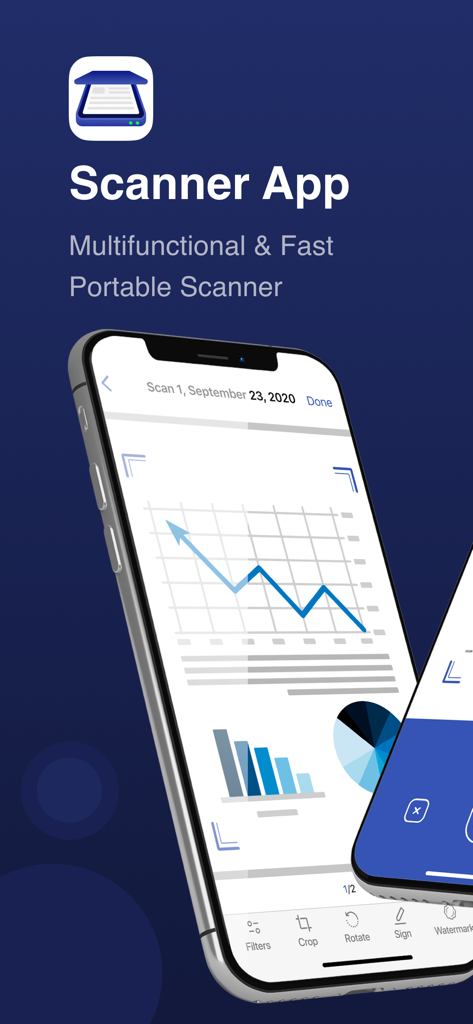
차트와 자르기 및 서명과 같은 편집 도구가 있는 비즈니스 문서의 디지털 스캔이 포함된 Scanner App 인터페이스를 표시하는 모바일 스마트폰

차트와 자르기 및 서명과 같은 편집 도구가 있는 비즈니스 문서의 디지털 스캔이 포함된 Scanner App 인터페이스를 표시하는 모바일 스마트폰

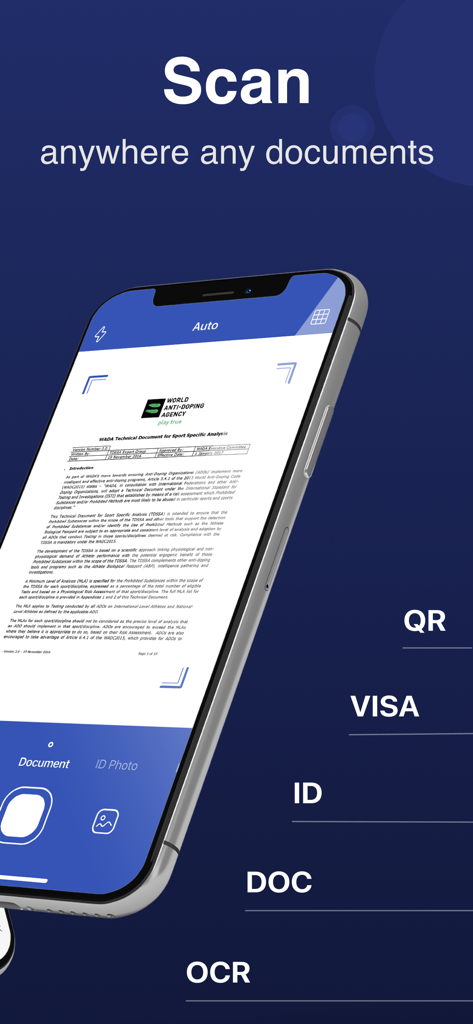
OCR 및 ID 스캔 모드로 문서를 스캔하는 Scanner-App 인터페이스를 표시하는 iPhone

OCR 및 ID 스캔 모드로 문서를 스캔하는 Scanner-App 인터페이스를 표시하는 iPhone

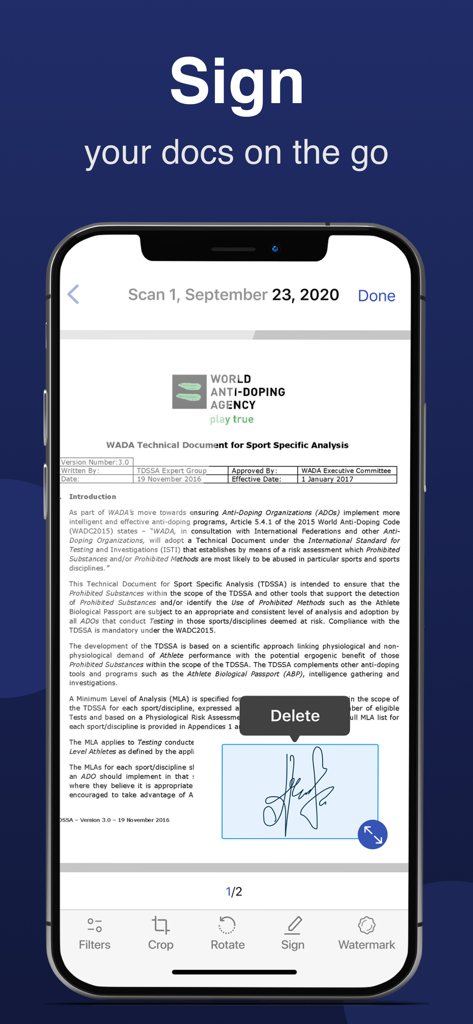
정식 문서에 Scanner-App 전자 서명 기능이 표시된 스마트폰 화면

정식 문서에 Scanner-App 전자 서명 기능이 표시된 스마트폰 화면

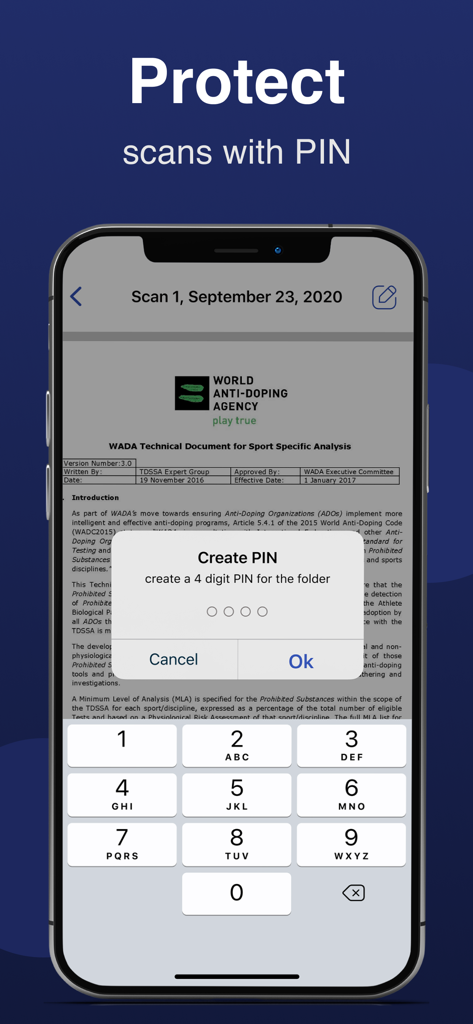
스캔된 문서 폴더를 보호하기 위해 4자리 PIN 생성을 요청하는 모바일 앱 인터페이스

스캔된 문서 폴더를 보호하기 위해 4자리 PIN 생성을 요청하는 모바일 앱 인터페이스

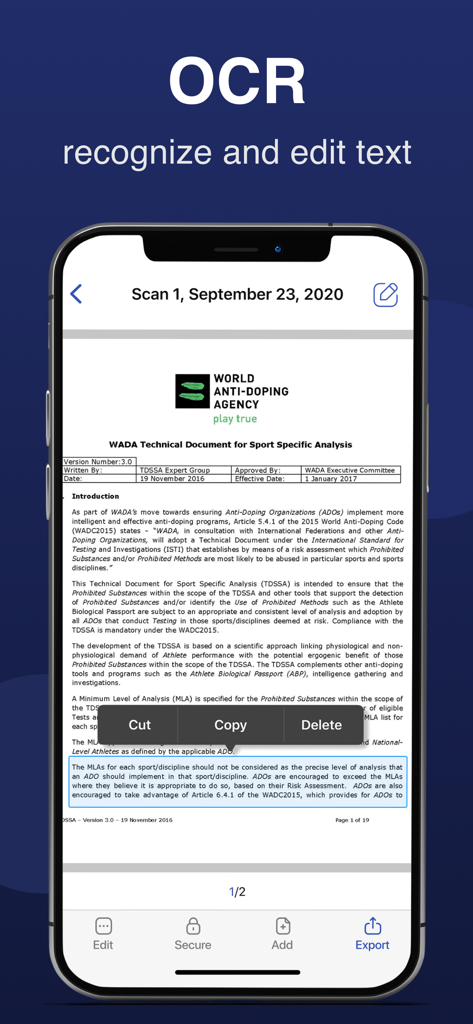
스캔된 문서에서 OCR 텍스트 인식 및 편집을 보여주는 모바일 앱 스크린샷

스캔된 문서에서 OCR 텍스트 인식 및 편집을 보여주는 모바일 앱 스크린샷

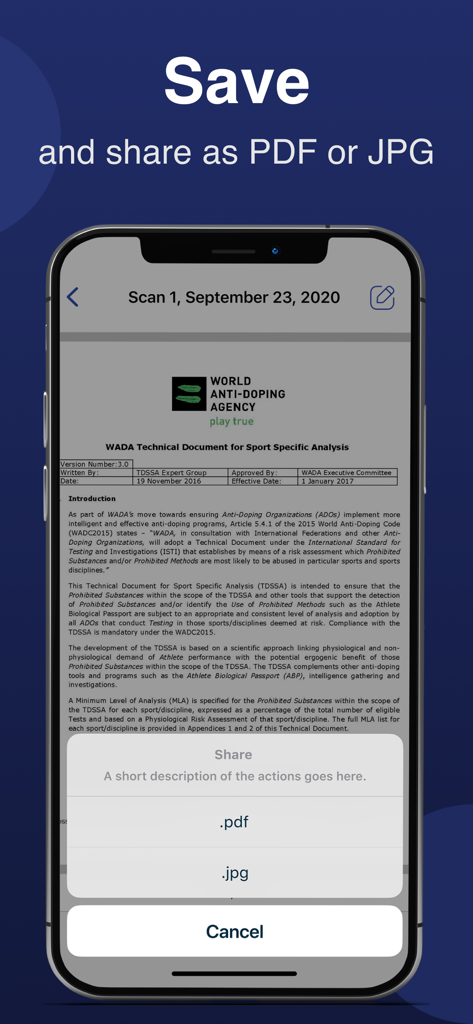
PDF 또는 JPG로 스캔 저장 및 공유 옵션이 있는 문서 스캐너 앱을 보여주는 스마트폰 화면

PDF 또는 JPG로 스캔 저장 및 공유 옵션이 있는 문서 스캐너 앱을 보여주는 스마트폰 화면

주머니 속 유일한 사무 도구

이 앱을 돋보이게 하는 도구, 587K+ 명의 사용자가 선택.

✍️

어디서든 계약서에 서명하세요

이동 중에 계약을 완료하세요. 스캔한 문서에 전자 서명을 추가하고 몇 초 안에 다시 보내세요. 프린터나 잉크가 필요하지 않습니다.

📑

정밀한 OCR 텍스트 추출

메모를 다시 입력하는 것을 멈추세요. 스마트 OCR을 사용하여 실제 문서에서 텍스트를 추출하고 즉시 편집 가능한 Word 파일로 변환하세요.

☁️

원활한 클라우드 워크플로우

작업 공간을 깔끔하게 유지하세요. 스캔 파일을 Google Drive 또는 Dropbox에 자동 동기화하여 완벽하고 정리된 종이 없는 파일링 시스템을 구축하세요.

리뷰 분석

사용자 리뷰 인사이트.

감정 점수

22%
부정적

요약

General feedback for this app is overwhelmingly negative, with many users feeling misled by "free trial" claims, encountering unexpectedly high subscription costs (some as high as $15/week), and struggling with difficult cancellation processes and refund issues. Several users reported that the core scanning functionality either did not work as advertised, was complicated to use, or offered no significant improvement over a standard phone camera. While a few users praised the app for its "fabulous" scanning capabilities and expressed general satisfaction, these positive remarks are significantly overshadowed by widespread complaints about persistent notifications, poor user experience, and a perceived lack of value for money.

주요 테마

Misleading Pricing & Subscriptions(23)
Core Functionality Issues(11)
Cancellation & Refund Difficulty(10)
General Positive Feedback(8)
Poor User Experience(5)
Excessive Notifications & Ads(5)
Effective Scanning / Features(2)

앱 소개

에 대해 알아야 할 모든 것 Scanner-App: Scan Text & Notes.

설명

Scanner-App is a user-friendly multifunctional mobile scanning app that turns everything from IDs to receipts into digital information. No more queuing up near a huge scanner. Tiny and fast Scanner-App will scan and share docs via email or massager in some minutes. Forget about tons of paper. Organize, manage and store documents in the app or in a cloud. With Scanner-App, you don’t need to wait until you get to your office or home office. You can scan and sign documents and send them while you are in a transport or walking through the street. Main features: - High quality PDF and JPG scans - Live border detection and perspective auto correction - OCR (convert image text to word format editable text) - E-sign any document by adding your signature to scans within the app - Full featured file and folder organizer - Edit docs: move, rotate, add or delete pages - Print your scans with any Wi-Fi printer - Cloud services like Dropbox or Google Drive - Multiple pages in a single document - Scan QR codes - Share your scans via email, massager send to iBooks. Unique technology of image transformation allows the algorithm of the application instantly detects borders, removes unnecessary shadows and edit perspective. In 5 seconds the Scanner-App creates a full scan of any document. It will not lose clarity and color. There is also the possibility of flexible color adjustment of the document. By using Scanner-App, you are agreeing to our Privacy Policy and Terms of Use: http://p.appsorama.me/com.appsorama.scanner http://p.appsorama.me/com.appsorama.scanner.terms

최신 버전

2.7

크기

186.1 MB

출시일

2020년 12월 28일

서류 작업은 이제 그만?

100만 명이 넘는 전문가와 학생들이 iPhone을 고속 주머니 사무실로 바꾼 대열에 합류하세요. 문서를 몇 초 만에 스캔, 서명, 공유하세요.

다운로드: App Store

App information, icons, screenshots, and descriptions displayed on this page are sourced from the Apple App Store and are the property of their respective developers. Download estimates and rankings are based on MWM's proprietary models and may not reflect actual figures. This page is provided for informational and analytical purposes only.

Believe this page infringes your intellectual property? File a dispute