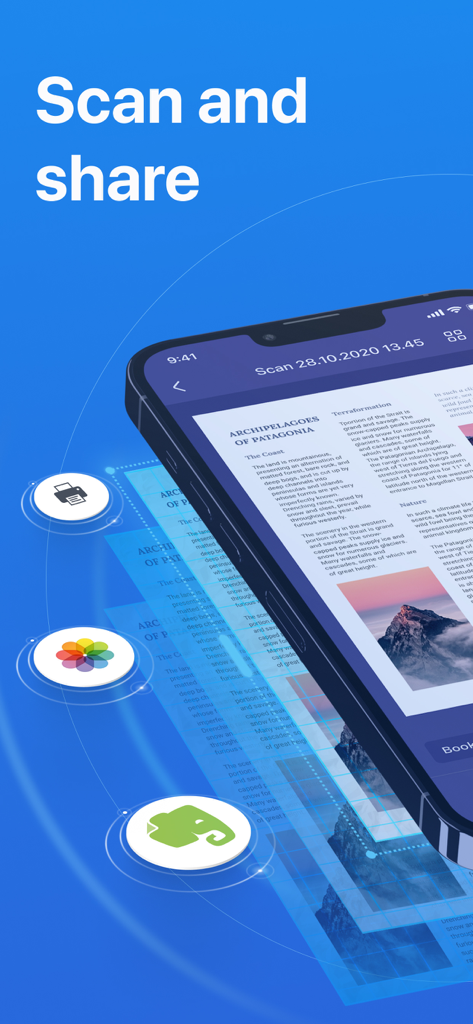
Scanner Mini 앱이 인쇄 및 Evernote 공유 옵션이 있는 스캔된 문서를 보여주는 iPhone에서 실행 중입니다.
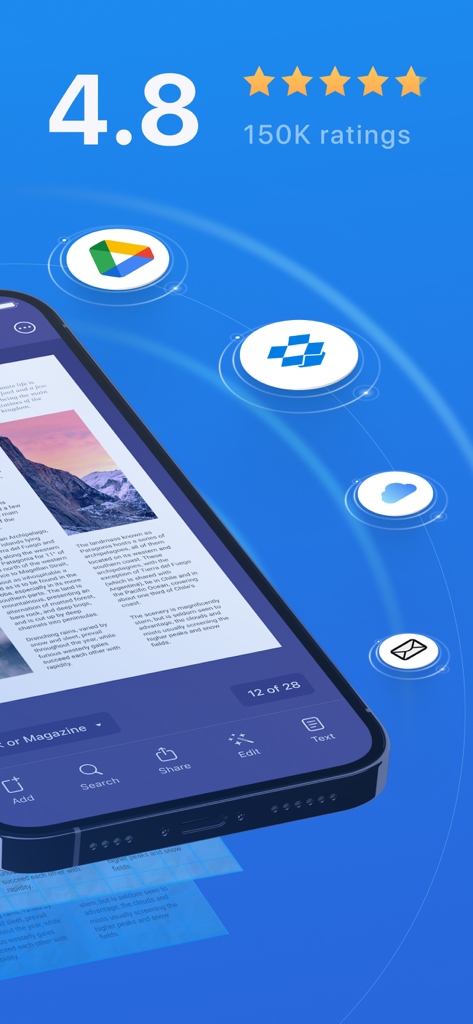
Scanner Mini 앱 인터페이스가 높은 사용자 등급과 스캔된 문서에 대한 클라우드 스토리지 통합을 보여줍니다.
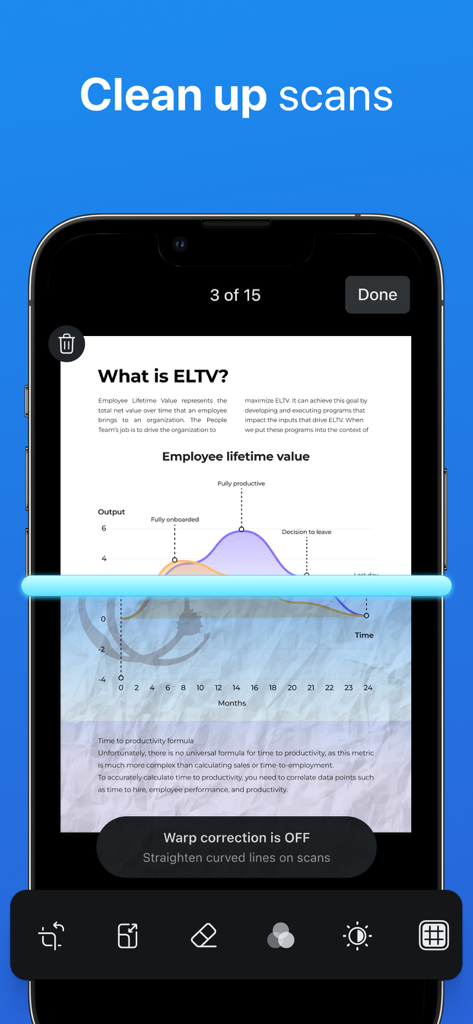
iPhone 화면에 Scanner Mini 앱이 파란색 스캔 선으로 문서 스캔을 정리하는 모습이 표시됩니다.
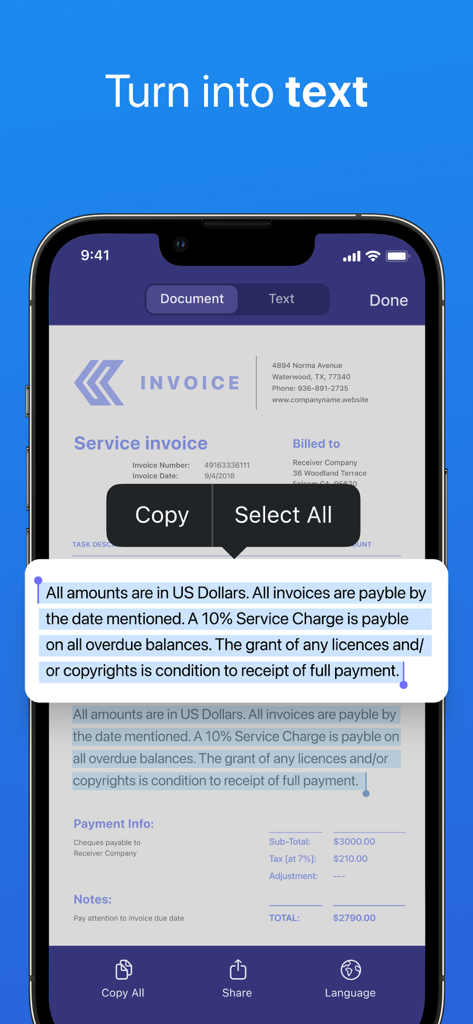
iPhone 화면에 Scanner Mini 앱이 스캔된 송장을 편집 가능한 텍스트로 변환하는 모습이 표시됩니다.
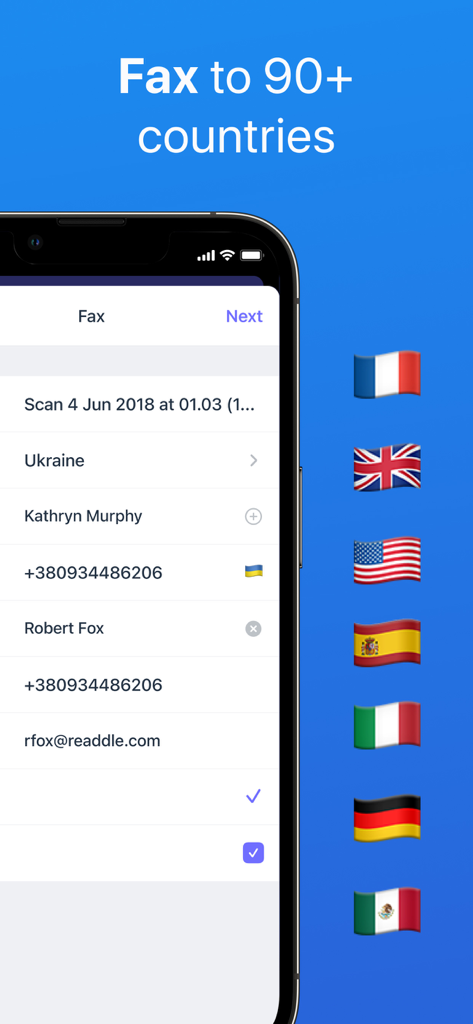
Scanner Mini 앱 인터페이스에 미국 및 영국을 포함한 국가 깃발이 있는 국제 팩스 옵션이 표시됩니다.
당신의 휴대용 생산성 파워하우스
이 앱을 돋보이게 하는 도구, 2M+ 명의 사용자가 선택.
✨
전문가 수준의 AI 편집
스캔에서 그림자, 손가락, 스테이플러를 즉시 제거하세요. 전문 평판 스캐너에서 나온 것처럼 보이는 선명하고 완벽하게 잘린 PDF를 얻으세요.
⚡
스마트 자동화 및 팩스
번거로운 단계를 건너뛰세요. 스캔, 이름 변경, 클라우드 업로드 또는 앱에서 직접 50개국 이상으로 전문 팩스를 보내는 원터치 워크플로우를 만드세요.
🔒
보안 검색 및 동기화
전체 텍스트 검색(OCR)으로 문서를 즉시 찾고 Face ID로 민감한 계약서를 보호하며 iPhone, iPad, Mac 간에 동기화 상태를 유지하세요.
앱 소개
에 대해 알아야 할 모든 것 Scanner Mini – Scan PDF & Fax.
설명
Scanner Mini is the best place for your important documents. It transforms your iPhone and iPad into portable scanners.
Scan agreements, receipts, IDs, books, and more using your device and turn them into high-quality PDFs, so you can safely store and share them anywhere.
"Scanner Mini turns your iPhone into a scanning boss" – The Next Web
"Scanner Mini is very, very nice. It’s simple and fast." – Mark Gurman, 9to5Mac
*** WITH SCANNER MINI YOU GET FREE ACCESS TO ***
EASY SCANNING
Sсan any kind of paper documents into multi-page PDFs or JPEGs.
ADVANCED IMAGE PROCESSING
Create great-looking documents with original pictures, color stamps and signatures. Scanner Mini will automatically detect borders in real time, correcting distortion and geometry. You can also adjust the crop area manually, by tapping on the screen.
MAKE ORGANIZING EASY
All your scans are automatically organized into useful categories: bills, receipts, books or magazines, IDs, forms, etc.
ANNOTATE YOUR SCANS
You can draw, write, and highlight text in your scans right in Scanner Mini without jumping to another app.
MAGIC ERASER
Get rid of staples, holes, or fingers that got into the scan while scanning. Scanner Mini’s AI-powered eraser makes unwanted objects disappear as if they were never there.
iCLOUD SYNC ACROSS ALL YOUR DEVICES
Access to all your scanned documents on your iPhone, iPad and Mac. Scan a document on your iPhone or iPad and it will be uploaded to iCloud Drive automatically.
*** SCANNER MINI PLUS UNLOCKS THE ADVANCED FEATURES ***
WORK WITH TEXT (OCR)
Turn scans into text, so you can read, copy, and export it to other apps. Scanner Mini supports 25+ languages: Catalan, Croatian, Simplified Chinese, Traditional Chinese, Czech, Danish, Dutch, English, Estonian, Finnish, French, German, Greek, Hungarian, Italian, Japanese, Latin, Norwegian, Polish, Portuguese, Romanian, Russian, Spanish, Swedish, Tagalog, Turkish and Ukrainian.
SHARE YOUR SCANS
Send scanned documents via email, export to Photos or open in any 3rd party apps. Also, you can print your documents or even fax them to most countries and territories.
FULL-TEXT SEARCH
Search through the text of your scans or by category, not just by titles. Quickly find any scan no matter how it’s named.
REMOVE WATERMARK
Create clean and professional scans without watermarks.
AUTO UPLOAD & WORKFLOWS
Automate your flow and perform multiple actions in just one tap. First, choose your actions – rename documents, send an email, auto upload to Dropbox, save to the required folder and much more. Then, with just one tap Scanner Mini will complete all of these actions, while you solve more important problems.
PROTECT YOUR PDFs
Protect your document library with a secure password, Face ID, or Touch ID. Share password-protected scans to shield them from prying eyes.
We give you 7-DAY FREE TRIAL to Scanner Mini Plus, so you can download it now and check it in action.
Have any feedback or comments? We’d love to hear from you at http://readdle.com/contact
Privacy Policy: https://readdle.com/scannermini/legal/privacy
Terms of Service: https://readdle.com/scannermini/legal/terms
최신 버전
8.26.2
크기
242.1 MB
출시일
2012년 12월 18일
고급 사무용 스캐너를 주머니에 넣어 다니세요
200만 명 이상의 전문가들이 번거로움을 버렸습니다. 지금 Scanner Mini를 다운로드하여 AI 기반의 정밀도로 워크플로우를 스캔, 팩스, 자동화하세요.
App information, icons, screenshots, and descriptions displayed on this page are sourced from the Apple App Store and are the property of their respective developers. Download estimates and rankings are based on MWM's proprietary models and may not reflect actual figures. This page is provided for informational and analytical purposes only.
Believe this page infringes your intellectual property? File a dispute