
이 페이지는 앱이나 개발자의 공식 페이지가 아니며, 정보 제공 및 논평을 목적으로 작성된 독립 편집 간행물입니다. 명시적으로 달리 언급되지 않는 한, 해당 앱이나 개발자는 MWM, Apple, Google Play, 앱 퍼블리셔 또는 앱 개발자와 제휴, 보증, 후원, 승인 또는 공식적으로 연결되어 있지 않으며, 이 페이지의 어떤 내용도 해당 앱이 MWM의 서비스를 사용하여 개발되었음을 의미하지 않습니다. 모든 상표, 로고, 스크린샷 및 기타 콘텐츠는 해당 소유자의 자산입니다.

다운로드
4M+사용자 평점
총 평가 수
1K+개발사
카테고리
Utilities지원 언어
8최신 버전
1.5.5크기
121.1 MB출시일
2019년 10월 15일작은 화면의 제약에서 벗어나세요
모든 기기에서 작동하는 전문가 수준의 미러링을 경험하세요. 광고 없고, 제한 없고, 업무와 놀이를 위한 끊김 없는 고화질 연결만 제공합니다.
진정한 크로스 플랫폼 자유
iPhone 또는 iPad를 Windows 또는 Mac 컴퓨터로 쉽게 미러링하세요. 단일 생태계에 갇히지 않고 영화, 프레젠테이션 또는 라이브 스트림을 위한 지연 없는 전송을 경험하세요.
새로운 생산성 해킹
모바일 기기를 PC의 보조 모니터 또는 원격 키보드로 전환하여 워크플로를 향상시키세요. 멀티태스킹 원격 작업자와 디지털 작업 공간을 극대화하려는 학생들에게 완벽합니다.
자주 묻는 질문
에 대해 알아야 할 모든 것 Screen Mirroring: LetsView
Screen Mirroring: LetsView란 무엇인가요?
LetsView는 휴대폰, 태블릿 또는 컴퓨터 화면을 TV, PC 또는 Mac으로 전송하는 화면 미러링 애플리케이션입니다. 다양한 장치를 지원하며 커뮤니케이션 및 엔터테인먼트 기능을 제공합니다.
LetsView는 다양한 장치 간의 화면 미러링을 지원하나요?
네, LetsView는 휴대폰과 PC, 휴대폰과 TV, PC/태블릿과 TV 간의 크로스 플랫폼 화면 미러링을 지원합니다. 또한 PC 대 PC 미러링도 지원합니다.
LetsView를 사용하여 휴대폰으로 PC를 제어할 수 있나요?
네, LetsView를 사용하면 스마트폰으로 PC를 제어할 수 있습니다. 연결되면 스마트폰은 컴퓨터 화면의 임시 키보드 또는 마우스 역할을 합니다.
Screen Mirroring: LetsView는 원격 화면 미러링을 제공하나요?
네, LetsView는 원격 화면 미러링을 제공합니다. 이 기능을 사용하면 다른 네트워크에 있는 장치들이 원격 캐스트 코드를 입력하여 화면을 공유할 수 있습니다.
LetsView는 휴대폰 화면을 보조 모니터로 확장할 수 있나요?
네, LetsView에는 "화면 확장" 기능이 포함되어 있습니다. 휴대폰을 컴퓨터의 보조 모니터로 전환하여 휴대폰에서 보조 작업을 수행함으로써 생산성을 향상시킵니다.
Screen Mirroring: LetsView는 어떤 추가 기능을 제공하나요?
네, LetsView는 추가 기능을 제공합니다. 여기에는 그리기 도구, 화이트보드, 문서 프레젠테이션, 화면 캡처 및 휴대폰 화면 녹화 기능이 포함됩니다.
LetsView는 무료이며 광고 없는 화면 미러링 앱인가요?
네, LetsView는 광고가 없으며 중단 없는 무제한 사용을 제공합니다. 추가 비용 없이 고품질 HD 화면 미러링 및 HD 화면 녹화를 제공합니다.
Screen Mirroring: LetsView의 주요 용도는 무엇인가요?
LetsView는 가족 엔터테인먼트, 비즈니스 프레젠테이션, 온라인 교육 및 라이브 스트림 게임 플레이와 같은 주요 사용 사례에 사용됩니다. 시각적 경험을 향상시키고 콘텐츠 공유를 용이하게 합니다.
Screen Mirroring: LetsView를 사용하여 장치를 어떻게 연결하나요?
LetsView로 장치를 연결하는 것은 쉽습니다. 직접 연결, QR 코드 연결 또는 비밀번호 연결을 사용할 수 있습니다. 자동 감지를 위해 장치가 동일한 Wi-Fi 네트워크에 있는지 확인하십시오.
다음 스크린샷과 설명은 앱의 공식 스토어 목록에서 직접 가져온 것이며 앱 개발자의 자산입니다.
앱 스토어
스크린샷
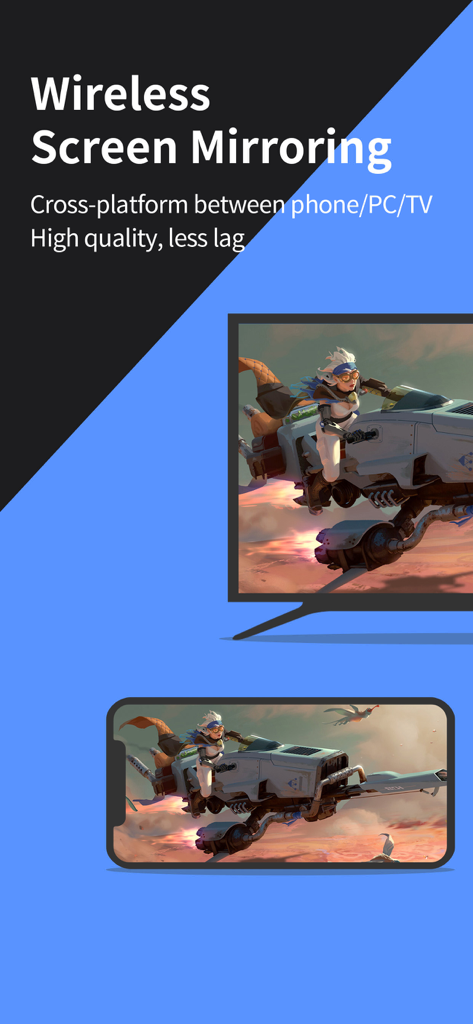
LetsView를 사용하여 스마트폰에서 TV로 모바일 게임을 무선 화면 미러링
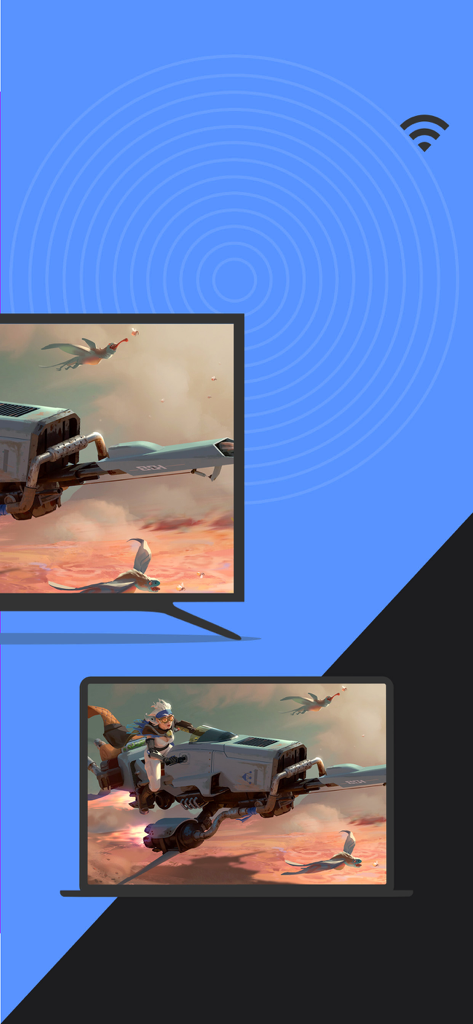
LetsView 앱을 사용하여 노트북에서 TV로 무선 화면 미러링
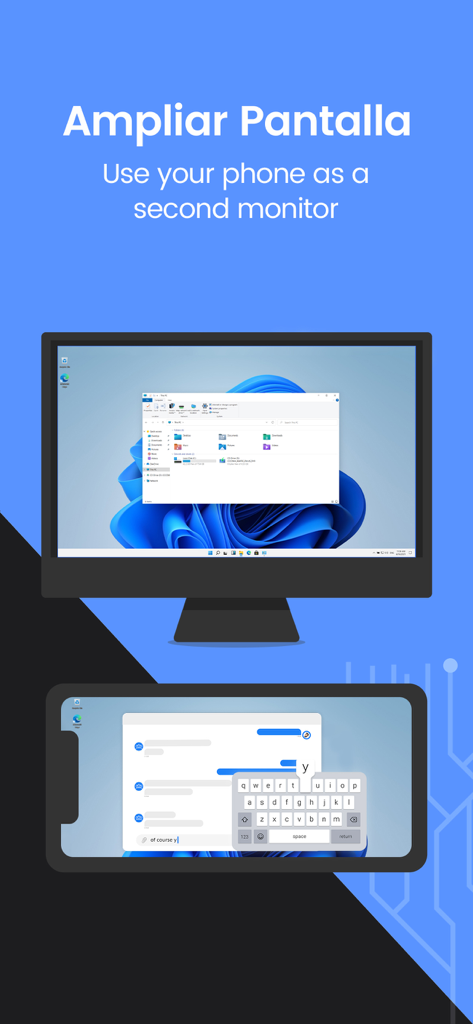
LetsView를 사용하여 휴대폰을 컴퓨터의 보조 모니터로 사용
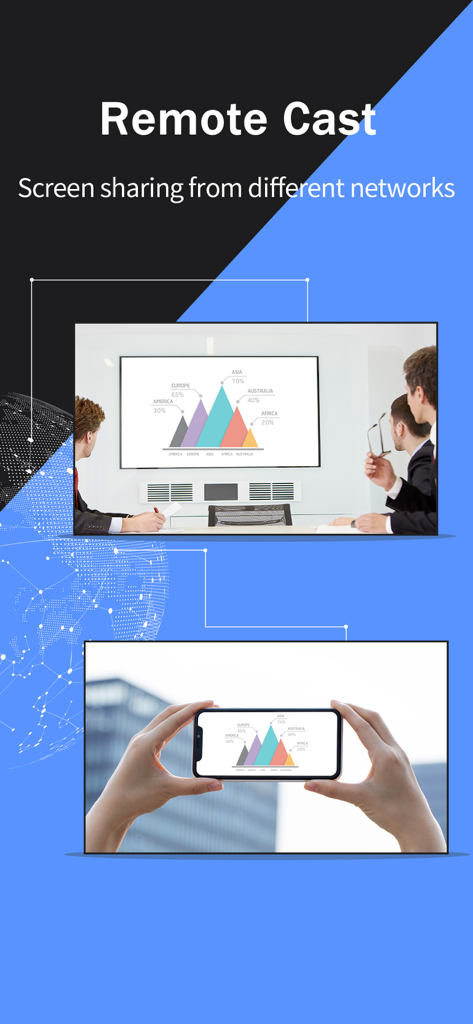
비즈니스 회의실의 대형 디스플레이에 비즈니스 차트를 미러링하는 스마트폰을 보여주는 원격 화면 전송 기능
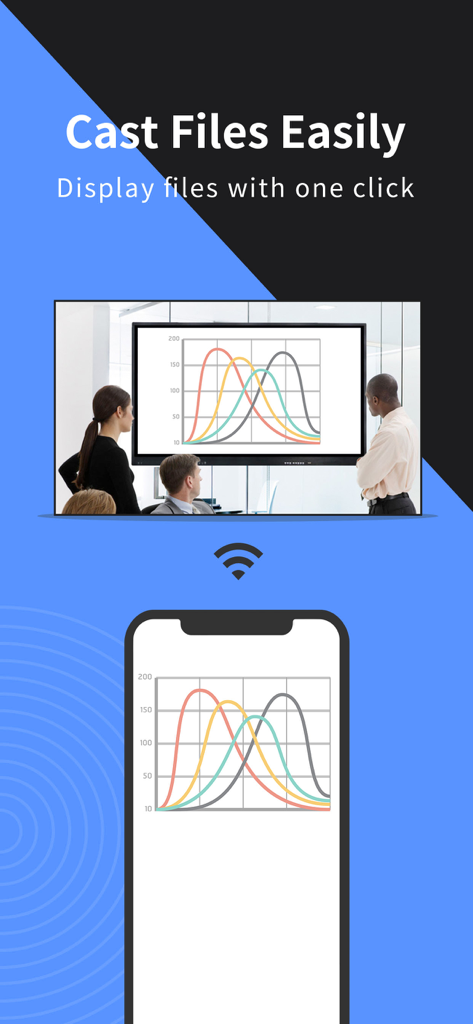
비즈니스 회의실의 대형 화면에 스마트폰에서 데이터 차트를 미러링하는 LetsView 앱
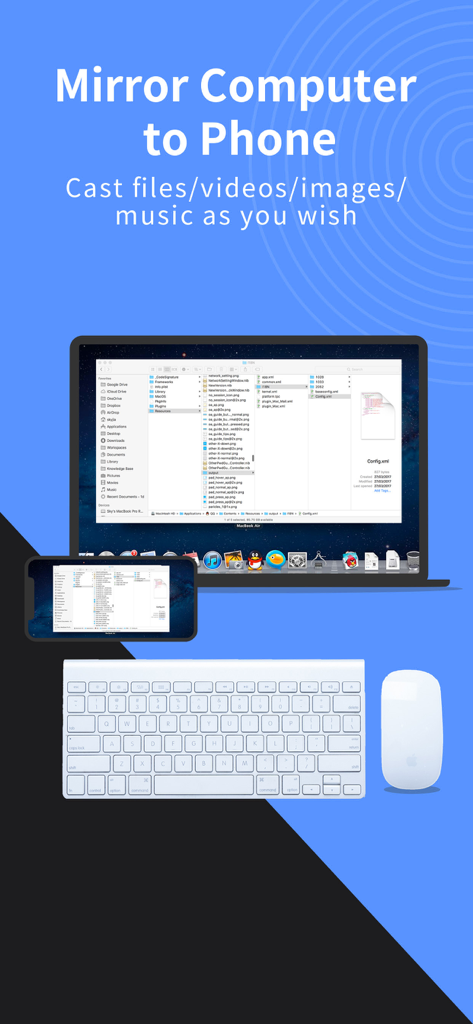
무선 키보드 및 마우스와 함께 LetsView 앱을 사용하여 스마트폰에 미러링되는 노트북 화면
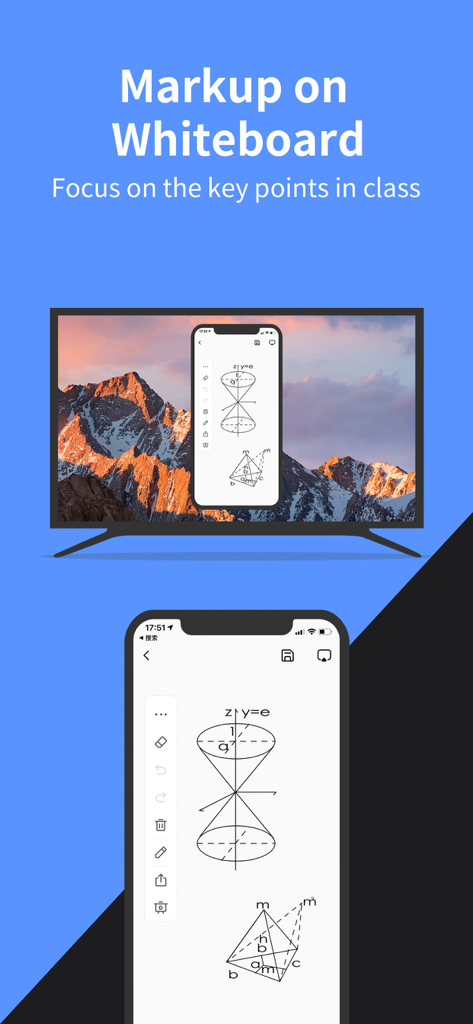
TV 화면에 기하학적 다이어그램이 있는 모바일 화이트보드를 미러링하는 LetsView 앱
설명
Download

비슷한 앱
유사한 기능과 사용자 경험을 가진 앱

向日葵远程控制-Sunlogin remotecontrol
Shanghai best oray information s&t co.,ltd

UU远程-远程办公/游戏串流
Guangzhou NetEase Computer System Co.Ltd

AweSun Remote Desktop
AWERAY PTE. LTD.

AnyDesk Remote Desktop
AnyDesk Software GmbH

TeamViewer Remote Control
TeamViewer Germany GmbH

ToDesk远程控制
Hainan Youqu Technology Co., Ltd.

DeskIn Remote Desktop
ZULER TECHNOLOGY PTE. LTD.

Termius - Modern SSH Client
Termius Corporation

RealVNC Viewer: Remote Desktop
RealVNC Limited
이 페이지는 앱이나 개발자의 공식 페이지가 아니며, 정보 제공 및 논평을 목적으로 작성된 독립 편집 간행물입니다. 명시적으로 달리 언급되지 않는 한, 해당 앱이나 개발자는 MWM, Apple, Google Play, 앱 퍼블리셔 또는 앱 개발자와 제휴, 보증, 후원, 승인 또는 공식적으로 연결되어 있지 않으며, 이 페이지의 어떤 내용도 해당 앱이 MWM의 서비스를 사용하여 개발되었음을 의미하지 않습니다. 모든 상표, 로고, 스크린샷 및 기타 콘텐츠는 해당 소유자의 자산입니다.