Secret Photo Vault Lock Photos
다운로드: App Store

이 페이지는 앱이나 개발자의 공식 페이지가 아니며, 정보 제공 및 논평을 목적으로 작성된 독립 편집 간행물입니다. 명시적으로 달리 언급되지 않는 한, 해당 앱이나 개발자는 MWM, Apple, Google Play, 앱 퍼블리셔 또는 앱 개발자와 제휴, 보증, 후원, 승인 또는 공식적으로 연결되어 있지 않으며, 이 페이지의 어떤 내용도 해당 앱이 MWM의 서비스를 사용하여 개발되었음을 의미하지 않습니다. 모든 상표, 로고, 스크린샷 및 기타 콘텐츠는 해당 소유자의 자산입니다.


로고: Secret Photo Vault Lock Photos
다운로드: App Store

Secret Photo Vault Lock Photos

이 앱은 당신의 사생활을 감추는 디지털 유령으로 변신시킵니다. 민감한 파일은 사라지고, 오직 당신의 시선 아래서만 존재합니다.

주요 수치

다운로드

1M+

사용자 평점

4.7/5

총 평가 수

296.7K

개발사

伟林 莫

카테고리

Photo & Video

지원 언어

1

최신 버전

8.3.8

크기

16.0 MB

출시일

2011년 7월 18일
기능

디지털 프라이버시 및 데이터 보안을 위한 핵심 기능 분석

Secret Photo Vault Lock Photos 앱 분석

가짜 계정(Decoy Account) 및 사용자 관리

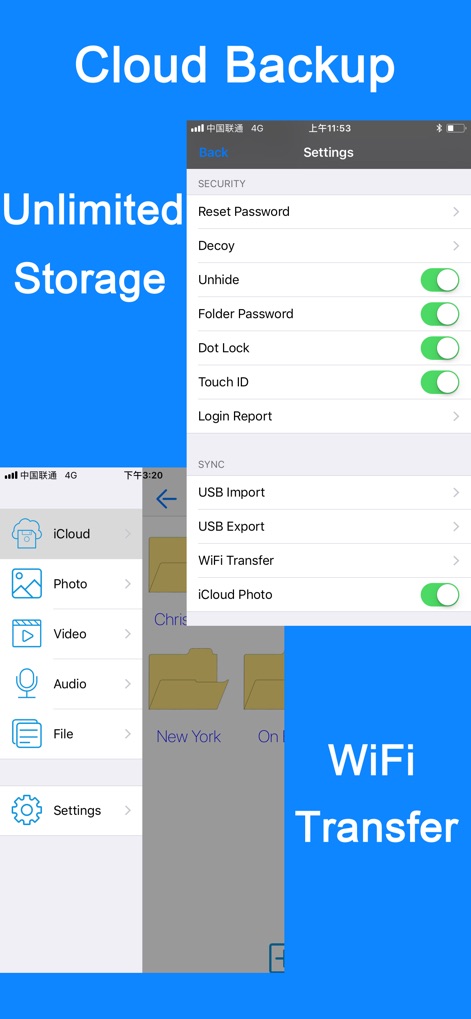
이 도구는 사용자가 가짜 계정을 설정하여 강제로 앱을 열어야 하는 상황에서도 실제 개인 파일을 숨길 수 있도록 추가적인 개인 정보 보호 계층을 제공합니다. 또한 여러 사용자 및 카테고리를 관리할 수 있습니다.

사적인 미디어 및 문서 보안 잠금

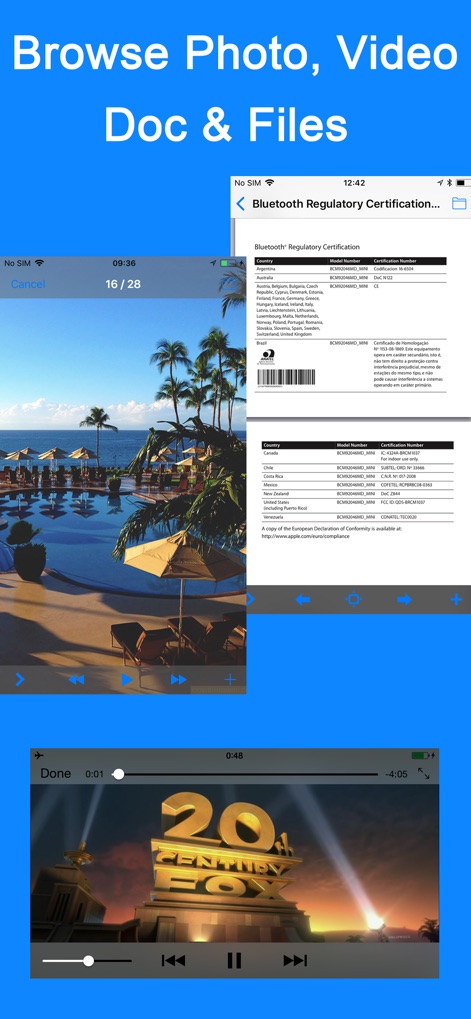
이 앱은 사용자가 사진, 비디오, 음성 녹음, 메모 및 기타 문서를 포함한 민감한 개인 파일을 안전하게 잠그고 관리할 수 있게 해줍니다.

다중 잠금 방식 지원

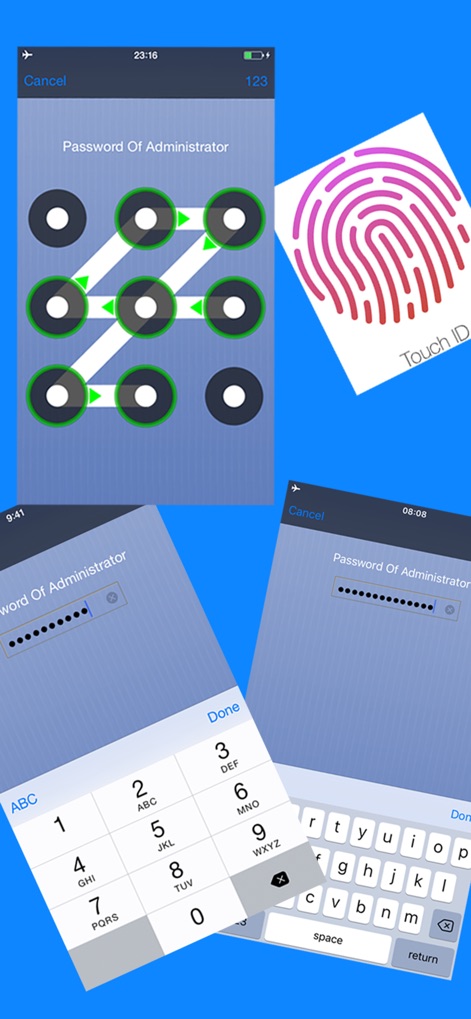
이 앱은 사용자가 비밀번호, 점 잠금, Touch ID 및 Face ID를 포함한 다양한 잠금 방식을 활용하여 민감한 데이터에 대한 무단 접근을 효과적으로 방지할 수 있도록 합니다.

다음 스크린샷과 설명은 앱의 공식 스토어 목록에서 직접 가져온 것이며 앱 개발자의 자산입니다.

앱 스토어

스크린샷
Secret Photo Vault Lock Photos - null

Secret Photo Vault Lock Photos - null

Secret Photo Vault Lock Photos - null

Secret Photo Vault Lock Photos - null

Secret Photo Vault Lock Photos - null

Secret Photo Vault Lock Photos - null

설명

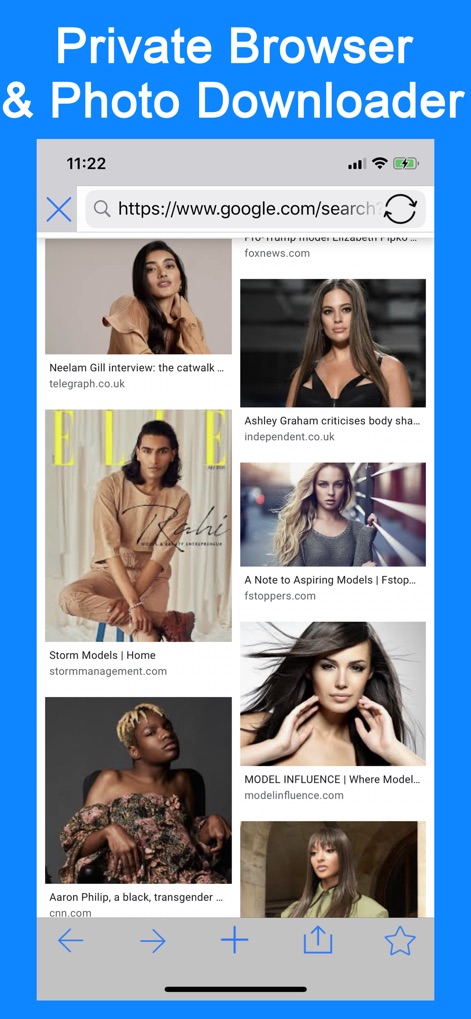
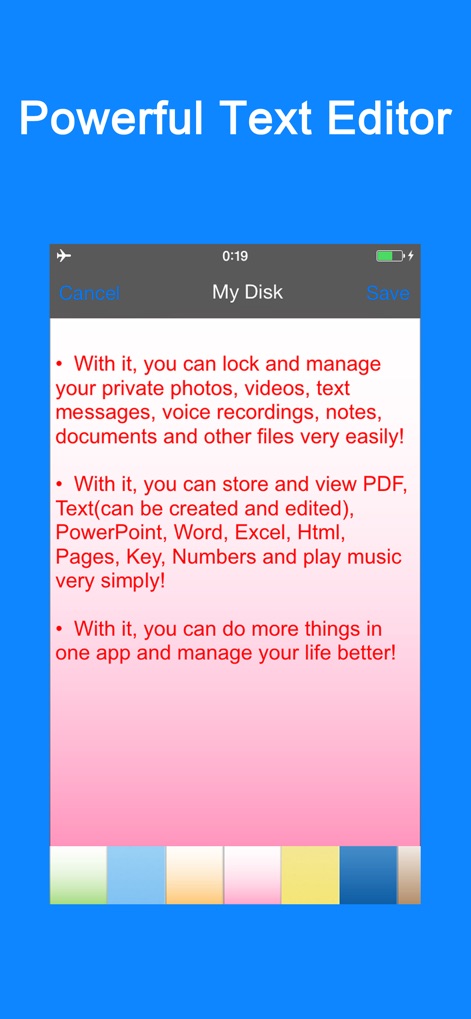
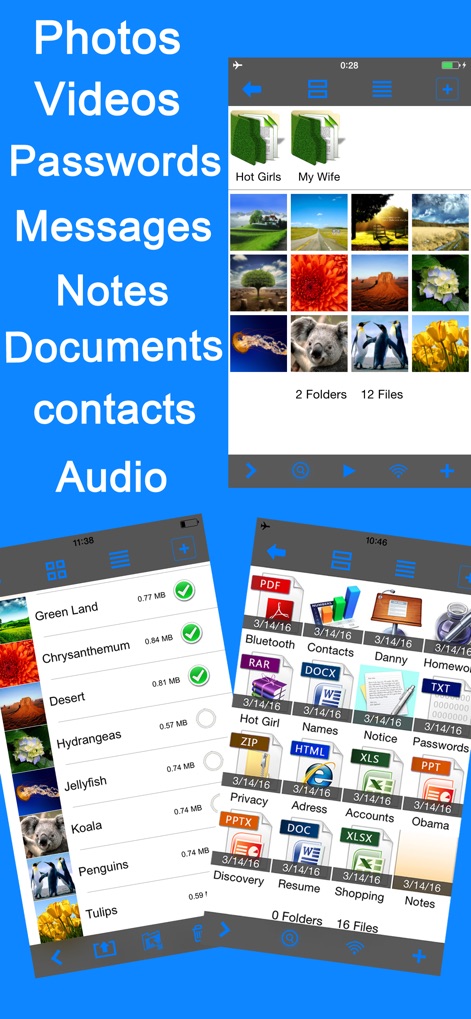
• With it, you can lock and manage your private photos, videos, text messages, voice recordings, notes, documents and other files very easily! • With it, you can store and view PDF, Text(can be created and edited), PowerPoint, Word, Excel, Html, Pages, Key, Numbers and play music very simply! • With it, you can do more things in one app and manage your life better! Manage Folders • Support subfolders • Hide folders • Create, Cut, Copy, Delete, Rename, Search folders • Multiple folders can be handled at a time Manage Files • Add photos, videos from computer, camera or photo library • Create audio files from recorder or computer • Create note of txt format or import any file from computer • Sort by Date, Type, Name, Size, Ascending or Descending(click again to switch) • Cut, Copy, Delete, Rename, Search, Hide files • Multiple files can be handled at a time Support Viewing many file formats • Photo: jpg, png, bmp, gif, tif, tiff, jpeg • Video: mov, mp4, m4v, mpv • Audio: mp3, aiff, wav • Document: pdf, doc, ppt, xls, txt, rtf, html, pages, key, numbers... Security • You can lock any category/user with passwords • With only one password, you can easily lock or unlock any folder • With the password of the current user, you can hide or show any folder/file • The Q&A for password resetting can be added or modified optionally Communicate with computer • Wi-Fi web access for download and upload. Support viewing files on browser and uploading multiple files at a time • USB Import/Export multiple files/folders from/to iTunes File Sharing • You can store any file you like, the importing files will be sorted automatically into 4 kinds: "Photo, Video, Audio, File" • The exporting files/folders will be merged into one folder called "Export" in iTunes. For security reason, they will be moved back to app once you stop exporting • Import/Export multiple files/folders from/to iTunes in current directory simply Manage users/categories and decoy users • Create, delete, edit users/categories or decoy users • Provide a public account to share your data between users/categories, you can see a public folder in each category/user • Provide decoy accounts to conceal your privacy for further protection. You can set passwords for Admin or the other users. If you are forced to open this app in some case, the decoy accounts for Admin is a good way to hide your real private files. Click Admin account and enter the decoy passwords, which will guide app to display your decoy database(different from Admin's) only. So you don't have to worry about snoopers. Metadata • File name, size, type, modify date, create date, duration Share • Send files/folders via email • Send photos via MMS • Export photos/videos to photo library • Export files/folders to computer • Multiple files/folders can be handled at a time More • Support, dot lock, password lock, Touch ID & Face ID • Two interface modes: Grid and Table • Photo Slide Show, support background music and transition mode • Support Pinch and Double Tap to zoom • You can slide to set the background images while recording sound and reset them for any audio file • LongPress to enter folder while editing in Grid View • Files/Folders can be transferred between users • Support continuous shooting • Support setting colorful background images for notes • Support Retina Display totally • Support sliding to view the next or previous one in “Picture, Audio, File” functions Note • All of your data in this app is stored only in your device. We don't access or store your privacy. Contact us • photovault@yeah.net; facebook.com/setnul; twitter.com/setnul • To help us improve, please leave a review here. Thank you very much!

Download

다운로드: App Store

이 페이지는 앱이나 개발자의 공식 페이지가 아니며, 정보 제공 및 논평을 목적으로 작성된 독립 편집 간행물입니다. 명시적으로 달리 언급되지 않는 한, 해당 앱이나 개발자는 MWM, Apple, Google Play, 앱 퍼블리셔 또는 앱 개발자와 제휴, 보증, 후원, 승인 또는 공식적으로 연결되어 있지 않으며, 이 페이지의 어떤 내용도 해당 앱이 MWM의 서비스를 사용하여 개발되었음을 의미하지 않습니다. 모든 상표, 로고, 스크린샷 및 기타 콘텐츠는 해당 소유자의 자산입니다.