
이 페이지는 앱이나 개발자의 공식 페이지가 아니며, 정보 제공 및 논평을 목적으로 작성된 독립 편집 간행물입니다. 명시적으로 달리 언급되지 않는 한, 해당 앱이나 개발자는 MWM, Apple, Google Play, 앱 퍼블리셔 또는 앱 개발자와 제휴, 보증, 후원, 승인 또는 공식적으로 연결되어 있지 않으며, 이 페이지의 어떤 내용도 해당 앱이 MWM의 서비스를 사용하여 개발되었음을 의미하지 않습니다. 모든 상표, 로고, 스크린샷 및 기타 콘텐츠는 해당 소유자의 자산입니다.


Smartsheet: Projects & Teams
스프레드시트의 난잡함은 이제 그만. 영향력 있는 전문가를 위해 설계된 엔터프라이즈급 노코드 플랫폼으로 프로젝트를 관리하고, 워크플로를 자동화하며, 실시간 가시성을 확보하세요.
다운로드
3M+사용자 평점
총 평가 수
131K+개발사
카테고리
Business지원 언어
8최신 버전
26.0크기
113.9 MB출시일
2012년 10월 18일혼돈을 정밀함으로 바꾸세요
고성능 팀이 워크플로를 자동화하고, 복잡한 프로젝트를 관리하며, 어디서든 실시간 결과를 도출할 수 있도록 설계된 강력한 노코드 플랫폼입니다.
단조로운 작업을 자동화하세요
승인 요청 및 알림을 몇 분 안에 설정하세요. 반복적인 작업과 상태 회의를 없애고 성과를 높이는 일에 집중하세요.
이동 중에도 경영진에게 가시성 제공
iPhone 또는 iPad에서 실시간 대시보드에 액세스하고 프로젝트 상태를 추적하세요. 중요한 모든 업데이트에 대한 실시간 푸시 알림으로 정보를 계속 파악하세요.
자주 묻는 질문
에 대해 알아야 할 모든 것 Smartsheet: Projects & Teams
새 사용자는 Smartsheet: Projects & Teams를 어떻게 시작할 수 있습니까?
새 사용자는 기존 Smartsheet 계정으로 로그인하거나 이메일을 입력하여 30일 무료 평가판에 가입할 수 있습니다. 유료 계정으로 업그레이드는 언제든지 가능합니다.
Smartsheet를 사용하면 프로젝트 및 작업에서 실시간 협업이 가능합니까?
예, Smartsheet는 Mac, iPad 또는 iPhone에서 문서 및 시트를 생성, 공유 및 검토/편집할 수 있도록 하여 원활한 협업을 지원합니다.
Smartsheet는 어떤 프로젝트 구성 기능을 제공합니까?
Smartsheet는 시트를 사용하여 프로젝트 및 작업을 구성합니다. 사용자는 담당자, 마감일, 팔로워, 체크리스트 및 파일을 추가하고 그리드, 카드, Gantt 또는 캘린더 보기에서 작업을 시각화합니다.
Smartsheet 앱 내에서 워크플로우를 자동화할 수 있습니까?
예, Smartsheet는 업데이트/승인 요청, 알림, 미리 알림 및 자동 행 작업을 통해 워크플로우를 자동화합니다. 또한 카드 보기에서 애자일 작업을 위한 칸반 보드를 지원합니다.
Smartsheet는 정보 수집에 어떻게 도움이 됩니까?
Smartsheet를 사용하면 양식을 통해 현장에서 데이터를 수집할 수 있습니다. 이러한 양식은 이미지 업로드, 바코드 스캔, 조건부 논리를 지원하며 고유한 링크를 통해 포함하거나 공유할 수 있습니다.
Smartsheet는 다른 인기 있는 비즈니스 애플리케이션과 통합됩니까?
예, Smartsheet는 Google, Microsoft, Salesforce, Slack, Jira, DocuSign 및 Box와 같은 인기 있는 앱과 통합되어 플랫폼 간 실시간 동기화 및 가시성을 제공합니다.
코딩 없이 Smartsheet를 사용하여 사용자 지정 애플리케이션을 구축할 수 있습니까?
예, Smartsheet는 IT, 마케팅 및 운영과 같은 팀이 프로젝트 관리, 워크플로우 자동화 및 솔루션 생성을 위한 맞춤형 애플리케이션을 구축할 수 있도록 지원하는 노코드 도구입니다.
Smartsheet는 프로젝트 상태를 실시간으로 모니터링하는 것을 지원합니까?
예, Smartsheet는 대시보드, 시트 및 푸시 알림을 통해 실시간 가시성을 제공합니다. 사용자는 라이브 데이터 위젯 및 사용자 정의 가능한 대시보드를 사용하여 변경 사항에 적응하고 추세를 파악할 수 있습니다.
Smartsheet는 모바일 장치에서 사용할 수 있습니까?
예, Smartsheet 앱은 Mac, iPad 및 iPhone에서 사용할 수 있습니다. 사용자는 모바일 장치에서 언제 어디서든 프로젝트, 작업, 워크플로우 및 시트에 액세스할 수 있습니다.
Smartsheet 양식을 오프라인으로 사용할 수 있습니까?
예, Smartsheet 양식은 오프라인으로 사용할 수 있습니다. 이를 통해 사용자는 인터넷 연결 없이도 데이터를 수집하고 처리할 수 있습니다.
다음 스크린샷과 설명은 앱의 공식 스토어 목록에서 직접 가져온 것이며 앱 개발자의 자산입니다.
앱 스토어
스크린샷
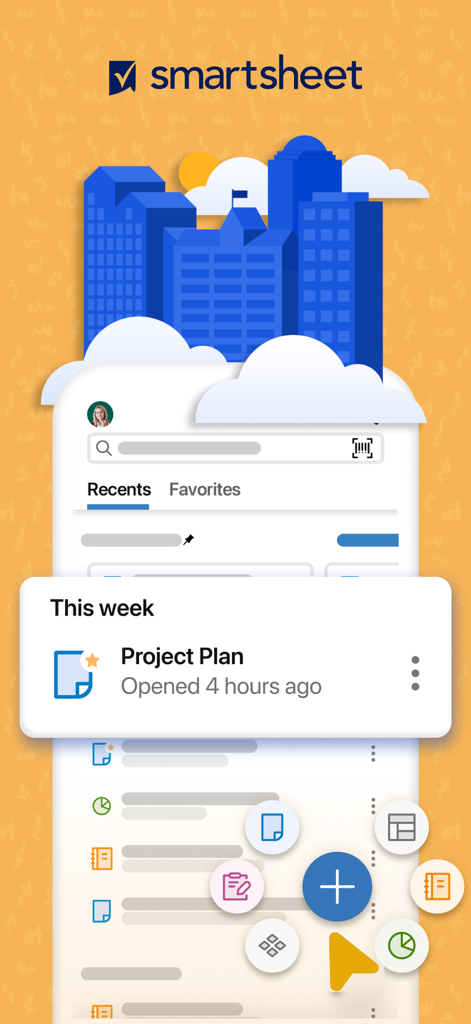
프로젝트 계획 및 작업 관리 바로가기를 보여주는 Smartsheet 모바일 앱 인터페이스
'어디서든 업무 관리'라는 텍스트와 함께 프로젝트 데이터를 분석하는 전문가를 묘사한 그래픽
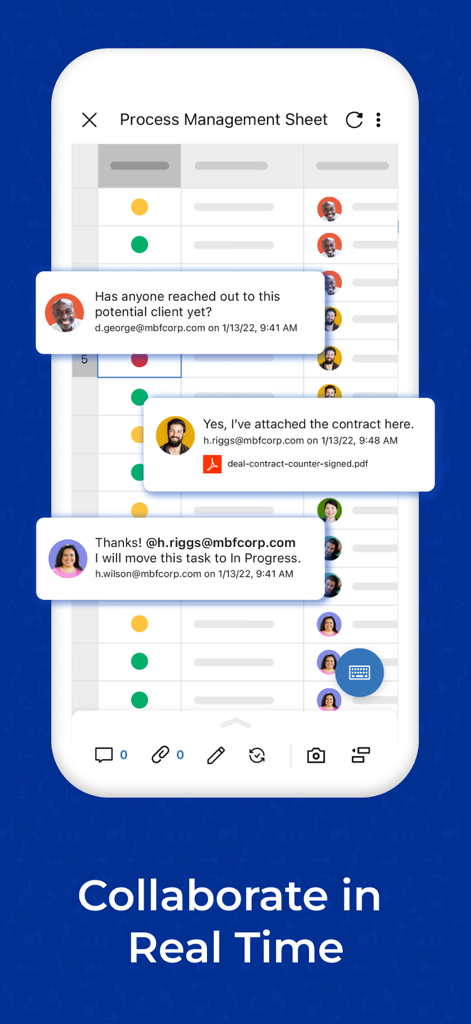
프로세스 관리 시트에서 실시간 댓글로 협업하는 팀원을 보여주는 Smartsheet의 모바일 인터페이스
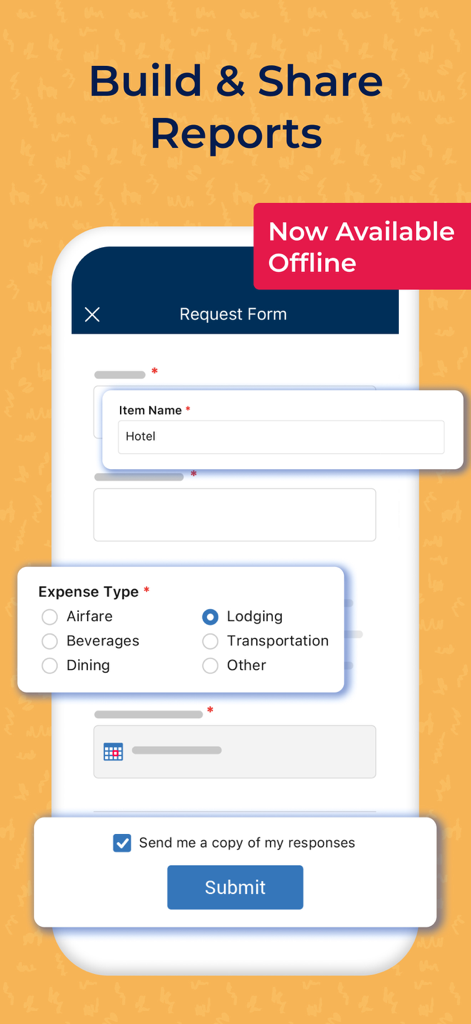
오프라인 경비 보고용 Smartsheet 모바일 앱 요청 양식
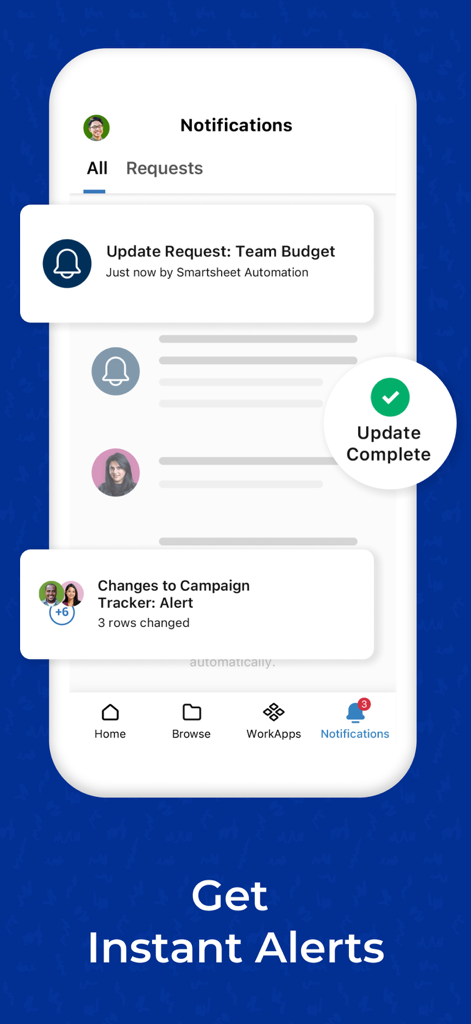
프로젝트 알림 및 예산 업데이트 요청을 보여주는 Smartsheet 알림 센터의 모바일 스크린샷
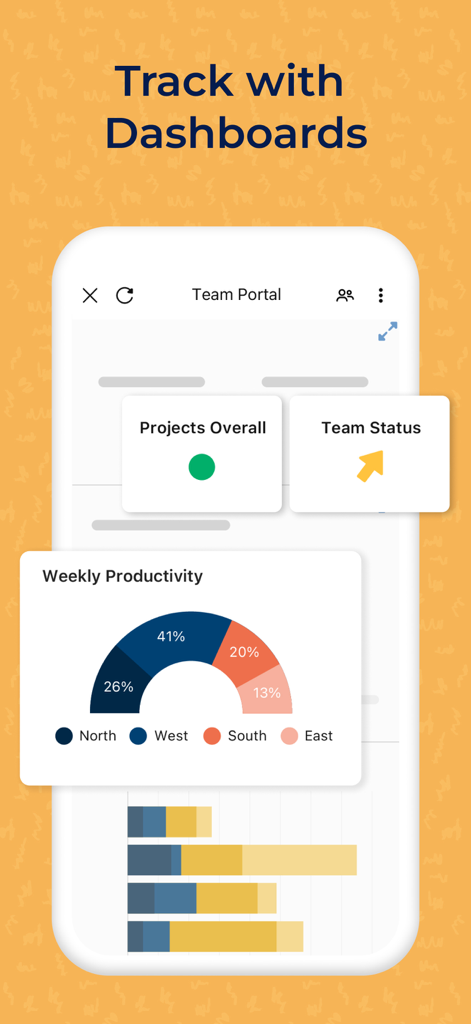
팀 생산성 및 프로젝트 상태 대시보드를 표시하는 Smartsheet 모바일 인터페이스
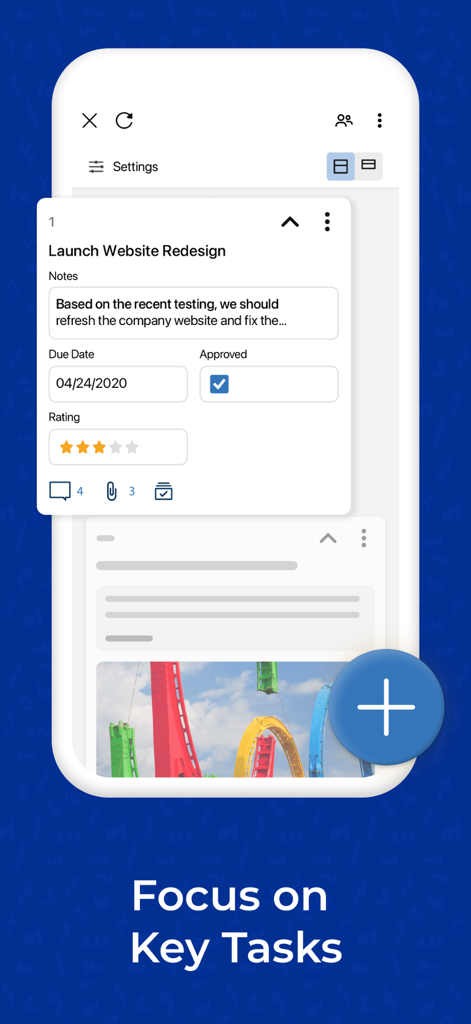
마감일 및 승인 상태가 표시된 프로젝트 작업 카드를 보여주는 Smartsheet 모바일 앱 인터페이스
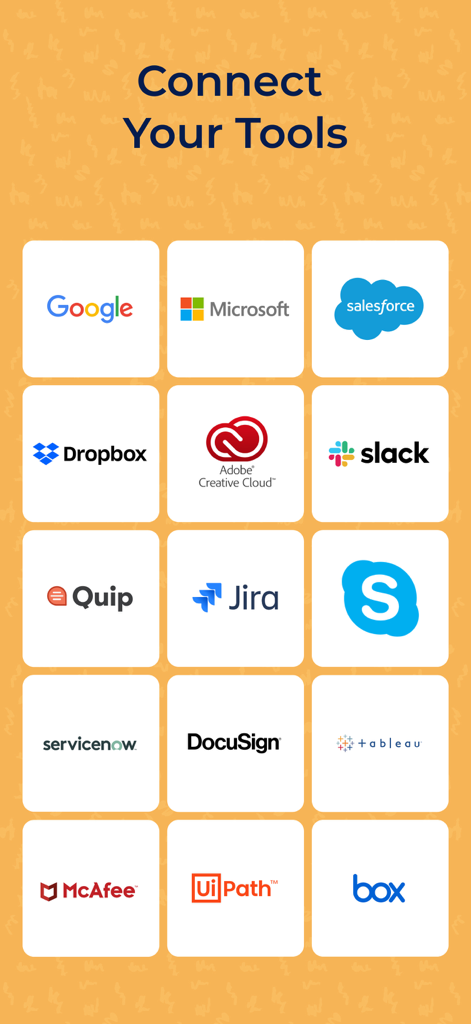
Google, Microsoft, Salesforce, Slack 등 인기 도구와의 통합을 보여주는 Smartsheet 앱 화면
설명
Download
비슷한 앱
유사한 기능과 사용자 경험을 가진 앱

Xmind - Mind Map & Brainstorm
Xmind Ltd.

Miro: your visual workspace
Realtimeboard Inc.

Padlet
Wallwisher, Inc.

Asana: Work Management
Asana, Inc.

Microsoft Planner
Microsoft Corporation

Microsoft Loop
Microsoft Corporation

Microsoft Whiteboard
Microsoft Corporation

Nola: Story Planner & Writing
indent Inc.

MeisterTask - Task Management
MeisterLabs
이 페이지는 앱이나 개발자의 공식 페이지가 아니며, 정보 제공 및 논평을 목적으로 작성된 독립 편집 간행물입니다. 명시적으로 달리 언급되지 않는 한, 해당 앱이나 개발자는 MWM, Apple, Google Play, 앱 퍼블리셔 또는 앱 개발자와 제휴, 보증, 후원, 승인 또는 공식적으로 연결되어 있지 않으며, 이 페이지의 어떤 내용도 해당 앱이 MWM의 서비스를 사용하여 개발되었음을 의미하지 않습니다. 모든 상표, 로고, 스크린샷 및 기타 콘텐츠는 해당 소유자의 자산입니다.