Splashtop Personal for iPhone
다운로드: App Store

이 페이지는 앱이나 개발자의 공식 페이지가 아니며, 정보 제공 및 논평을 목적으로 작성된 독립 편집 간행물입니다. 명시적으로 달리 언급되지 않는 한, 해당 앱이나 개발자는 MWM, Apple, Google Play, 앱 퍼블리셔 또는 앱 개발자와 제휴, 보증, 후원, 승인 또는 공식적으로 연결되어 있지 않으며, 이 페이지의 어떤 내용도 해당 앱이 MWM의 서비스를 사용하여 개발되었음을 의미하지 않습니다. 모든 상표, 로고, 스크린샷 및 기타 콘텐츠는 해당 소유자의 자산입니다.

로고: Splashtop Personal for iPhone
다운로드: App Store

Splashtop Personal for iPhone

최대 60fps의 번개처럼 빠른 4K 스트리밍을 경험하세요. 은행 등급 보안과 제로 지연으로 PC 또는 Mac에서 게임, 영화, 전문 소프트웨어에 원격으로 액세스하세요.

주요 수치

다운로드

761K+

사용자 평점

4.6/5

총 평가 수

6K+

개발사

Splashtop Inc.

카테고리

Business

지원 언어

11

최신 버전

3.7.6.0

크기

13.3 MB

출시일

2012년 10월 16일
기능

iPhone에서 데스크톱의 파워를 해방하세요

Splashtop Personal은 언제 어디서든 놀라운 4K 성능으로 가장 강력한 앱, 게임, 파일에 액세스할 수 있는 자유를 제공합니다.

고성능 게임 및 4K 스트리밍

모바일 화면에서 끊김 없는 콘솔 수준의 경험을 위해 초저지연으로 좋아하는 PC 게임과 영화를 최대 60fps로 스트리밍하세요.

주머니 속 완벽한 데스크톱 제어

사용자 지정 생산성 바로 가기로 최적화된 컴퓨터 화면 그대로 고사양 창의적인 도구 모음 및 복잡한 소프트웨어에 액세스하세요.

다음 스크린샷과 설명은 앱의 공식 스토어 목록에서 직접 가져온 것이며 앱 개발자의 자산입니다.

앱 스토어

스크린샷
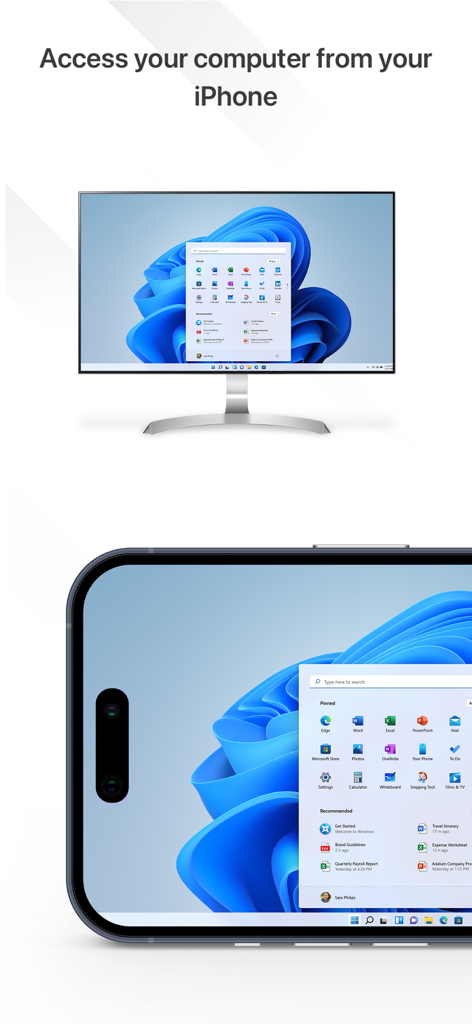
Splashtop Personal for iPhone - Splashtop Personal 앱이 Windows 11 데스크톱을 컴퓨터에서 iPhone 화면으로 미러링하는 것을 보여줌
Splashtop Personal 앱이 Windows 11 데스크톱을 컴퓨터에서 iPhone 화면으로 미러링하는 것을 보여줌

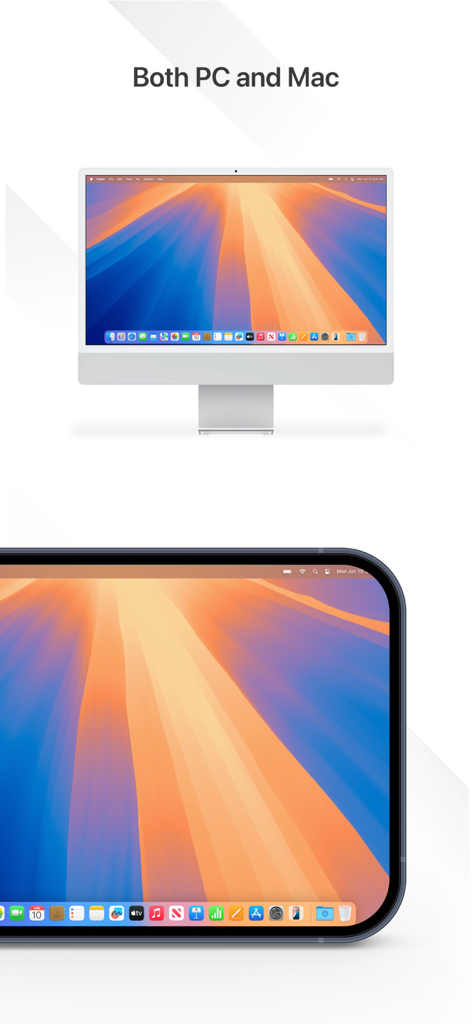
Splashtop Personal for iPhone - Splashtop 앱이 Mac 데스크톱 화면을 iPhone 화면으로 미러링하는 것을 보여줌
Splashtop 앱이 Mac 데스크톱 화면을 iPhone 화면으로 미러링하는 것을 보여줌

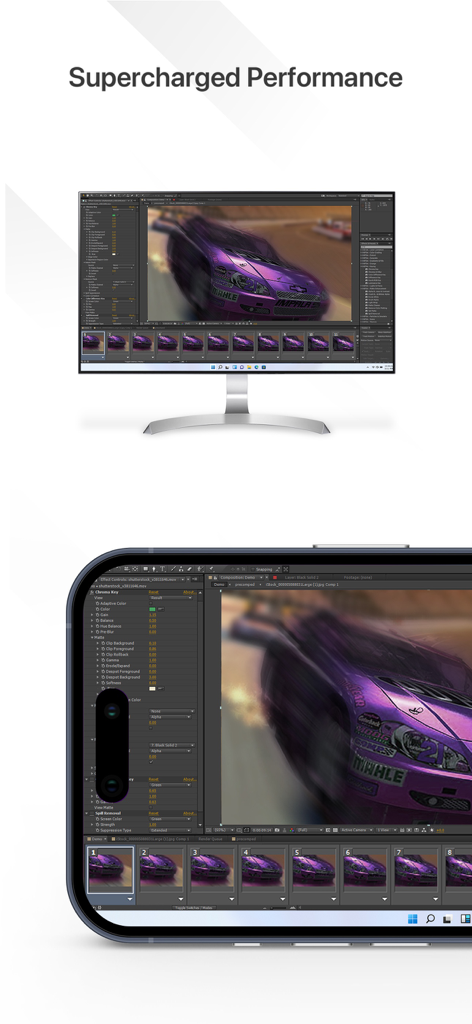
Splashtop Personal for iPhone - 고성능 원격 비디오 편집 소프트웨어를 사용하는 iPhone과 컴퓨터 모니터
고성능 원격 비디오 편집 소프트웨어를 사용하는 iPhone과 컴퓨터 모니터

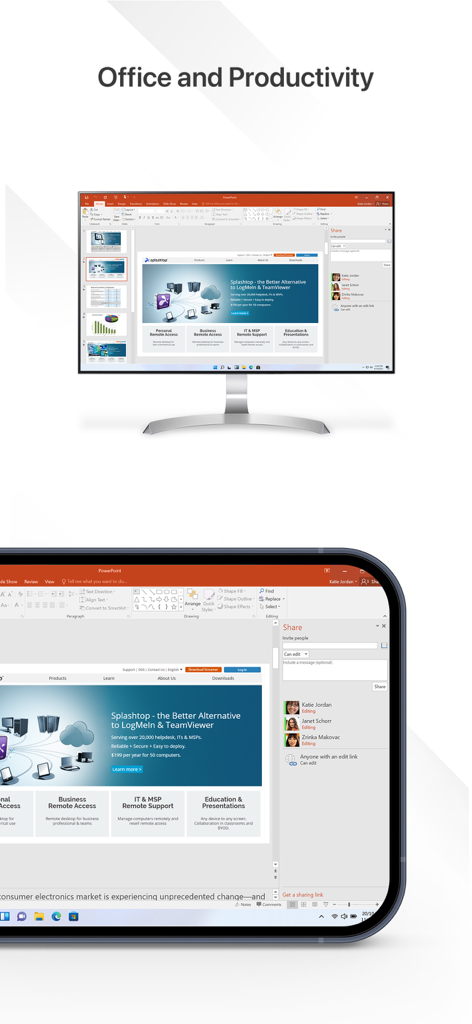
Splashtop Personal for iPhone - iPhone에서 Splashtop Personal을 사용하여 컴퓨터의 PowerPoint 프레젠테이션에 원격으로 액세스하고 편집하는 모습
iPhone에서 Splashtop Personal을 사용하여 컴퓨터의 PowerPoint 프레젠테이션에 원격으로 액세스하고 편집하는 모습

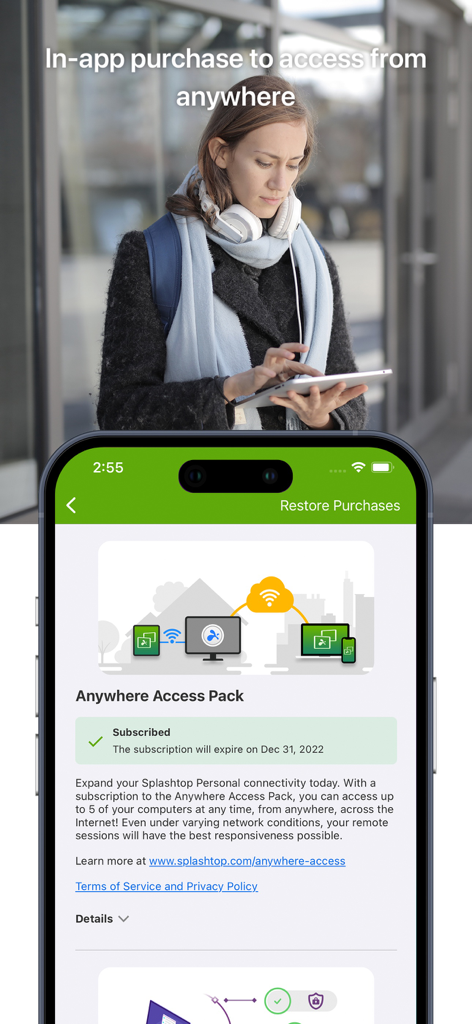
Splashtop Personal for iPhone - Splashtop Personal 앱이 iPhone에서 Anywhere Access Pack 구독 화면을 보여줌

Splashtop Personal 앱이 iPhone에서 Anywhere Access Pack 구독 화면을 보여줌

설명

Remotely access your desktop computer from anywhere to enjoy games, movies, and music on the go. Enjoy high-definition audio and 4K video streaming in real-time by remotely accessing your powerful main computer from your mobile device. Simple to set up and use, you’ll be able to access games, videos, and music just as you were sitting in front of your computer. Built with performance and security in mind, you’ll have a seamless, secure experience every time. Experience Splashtop Today! 1) Download the personal app on the device you would like to connect from 2) Create a Splashtop account 3) Download the streamer (splashtop.com/streamer) on the computer you would like to connect to 4) That’s It! Login and start your session! Key Features: - Access everything from anywhere, anytime - Cross-platform (Windows, Mac, iOS) - 4k quality at 60fps - Low latency - Blank screen - Remote webcam - Video rendering & resolution options Why Splashtop? - High performance and reliability - Bank-grade security features - Easy to install and use - Seamless access to your computer In-App Upgrades: - Need to access your files across networks? The In-App purchase of our Anywhere Access Pack enables remote access from anywhere. Your data is always secure through our Splashtop Bridging Cloud™ technology. - Want live annotations and on-screen shortcuts for your iPad tablets? The In-App purchase of our Productivity Pack enables: o On-screen shortcuts for Microsoft Office, games, media players, browsing, file navigation, and more o A whiteboard to annotate over any live remote desktop screens See our Terms of Service and Privacy policy at https://www.splashtop.com/terms/splashtop. Splashtop Personal is for non-commercial use only. For commercial use that includes additional features such as file transfer, remote printing, chat, and more, try a free trial of Splashtop Business Access: https://www.splashtop.com/business

Download

다운로드: App Store

이 페이지는 앱이나 개발자의 공식 페이지가 아니며, 정보 제공 및 논평을 목적으로 작성된 독립 편집 간행물입니다. 명시적으로 달리 언급되지 않는 한, 해당 앱이나 개발자는 MWM, Apple, Google Play, 앱 퍼블리셔 또는 앱 개발자와 제휴, 보증, 후원, 승인 또는 공식적으로 연결되어 있지 않으며, 이 페이지의 어떤 내용도 해당 앱이 MWM의 서비스를 사용하여 개발되었음을 의미하지 않습니다. 모든 상표, 로고, 스크린샷 및 기타 콘텐츠는 해당 소유자의 자산입니다.