
이 페이지는 앱이나 개발자의 공식 페이지가 아니며, 정보 제공 및 논평을 목적으로 작성된 독립 편집 간행물입니다. 명시적으로 달리 언급되지 않는 한, 해당 앱이나 개발자는 MWM, Apple, Google Play, 앱 퍼블리셔 또는 앱 개발자와 제휴, 보증, 후원, 승인 또는 공식적으로 연결되어 있지 않으며, 이 페이지의 어떤 내용도 해당 앱이 MWM의 서비스를 사용하여 개발되었음을 의미하지 않습니다. 모든 상표, 로고, 스크린샷 및 기타 콘텐츠는 해당 소유자의 자산입니다.


Tayasui Sketches School
어린 창작자를 위해 설계된 초현실적이고 깔끔한 그리기 앱입니다. 자녀가 iPad에서 상상력을 현실로 만들 수 있는 전문가용 도구를 제공하세요.
다운로드
1M+사용자 평점
총 평가 수
21K+개발사
카테고리
Education지원 언어
12최신 버전
2.8크기
219.0 MB출시일
2018년 3월 26일신진 예술가를 위한 창의적인 스튜디오
집중, 학습, 그리고 깔끔한 창의성을 위해 설계된 단순화된 환경에서 전문가급 도구를 자녀에게 제공하세요.
초현실적인 미술 도구
수채화가 자연스럽게 섞이고 마커가 번지는 것을 지켜보세요. 아이들은 정리할 필요 없이 실제 그림을 그리는 만족감을 느낄 수 있습니다.
간단하고 어린이 친화적인 인터페이스
혼란스러운 레이어나 숨겨진 메뉴가 없습니다. 첫 획부터 디지털 아트를 쉽고 재미있게 만들 수 있는 깨끗한 캔버스만 있습니다.
자주 묻는 질문
에 대해 알아야 할 모든 것 Tayasui Sketches School
Tayasui Sketches School은 무엇인가요?
Tayasui Sketches School은 Sketches 앱의 특별 에디션입니다. 젊은 사용자를 대상으로 하며, 접근하기 쉬운 인터페이스를 제공하고 iPad에서 사실적인 드로잉 도구를 제공합니다.
Tayasui Sketches School에는 어떤 드로잉 도구가 포함되어 있나요?
Tayasui Sketches School에는 연필, 마커, 수채화, 아크릴 브러시, 에어브러시, 텍스트, 도형, 지우개, 커터, 스머지 도구, 자 등 20가지 이상의 사실적인 도구가 포함되어 있습니다.
Tayasui Sketches School은 Apple Pencil을 지원하나요?
네, Tayasui Sketches School은 Apple Pencil을 포함한 압력 감지 스타일러스를 지원합니다. 이를 통해 사용자는 투명도, 각도, 너비가 움직임에 따라 조정되는 더욱 사실적인 브러시 경험을 할 수 있습니다.
사용자는 Tayasui Sketches School에서 어떻게 그림을 정리할 수 있나요?
Tayasui Sketches School을 사용하면 사용자는 그림을 쉽게 정리할 수 있습니다. 이 앱은 창의적인 프로젝트를 효율적으로 관리할 수 있는 아름답고 개인화 가능한 폴더를 제공합니다.
Tayasui Sketches School에 사진을 가져올 수 있나요?
네, 사용자는 Tayasui Sketches School에 사진을 가져올 수 있습니다. 이 기능을 통해 외부 이미지를 앱의 드로잉 환경으로 직접 통합할 수 있습니다.
Tayasui Sketches School의 구독 옵션은 무엇인가요?
Tayasui Sketches School은 주간 및 연간 구독 기간을 제공합니다. 이 구독을 통해 사용자는 앱의 프리미엄 기능에 액세스할 수 있습니다.
Tayasui Sketches School 구독의 자동 갱신은 어떻게 작동하나요?
Tayasui Sketches School의 구독은 자동으로 갱신됩니다. 사용자는 현재 기간이 종료되기 최소 24시간 전에 iTunes 계정 설정에서 자동 갱신을 꺼야 합니다.
Tayasui Sketches School은 무료 체험판을 제공하나요?
네, 제공되는 경우 Tayasui Sketches School의 무료 체험 기간 중 사용하지 않은 부분은 사용자가 구독을 구매할 때 소멸됩니다.
Tayasui Sketches School의 이용 약관은 어디에서 찾을 수 있나요?
Tayasui Sketches School의 이용 약관은 다음 링크를 통해 액세스할 수 있습니다: https://www.apple.com/legal/internet-services/itunes/dev/stdeula/. 이 문서는 앱 사용에 대한 법적 계약을 설명합니다.
Tayasui Sketches School에 자 도구가 있나요?
네, Tayasui Sketches School에는 나열된 드로잉 도구 중에 자 도구가 포함되어 있습니다. 이 도구는 스크린샷에 표시된 대로 앱 인터페이스에서 볼 수 있습니다.
Tayasui Sketches School에 선택 또는 자르기 도구가 있나요?
네, Tayasui Sketches School에는 자르기 도구가 제공됩니다. 이를 통해 사용자는 그림의 특정 영역을 선택하고 조작하여 편집하거나 기타 창의적인 목적으로 사용할 수 있습니다.
다음 스크린샷과 설명은 앱의 공식 스토어 목록에서 직접 가져온 것이며 앱 개발자의 자산입니다.
앱 스토어
스크린샷
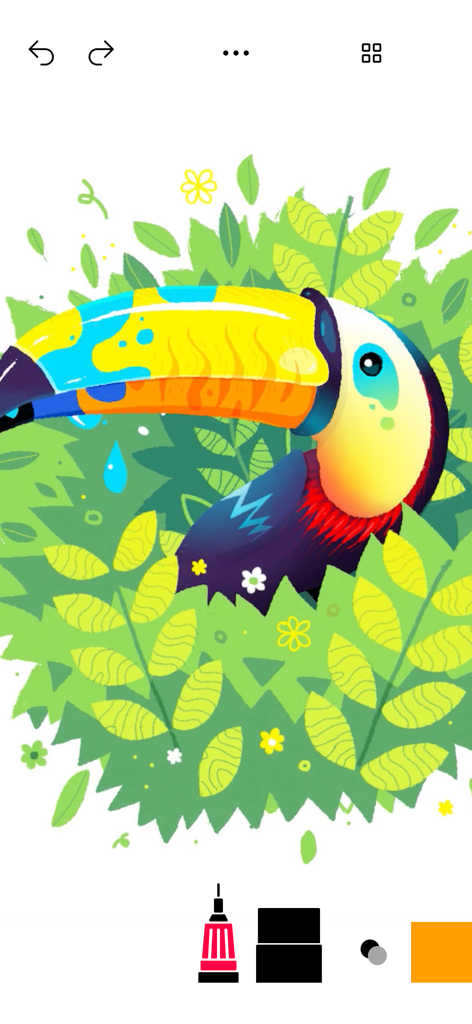
Tayasui Sketches School로 정글에 있는 투칸을 그린 다채로운 디지털 삽화
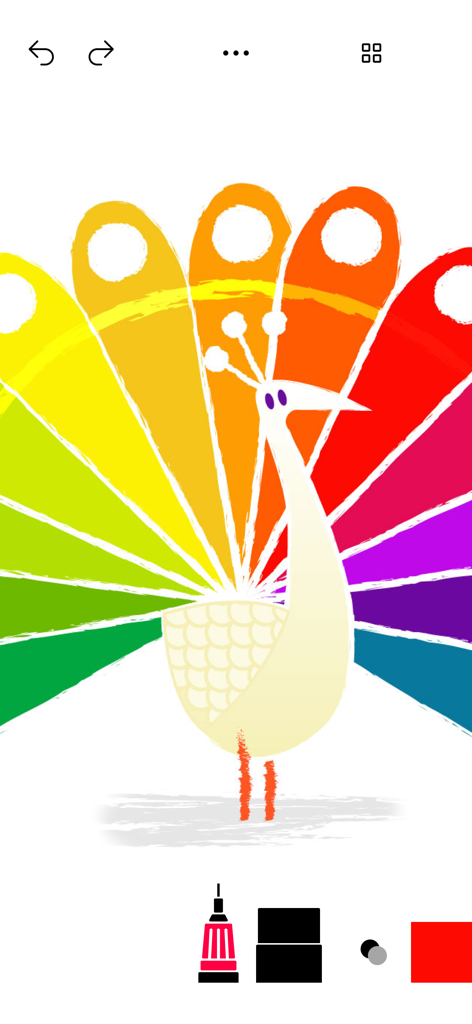
Tayasui Sketches School 앱의 디지털 미술 도구로 그린 다채로운 무지개 공작새 그림.
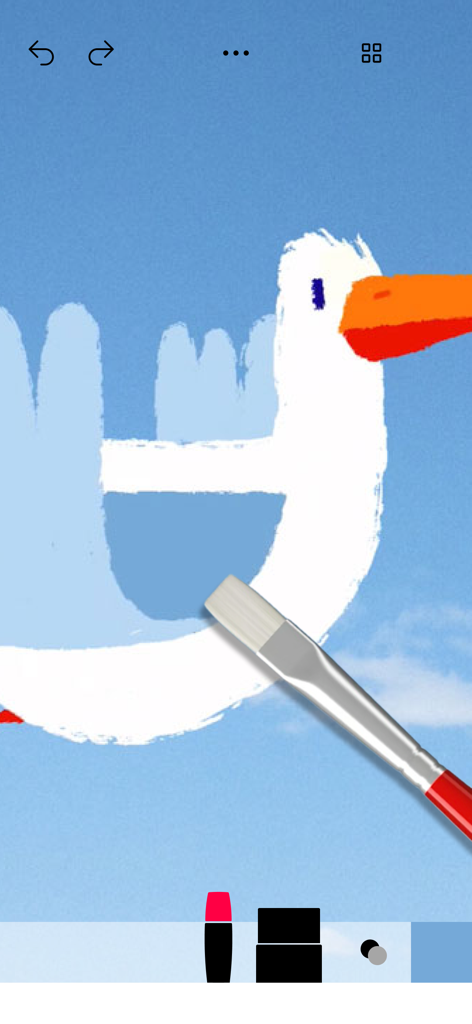
앱에서 사실적인 붓 도구로 주황색 부리를 가진 흰 새를 그리는 디지털 드로잉
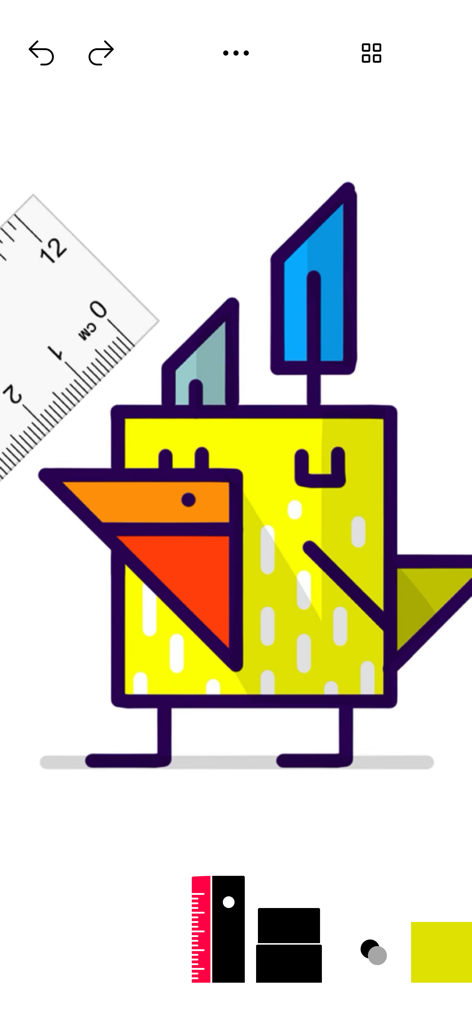
Tayasui Sketches School의 디지털 도구로 그린 다채로운 기하학적 새 그림
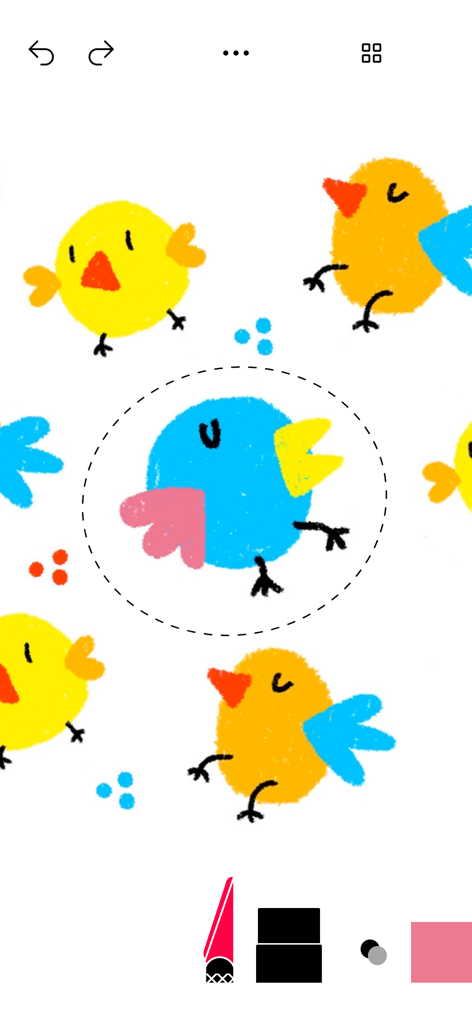
Tayasui Sketches School 앱에서 선택 도구로 편집되는 다채로운 새 디지털 드로잉
설명
Download
비슷한 앱
유사한 기능과 사용자 경험을 가진 앱

Sketchbook®
Sketchbook, Inc.

Mental Canvas Draw
Mental Canvas, Inc.

ibis Paint
ibis inc.

ibis Paint X
ibis inc.

Paper: Sketch, Draw & Create
Evernote Corporation

Adobe Fresco: Draw & Paint App
Adobe Inc.

Art Set 4
Lofopi Ltd

MediBang Paint – Drawing & Art
MediBang inc.

Tayasui Sketches
SKETCHES SRL
이 페이지는 앱이나 개발자의 공식 페이지가 아니며, 정보 제공 및 논평을 목적으로 작성된 독립 편집 간행물입니다. 명시적으로 달리 언급되지 않는 한, 해당 앱이나 개발자는 MWM, Apple, Google Play, 앱 퍼블리셔 또는 앱 개발자와 제휴, 보증, 후원, 승인 또는 공식적으로 연결되어 있지 않으며, 이 페이지의 어떤 내용도 해당 앱이 MWM의 서비스를 사용하여 개발되었음을 의미하지 않습니다. 모든 상표, 로고, 스크린샷 및 기타 콘텐츠는 해당 소유자의 자산입니다.