이 페이지는 앱이나 개발자의 공식 페이지가 아니며, 정보 제공 및 논평을 목적으로 작성된 독립 편집 간행물입니다. 명시적으로 달리 언급되지 않는 한, 해당 앱이나 개발자는 MWM, Apple, Google Play, 앱 퍼블리셔 또는 앱 개발자와 제휴, 보증, 후원, 승인 또는 공식적으로 연결되어 있지 않으며, 이 페이지의 어떤 내용도 해당 앱이 MWM의 서비스를 사용하여 개발되었음을 의미하지 않습니다. 모든 상표, 로고, 스크린샷 및 기타 콘텐츠는 해당 소유자의 자산입니다.
VideoShow PRO - Video Editor
완벽을 추구하는 크리에이터를 위한 올인원 무비 메이커입니다. 1080p 내보내기, 독점 효과, 워터마크 없음을 즐겨보세요. 한 번 결제하고 전문적인 편집 기능을 영구 소장하세요.
매달 결제하는 구독을 멈추세요. 워터마크, 광고, 제한 없는 고해상도 편집의 세계를 평생 경험하세요.
일회성 프로 액세스
구독 피로는 잊으세요. 한 번 결제하면 1080p 내보내기, 프리미엄 필터 및 완벽한 무광고 환경을 영구적으로 즐길 수 있습니다.
몇 분 만에 완성되는 바이럴 영상
바쁜 크리에이터에게 완벽합니다. 50개 이상의 전문가용 테마를 사용하여 3분 이내에 원본 클립을 세련된 스토리로 바꿔보세요.
다음 스크린샷과 설명은 앱의 공식 스토어 목록에서 직접 가져온 것이며 앱 개발자의 자산입니다.
앱 스토어
스크린샷
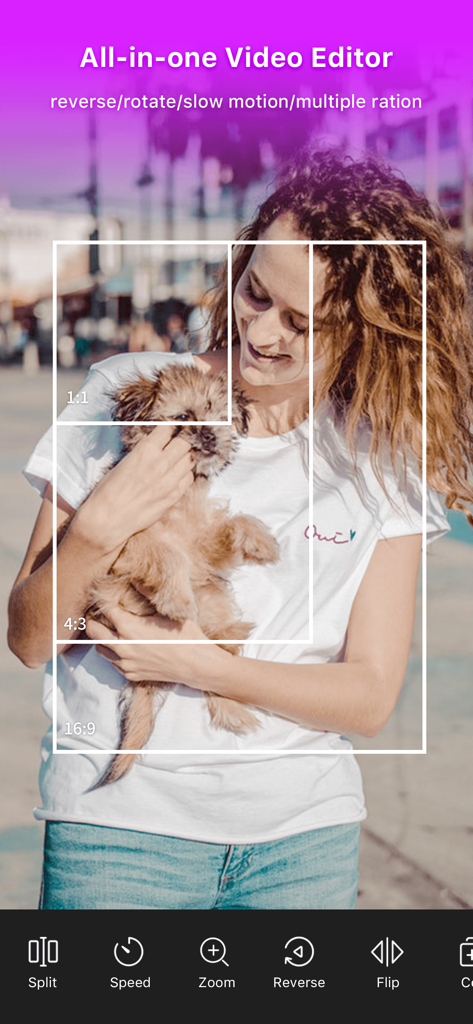
다양한 화면 비율 옵션과 비디오 편집 도구를 보여주는 VideoShow PRO 앱 인터페이스
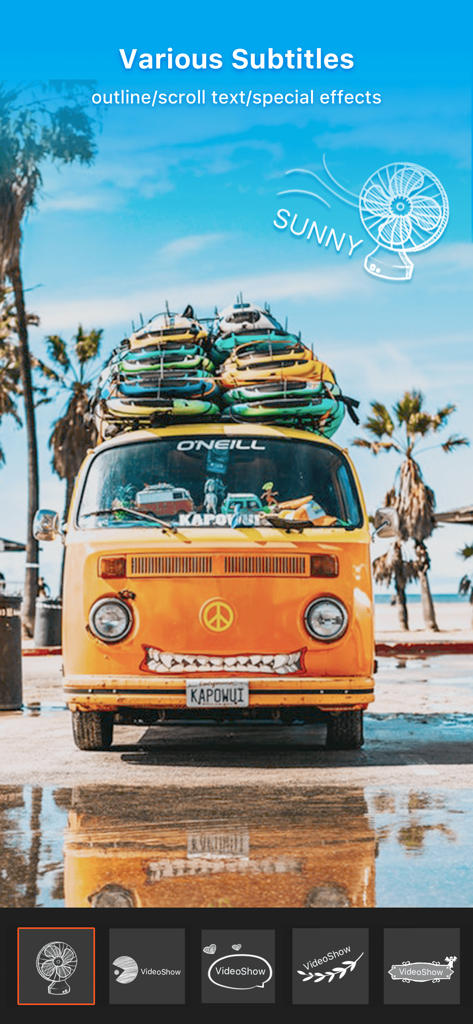
여행 비디오 위에 다양한 자막 스타일과 특수 효과를 표시하는 VideoShow PRO 앱 인터페이스
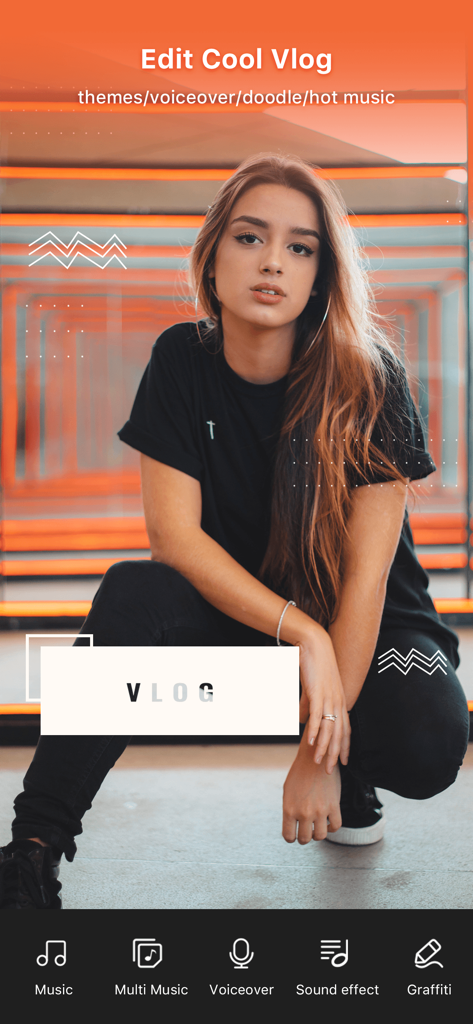
음악 및 음성 더빙 기능이 있는 브이로그 편집용 VideoShow PRO 모바일 앱 화면
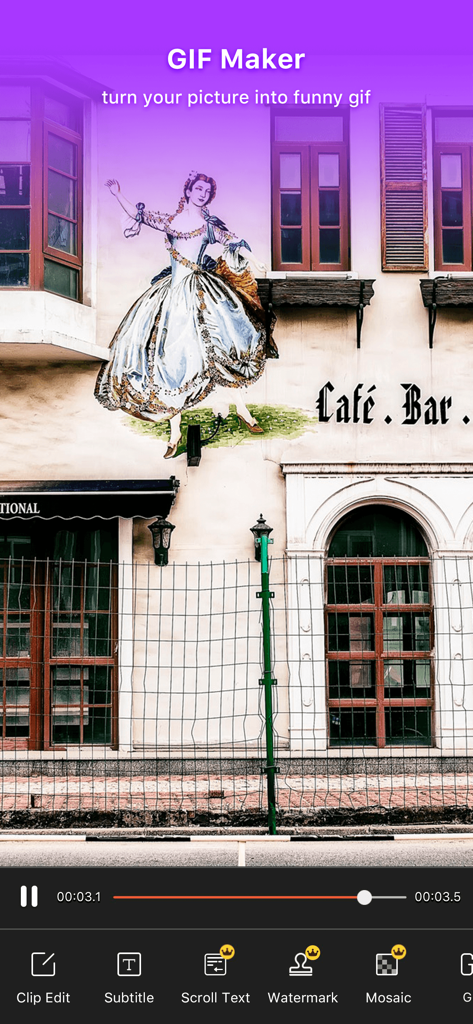
사진을 애니메이션 GIF로 변환하는 GIF 제작 기능을 보여주는 VideoShow PRO 비디오 에디터 인터페이스
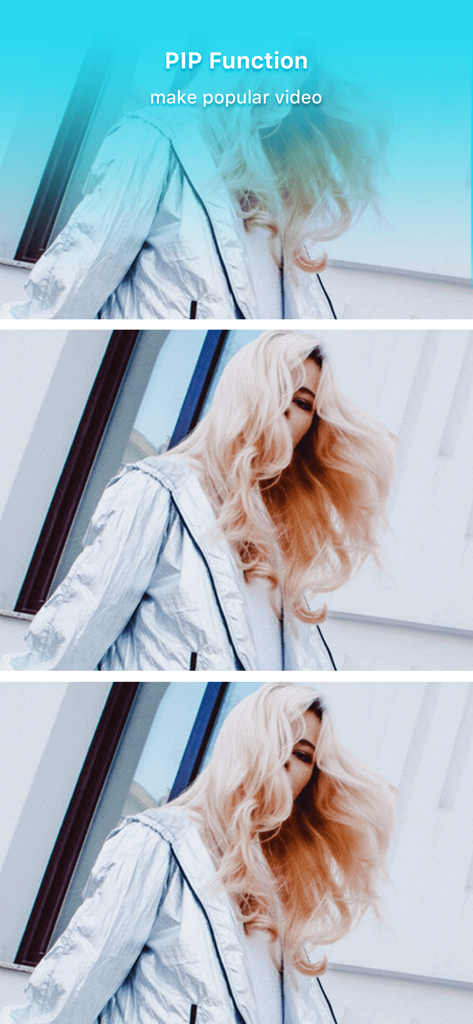
은색 재킷을 입은 금발 여성이 등장하는 VideoShow PRO의 PIP 기능 시연
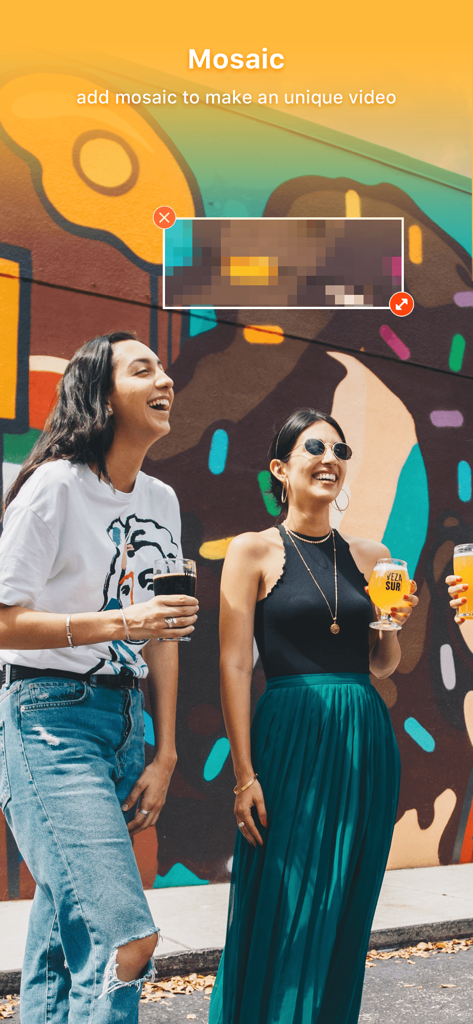
화려한 벽화 앞에 있는 두 여성이 등장하는 비디오의 일부를 모자이크 처리하는 데 사용되는 VideoShow PRO 앱의 스크린샷
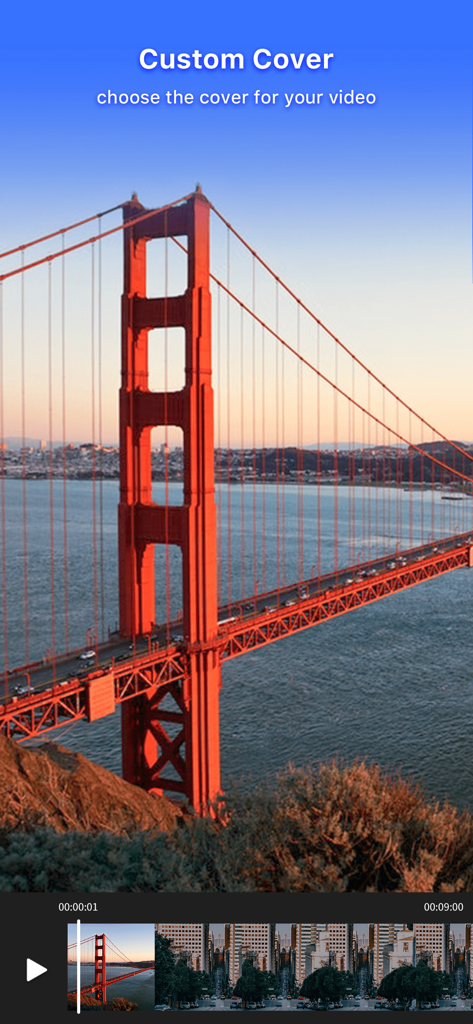
금문교 비디오 프레임을 사용한 사용자 지정 비디오 커버 선택 기능을 보여주는 VideoShow PRO 인터페이스
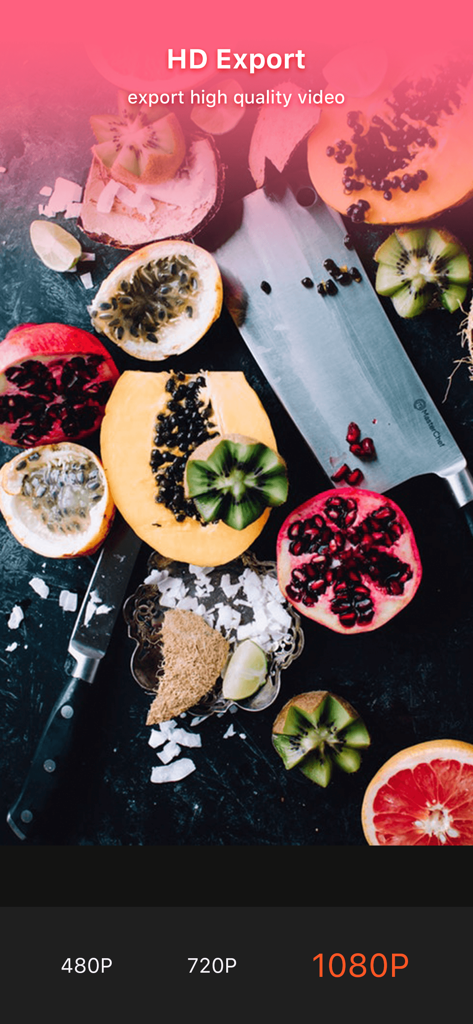
고화질 과일 비디오 미리보기와 함께 1080P HD 비디오 내보내기 설정을 보여주는 VideoShow PRO 인터페이스
설명
VideoShow: All-In-One Video Editor and Movie Maker
Pay once, enjoy VideoShow Pro version forever!
Pro version has the following exclusive features:
- New generation processing engine, more stable and faster!
- Exclusive materials like effect, filter, meme, gif, transition, sticker, theme, graffiti, scroll text…
- No ads! Remove watermark with ease!
- Advanced features like video collage, video overlay, custom cover, pixel, PIP
- Exporting 1080p videos
Treasuring Your Special Moments
VideoShow offers powerful video editing tools like merge/cut//trim/split/reverse/duplicate/rotate/convert/flip/dub/compress video clip. In this intro maker music video maker, creating a video with pictures, background music and other elements is easy and fun. You can even beautify your videos with texts, FX effects, GIFs, stickers, multi-music, mosaic, transitions, sound effects, doodles or live dubbing in a creative and personalized way.
Why VideoShow: Video Editor?
* In just 3 minutes, your awesome video is ready
* HD export, no quality loss
* No Duration Limits
* Easy-to-use, with a wide variety of functions
* Hundreds of pieces of free music all fully licensed
For iOS users, Funny Cute Bear and Magic Girls from VideoShow have come to iMessage! Now add stickers to make your chats more interesting and hilarious!
Key Features of VideoShow:
* Over 50 elaborate themes available to create an awesome music video instantly.
* Hundreds of pieces of background music available for you or add local songs from your device.
* Multiple tunes can be added after pre-defined intervals.
* Variety of text styles and fonts to create artistic subtitles are available in this movie maker app.
* Add stunning filters to make videos different. Now 30+ filters are supported!
* Zoom in and out. Let your audience focus on the region you want!
* Fast motion/slow motion to adjust and control the speed of every video clip.
* Video dubbing. Add your own voice-overs and change it to a robot, a man, a woman, minions or a child’s voice if you want!
* Doodle on video. Bored of the monotonous fonts? Just doodle it!
* Video reverse, video playback to make a funny and creative original video.
* Square themes and no crop mode are customized for Instagram users.
* GIF maker: make original GIF images with your own pictures.
* Compress Video: You can reduce the size of your video.
* Video to mp3: turn the soundtrack of your video into mp3 file.
* Fantastic Materials Center: Themes/FX effects/stickers/gif images/memes/emoji/fonts/sound effects and more. It keeps updating all the time!
* Easy sharing your videos on Facebook, YouTube, Instagram, WhatsApp, Vine, Facebook Messenger, Line, Vimeo, WeChat, etc.
* Support more than 30 languages.
If you would like to know what people are saying about VideoShow app, visit our official social media channels:
Like us on Facebook: http://www.facebook.com/videoshowapp
Follow us on Instagram: http://instagram.com/videoshowapp
Subscribe us on YouTube: https://www.youtube.com/channel/UCDn_IwV1FHYhfim4ZNTUneA
Follow us on Twitter: https://twitter.com/videoshowapp
For more details about our app and privacy policy, visit our website: www.videoshowapp.com
We welcome all types of suggestions and feedback about the app. We listen to everyone and try to make our app as unique as possible with features that eases video editing and movie making. If you have any questions or suggestions related to VideoShow: Video Editor and Movie Maker, feel free to contact us at support@enjoy-mobi.com
Let’s Create and Spread Some Awesomeness!
이 페이지는 앱이나 개발자의 공식 페이지가 아니며, 정보 제공 및 논평을 목적으로 작성된 독립 편집 간행물입니다. 명시적으로 달리 언급되지 않는 한, 해당 앱이나 개발자는 MWM, Apple, Google Play, 앱 퍼블리셔 또는 앱 개발자와 제휴, 보증, 후원, 승인 또는 공식적으로 연결되어 있지 않으며, 이 페이지의 어떤 내용도 해당 앱이 MWM의 서비스를 사용하여 개발되었음을 의미하지 않습니다. 모든 상표, 로고, 스크린샷 및 기타 콘텐츠는 해당 소유자의 자산입니다.