WeVideo - Video Editor & Maker

WeVideo - Video Editor & Maker

다운로드: App Store
로고: WeVideo - Video Editor & Maker

WeVideo - 동영상 편집기 & 제작 도구: 몇 분 만에 전문가 수준의 동영상 제작

크리에이터, 교육자, 비즈니스를 위한 올인원 편집기. 방대한 로열티 프리 스톡 라이브러리, 그린 스크린 효과, TikTok, Instagram, YouTube에 손쉽게 공유 기능을 활용하여 아이디어를 멋진 4K 콘텐츠로 바꿔보세요.

개발사

Wevideo, Inc.

카테고리

Photo & Video

다운로드

1M+

사용자 평점

4.5/5

총 평가 수

40K+

지원 언어

1

움직이는 창의성

이 인터페이스를 사용하는 1M+ 명의 사용자.

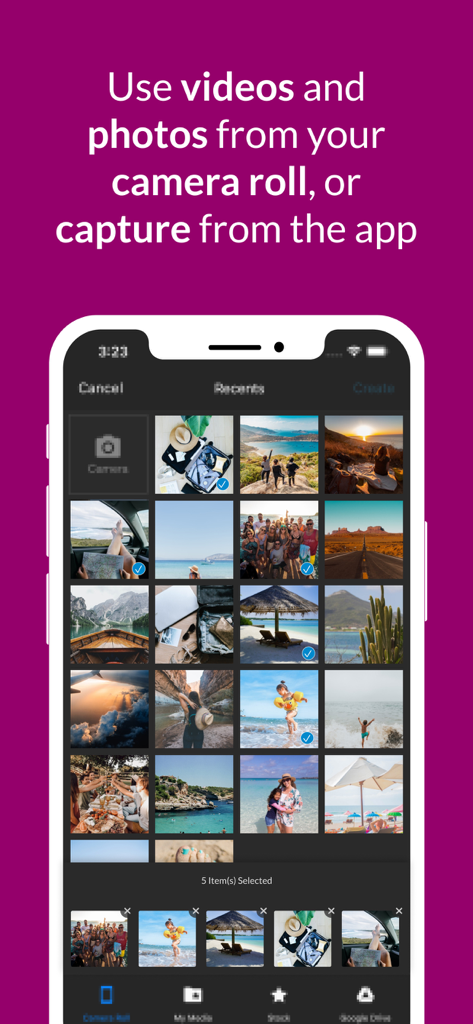
WeVideo 앱 화면에 카메라 롤에서 사진 및 동영상 선택이 표시됨
WeVideo 앱 화면에 카메라 롤에서 사진 및 동영상 선택이 표시됨

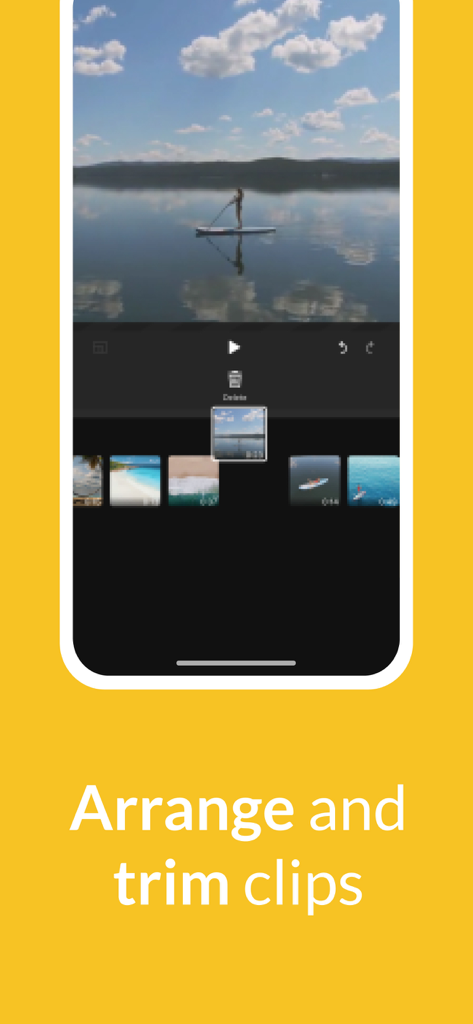
WeVideo 모바일 앱 인터페이스에 타임라인에서 동영상 클립을 정렬하고 자르는 사용자 모습이 표시됨
WeVideo 모바일 앱 인터페이스에 타임라인에서 동영상 클립을 정렬하고 자르는 사용자 모습이 표시됨

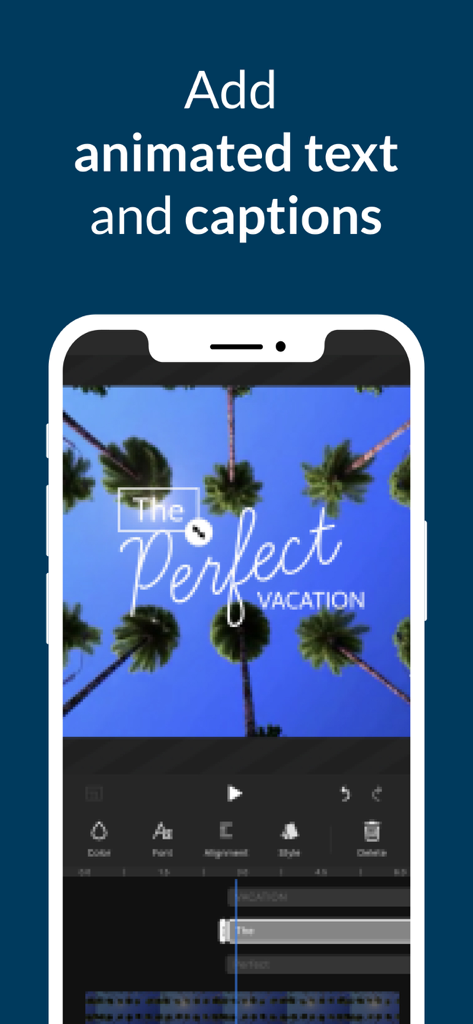
WeVideo 앱 인터페이스에 모바일 동영상 프로젝트에 애니메이션 텍스트 및 캡션 추가 기능이 표시됨
WeVideo 앱 인터페이스에 모바일 동영상 프로젝트에 애니메이션 텍스트 및 캡션 추가 기능이 표시됨

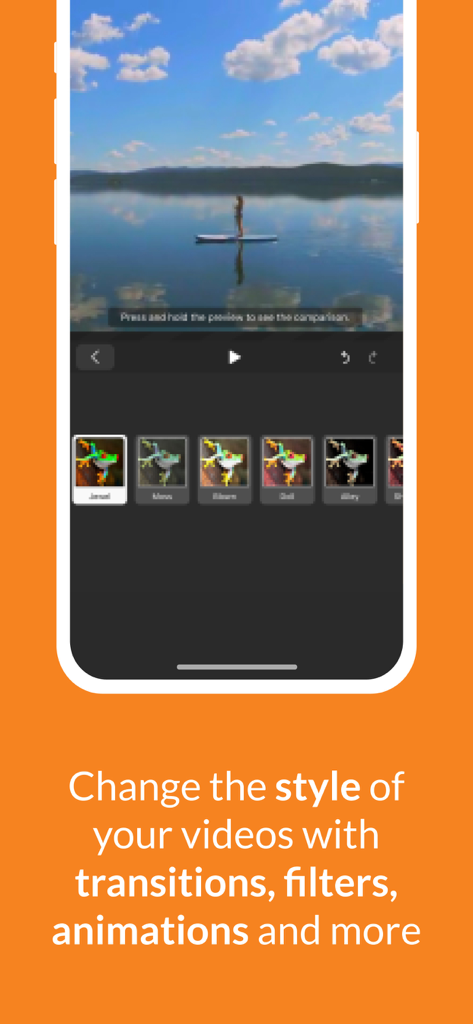
WeVideo 모바일 앱 인터페이스에 동영상 필터 옵션과 패들보드를 타고 있는 여성 모습이 표시됨
WeVideo 모바일 앱 인터페이스에 동영상 필터 옵션과 패들보드를 타고 있는 여성 모습이 표시됨

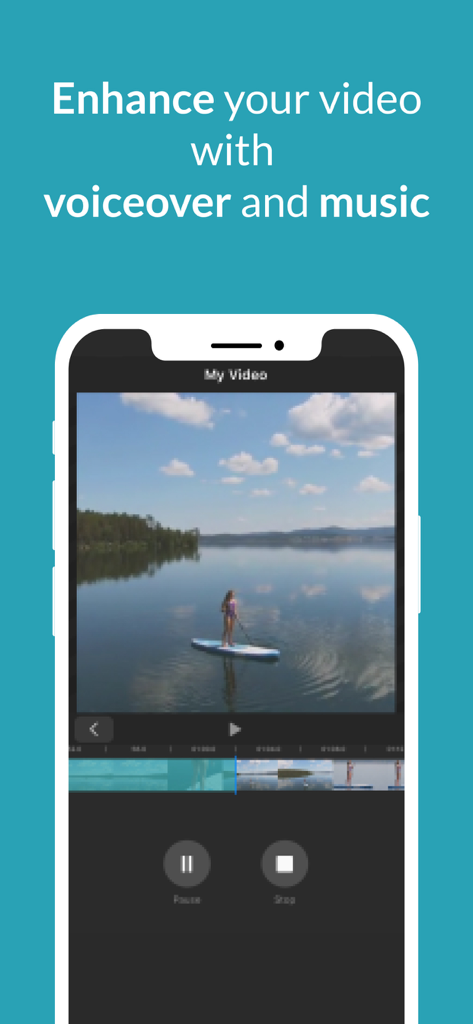
WeVideo 앱 화면에 동영상 클립 위에서 음성 해설 및 음악 편집 도구가 표시됨
WeVideo 앱 화면에 동영상 클립 위에서 음성 해설 및 음악 편집 도구가 표시됨

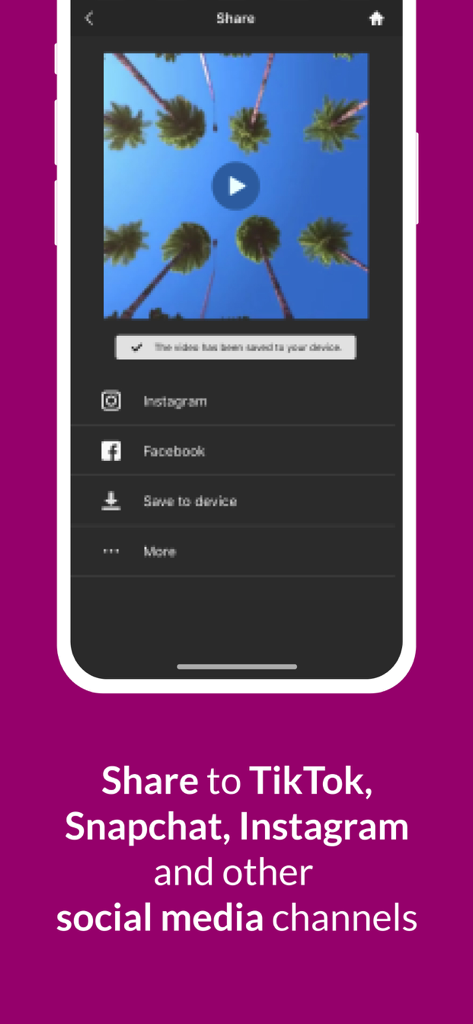
WeVideo 앱 공유 화면에 Instagram 및 Facebook과 같은 소셜 미디어 플랫폼으로 동영상 내보내기 옵션이 표시됨

WeVideo 앱 공유 화면에 Instagram 및 Facebook과 같은 소셜 미디어 플랫폼으로 동영상 내보내기 옵션이 표시됨

내면의 창작자를 깨우세요

이 앱을 돋보이게 하는 도구, 1M+ 명의 사용자가 선택.

📱

모든 플랫폼에 최적화된 형식

9:16, 1:1, 16:9 레이아웃 간에 즉시 전환하여 품질 손실 없이 TikTok, Instagram 또는 YouTube에 완벽하게 맞추세요.

🎬

전문가 수준의 스톡 라이브러리

자체 영상이 없어도 고급 콘텐츠를 제작할 수 있도록 수백만 개의 로열티 프리 클립, 음악, 사진에 액세스하세요.

🍏

헐리우드 스타일 효과

그린 스크린 도구, 4K Ultra HD 내보내기, 속도 조절 기능을 사용하여 동영상을 전문가 수준의 제작물처럼 보이게 만드세요.

앱 소개

에 대해 알아야 할 모든 것 WeVideo - Video Editor & Maker.

설명

Capture, edit and share incredible videos - anywhere, anytime - for your personal life, school work, and your business with WeVideo’s video editor for iOS. With WeVideo and your iPhone or iPad, you don’t need to be a professional to create and share compelling, high-quality videos. EASY-TO-USE VIDEO EDITOR: • Use videos and photos from your camera roll on your phone, or capture them from your camera • Arrange and trim clips • Add text titles and captions • Change the style of your videos with transitions, filters, animations and more • Enhance your video with voiceover and music tracks • Share to TikTok, Snapchat, Instagram and other social media channels FEATURES • EASY ACCESS AND CAPTURE Access photos and videos from your photo library or capture them from your device’s camera • CUT AND TRIM Trim video clips and arrange them in the order you want • TEXT TITLES AND CAPTIONS Emphasize key points by adding text titles and captions • AUDIO: MUSIC, SOUND EFFECTS AND VOICEOVER Enhance your video with voiceover narration, music tracks and sound effects* • EXTENSIVE CONTENT LIBRARY* Leverage the WeVideo stock library that includes: ⁃ Royalty-free video clips ⁃ Royalty-free music tracks ⁃ Royalty-free photos and illustrations ⁃ Motion titles ⁃ Sound effects ⁃ Transitions ⁃ Font ⁃ Filters • STUNNING VIDEO EFFECTS ⁃ Photo animations - Use the Ken Burns effect to make photos come alive ⁃ Speed control - Alter the speed of your video with effects like slow motion ⁃ Background blur - Use blurred background to enhance your vertical videos ⁃ Green screen - Use Hollywood-style green screen (chroma key) tools to change the background of your video to give the appearance that you’re anywhere (paid plans) ⁃ Remove the WeVideo watermark (paid plans) • EASY TO STORE, EXPORT, PUBLISH AND SHARE ⁃ Publish your videos in up to 4K Ultra HD* ⁃ Format your videos in vertical or landscape (9:16, 1:1, 16:9) for easy viewing on any device ⁃ Save to your device or store in the cloud* ⁃ Share directly to social media sites like: TikTok Snapchat Instagram Facebook * Dependent on your plan type FLEXIBLE SUBSCRIPTION OPTIONS • Free** • Mobile Pass ($5.99 month/ $49.99annual) ** • Power ($9.99 month/ $59.99 annual)*** • Unlimited ($15.99 month/ $95.99 annual)*** • Professional ($35.99 month/ $214.99 annual)*** • Business ($59.99 month/ $349.99 annual)*** ** Mobile only *** includes WeVideo online video editor Your iTunes account will be charged once you confirm your purchase. Manage your subscriptions or turn off auto-renew in your Apple ID account settings at any time after purchase. Your subscription automatically renews unless auto-renew is turned off at least 24 hours before the end of the current period. Love the WeVideo video editor? Like us on Facebook: http/www.facebook.com/wevideo Follow us on Twitter: http://twitter.com/wevideo Privacy policy: https//www.wevideo.com/privacy Terms of use: https://www.wevideo.com/terms-of-use

최신 버전

5.8.12

크기

73.0 MB

출시일

2013년 3월 22일

전문가처럼 제작할 준비가 되셨나요?

1백만 명 이상의 크리에이터와 함께 아이디어를 고품질 콘텐츠로 전환하세요. 바이럴 TikTok 영상부터 전문적인 비즈니스 광고까지, 모든 화면에서 돋보일 수 있는 모든 도구와 스톡 에셋을 만나보세요.

다운로드: App Store

App information, icons, screenshots, and descriptions displayed on this page are sourced from the Apple App Store and are the property of their respective developers. Download estimates and rankings are based on MWM's proprietary models and may not reflect actual figures. This page is provided for informational and analytical purposes only.

Believe this page infringes your intellectual property? File a dispute