Word to HTML Converter

Word to HTML Converter

다운로드: App Store
로고: Word to HTML Converter

Word to HTML 변환기: 문서를 즉시 깔끔하고 웹에 최적화된 코드로 변환

블로거, 개발자, SEO 전문가를 위한 필수 도구입니다. 복잡한 서식 없이 Word, PDF, TXT 파일을 손쉽게 깔끔하고 구조화된 HTML로 변환하세요. 모두 iPhone 또는 iPad에서 가능합니다.

다운로드: App Store

개발사

Khairul Anwar

카테고리

Developer Tools

다운로드

1K+

사용자 평점

1.0/5

총 평가 수

0

지원 언어

1

깔끔한 코드, 단순화됨

이 인터페이스를 사용하는 1K+ 명의 사용자.

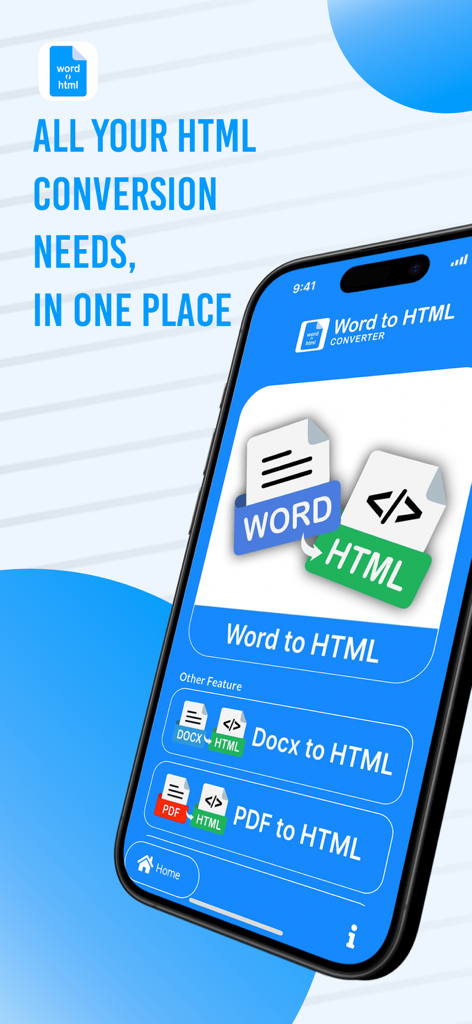
Word Docx 및 PDF 변환 옵션이 있는 Word to HTML 변환기 앱을 표시하는 iPhone
Word Docx 및 PDF 변환 옵션이 있는 Word to HTML 변환기 앱을 표시하는 iPhone

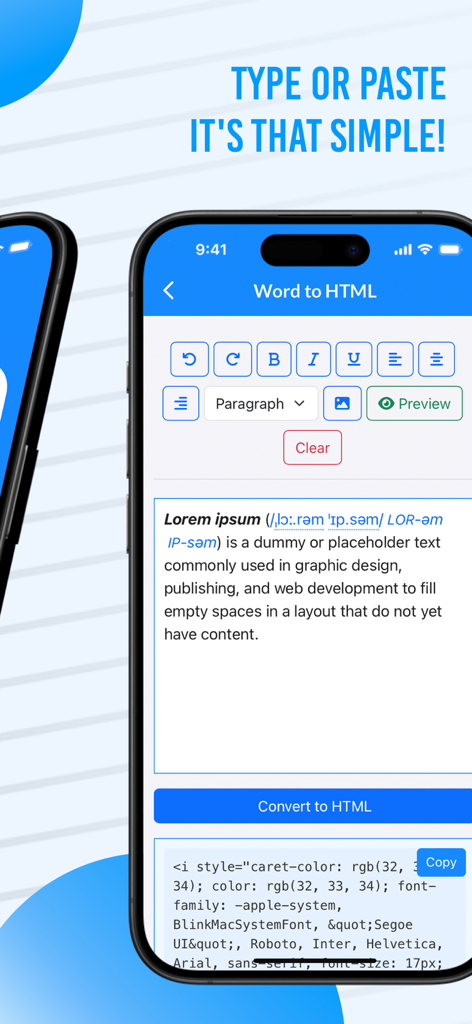
형식이 지정된 텍스트를 깔끔한 HTML 코드로 변환하는 것을 보여주는 모바일 앱 인터페이스
형식이 지정된 텍스트를 깔끔한 HTML 코드로 변환하는 것을 보여주는 모바일 앱 인터페이스

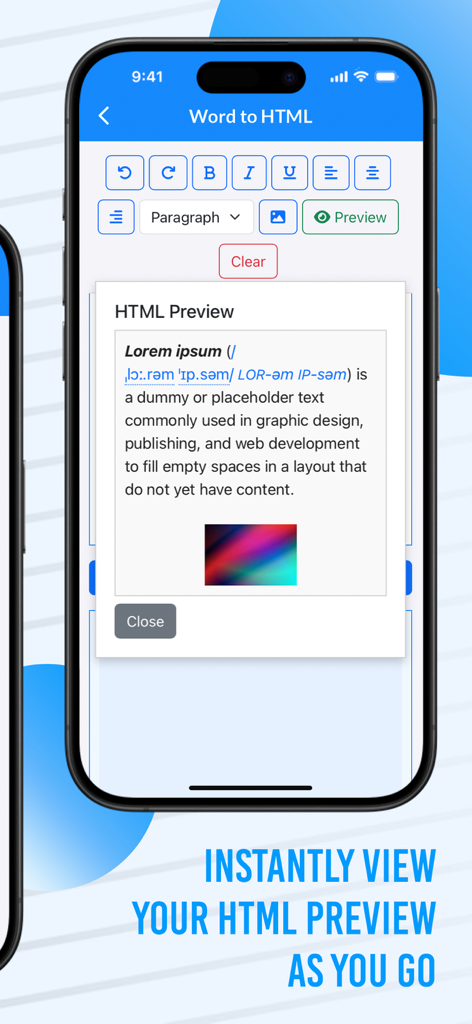
iPhone의 Word to HTML 변환기 앱 내 실시간 HTML 미리 보기 창
iPhone의 Word to HTML 변환기 앱 내 실시간 HTML 미리 보기 창

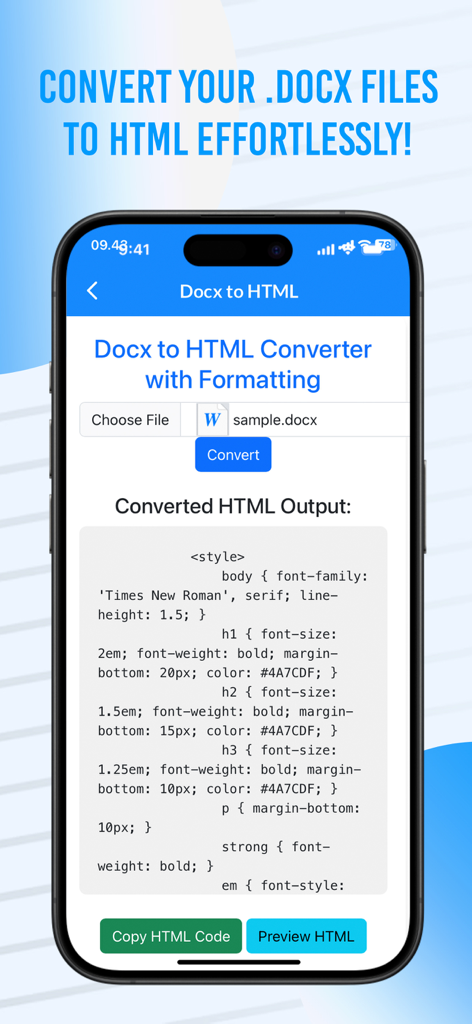
iPhone 화면에서 Docx 파일의 변환된 HTML 코드를 표시하는 Word to HTML 변환기 앱 인터페이스
iPhone 화면에서 Docx 파일의 변환된 HTML 코드를 표시하는 Word to HTML 변환기 앱 인터페이스

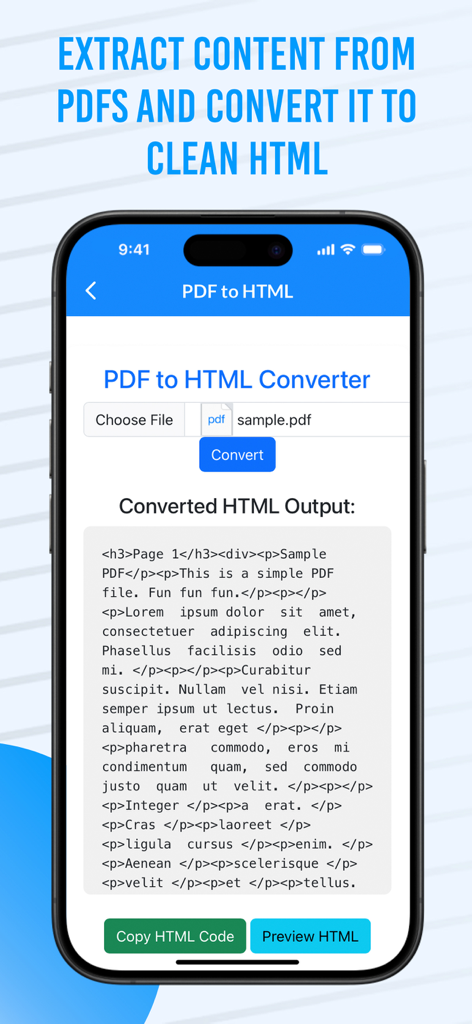
모바일 장치에서 깔끔한 HTML 코드로 변환된 PDF 문서 콘텐츠를 보여주는 인터페이스
모바일 장치에서 깔끔한 HTML 코드로 변환된 PDF 문서 콘텐츠를 보여주는 인터페이스

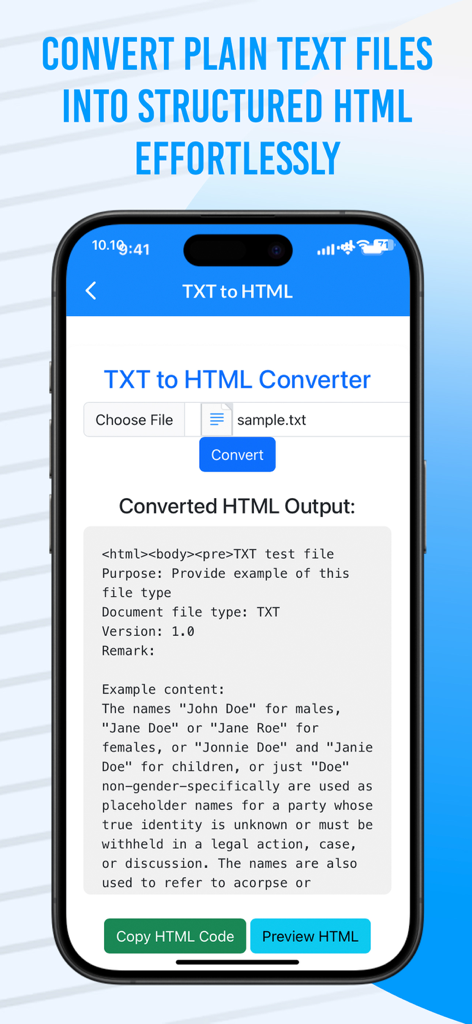
변환된 코드 출력이 있는 TXT-to-HTML 변환기 인터페이스를 보여주는 iPhone 화면

변환된 코드 출력이 있는 TXT-to-HTML 변환기 인터페이스를 보여주는 iPhone 화면

웹 콘텐츠 워크플로우 간소화

이 앱을 돋보이게 하는 도구, 1K+ 명의 사용자가 선택.

깔끔하고 SEO에 최적화된 코드

사이트 속도를 저해하는 복잡한 스타일링과 숨겨진 태그를 제거하세요. 검색 엔진과 개발자가 선호하는 간결하고 잘 구조화된 HTML을 얻으세요.

🔄

범용 문서 지원

DOCX, 복잡한 PDF, 일반 TXT 파일을 쉽게 변환하세요. 웹으로 콘텐츠를 이동할 때 수동으로 다시 입력하거나 서식을 지정하는 번거로움이 사라집니다.

📱

이동 중에도 생산성 향상

모바일 우선 전문가를 위해 설계되었습니다. iPhone 또는 iPad에서 실시간으로 코드를 미리 보고 한 번의 탭으로 클립보드에 복사하세요.

앱 소개

에 대해 알아야 할 모든 것 Word to HTML Converter.

설명

"Word to HTML Converter" is the all-in-one solution for seamlessly transforming your text documents into clean, web-ready HTML code. Whether you're a developer, content creator, or someone working with documents on a regular basis, this app offers a quick and efficient way to convert Word, Docx, PDF, and TXT files into HTML format without the hassle of manual coding. Key Features: Effortless Conversion: Easily convert Word (DOCX), PDF, TXT, and Docx to HTML. No more messy formatting issues – just clean, well-structured HTML ready for your website or blog. Real-Time HTML Preview: Get an instant preview of your converted HTML before you even copy it. See exactly how your document will appear in the browser, ensuring perfect formatting every time. Copy HTML Code: One-click copy functionality to quickly grab your HTML code and paste it directly into your website or web projects. Save time and avoid mistakes with fast, precise conversion. PDF to HTML Conversion: Convert complex PDF documents into simple HTML, preserving the structure and text content. No more manually copying and pasting content from PDF to HTML. TXT to HTML: Need to convert a plain text file into HTML format? This feature lets you do so quickly, making text-based content ready for use in web development or content management systems. Optimized for iPhone: Designed with mobile users in mind, the app is fully responsive, ensuring a smooth and efficient experience on your iPhone, whether you’re at home or on the go. User-Friendly Interface: A simple and intuitive layout ensures that anyone can convert their documents with just a few taps, making it ideal for both beginners and experienced users. Multiple Format Support: The app supports various file formats including DOCX, PDF, TXT, and more, allowing users to convert their files from one format to another with ease. High-Speed Processing: Enjoy fast conversion times with the app’s powerful processing capabilities. No more waiting around for your documents to be converted – it's quick and efficient. Zero Learning Curve: With its straightforward interface and easy-to-understand features, you can start converting files immediately, no technical knowledge required! Why Choose Word to HTML Converter? Perfect for Developers: Quickly convert documents for use in coding projects, saving you time and effort on manual HTML creation. Ideal for Bloggers and Writers: Convert your text-based content into HTML and seamlessly integrate it into your CMS (Content Management System) or website. No Need for Technical Skills: Whether you're a beginner or an experienced user, the app does all the heavy lifting for you, providing you with clean, structured HTML in just a few clicks. Save Time and Avoid Errors: Forget about manually cleaning up messy code or copying and pasting from multiple sources. The app does it all automatically with high precision. With Word to HTML Converter, document conversion becomes a breeze. The app ensures that you get your content in a perfectly formatted HTML output, saving time and effort in your web projects. Whether you're converting for personal use, professional web development, or content creation, this app is the ultimate tool for simplifying your document management process.

최신 버전

1.1

크기

66.3 MB

출시일

2024년 11월 21일

웹 워크플로우를 단순화할 준비가 되셨나요?

Word, PDF, TXT 파일을 몇 초 만에 깔끔하고 SEO에 최적화된 HTML로 변환하세요. 수천 명의 모바일 우선 전문가들과 함께 오늘 바로 iPhone 또는 iPad에서 직접 게시를 시작하세요.

다운로드: App Store

App information, icons, screenshots, and descriptions displayed on this page are sourced from the Apple App Store and are the property of their respective developers. Download estimates and rankings are based on MWM's proprietary models and may not reflect actual figures. This page is provided for informational and analytical purposes only.

Believe this page infringes your intellectual property? File a dispute