
This page is not an official page of the app or its developer, but an independent editorial publication created for informational and commentary purposes. Unless expressly stated otherwise, neither the app nor its developer is affiliated with, endorsed by, sponsored by, authorized by, or otherwise officially connected with MWM, Apple, Google Play, the app publisher, or the app's developer, and nothing on this page implies that the app was developed using MWM's services. Any trademarks, logos, screenshots, and other content remain the property of their respective owners.


10ten Japanese Reader
Stop copying and pasting. Get instant definitions, pitch accent data, and kanji details directly where you read. The high-performance extension for serious learners seeking fluency.
Downloads
11K+User Rating
Total Ratings
100Publisher
Category
ReferenceLocales
1Latest Version
1.26.1Size
98.9 MBFirst Released
Jun 25, 2021Unlock Native Content Effortlessly
The ultimate Safari extension for serious Japanese learners. Read native websites, blogs, and social media without ever leaving your browser.
Zero-Friction Lookups
Stop wasting time copying and pasting. Get instant definitions and grammar analysis by simply hovering over text while you browse.
Deep Linguistic Insight
Master the nuances with pitch accent data, Kanji Kentei levels, and recognition of complex grammatical forms that other dictionaries miss.
The following screenshots and description are sourced directly from the app's official store listing and are the property of the app developer.
App Store
Screenshots
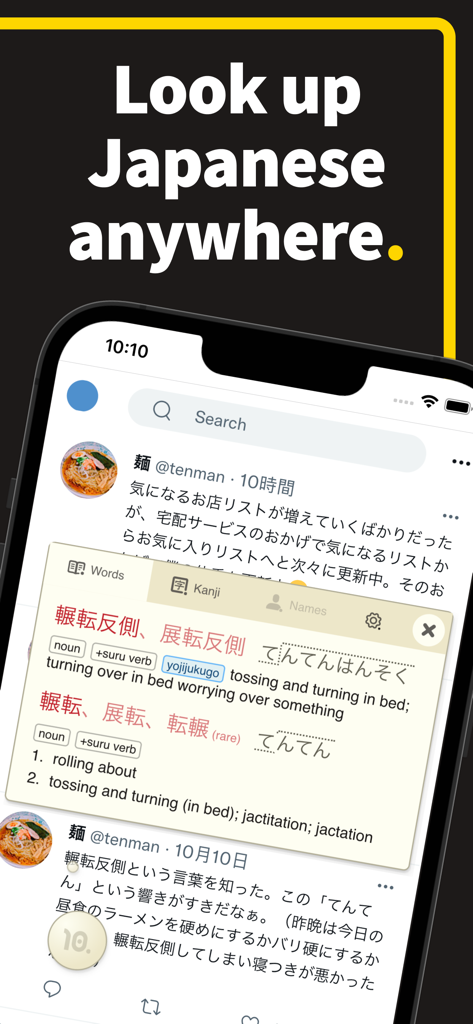
10ten Japanese Reader app showing a word definition overlay on a mobile screen
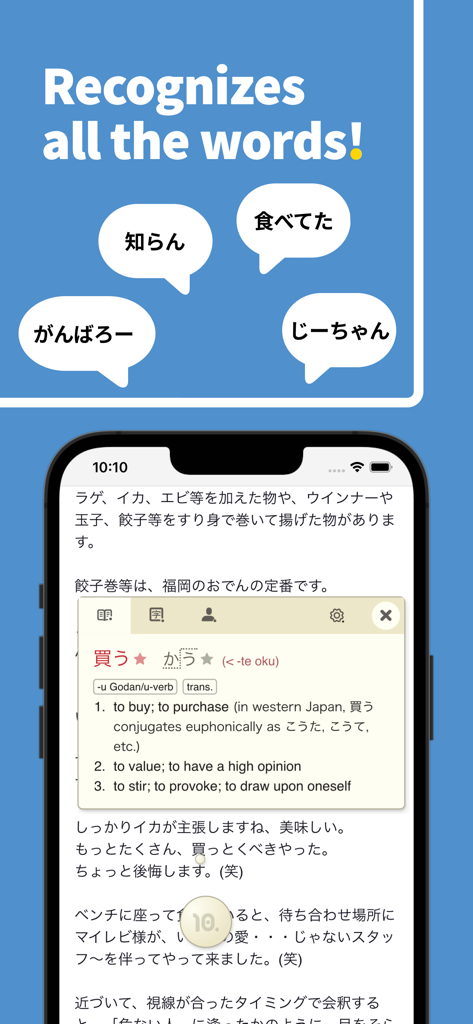
10ten Japanese Reader app showing word recognition and dictionary lookup on a mobile web page
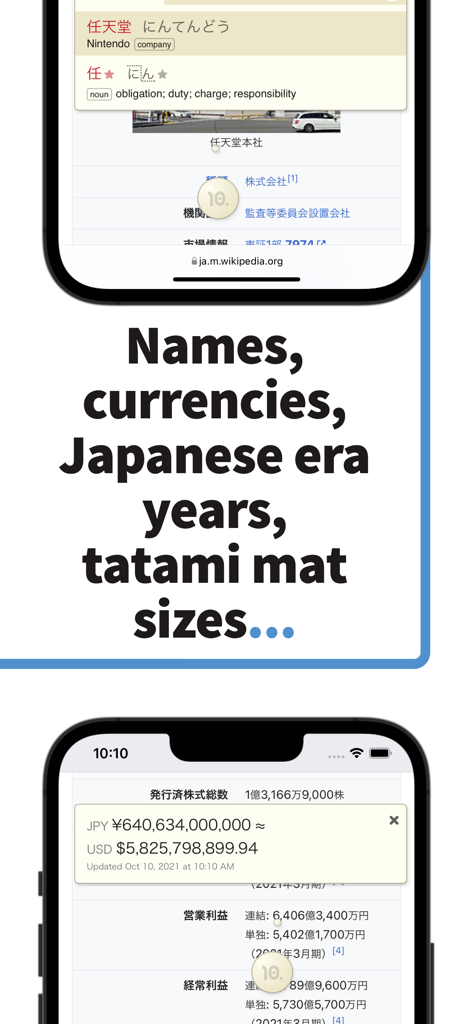
10ten Japanese Reader app showing name definitions and currency conversion on mobile screens
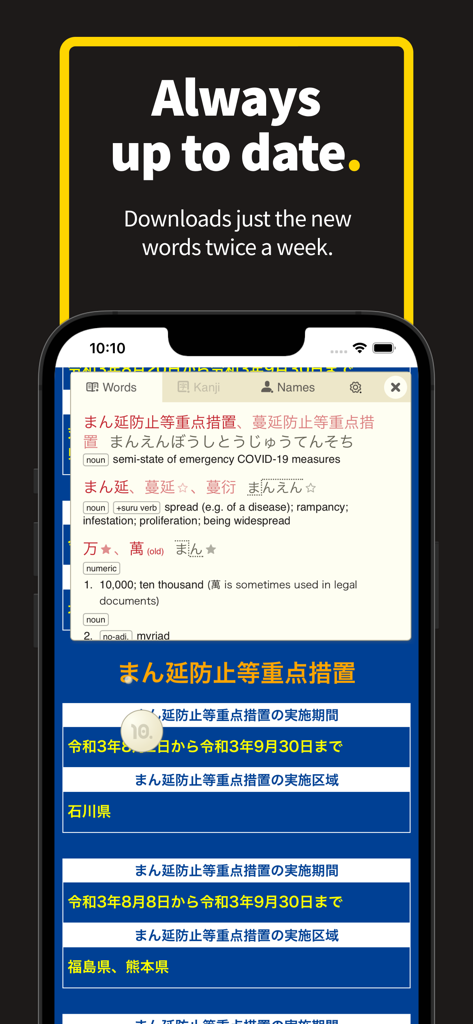
10ten Japanese Reader mobile app showing an integrated dictionary lookup for Japanese text on a Safari web page
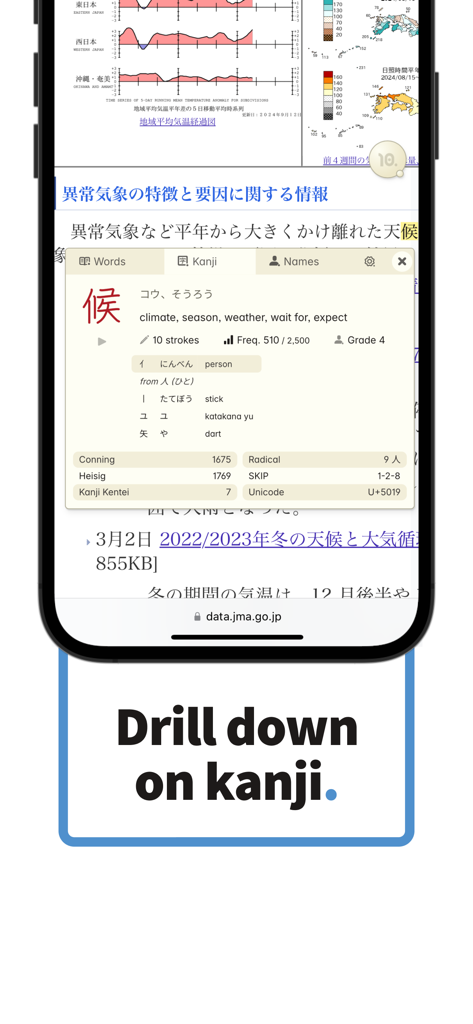
Detailed kanji lookup information in the 10ten Japanese Reader Safari extension on iPhone
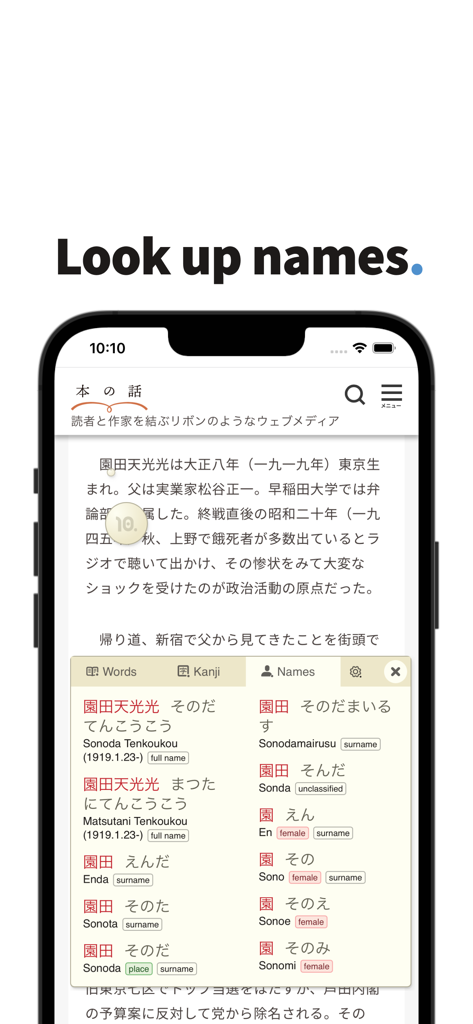
Screenshot of 10ten Japanese Reader app displaying the name lookup feature on a Japanese web page
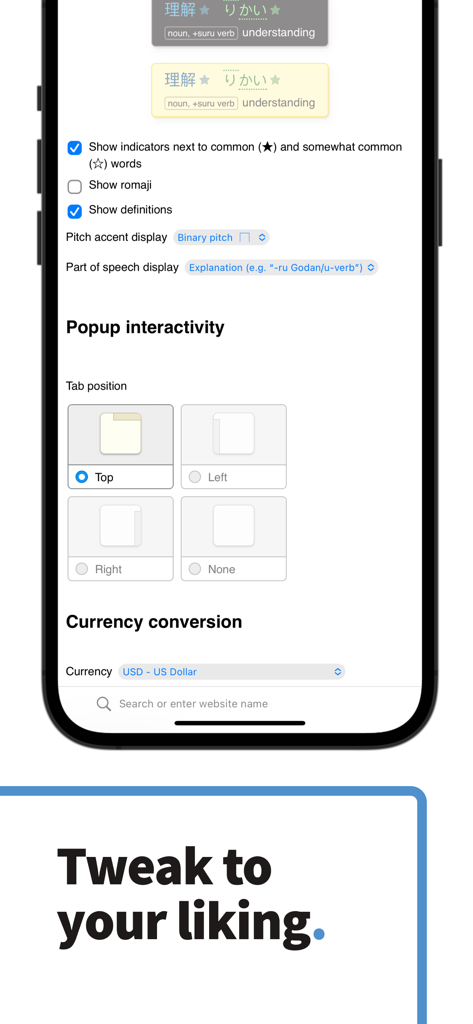
The settings screen of the 10ten Japanese Reader app showing various customization options for word definitions and currency conversion
Description
Download
More Like This
Top-ranked apps in the same category

Google Translate
Google LLC

火箭沙盒
P2E CO., LTD.

Bible
Life.Church

Bible Chat: Daily Devotional
BookVitals APP SRL

Youdao Dictionary
Beijing NetEase Youdao Computer System Co.,Ltd

Translate Now - AI Translator
AIR APPS SYSTEMS, UNIPESSOAL, LDA

Naver Papago - AI Translator
NAVER Corp.

ΗiΤV - Endless Movies & Shows
学 张

Live Translator - AI Translate
DigitalSail (HK) Limited
This page is not an official page of the app or its developer, but an independent editorial publication created for informational and commentary purposes. Unless expressly stated otherwise, neither the app nor its developer is affiliated with, endorsed by, sponsored by, authorized by, or otherwise officially connected with MWM, Apple, Google Play, the app publisher, or the app's developer, and nothing on this page implies that the app was developed using MWM's services. Any trademarks, logos, screenshots, and other content remain the property of their respective owners.