
This page is not an official page of the app or its developer, but an independent editorial publication created for informational and commentary purposes. Unless expressly stated otherwise, neither the app nor its developer is affiliated with, endorsed by, sponsored by, authorized by, or otherwise officially connected with MWM, Apple, Google Play, the app publisher, or the app's developer, and nothing on this page implies that the app was developed using MWM's services. Any trademarks, logos, screenshots, and other content remain the property of their respective owners.

3D GO | 3D Printing Models
Stop juggling tabs. Search every major 3D model library, preview files in 3D, and generate G-code for your Bambu, Prusa, or Creality printer—all from one powerful app.
Downloads
147K+User Rating
Total Ratings
3K+Publisher
Category
UtilitiesLocales
1Latest Version
1.3.10Size
50.8 MBFirst Released
Oct 9, 2023The Ultimate Toolkit for Modern Makers
Stop jumping between tabs. Search, view, and slice thousands of models from the world's biggest libraries in one seamless mobile experience.
Unified Model Discovery
Search Thingiverse, Printables, Cults3D, and more simultaneously. Find the perfect STL for your next project in seconds without the friction.
Mobile Slicing & G-code
Break free from your desktop. Convert models into print-ready G-code directly from your phone and prepare files for PLA, PETG, or ABS on the go.
Frequently Asked Questions
Everything you need to know about 3D GO | 3D Printing Models
What is 3D GO?
3D GO is an all-in-one 3D printing app for finding, previewing, organizing, and slicing 3D models. It centralizes functions typically spread across multiple websites and slicer applications.
Which 3D model sites does 3D GO support?
3D GO supports simultaneous search across Thingiverse, Printables, Cults3D, MakerWorld, and MyMiniFactory. It consolidates these major 3D model repositories.
Can I preview STL files in 3D GO?
Yes, 3D GO includes a full 3D preview and STL viewer. Users can rotate, zoom, and inspect models before downloading or slicing them directly within the app.
Does 3D GO include a built-in slicer for 3D models?
Yes, 3D GO features a built-in 3D slicer. It converts STL files into print-ready G-code, supporting materials like PLA, PETG, ABS, and TPU for various printers.
What types of 3D printers are compatible with 3D GO?
3D GO is compatible with all major 3D printers, including Bambu Lab, Prusa, Creality, Anycubic, Flashforge, and Ultimaker. It integrates with existing workflows.
Can I organize my 3D models in 3D GO?
Yes, 3D GO allows users to save models from any site and organize them into custom collections. This helps manage large STL libraries effectively.
Does 3D GO provide a privacy policy?
Yes, 3D GO provides a privacy policy. Users can access the full details at the provided URL: https://3dgo.app/privacy.
How does 3D GO help discover new 3D models?
3D GO allows users to browse trending 3D models and discover design contests. It centralizes content from the entire 3D printing world.
Can 3D GO open STL files from my device?
Yes, 3D GO allows users to open any STL file directly from their device. It provides instant viewing capabilities within the application.
The following screenshots and description are sourced directly from the app's official store listing and are the property of the app developer.
App Store
Screenshots
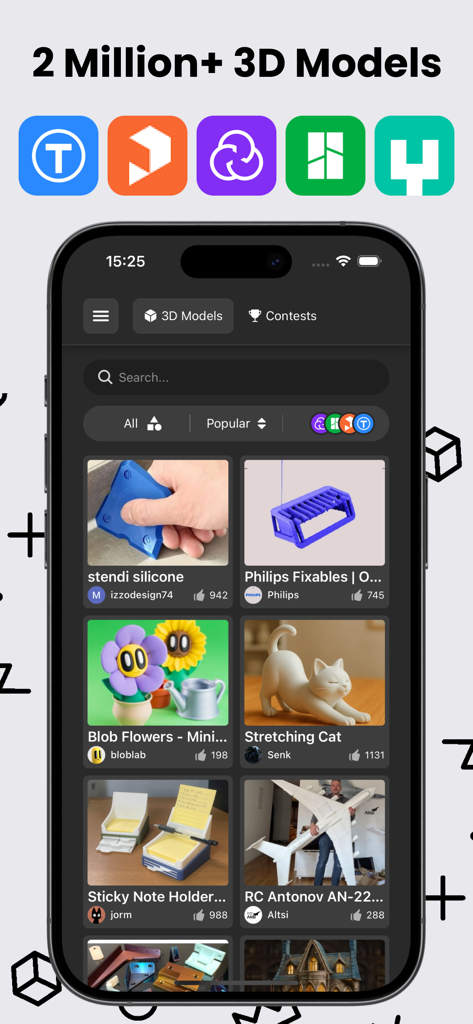
Mobile app interface of 3D GO displaying a gallery of diverse 3D printing models with icons of supported platforms like Thingiverse and Printables
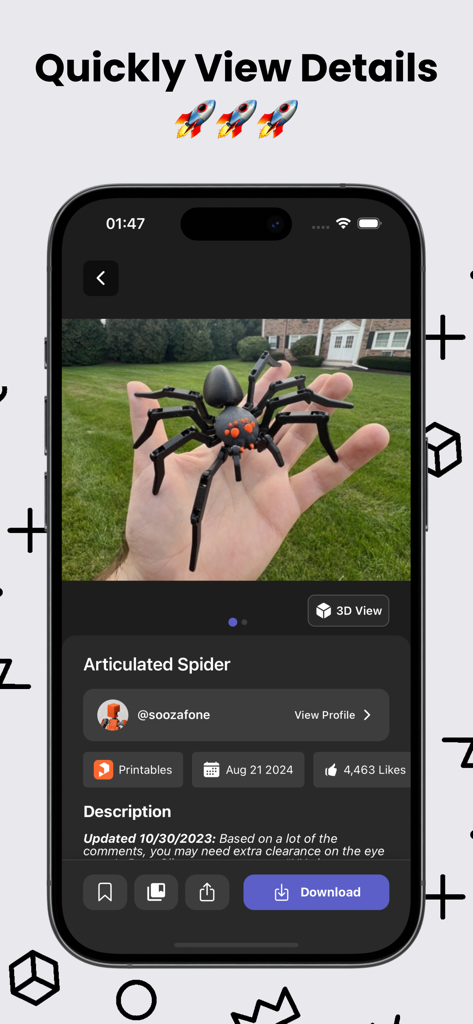
Interface of 3D GO app showing details and a photo of an articulated spider 3D printing model
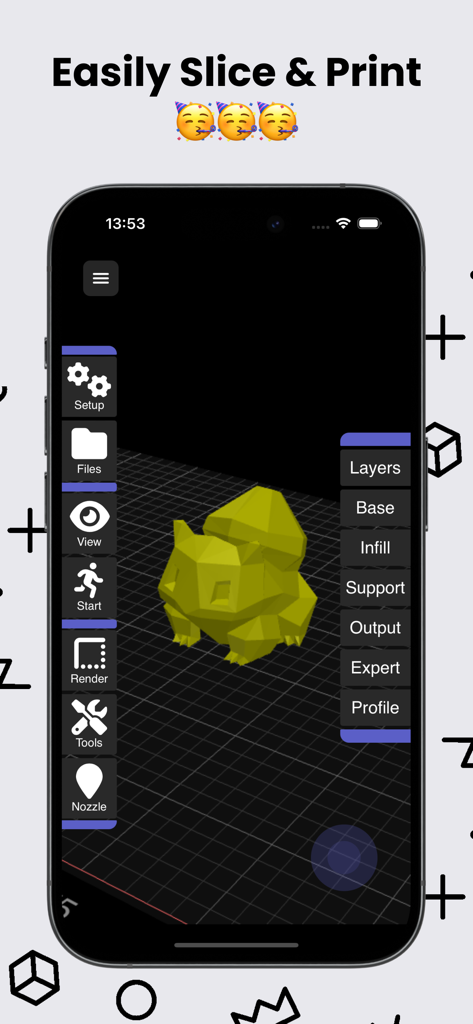
3D GO app interface showing a 3D model on a slicing grid with settings for layers and infill
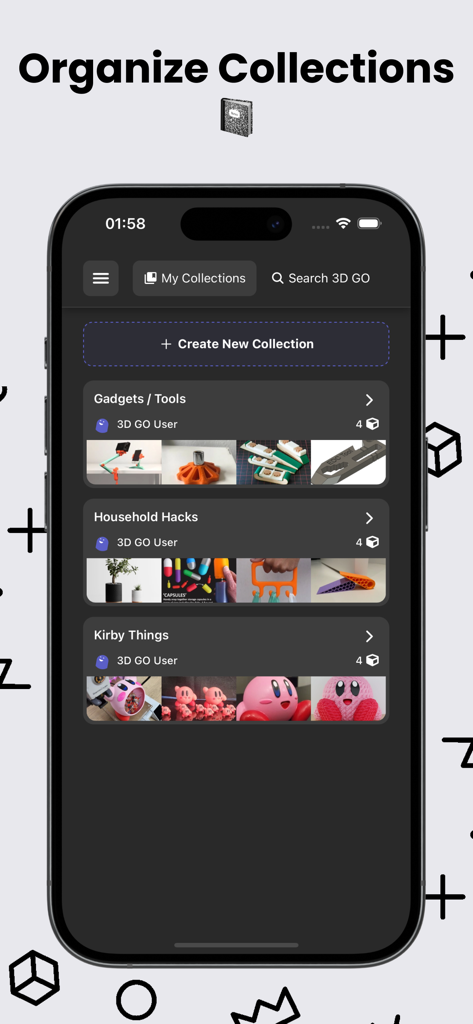
Mobile interface of 3D GO app showing organized 3D model collections like Gadgets and Household Hacks
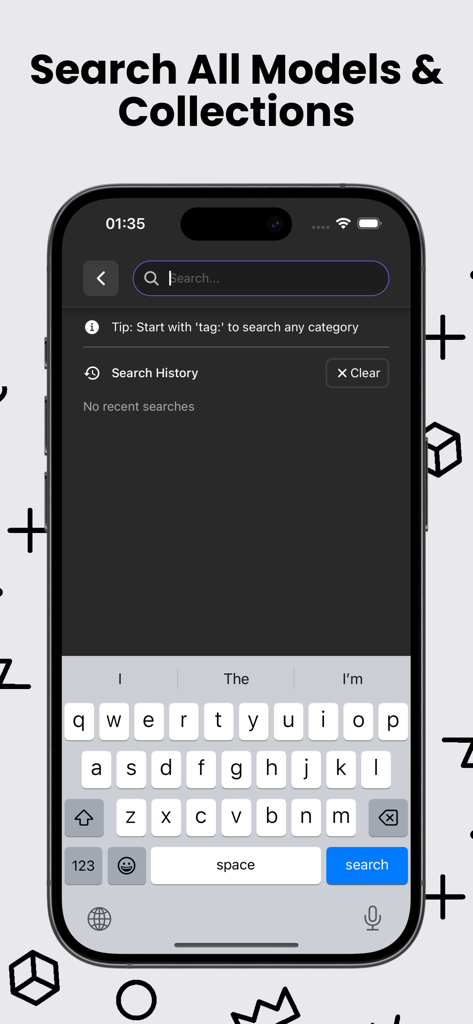
Mobile search interface for finding 3D printing models and STL collections across multiple platforms
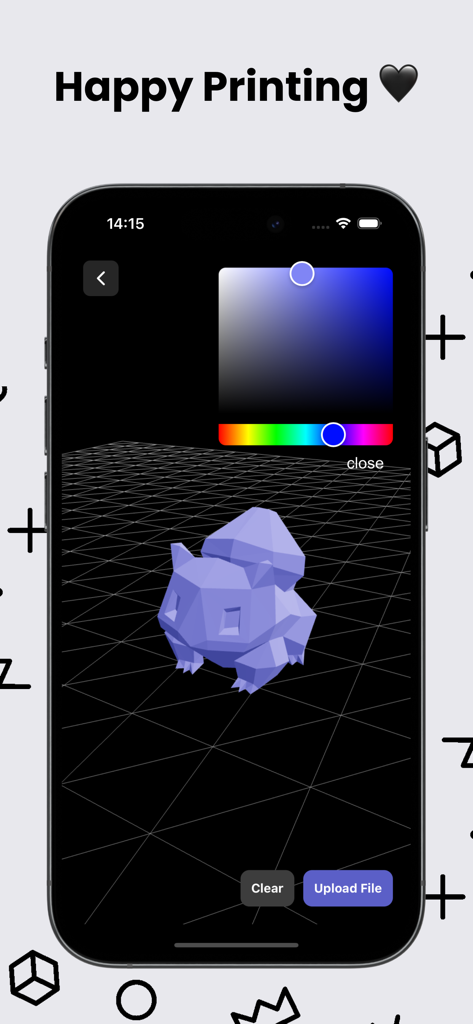
A 3D model preview inside the 3D GO mobile app with a color picker tool

3D GO app download screen featuring the 3D cube icon and download now call to action
Description
Download
More Like This
Apps with similar features and user experience

Hypelist: Create & Share Lists
Hypelist, Limited Liability Company

Pinterest, Inc.

InSave : Story, Reels, Video
Veselin Ilianov

Cosmos: Search & Discover
Cosmos Entity, INC.

Milanote
Milanote Pty Ltd

Albo: Save & Organize
Sortd:Do the thing Limited

Pearltrees
Broceliand

3Drop: 3D Printing Models STL
WU FU-HUNG

Are.na
When It Changed Inc.
This page is not an official page of the app or its developer, but an independent editorial publication created for informational and commentary purposes. Unless expressly stated otherwise, neither the app nor its developer is affiliated with, endorsed by, sponsored by, authorized by, or otherwise officially connected with MWM, Apple, Google Play, the app publisher, or the app's developer, and nothing on this page implies that the app was developed using MWM's services. Any trademarks, logos, screenshots, and other content remain the property of their respective owners.